You will add all text into 1 Text Block, like this
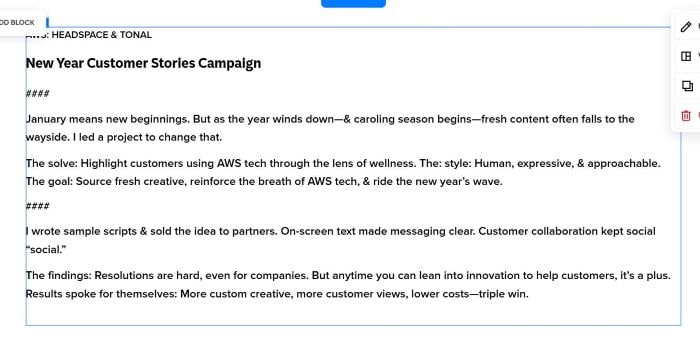
add #### symbol
under first #### symbol
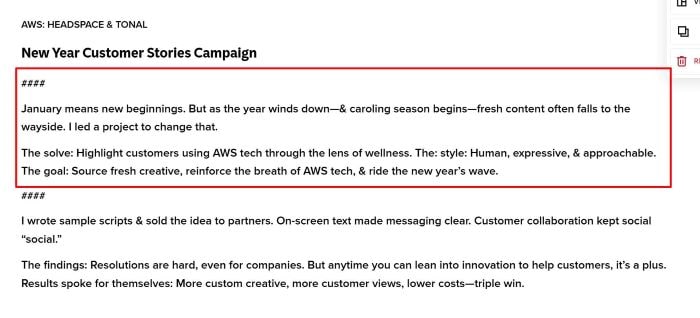
will become first column text

under second #### symbol
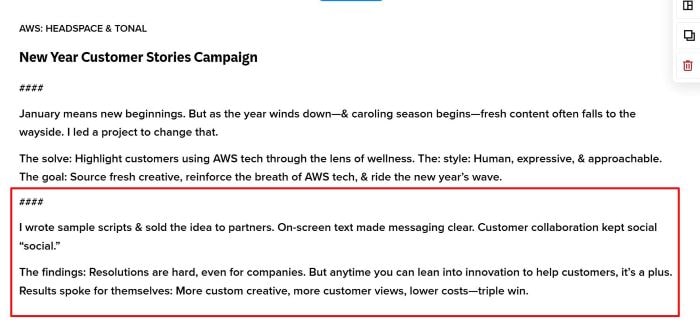
will become second column text

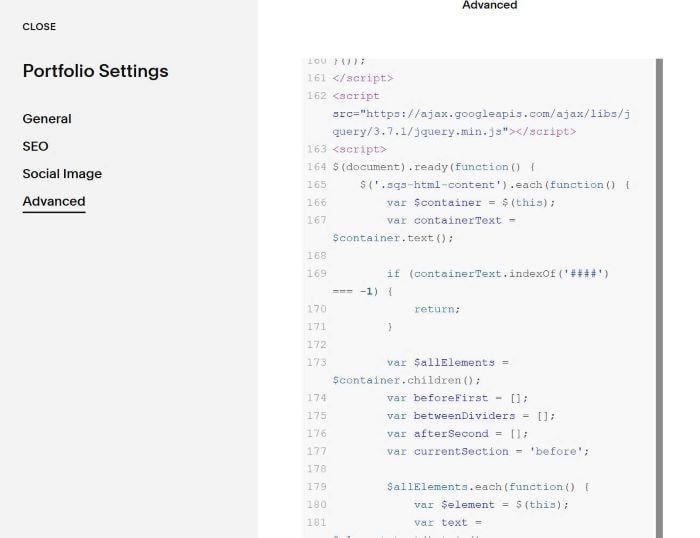
This code (Line 162 to Line 233 will split text), Do not delete it
This code will split text to 2 Columns
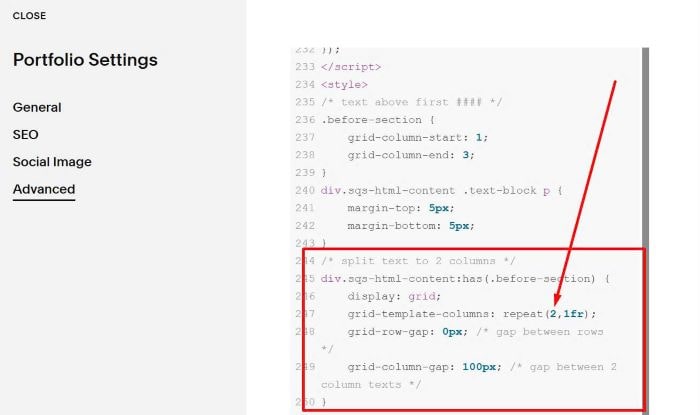
This code will control gap between First Column text – Heading (text above first ####)
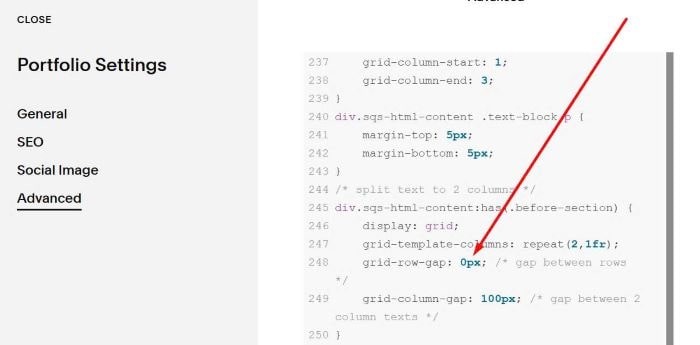
In my case, it is

This will control gap between First Column – Second Column text (on Desktop – Mobile)
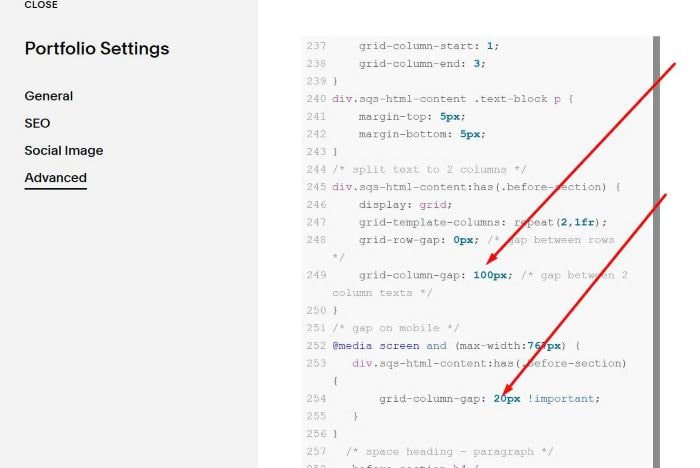
You can adjust it to understand easier.

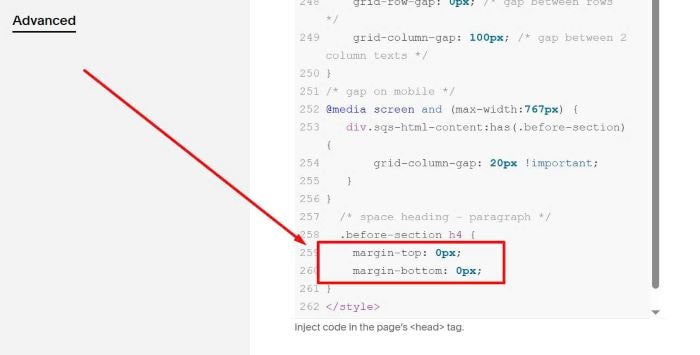
 This code will remove default padding of Heading 4 (New Year Customer Stories Campaign)
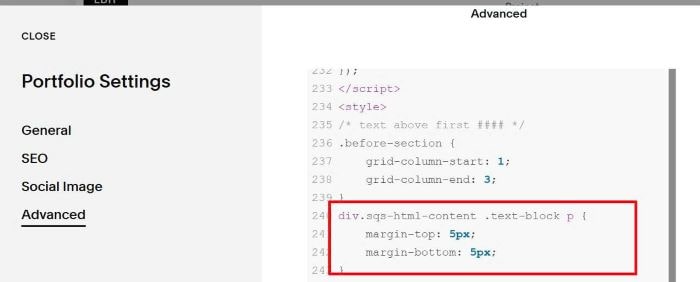
This code will adjust default top/bottom padding of Paragraph (AWS: HEADSPACE & TONAL)
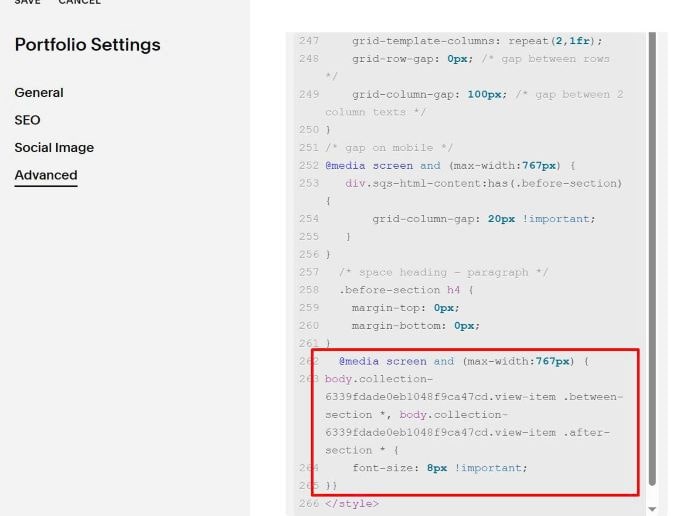
To change font size of First – Second column text on Mobile, use this code to this position
@media screen and (max-width:767px) {
body.collection-6339fdade0eb1048f9ca47cd.view-item .between-section *, body.collection-6339fdade0eb1048f9ca47cd.view-item .after-section * {
    font-size: 8px !important;
}}
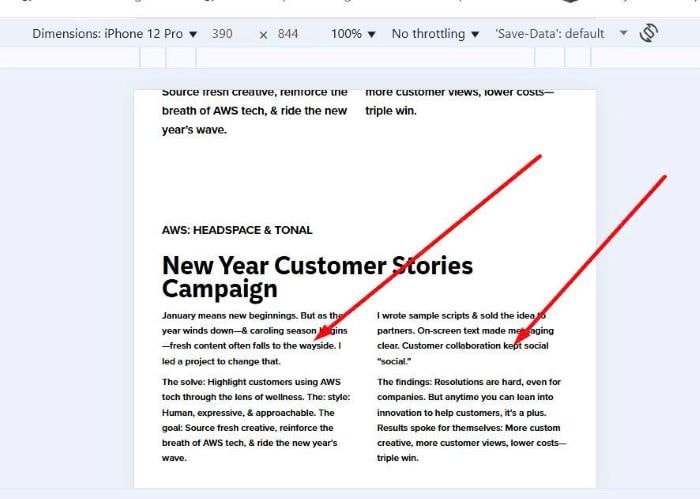
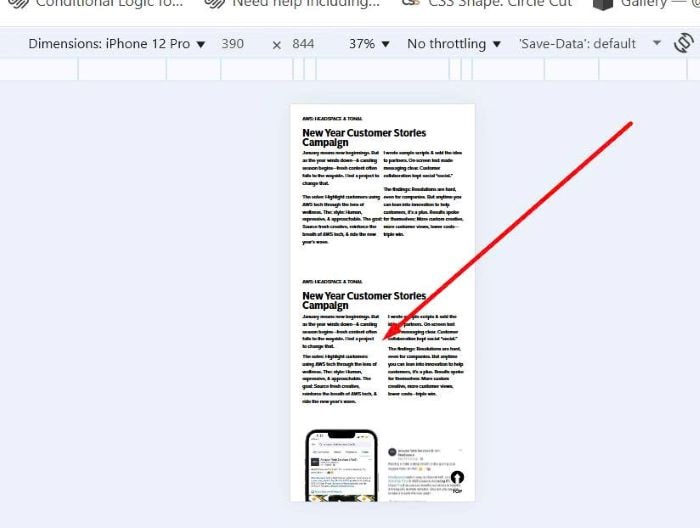
Result