To add a Not Linked Page content to Product Detail, under Additional Info, on specific product, you can follow these.
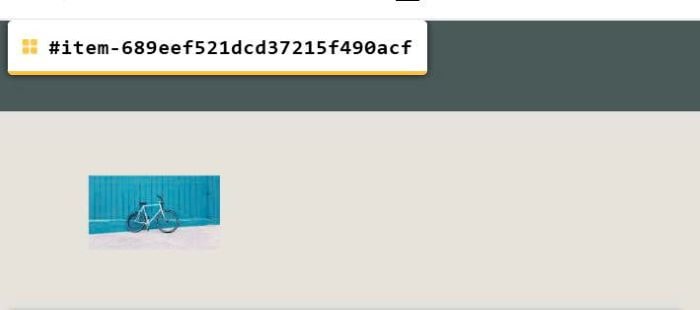
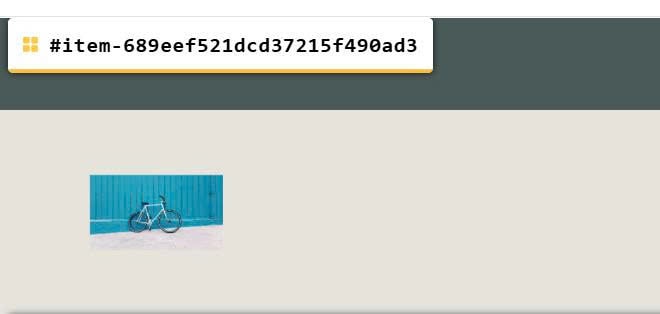
#1. Next, find ID of Product Detail Page. Use this free tool to get ID.
In my example, we will have:
#item-689eef521dcd37215f490acf
#item-689eef521dcd37215f490ad3
In case you don’t want to find ID, let me know, I can tweak code for URL, so you will find Product item URL instead.
#2. Next, create 2 Pages and design your desired layout (in next step, we will use code to append these page into Product Detail)
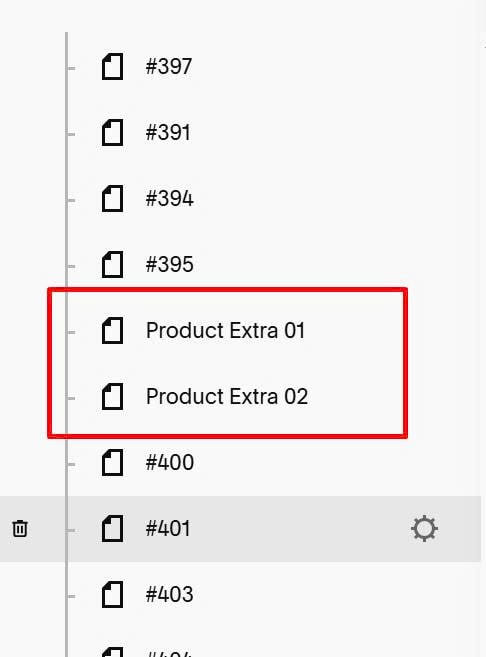
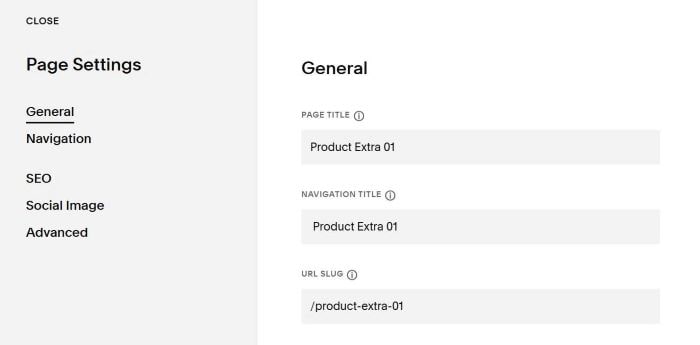
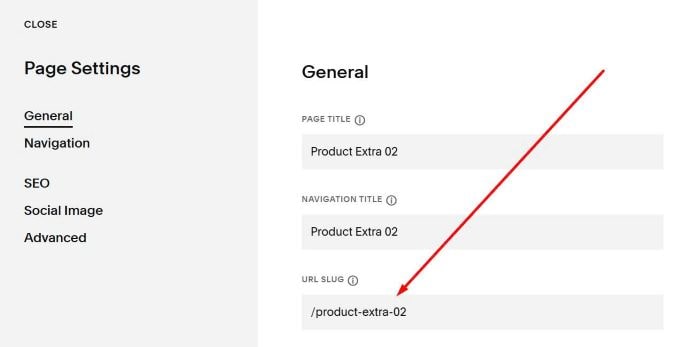
#3. Next, find URL of both pages. In my example, we will have:
/product-extra-01
/product-extra-02
#4. Use this code to Code Injection > Header
If you can’t add code, let me know, I can add it for you.
<!-- Not Linked Page to Product Detail -->
<script src="https://cdn.jsdelivr.net/gh/willmyerscode/toolkit@1/index.min.js"></script>
<link href="https://cdn.jsdelivr.net/gh/willmyerscode/section-loader@3/section-loader.min.css" rel="stylesheet">
#5. Next, use this code to Code Injection > Footer
If you can’t add code, let me know, I can add it for you.
<!-- Not Linked Page to Product Detail -->
<script src="https://cdn.jsdelivr.net/gh/willmyerscode/section-loader@3/section-loader.min.js"></script>
<script>
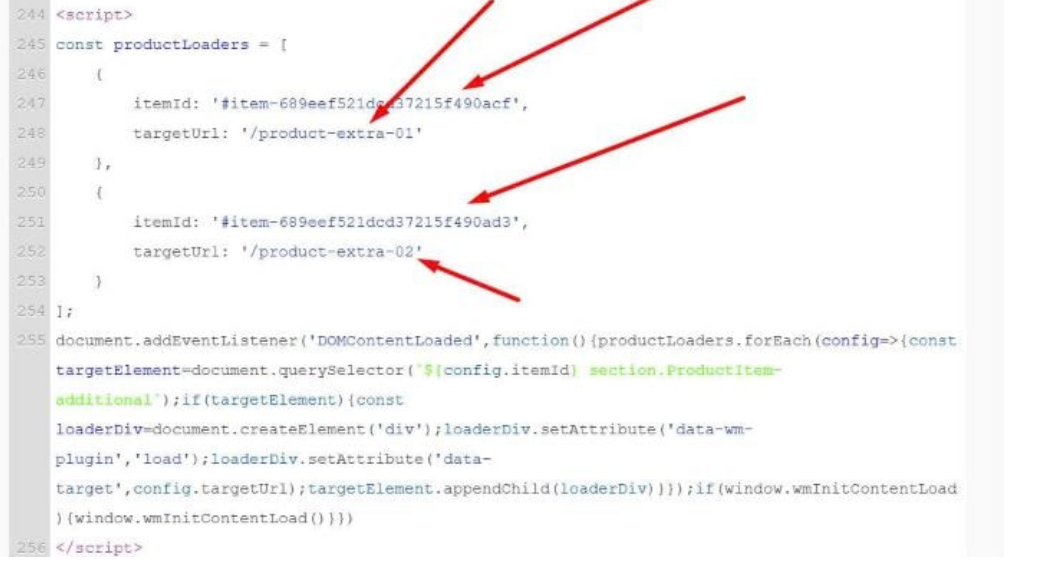
const productLoaders = [
    {
        itemId: '#item-689eef521dcd37215f490acf',
        targetUrl: '/product-extra-01'
    },
    {
        itemId: '#item-689eef521dcd37215f490ad3',
        targetUrl: '/product-extra-02'
    }
];
document.addEventListener('DOMContentLoaded',function(){productLoaders.forEach(config=>{const targetElement=document.querySelector(`${config.itemId} section.ProductItem-additional`);if(targetElement){const loaderDiv=document.createElement('div');loaderDiv.setAttribute('data-wm-plugin','load');loaderDiv.setAttribute('data-target',config.targetUrl);targetElement.appendChild(loaderDiv)}});if(window.wmInitContentLoad){window.wmInitContentLoad()}})
</script>
#6. Update Product Detail Page ID + Custom Page URLs here.