Description
- show both Past – Upcoming Events in Summary Block
- view demo – pass: abc
- buy me a coffee
#1. Install
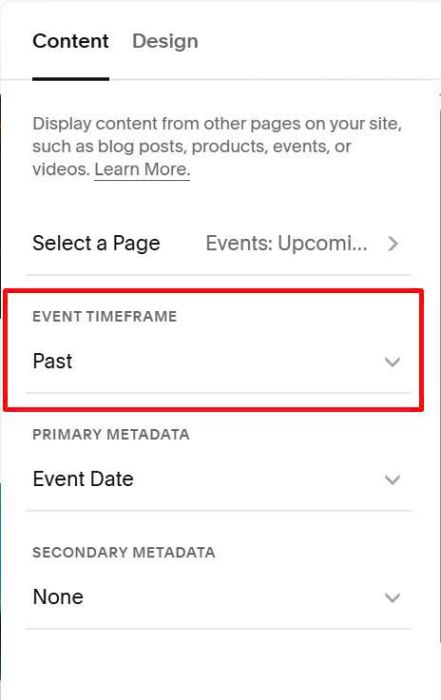
#1.1. Make sure you choose Past Events in Summary Block
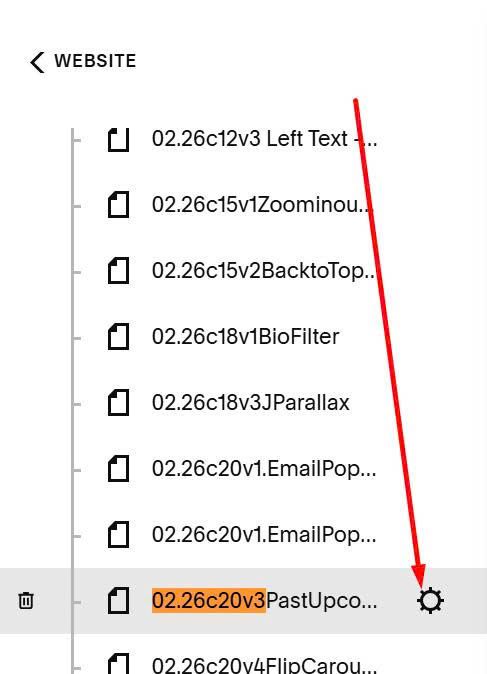
#1.2. Hover on Page where you use Summary Block > Click Gear icon
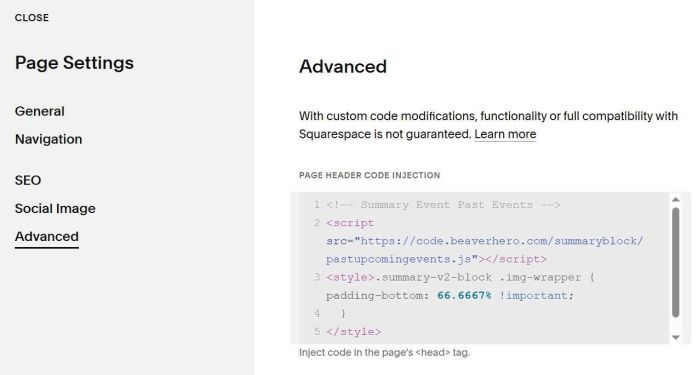
#1.3. Click Advanced > Paste this code
<!-- Summary Event Past Events -->
<script src="https://code.beaverhero.com/summaryblock/pastupcomingevents.js"></script>
<style>.summary-v2-block .img-wrapper {   padding-bottom: 66.6667% !important;
  }
</style>
#2. Customize
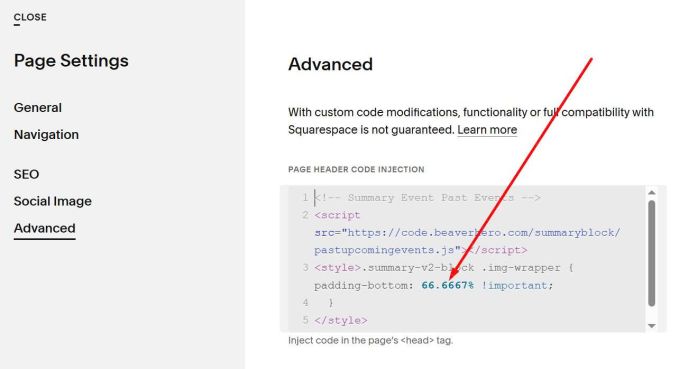
#2.1. To adjust ratio of Summary Images, you can adjust this value