
Sticky & Shrink Image Block on Scroll
sticky & shrink image size on scroll
 admin
admin
sticky & shrink image size on scroll

adding fourth button style (button block)
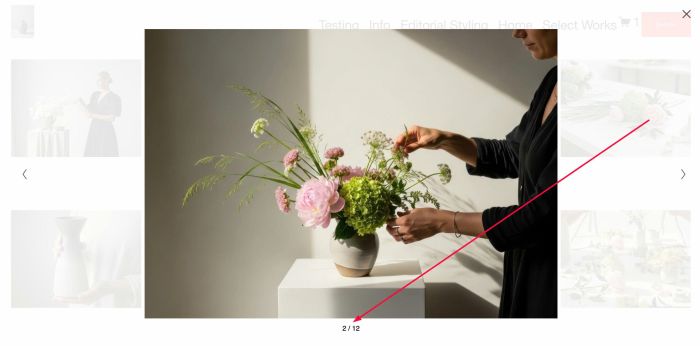
adding count number to lightbox gallery image
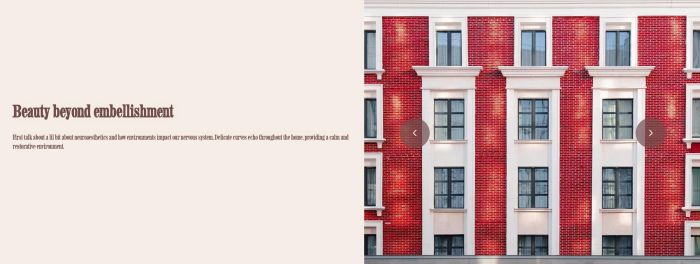
adding slideshow with 2 panels: left text (static text) – right image (will change on arrow click)

adding Vimeo Carousel, you can add text under vimeo

adding image to left of event info in event detail page

adding product category navigation to Product Detail Page

sort Portfolio items by Alphabetical, Date, Custom Order

replace Quantity with Dropdown (has some options + option More), users can choose More option and enter custom value

hover on logo will expand text move on right of logo

autoplay video in Gallery Block (Grid), you can set specific video autoplay
change blog category link to custom page, works with blog, summary block

adding snow effect to specific section or whole page

adding image effect to portfolio hover background image

open randomize blog post on button click

adding Youtube Carousel, you can add text under video

adding breadcrumbs to Product Category Page

summary block blog filter with: sort, search, favorites filter, category filter

adding category to product title, you can set position: above title, under title, under description

disable infinite loop on Reel Slideshow

adding category text between portfolio grid

adding related posts to blog posts (filter by Author), you can set related posts position: above, under pagination, above comment, under blog post content…

change style of single word in product title, works with product on store page, product detail page, summary block product, product block, related products, cart page

adding second button to Cart Page, under checkout button

click play icon in header will play Sound, continue play when navigate to other pages

adding terms of use checkbox to form block, users need to choose this option before click submit

product detail page layout with fullbleed image (top), product gallery 2 columns with 2 images/row

adding Carousel with Text Block, you can set: columns (desktop, mobile), spacing, size, arrows, dots, autoplay

hover video block will show overlay, caption, click on video will open video in lightbox and caption under video

video block, hover on video will show custom text, click on video will show video lightbox popup

list of country with search block, type a country will show a dropdown, click country in dropdown will open new page/new url

hover section video background will show custom PLAY text, click on video will open video background in lightbox popup, works with Uploaded video (MP4), Youtube, Vimeo

adding email or name to Form submission text
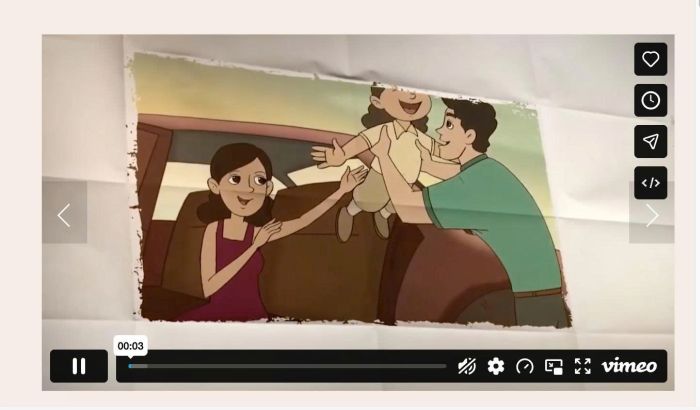
make Vimeo video in Gallery Block Slideshow autoplay

testimonial slider with summary block: 2 panels left – right, title, excerpt, counter number on left side, image in middle of 2 panels, arrows on top right of right panel

testimonial slider with summary block: summary image as background image, title on left of image, excerpt in white box over background image, when users click arrow will fade text + fade image

adding title text to Gallery Masonry, you can apply it on Gallery Grid, Gallery Strips, Gallery Reel, Slideshow

hover on image will show text: Click here, click image will open bottom image

adding pagination to store page, pagination with arrows/numbers

limit number field to 5 digit, you can’t enter more >5 or under <5

show item quantity limits on product (shop page, product detail, summary block product, product block, cart page, related products)

summary block with content get from blog post content, filter category/tag on top of filter, some other effects

adding vertical timeline with background image, when scroll down will make title bigger, show description and change background image

adding text before icon in Accordion Block

automatically generate a list of letters at the top of the page; clicking each letter will scroll to the corresponding section.
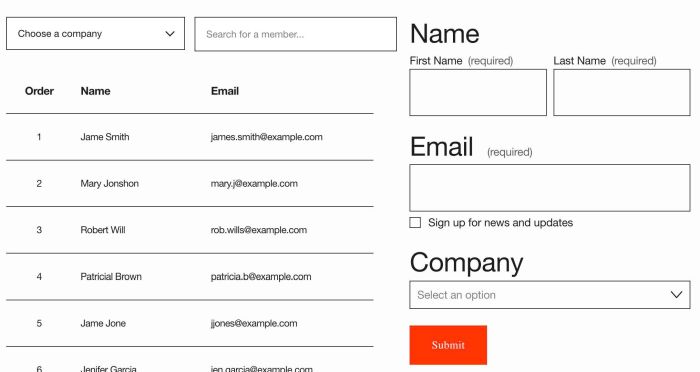
connect Form Block with Google Sheets, pull data from Google Sheets to site and add a search/filter dropdown

adding countdown timer, you can set show custom text or redirect new page when timer is finish

enable autoscroll/autoplay on reel slideshow gallery

loading screen, you can set loading content from a page in Not Linked/Hidden

line between list items

section divider move left to right on scroll

adding accordion block inside accordion block

hover image/icon will change section background color, you can also set hover or click behavior
adding related posts to blog posts, you can set related posts position: above, under pagination, above comment, under blog post content…

adding Price Range Slider filter to Store Page, you can setup min – max price in price slider

change blog image to another image on hover

random image for portfolio hover background layout on page load

on scroll down, shrink logo smaller and sticky it follow users

adding an arrow (with text) in bottom of section, click it will scroll down to next section, you can set arrow animating or static arrow
hover (or click) image/logo/icon will change text

on mobile calendar event has no item background, just show gray color, this code will enable image on all devices

adding category/category filter bar to Gallery Grid Masonry

move button from product detail to store page, under price

Gallery Block with left image right text background, you can click arrows to slide to other items

Summary Block with Left Image – Right Text Background (white background), you can click arrows to slide to other items

event carousel with date (left), event title, event excerpt, button (right), active item in middle
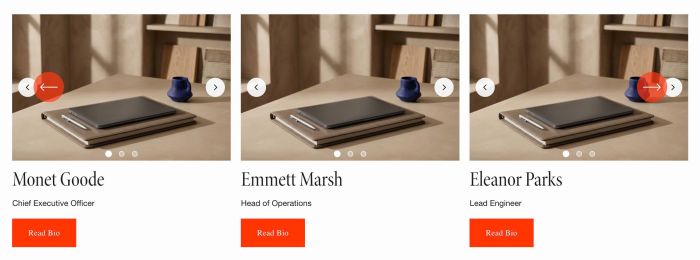
adding slideshow inside carousel

adding variant options on hover product on store page
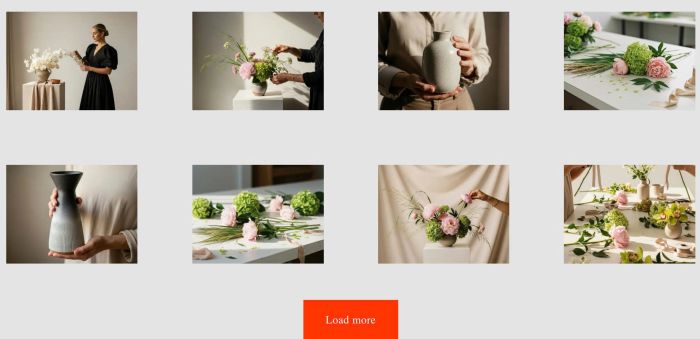
adding load more button to gallery grid, gallery masonry, gallery strips
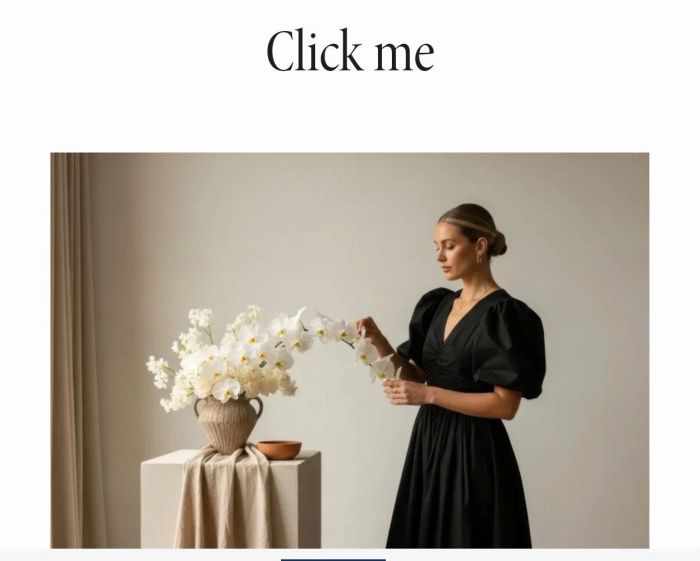
click text – change image in randomize

adding table of contents

move gallery block under add to cart, so you can some icon box with text under add to cart

change size some letters in text to different size, you can setup to 5 different sizes

adding accordion dropdown in product description

change scrolling text block to button style

set different font size, font style to scrolling text block

add a line around the site

site title with outline, when hover, background will fill from left to right

by default, summary block will use blog thumbnail as featured image, this plugin will replace it with another image

adding first/last portfolio item to pagination
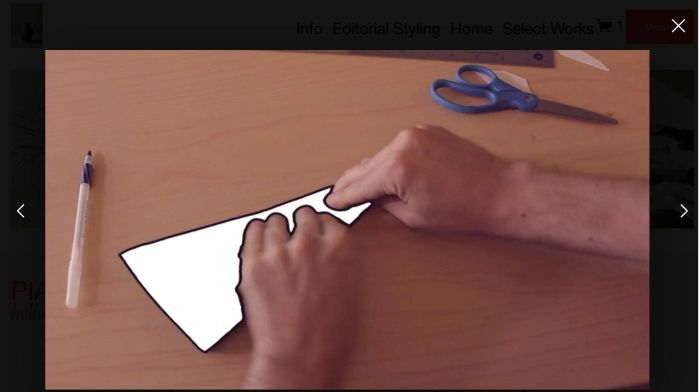
gallery grid image, click image open lightbox video, users can click left/right arrow to navigate to other videos in lightbox

fade logo to another logo on scroll
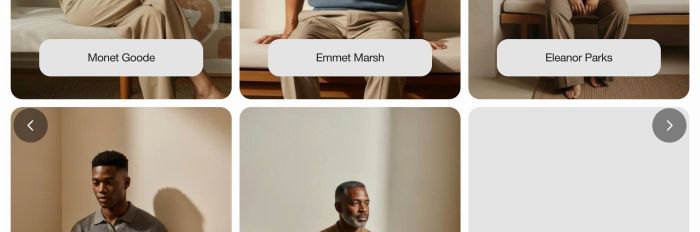
turn multiple sections into carousel slideshow
cursor follow spotlight glow effect

adding a background image with film grain animation effect on blog overview page

change portfolio pagination to one columns, sync pagination background with footer background color
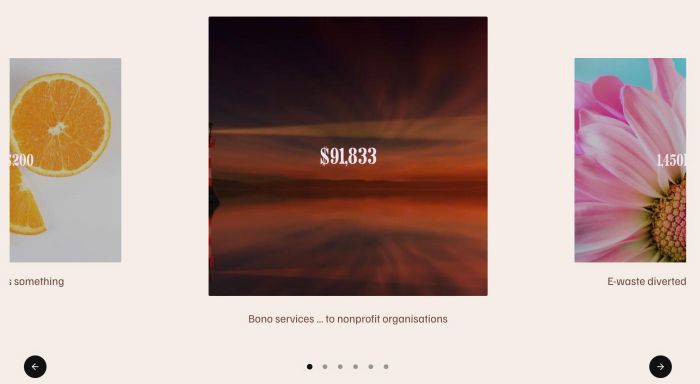
featured carousel with 3 images: bigger image – smaller images, text over image, text under image, use Gallery Block
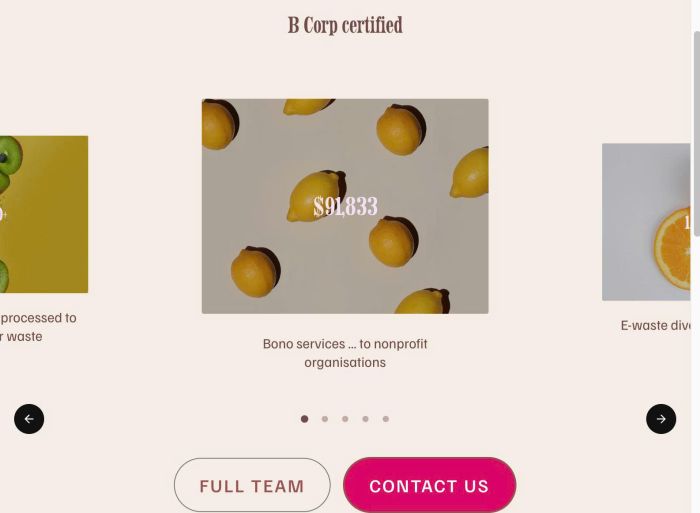
featured carousel with title, 3 images (bigger image – smaller images), text over image, text under image, 2 buttons, use List Carousel
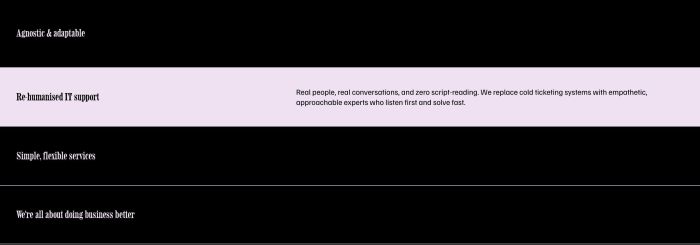
list with title, background – hover list will show description, change text, background color
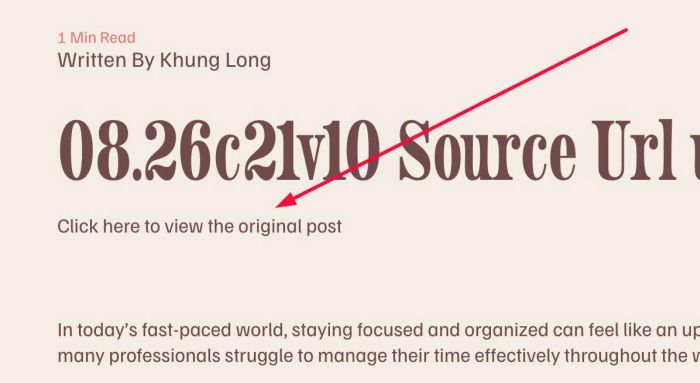
adding text under blog post title, click text will open Source URL

click reel image (if image has no url) will open image in lightbox
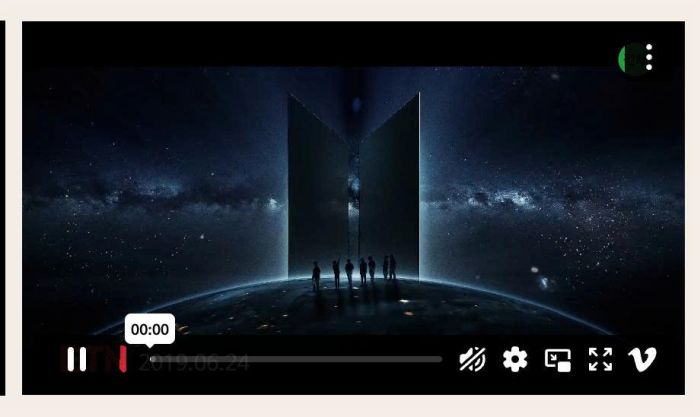
play video (youtube, vimeo, mp4, uploaded video) on scroll into view
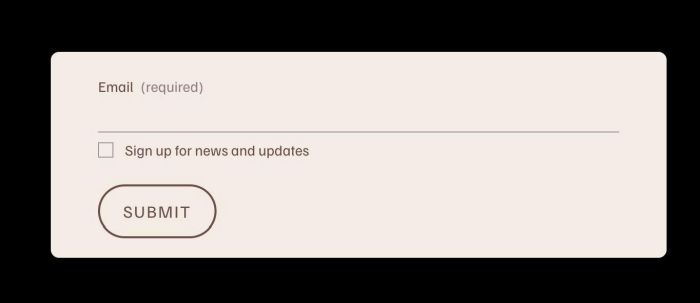
add email box, users need to enter email to see page content

hover text (you can add link to text) change image on right, you can set show initial image or no image, you can set code work with multiple text blocks
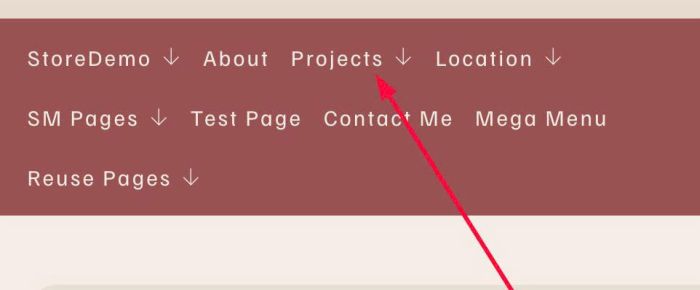
make dropdown title clickable
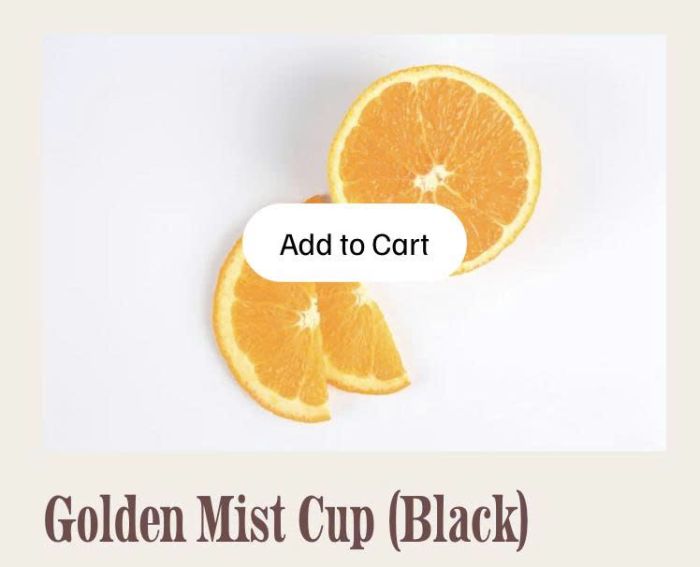
click an image block (link to a product) will add product to cart, works with variant products and non-variant products
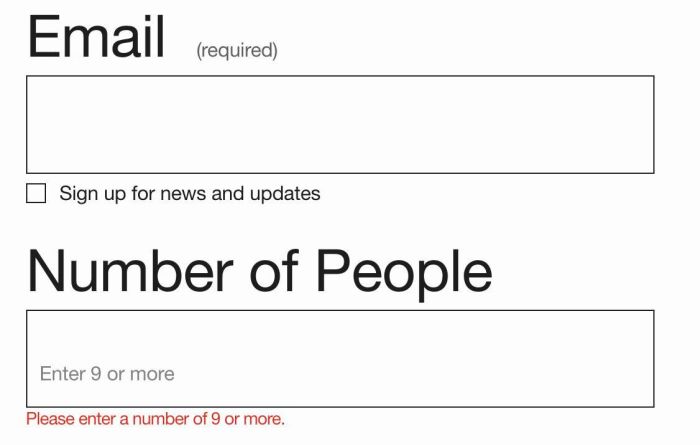
set minimum number on form number field

adding horizontal/vertical lines between text in Text Block
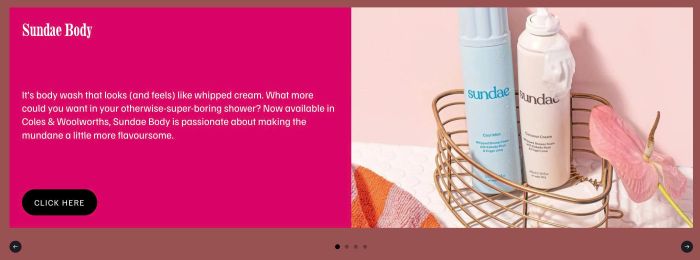
(update version with some tweaks) carousel with left – right panels, left panel has color background, text, button, right panel has image, carousel has navigation buttons, arrows

navigation dropdown custom style, dropdown width = navigation width, dropdown with 2 columns with counter…

change a part of Text Block to Accordion Dropdown
adding horizontal line to Text Block without using Line Block
adding second button to header, you can change style, position of second button

hover image block will show overlay color, text, arrow, you can click on image overlay to open lightbox or new page, you can also set different overlay color
turn specific link inside Text Block to Button Style
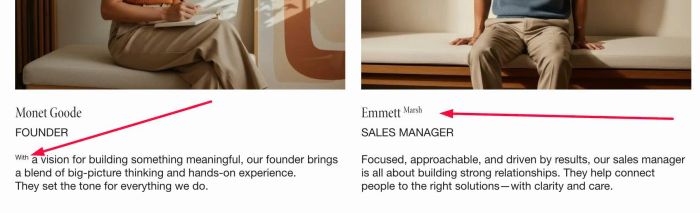
adding superscripts to list carousel (item title, item description)

change text every 5 seconds or every day, you can set time
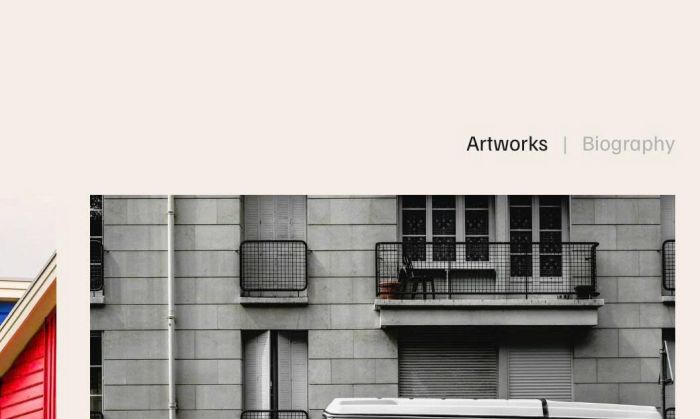
adding two tabs to portfolio page, click each will open gallery images or biography

hover text (text has no link, you can also add link to text) change image on right, you can set show initial image or show no image initial
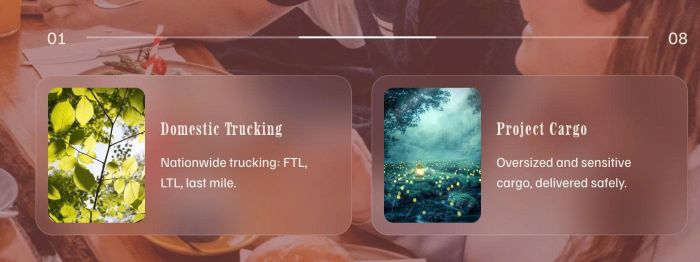
horizontal carousel with line progress scroll bar (2 numbers float on left/right of line bar), support autoscroll
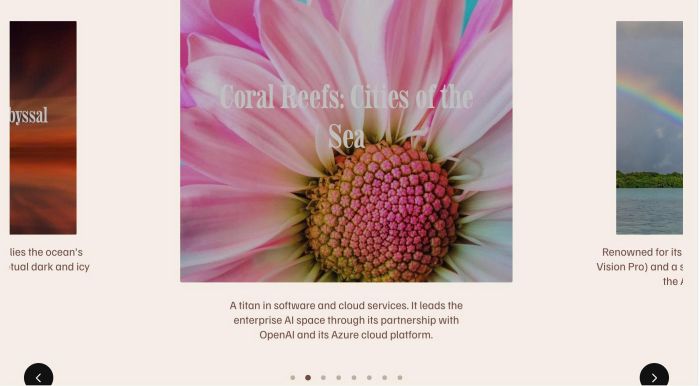
make middle image in gallery block bigger, other images smaller, some other tweak

adding slideshow carousel into gallery grid
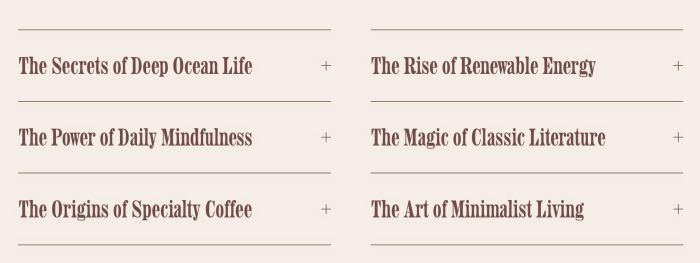
split accordion block to 2 columns, you can disable this on mobile

change audio block to audio icon, when users play audio, will change play icon to pause icon
change list (team section) image to video on hover image

adding testimonial Carousel (style 02) with Text Blocks
adding a button between Pagination Titles in Portfolio Page, you can set button point to portfolio url, or make it return to top of page, you can set button style with button text or change it to custom icon.

make gallery block smooth autoscroll
adding second button under add to cart or between quantity/add to cart or after add to cart
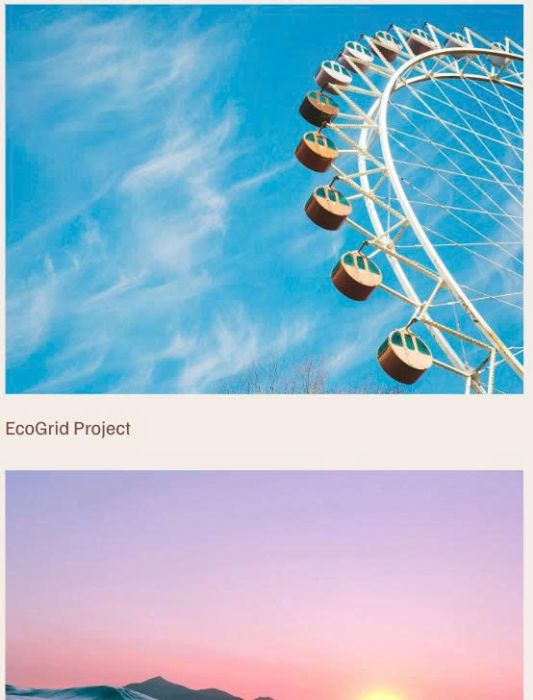
Stacked Gallery Images with 1 Column, slow scroll
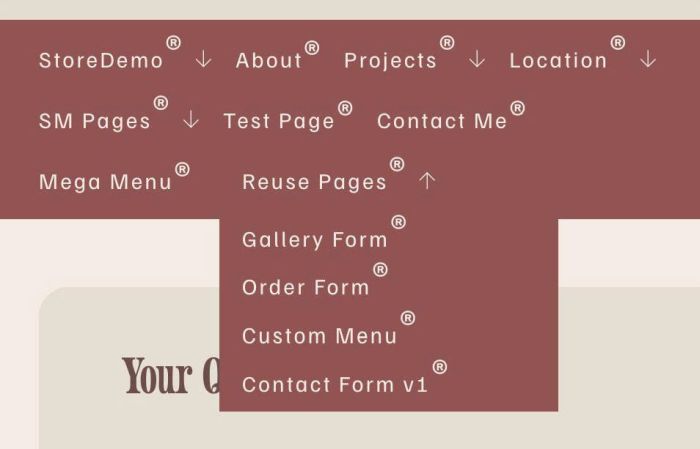
adding superscript trademark symbol to navigation, dropdown, text
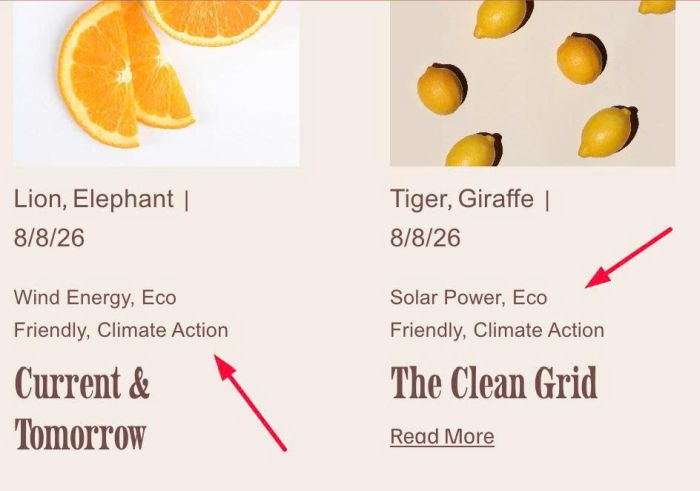
adding tags on Blog Overview Page
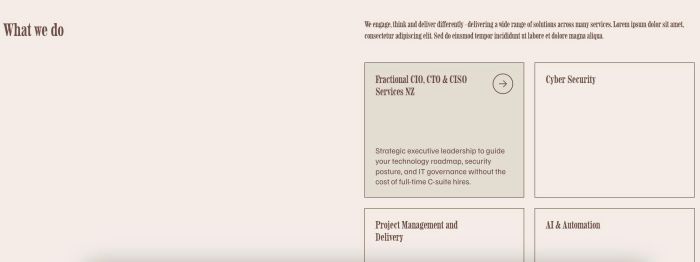
make Services section with left (title) – right (description, grid of items, item has title, hover will change background, description, clickable arrow)
make Markdown block clickable
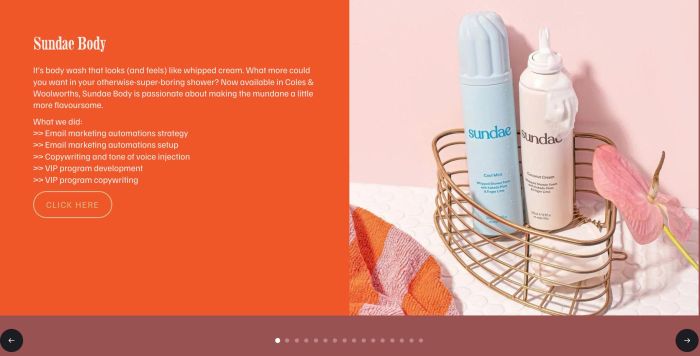
carousel with left – right panels, left panel has color background, text, button, right panel has image, carousel has navigation buttons, arrows
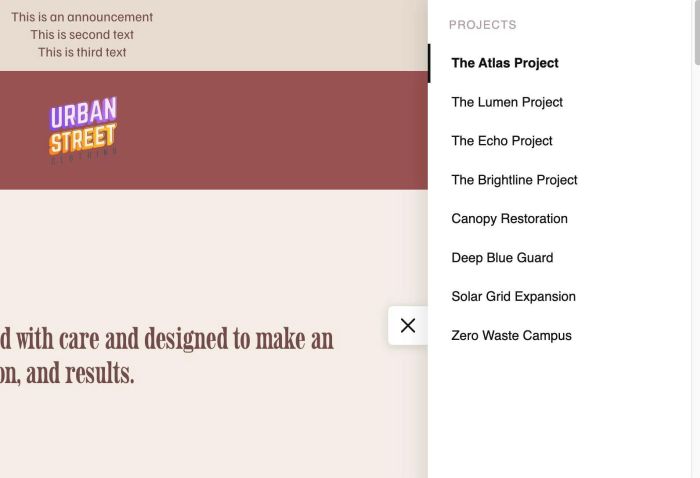
adding list of portfolio items to menu and append it to right of detail page as vertical menu
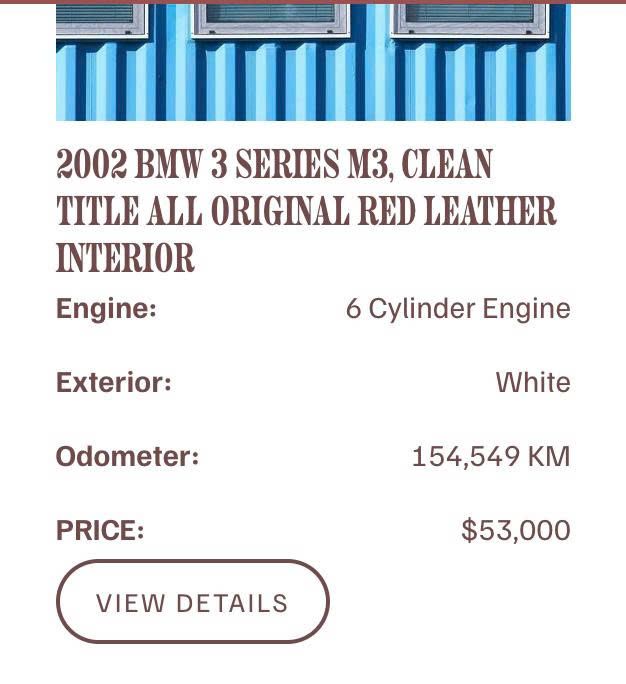
float text to right side in list simple

click button reveal section and disable other buttons

change style (color, font…) of four of seven words in Site Title
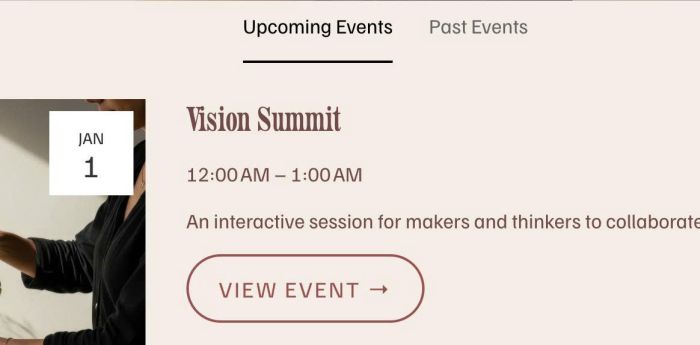
turn event page to 2 tabs with Upcoming events, Past events

show “read more” with text block has long list
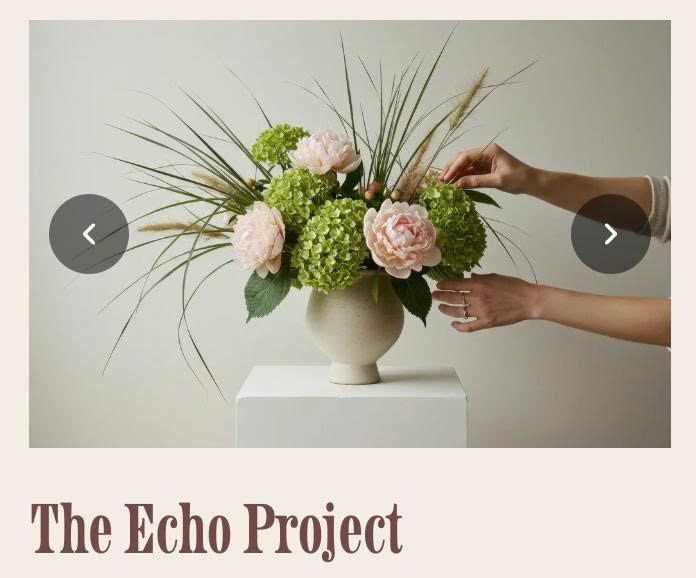
turn Portfolio image to carousel slideshow with arrows

adding table with 3 columns to Product Description (and stacked on mobile)
loading screen/page transition with color overlay, animate ball in middle

arrow hover animation

adding parallelogram button
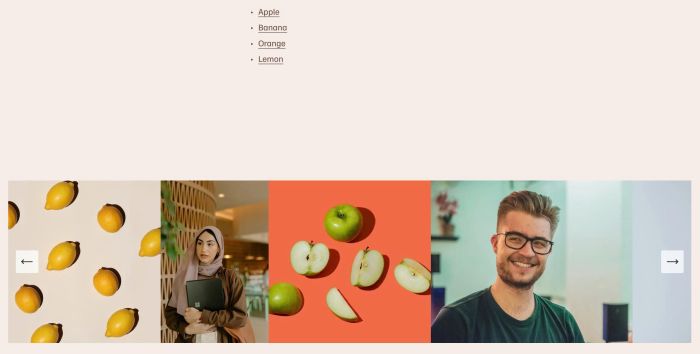
click anchor link will scroll to specific image in Gallery Reel Slideshow
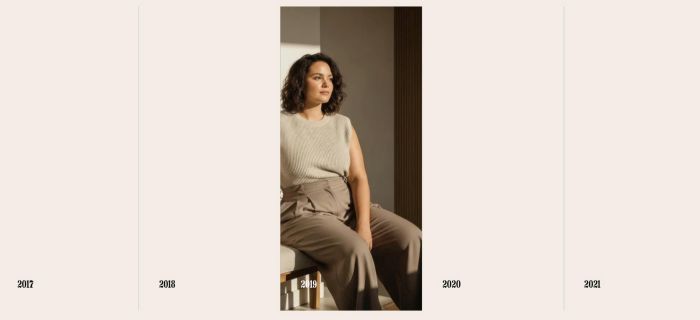
hover title: image slideshow, click item: expand full box with title, background image, more description and button

change gallery image to another image on hover (or click)

click list carousel image (if item has no url) will open image in lightbox
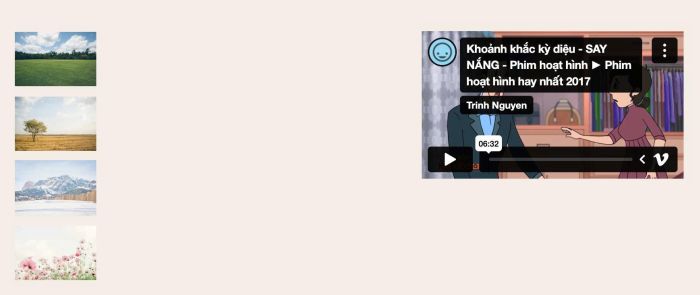
change video on hover image
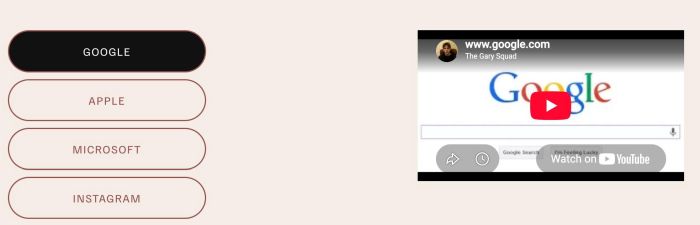
change video on button click
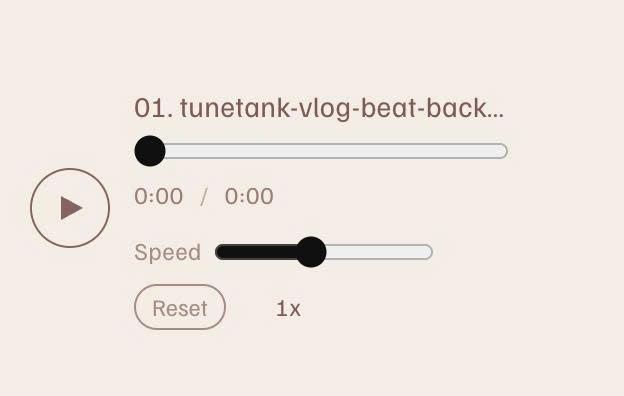
adding speed control to Audio Block
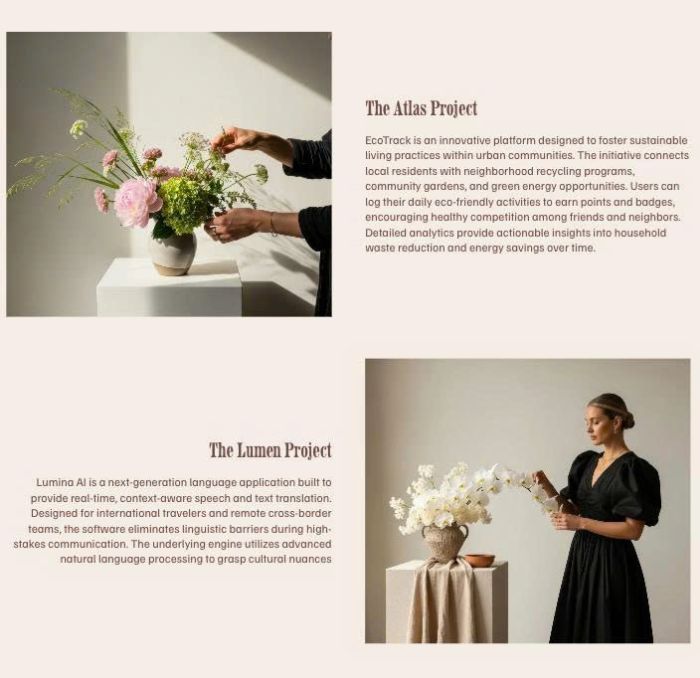
turn Portfolio page to alternate layout with image – title/more text
rotate logo to another logo after some seconds

change product image to video

adding tagline under Site Title/Logo, you can use custom html on tagline
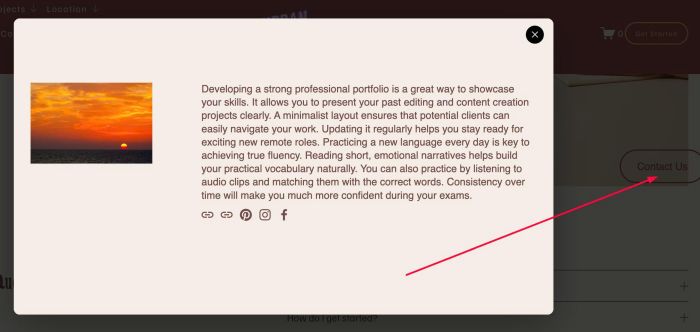
adding floating side button, click it will open lightbox popup
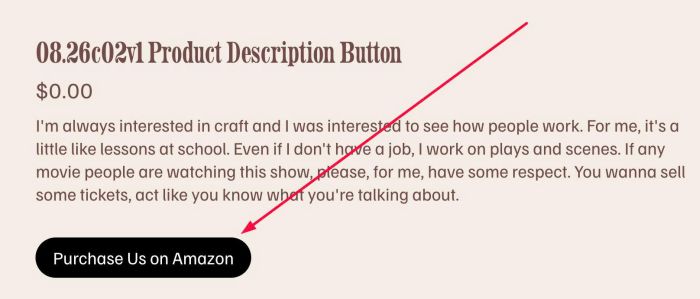
remove add to cart, turn link in product description into button

turn add to cart to “add to wishlist”, when users checkout, it will send product info to site owner email
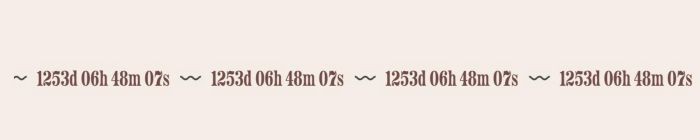
adding Countdown Timer to Scrolling Block
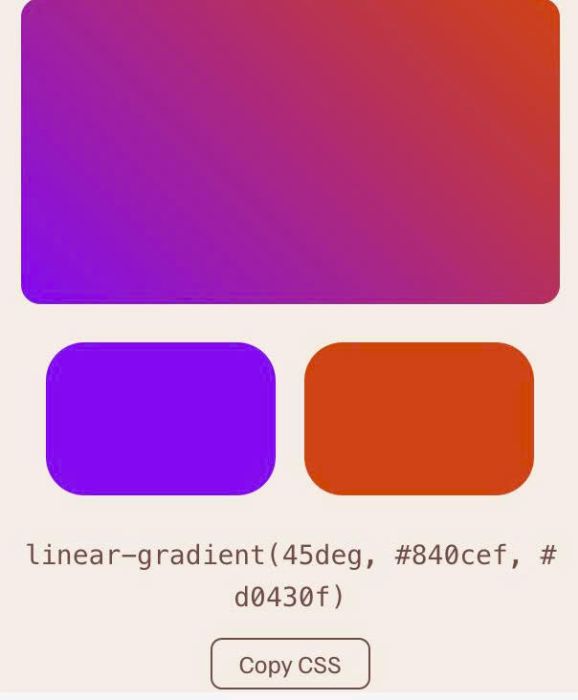
adding gradient color picker
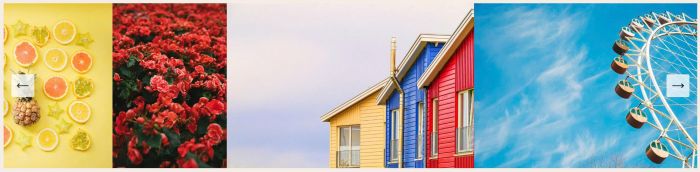
enable support: trackpad, keyboard, drag to scroll on Reel gallery

turn Portfolio image to horizontal format with 3 images
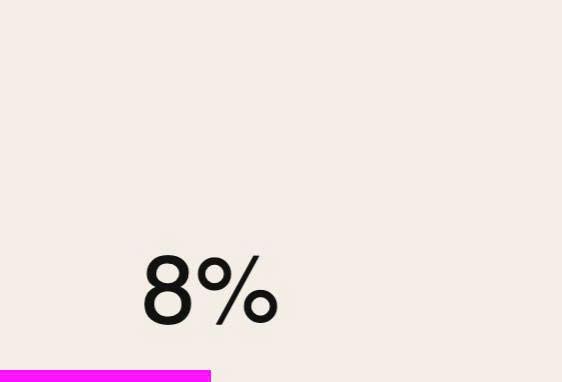
adding reading progress bar to top or bottom of page
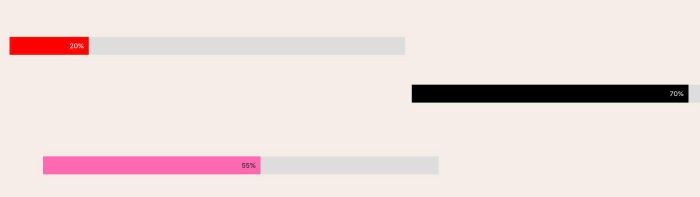
adding progress bar, using Text Block

set different font on specific text
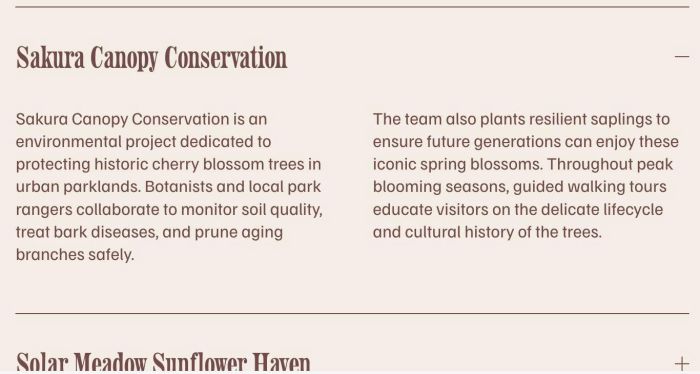
split accordion content to 2 columns, 3 columns, 4 columns

floating text in bottom right of site, show after some time then hide after some time
show/hide buttons on specific dates
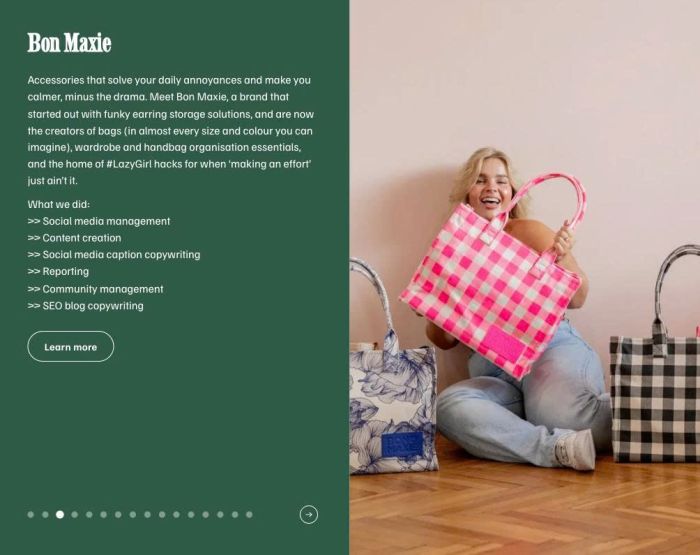
custom list section with two panels, left is text, right is image, bottom is dots/arrow pagination
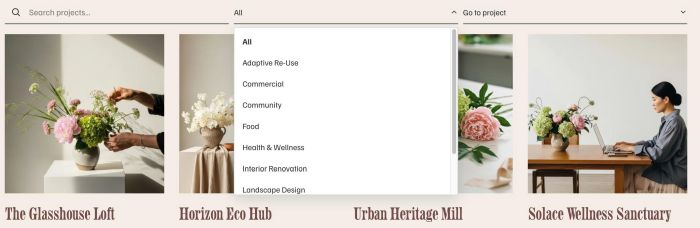
adding search, filter category to Portfolio Page
able to swipe left/right to navigation to another items, similar when clicking pagination title/arrow, support trackpad

adding search box to top of blog page, it can search blog title in real time

hover text will show video
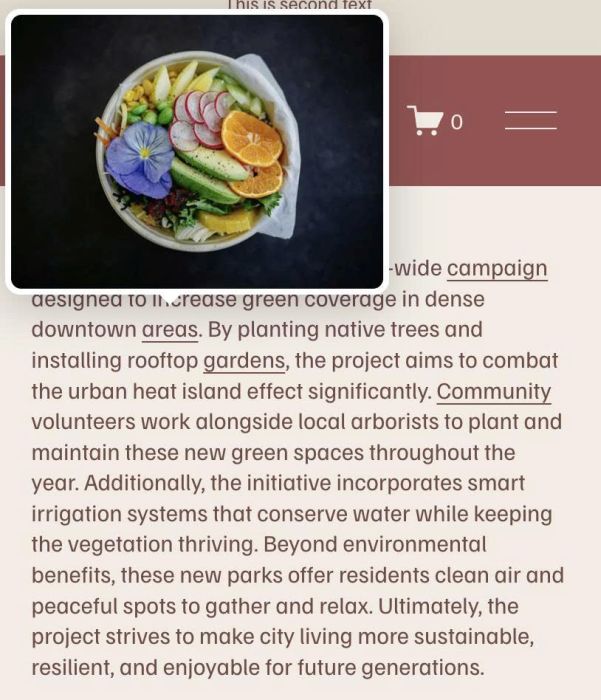
hover text show image as tooltip
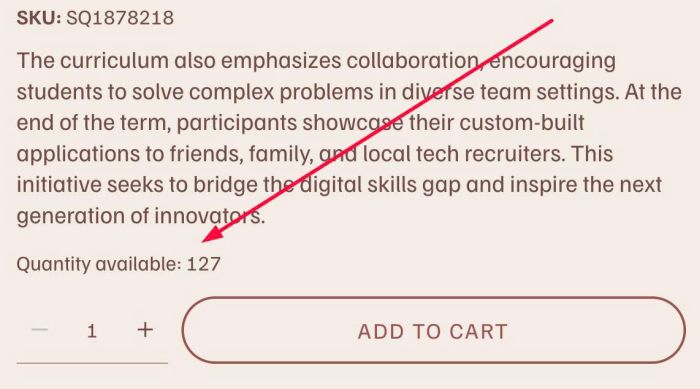
adding quantity available above quantity box
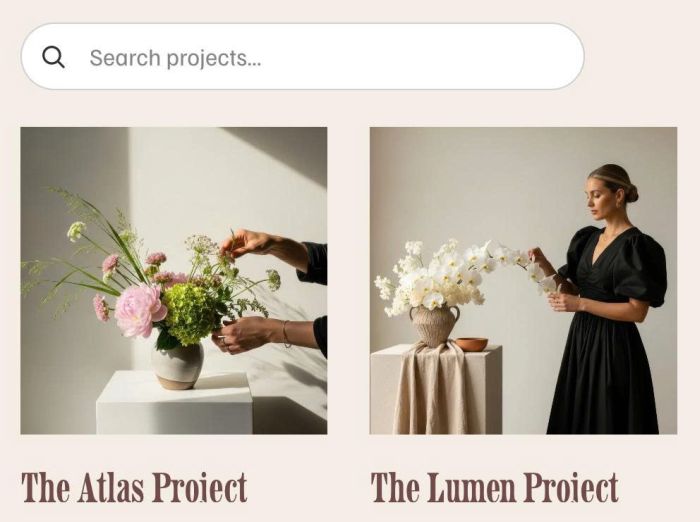
adding search box to Portfolio Page

adding icons between text in text block
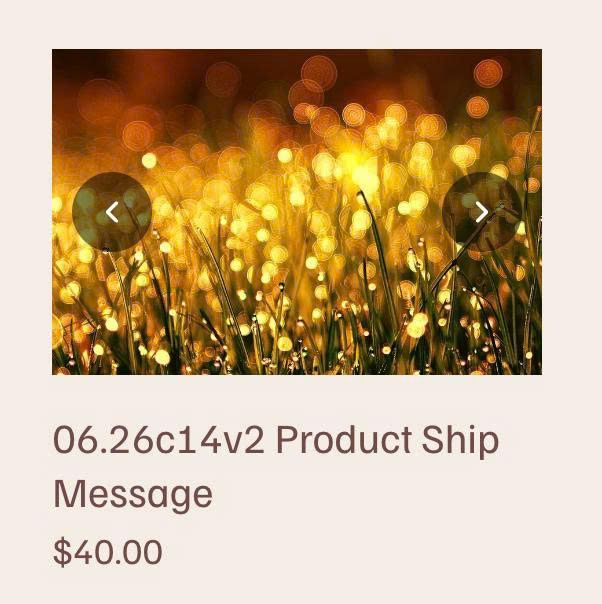
change product block static image to carousel with arrows
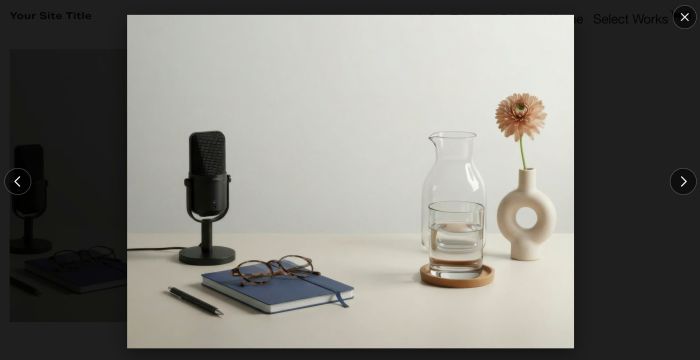
click blog item from blog overview page will open large image in lightbox, click blog title/read more still open blog post detail

before after audio player slide, you can toggle between two audios

parallax scrolling with text/section color change
copy product between store pages – copy products with tag: armchair from store page (with url: /capsules/paros) to product category page (with url: /collection/armchairs)

change static section background image to fade in carousel, you can add text/button or anything over carousel

smoothly transition autoscroll with gallery block carousel

pause slideshow after specific round (for example if slideshow has 9 images and need pause after 2 rounds, autoscroll will pause after 17 images)
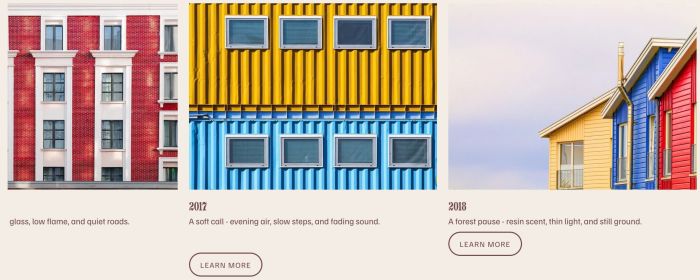
smooth autoscroll carousel with list carousel, automatically reverses direction when scrolling to final item.

change pagination title/link to posts belong current category

move two items on click instead of 1 in List Carousel

play Vimeo video on hover vimeo
page transition with slide overlay

change image to another image on click, use Image Block

change event item/event button to custom url

image gallery stack parallax effect on gallery grid (section)

show file name as caption under gallery grid (section)
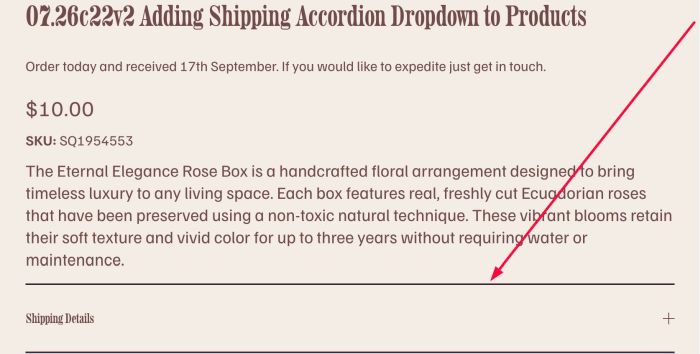
adding shipping accordion dropdown to every product, under product description
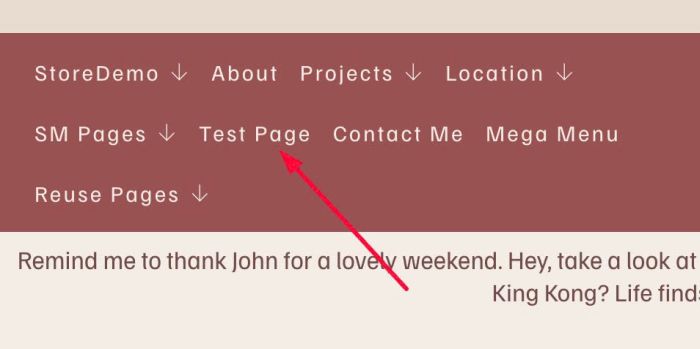
change navigation text to another text on hover

hover image block will show overlay, text, description, button
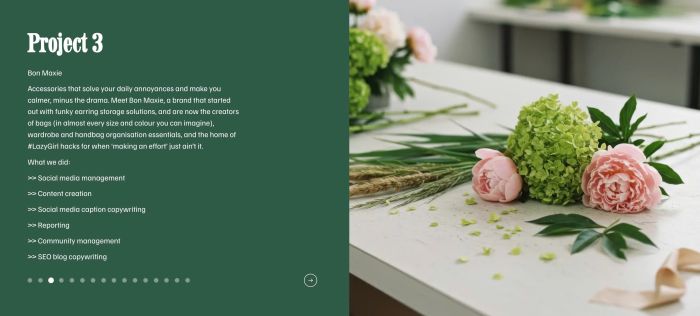
custom Portfolio Page with two panels, left is text, right is image, bottom is dots/arrow pagination

click Video Block will open video in lightbox

adding accordion dropdown to list simple

randomize section background image on page load
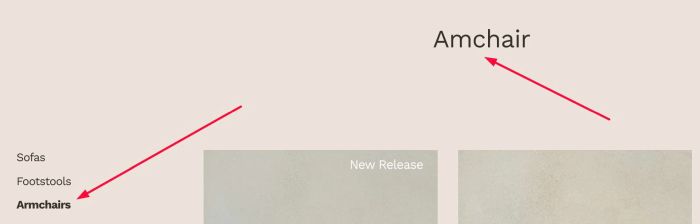
adding title to Product Category Page to top banner section, instead of default text
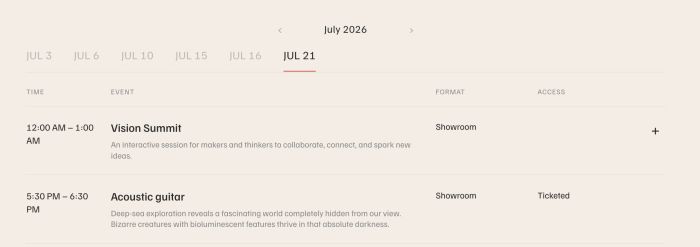
adding custom filter for Event Calendar Block
clear product from Cart after 10 minutes

play audio then finish and continue play another audio

make video block clickable

smooth autoscroll images with scrolling block

custom cursor with ball icon, zoom in zoom out ball

change text color on scroll

show/hide section to have custom section on each blog category page
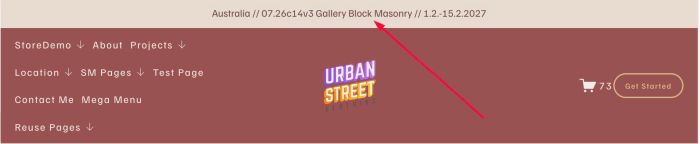
adding blog posts to Announcement Bar with blog title, excerpt, category (or tags), item will fade after 3 seconds
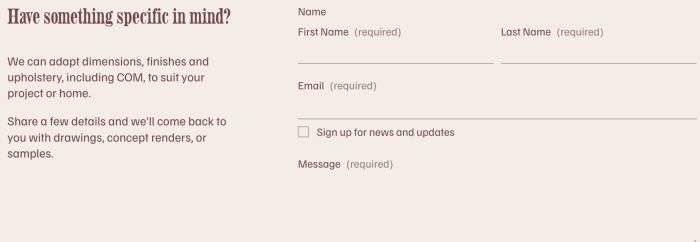
adding custom contact section to every product page without edit each product manually

remove sold out items on related products and add new items instead

adding custom text under product on store page, each product will have a different text, based on category
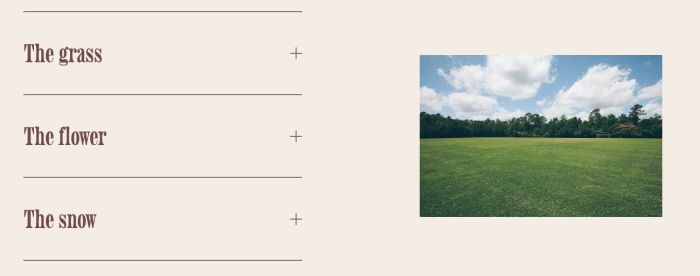
click on each accordion item will change image
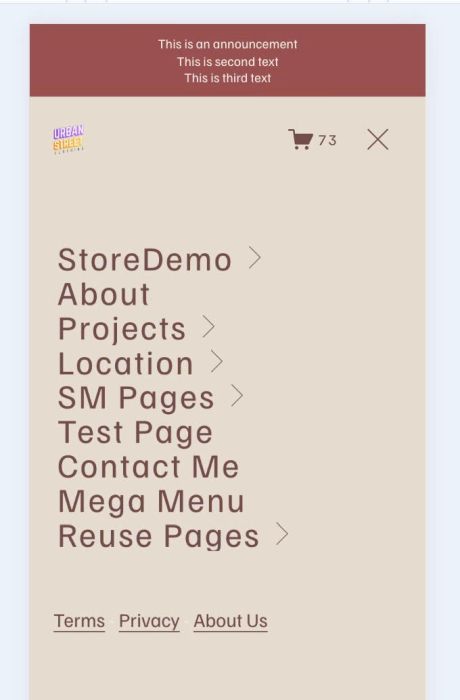
add links to Mobile Menu Overlay
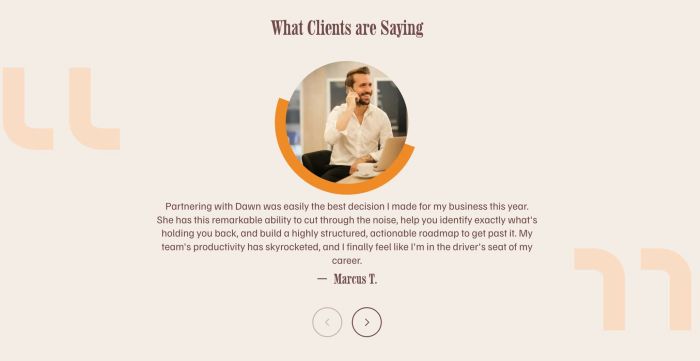
Carousel with circle image, text under, quote icons

click button will open 2 pages in same time

show image file name under image in gallery block

show form again after you submited it without reloading the page.

adding cover, grid, list view on portfolio page, list view will have title, description, video follow on cursor

pull blog posts to specific section on the page, section will have blog featured image, clickable in bottom of section
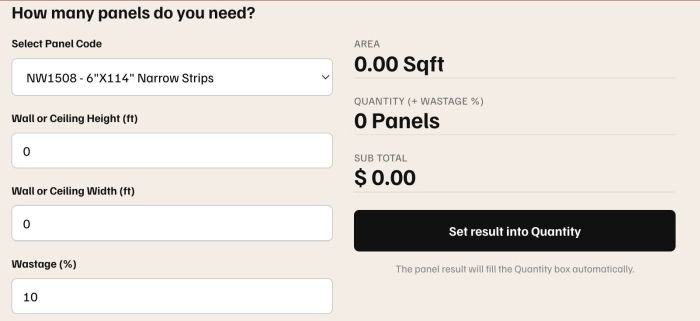
Add Calculator to Product and the results will be sent to Quantity.
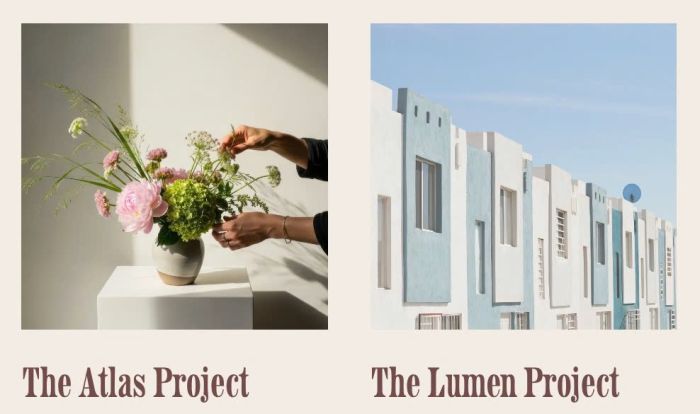
change portfolio to another image on hover
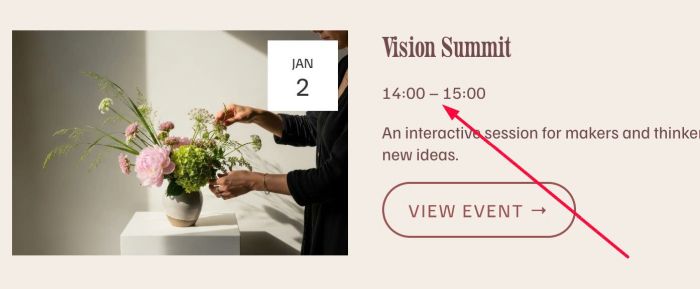
change time in Event Overview page & Event Detail Page to 24hrs format

adding Loop to Audio Block

adding Gallery Block with same height different ratio (different width) in a row, you can also change gallery block to masonry layout
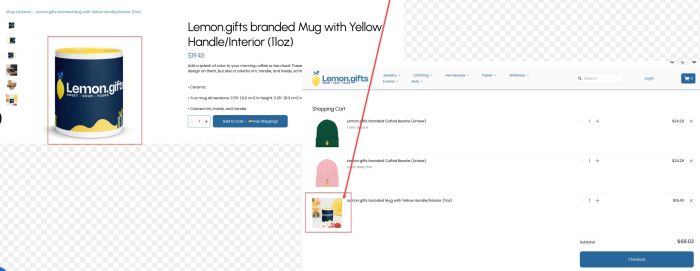
fix cart page: product shows a random image, not the primary image
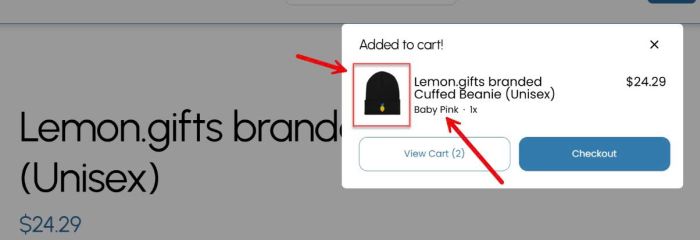
fix problem: thumbnail in cart popup shows the base image, not the variant image
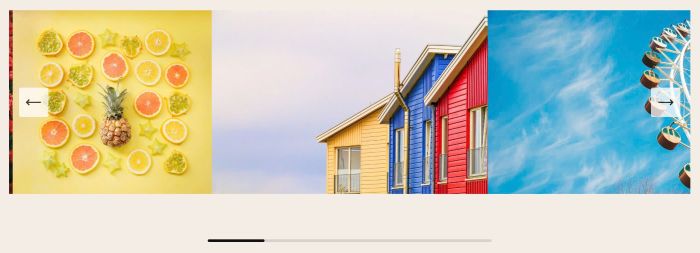
adding horizontal scroll bar to Gallery Slideshow Reel
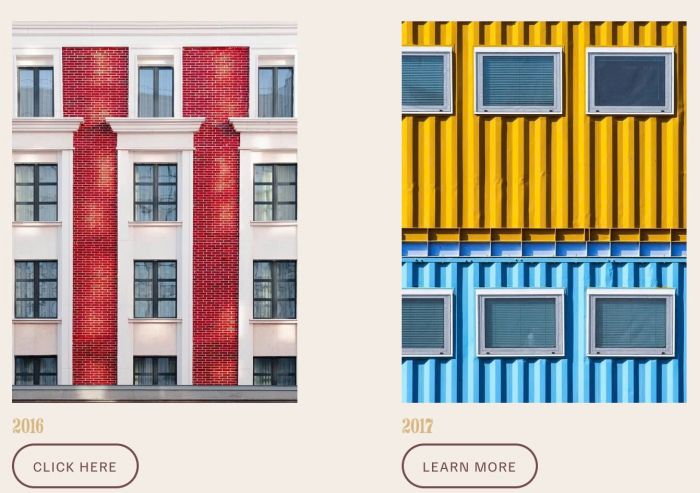
change list image to another image on hover

make custom banner in top of blog post (style 2) with fullwidth banner image, title, author, tags (or categories)
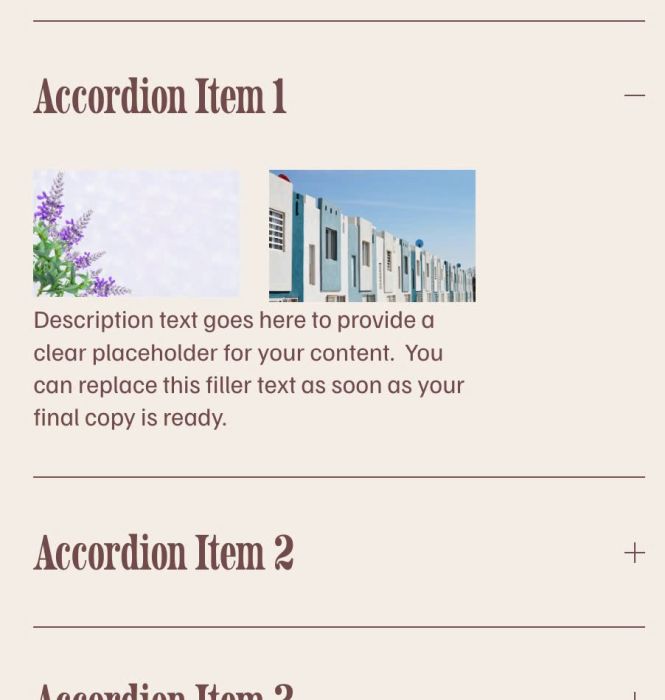
adding 2 images same row in Accordion Block
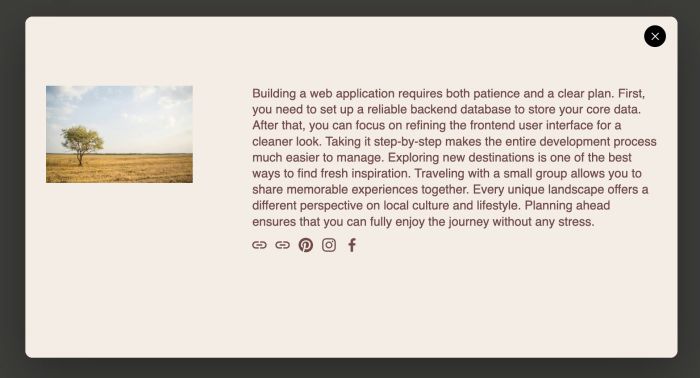
click Gallery Grid Image show a popup with text/image
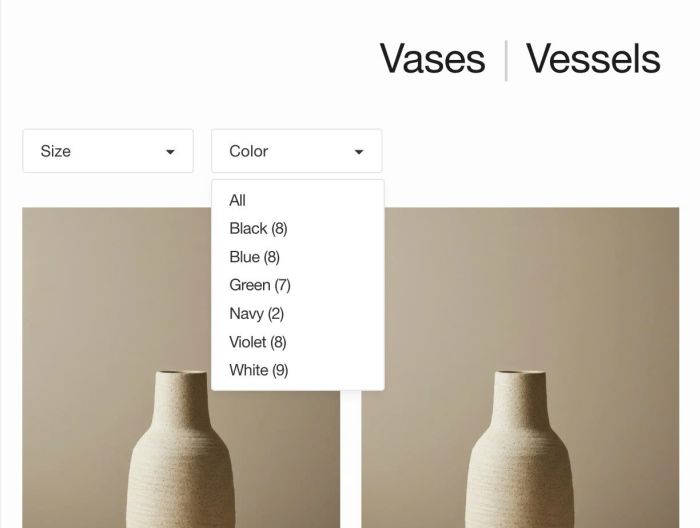
adding Filter by Variant Options to Store Page
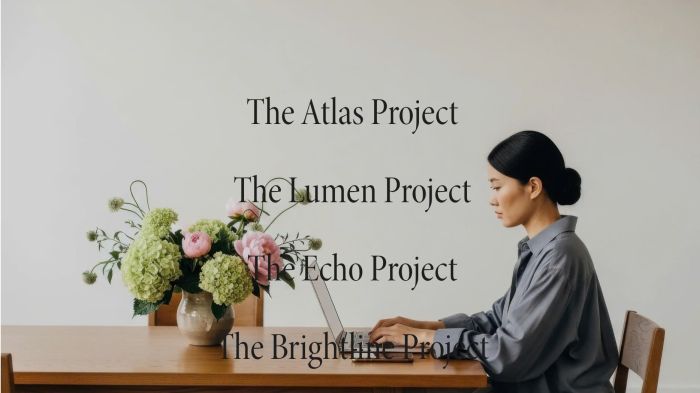
make Portfolio Image in Hover: Background autoplay
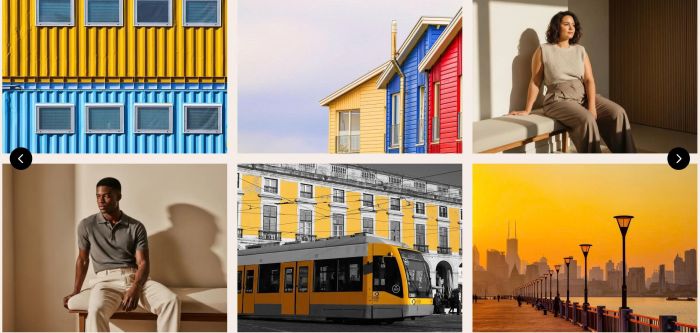
two rows carousels, you can set carousel with image only or carousel with image, text, button
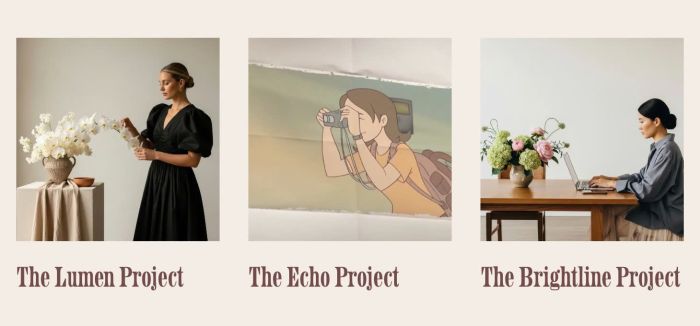
hover Portfolio image – video appears

change header nav color, burger icon color (desktop, mobile) on scroll over section with specific theme color

change header background color on scroll over section specific theme color
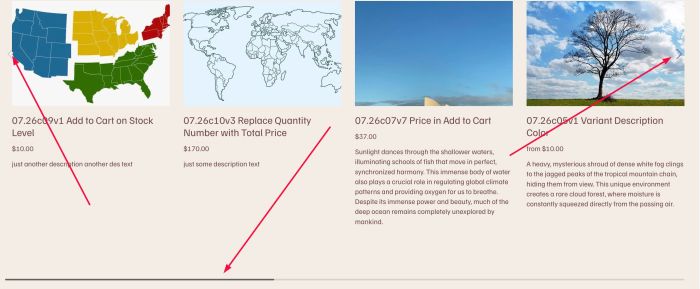
adding a Product Slider with horizontal scroll bar (bottom), left/right arrows (left/right side) with Summary Block Carousel

animated link from left to right on scroll to specific position

pause slideshow full on hover
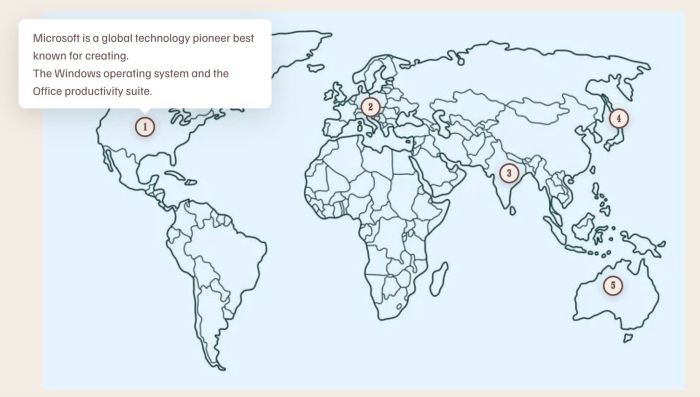
hover on each area of image will open Custom Text, click on each area of image will open Video Lightbox
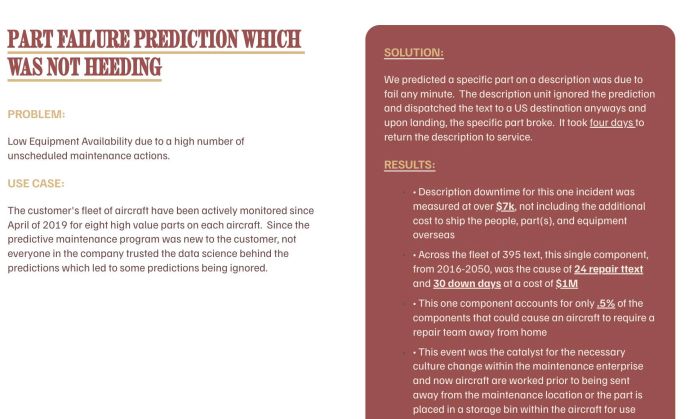
flip text block with hover (desktop), click (mobile), use symbol # to recognize flip
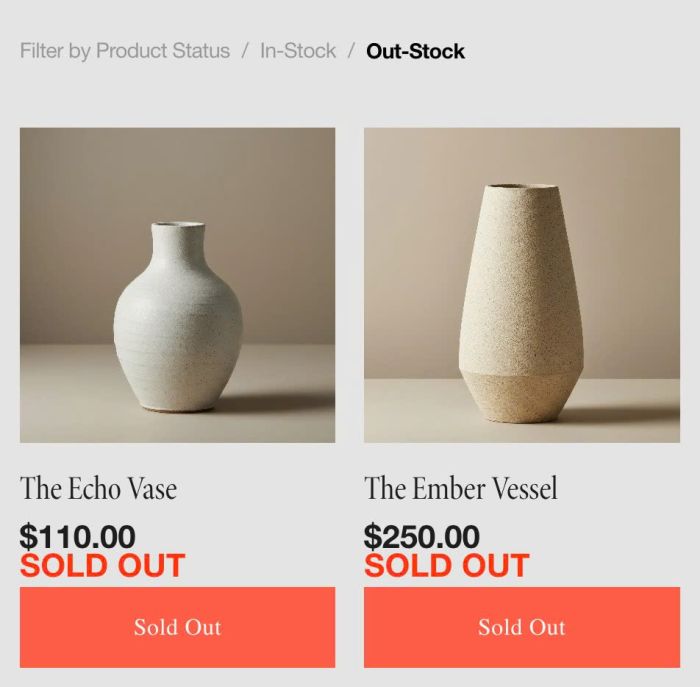
adding Filter in Stock/Out Stock on Store Page

hover link – change section background image, similar Portfolio Hover: Background layout, but support Autoplay
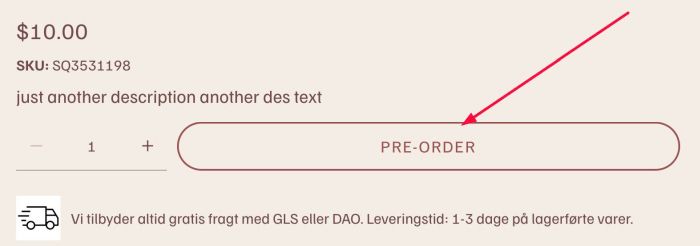
change Add to Cart text if Stock = Unlimited
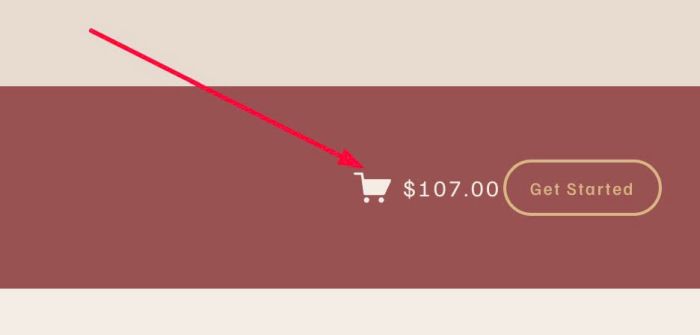
replace Quantity Number (in Header) with Total Price
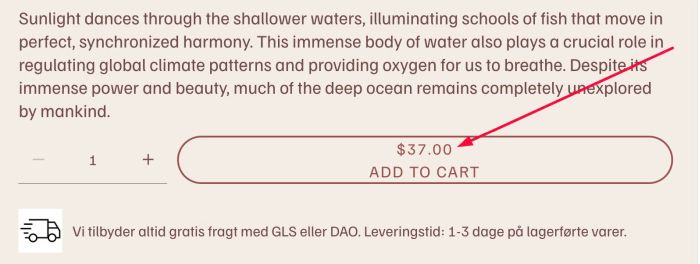
adding price to Add to Cart button

adding Sort By/Search to List Section Simple List

adding Portfolio Page Title between Pagination Titles

automatically adding Shop Categories to Header Dropdown menu

rotate specific image in Gallery Block
click Carousel button – Show popup

adding archive section (hidden by default)/button, move archive items to this section, if users click button will open archive section
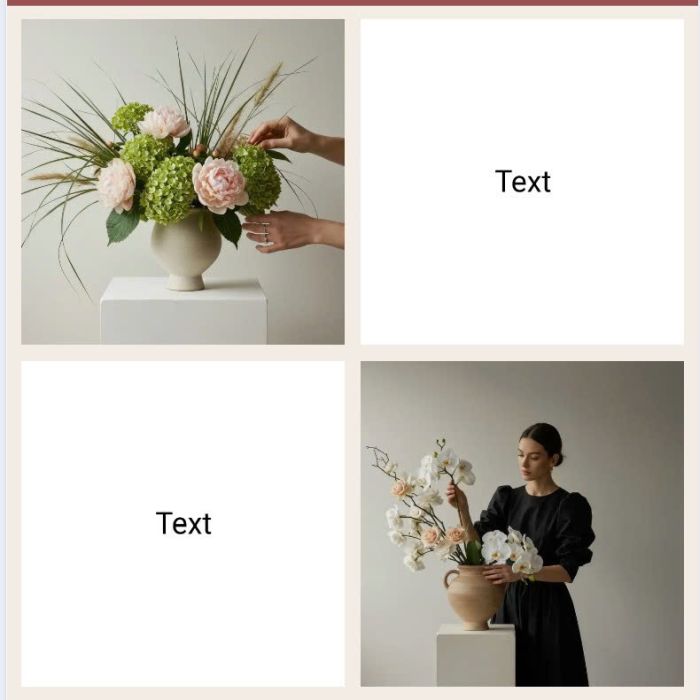
change gallery images order on mobile

play video/text/overlay on hover image (video poster image)
Items move slowly upwards.

hover Portfolio will show title, description, button, overlay color in limited width
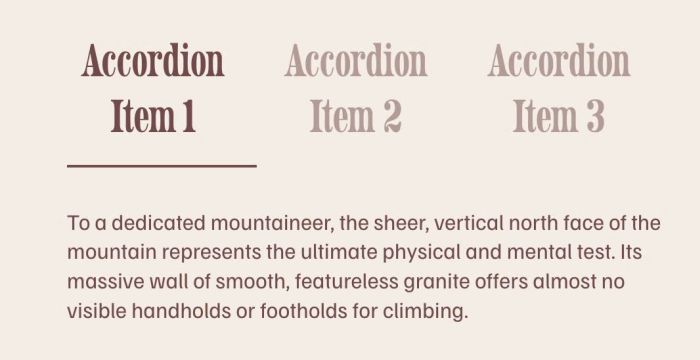
change accordion block to horizontal accordion on Desktop
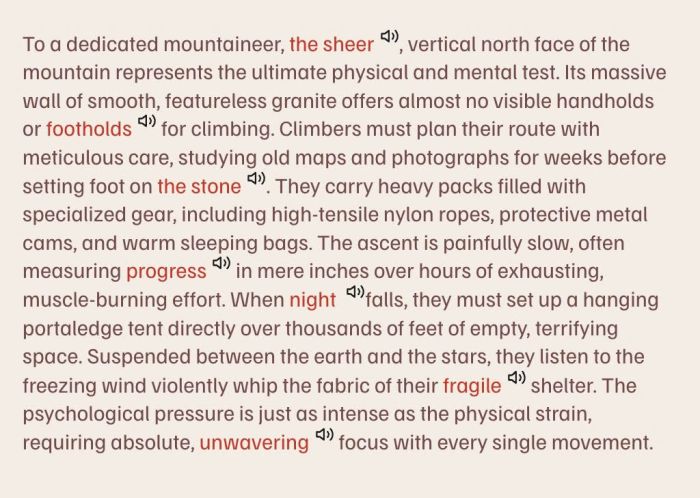
adding volume with audio next to specific word
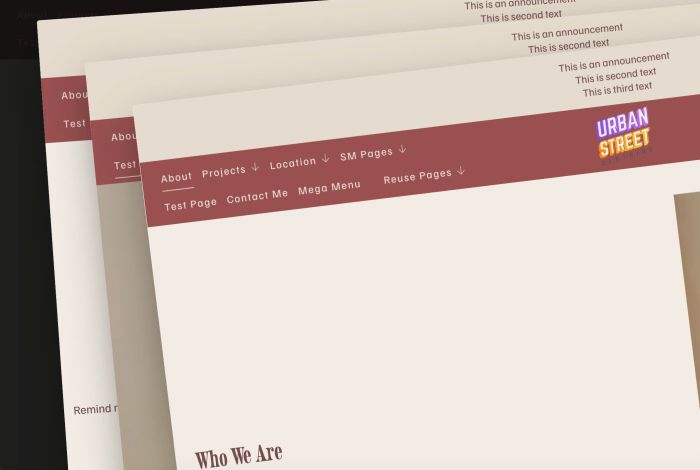
hover on top left of site will make all pages in navigation overlap as layered card
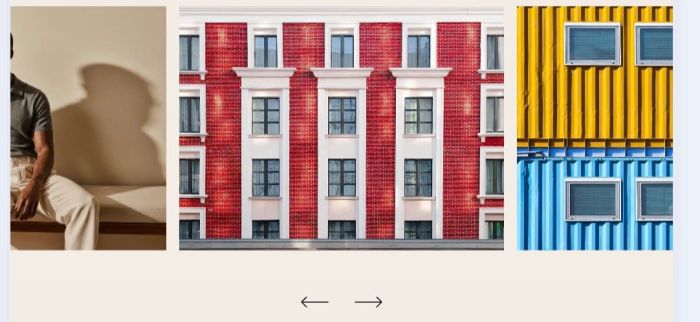
Carousel with 3 Columns, Foucus on Center Slide. Support: autoscroll, drag scroll, trackpad scrolling, clickable image, title, description, button..
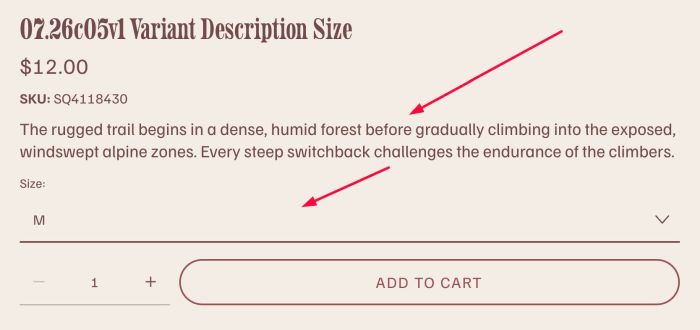
click on each variant dropdown option will show variant description
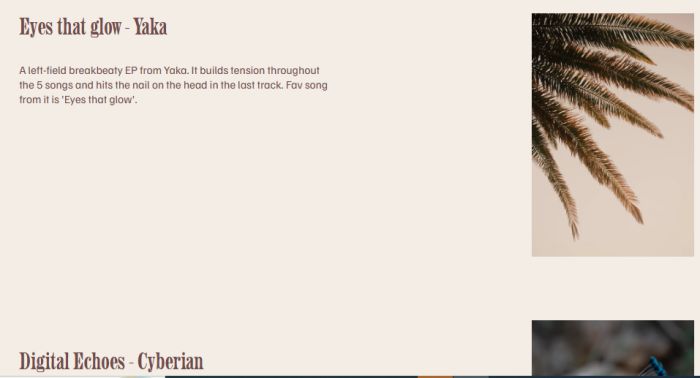
random pair of text/image on page load
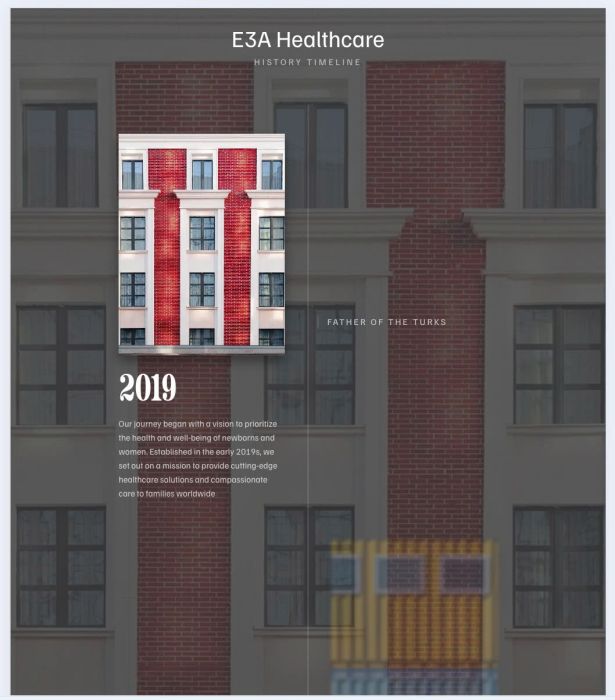
adding timeline with alternate layout: image, text, description, vertical line, fade in fade out effect
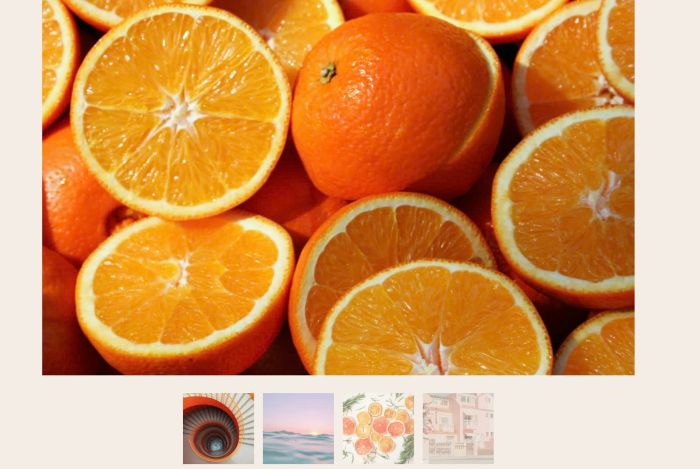
change slideshow simple thumbnails to custom image

adding scrolling text in Announcement Bar

move scrolling block in Footer to Announcement Bar

hover links – change section video background, similar Portfolio Hover: background layout, works with Uploaded Video (mp4) only

adding carousel scrolling text to Announcement Bar
change slideshow duration (slideshow simple) under 1s
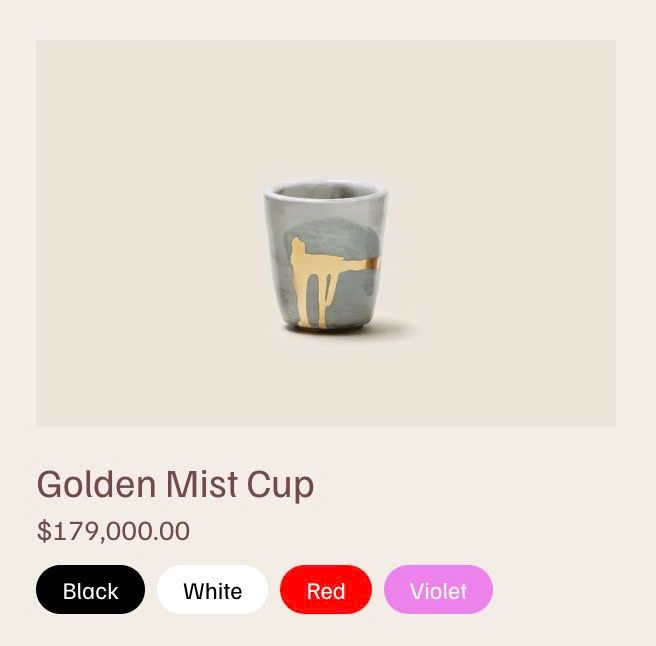
adding variant colors under Summary Block

adding different color to Scrolling Block text
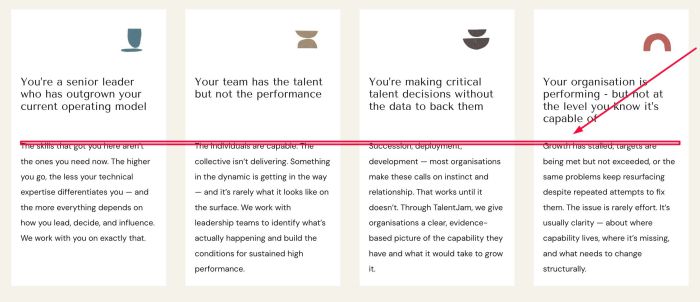
equal item description in List Simple

hover link change right image v3

hover link – change section background image, similar Portfolio Hover: Background layout

adding logo over Gallery Slideshow

change Portfolio images to autoplay vimeo
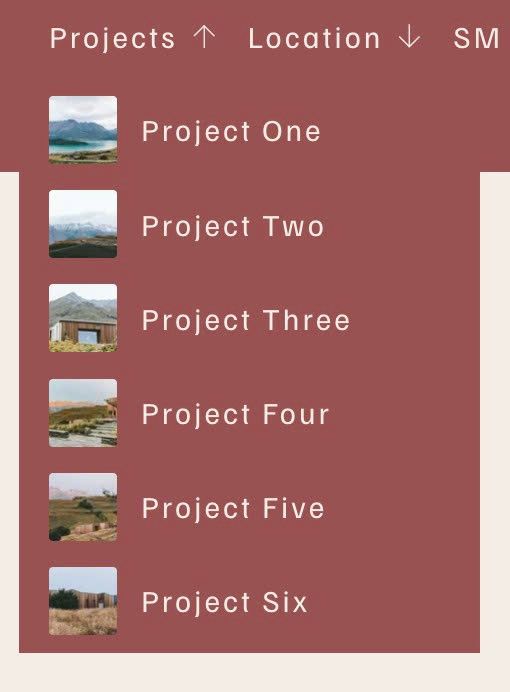
automatically adding Portfolio items to Header Dropdown Menu

counter number on scroll
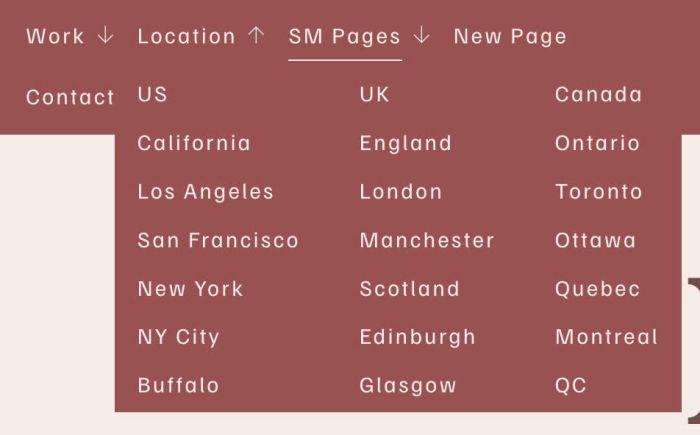
adding 2 columns, 3 columns, 4 columns to Dropdown Menu

change blog post author link to custom page url and show corresponding posts belong author on this new page
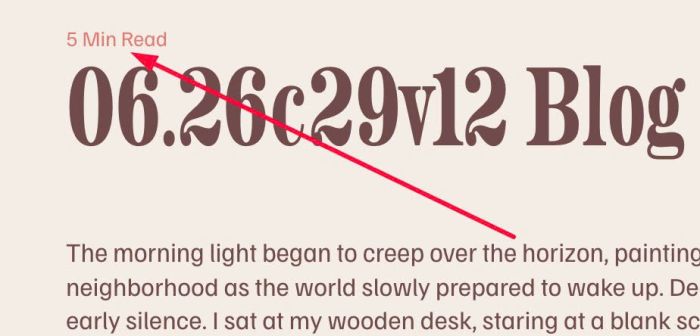
adding reading time (bar/text) to blog post (top/bottom of screen/above/under blog post title)
adding Cart icon with quantity to specific section
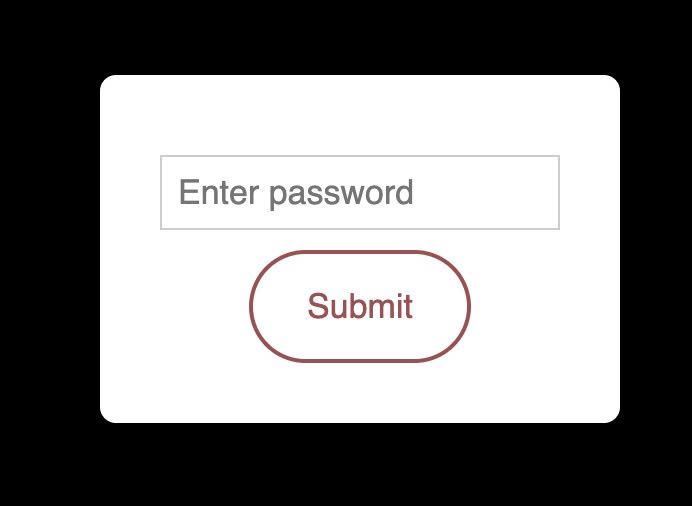
adding password to specific portfolio item
hover an image show custom popup
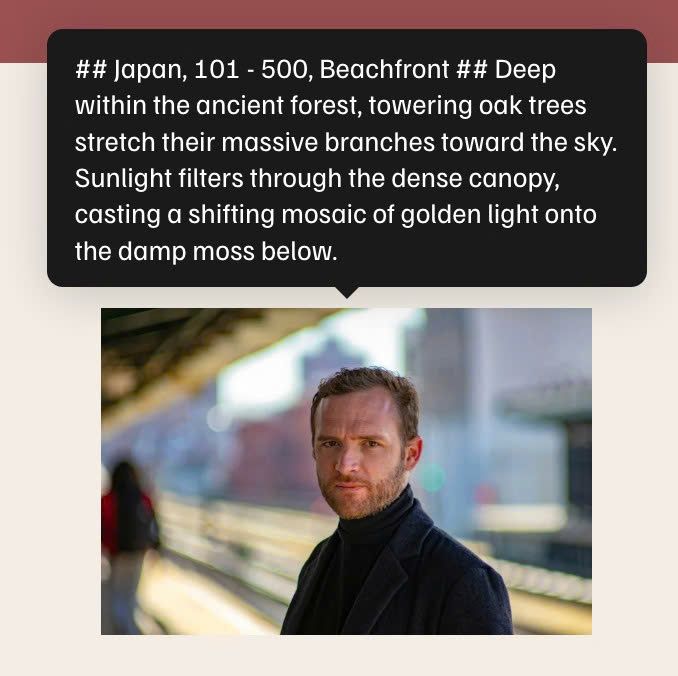
hover an Image will open tooltip text
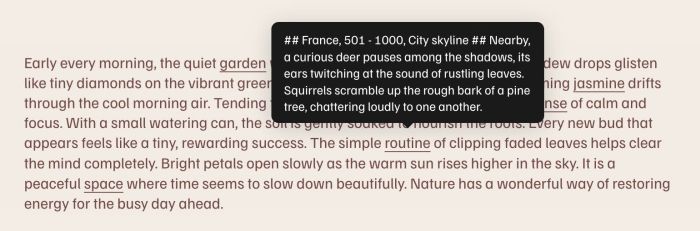
hover a word in text block will open tooltip text

change image to another image on hover

adding clickable down arrow to next section on bottom of screen (or bottom of top section)
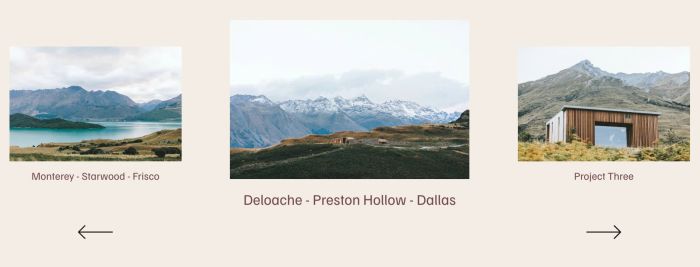
adding Summary Block Carousel Portfolio with large item (center) and small items (left/right), autoscroll feature

a print text feature which will allow readers to print blog post content text
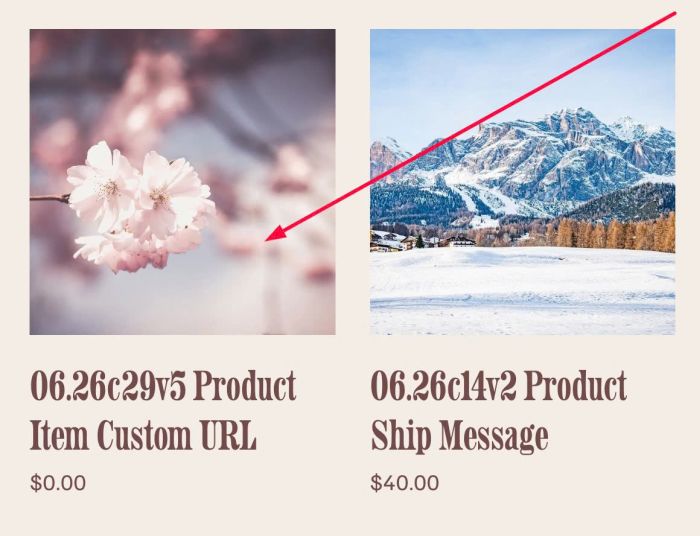
change product item in Store Page to custom url
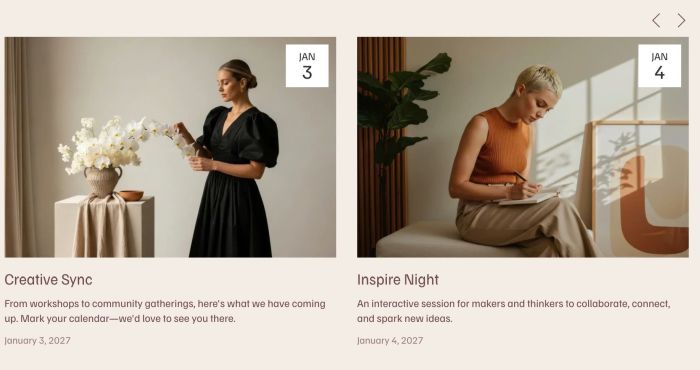
adding infinite loop to Summary Block Carousel
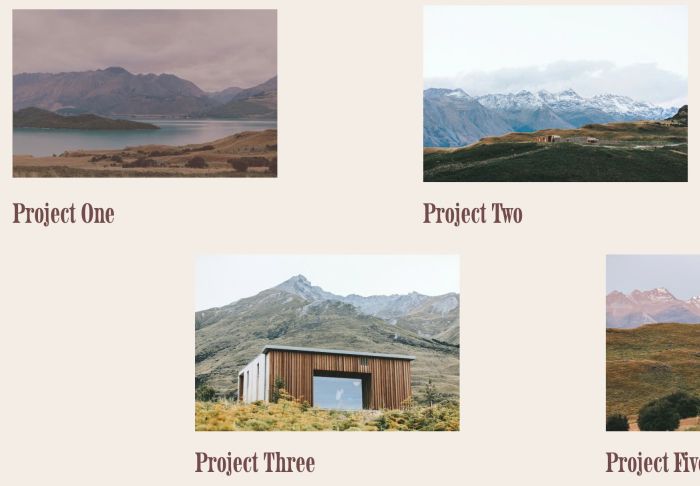
connect Image Blocks in a section with Portfolio Page

create Buttons with Text Block

adding icon images to Dropdown Menu

animating buttons with white line on image hover
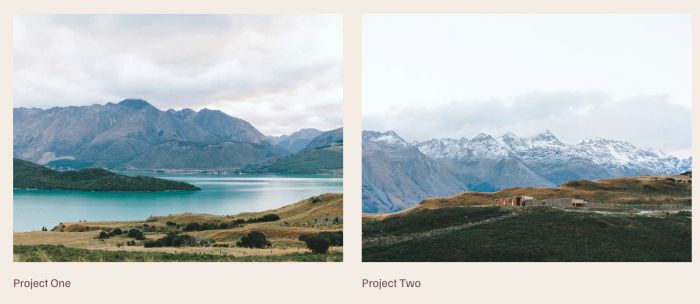
connect Gallery Grid (section) with Portfolio Page
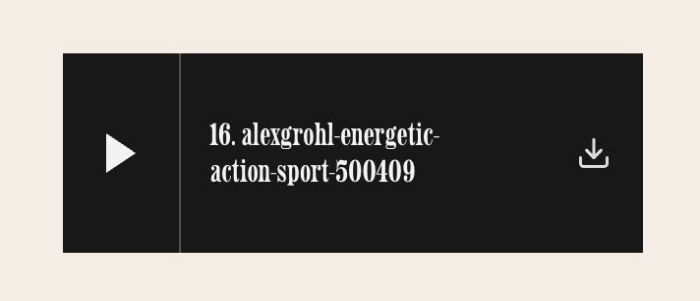
adding Download Link to Audio Block

make Video Block autoplay on Mobile
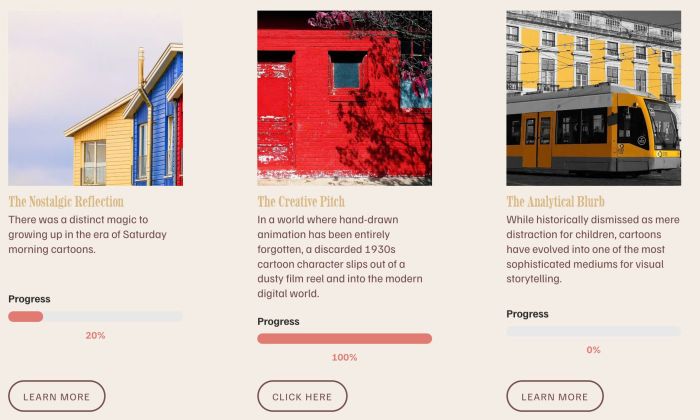
adding reading progress bar to List Section (It connects to the page at the item button and indicates how far you have read that page)
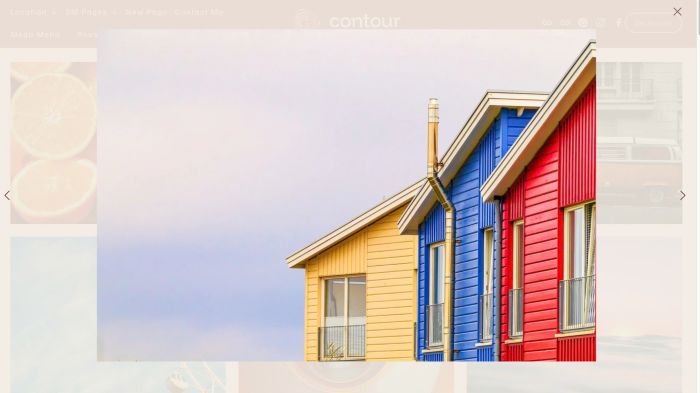
adding pinch zoom in Gallery Lightbox Images
adding pinch zoom in Image Block Lightbox
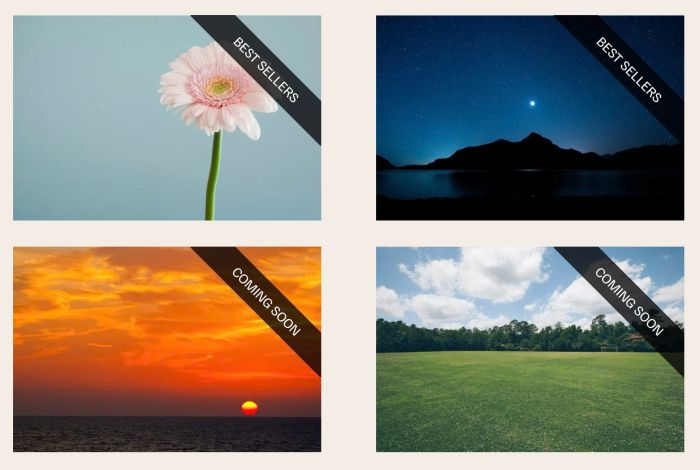
adding label text over Image Block
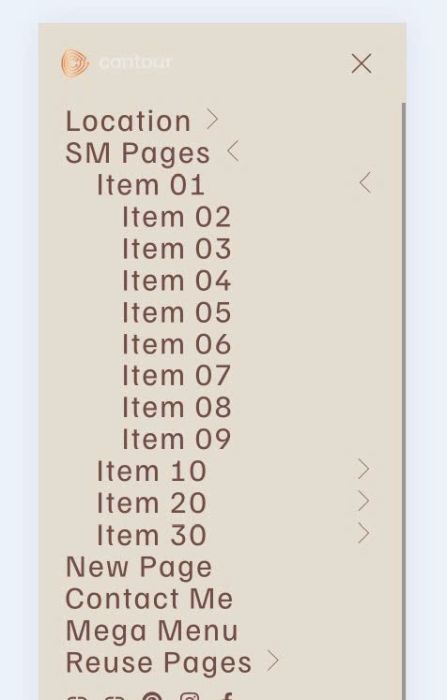
turn mobile dropdown menu to 1 & 2 levels dropdown
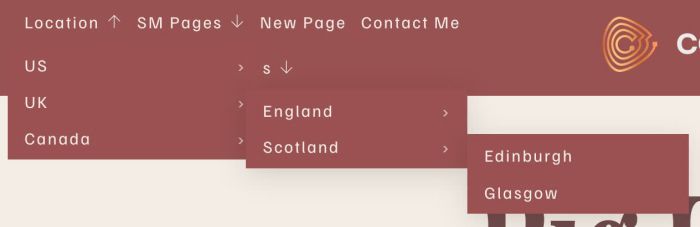
adding third level to dropdown menu

adding caption to Image Block, you can set caption under image or overlay image, make caption/image clickable
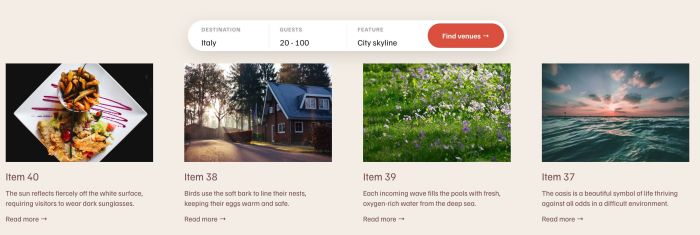
adding filter by Category/Tag on Summary Block (Blog)
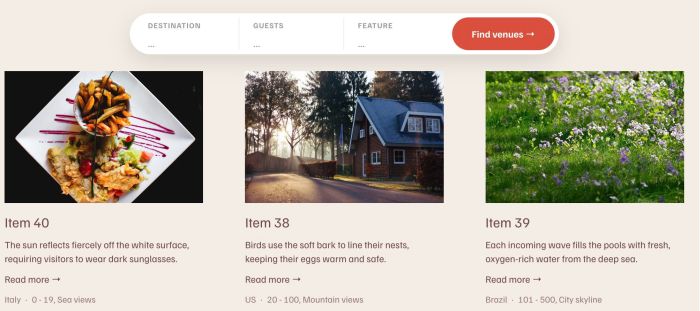
remove 30 items limit on Summary Block (Blog)

fade in/scroll up text
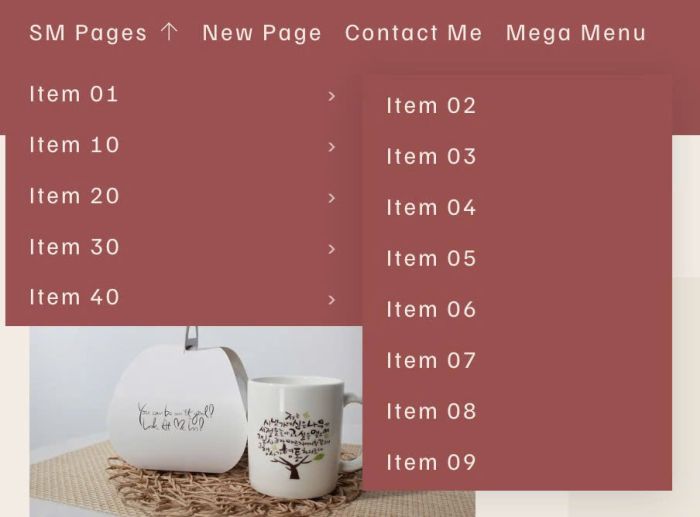
adding multi-level to dropdown menu

add tabs on top of blog post, click it will underline & scroll to corresponding text
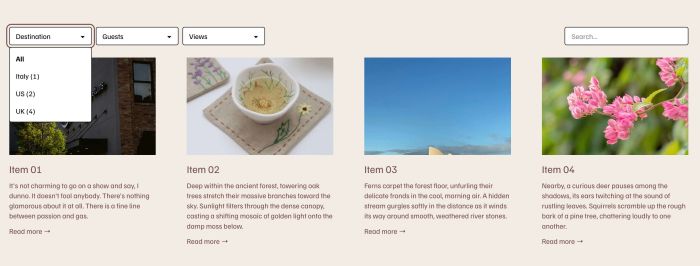
adding Filter/Search on Summary Block (Regular Pages)
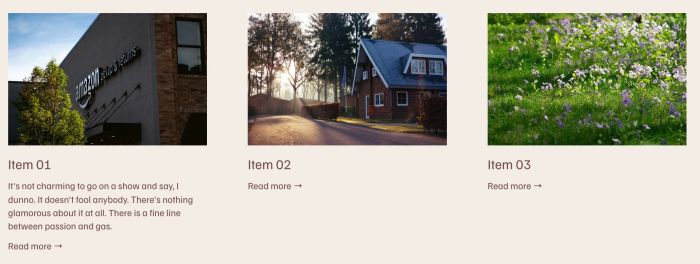
adding support Regular Pages on Summary Block

grid simple/grid overlay under Portfolio Pagination

adding thumbnail images to Portfolio Pagination
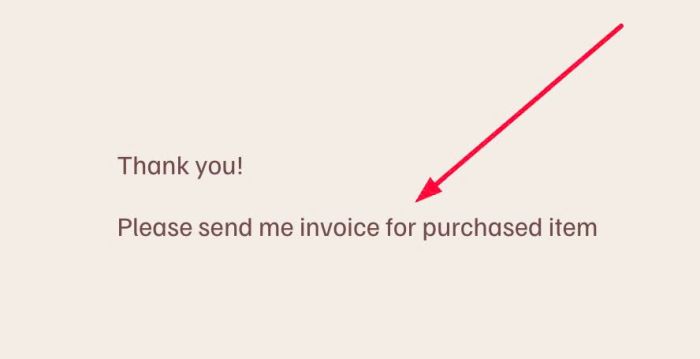
adding Message field to Post Submit
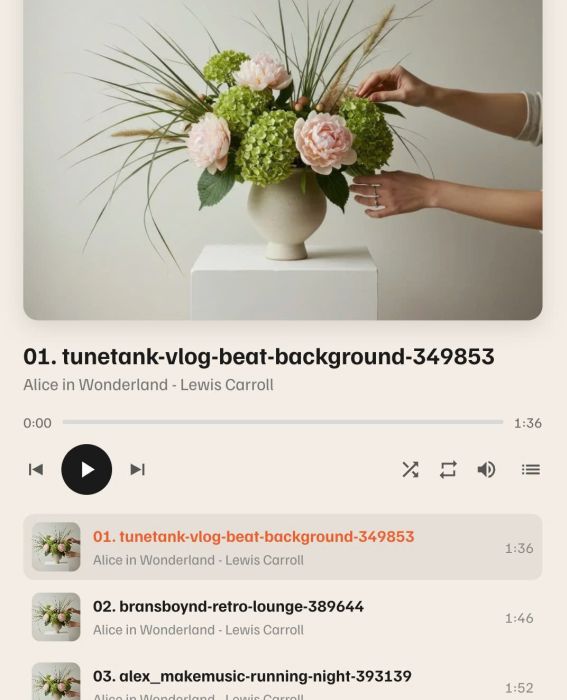
adding Audiobook Player with custom title/image/controls
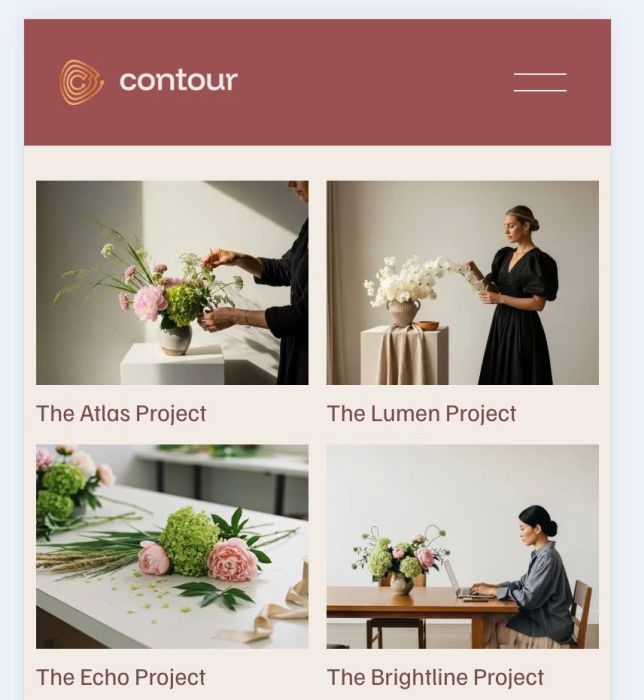
Change Portfolio Hover: Background, Hover: Follow Cursor, Hover: Fixed to Grid on Mobile
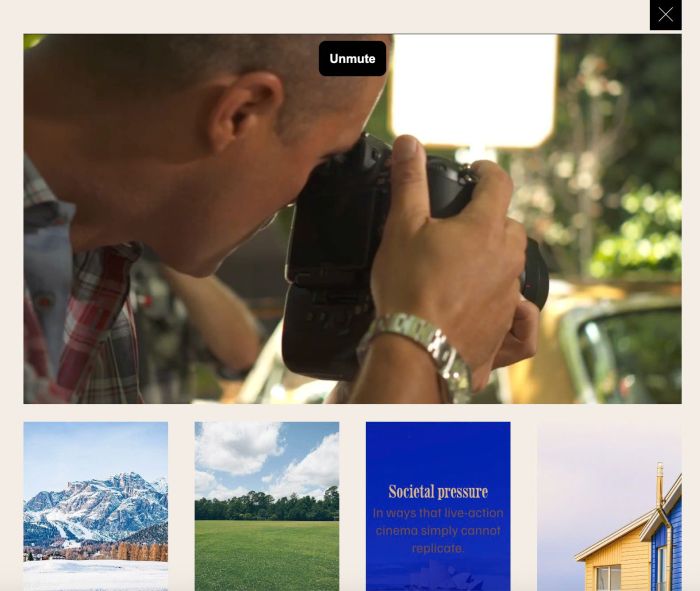
list video with list simple section, text/overlay color on hover, full video slide up on item click
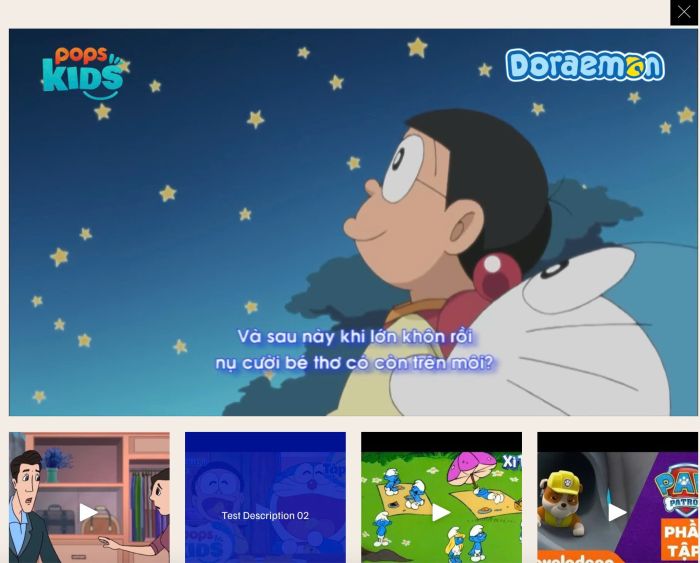
gallery section grid video but make text/overlay color on hover + make full video slide up on item click
gallery block grid video but make text/overlay color on hover + make full video slide up on item click
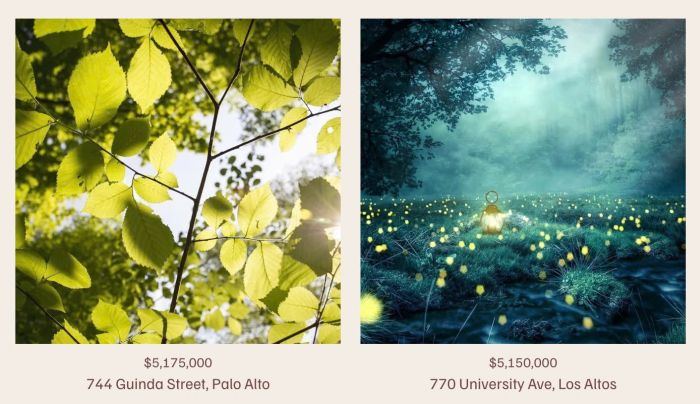
make Gallery Block Title/Caption to 2 lines
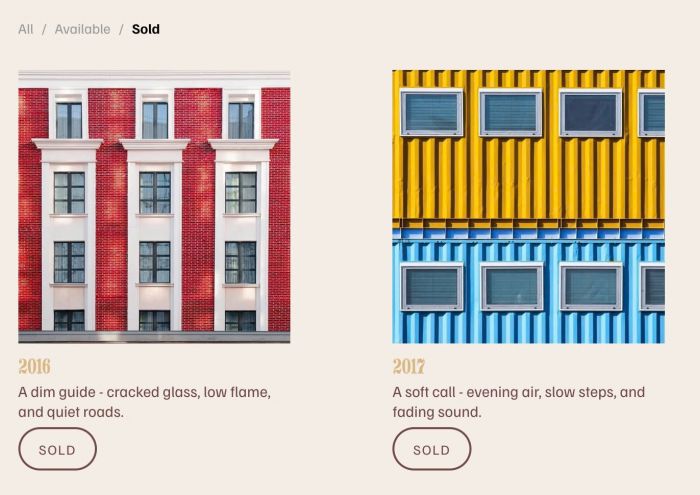
adding Sold – Available filter to List Simple

adding custom top bar on top of site, top bar will have text + icons

adding custom top bar on top of site
white/black on page transition

slide up content from Not Linked page on click link
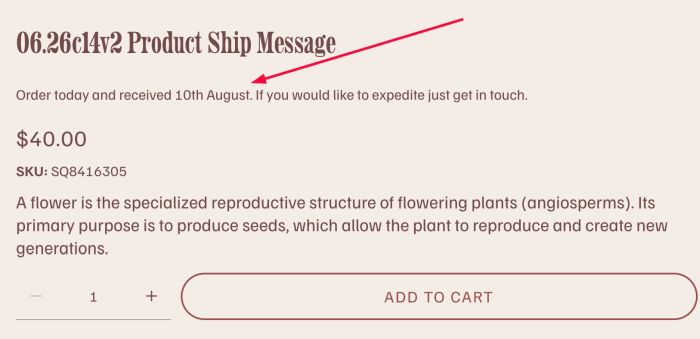
add custom text with dynamic date under product title
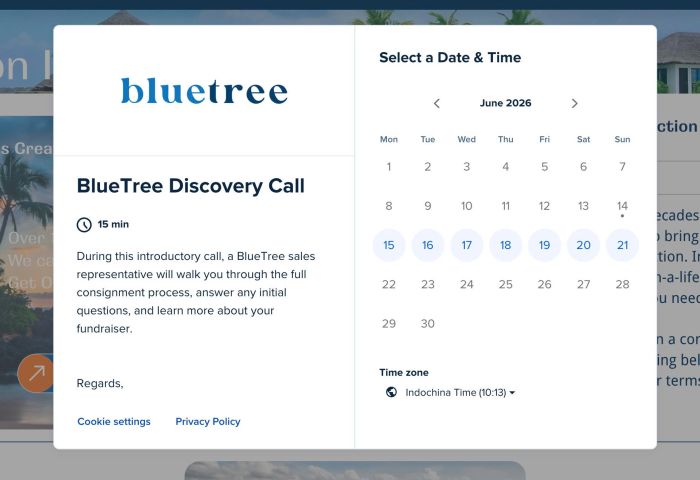
adding Calendly Popup on Click (Link, Image, Button..)
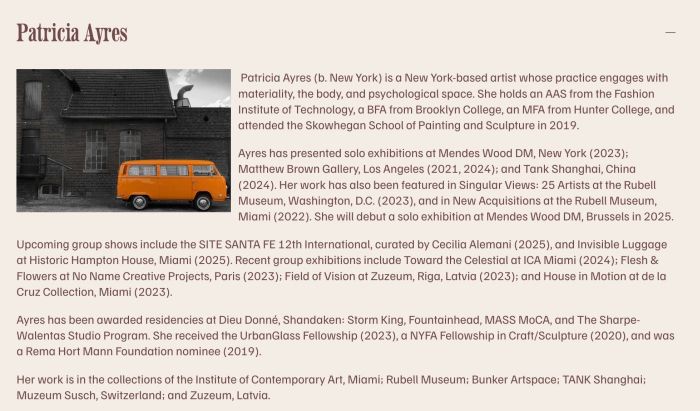
adding images in Accordion Block
make Tabs Plugin autoscroll and open new page
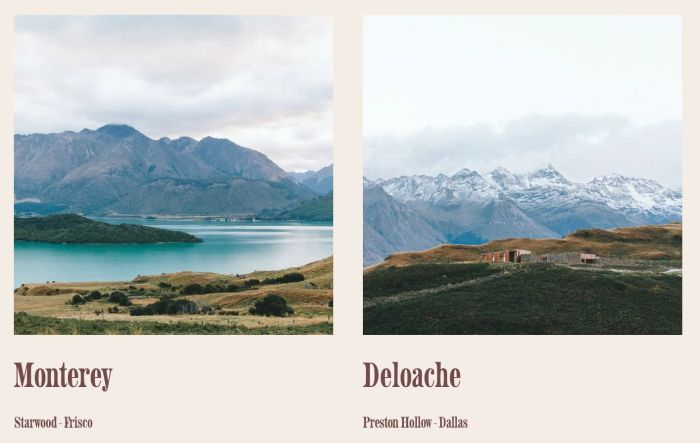
make portfolio title to 2 lines
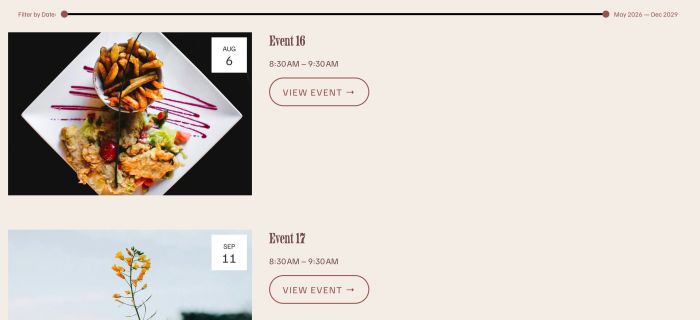
adding Date Slider Range Filter on Event Page
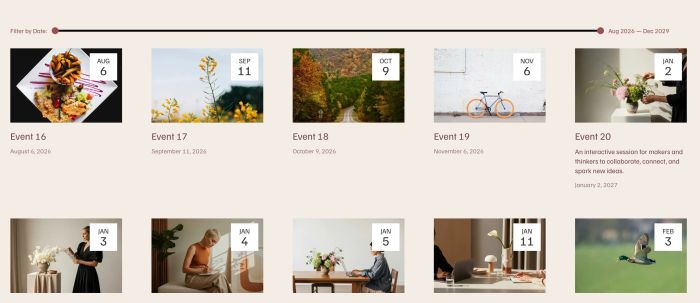
adding Date Slider Range Filter on Summary Block (Events)
randomize section on page load

adding custom grayscale hover effect to Image Blocks, Gallery Section, List Section
adding icons/text under Add to Cart, you can add it to specific products

adding icons to Text Block
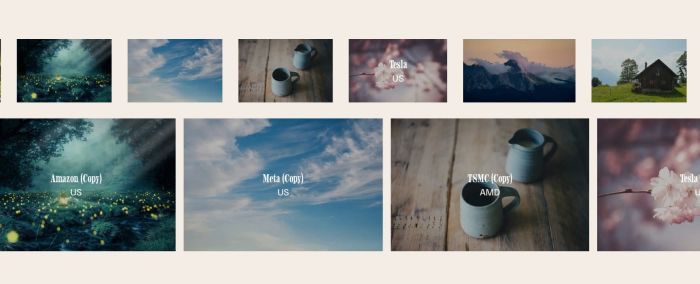
gallery block loop infinite scroll, smooth autoscroll logo, smooth autoscroll carousel

adding Filter Category to Portfolio Page, this is v3, use item url
video loading screen, you can set Youtube, Vimeo or Hosted video
you can also change video to text or image if you want.
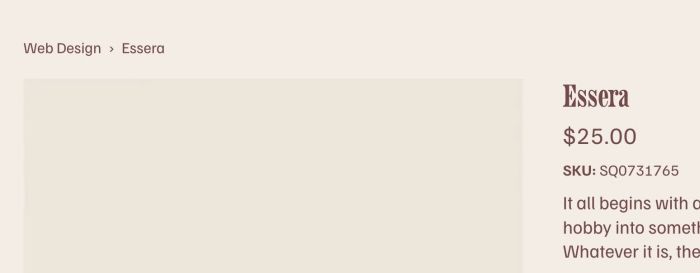
adding product category to breadcrumbs, you can set show category + subcategory
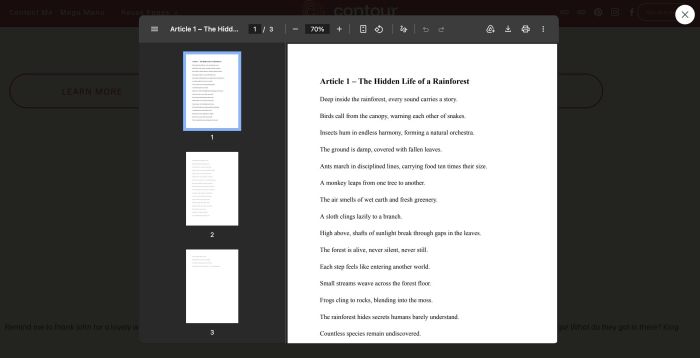
pdf lightbox popup on click (text, button, image or any links)
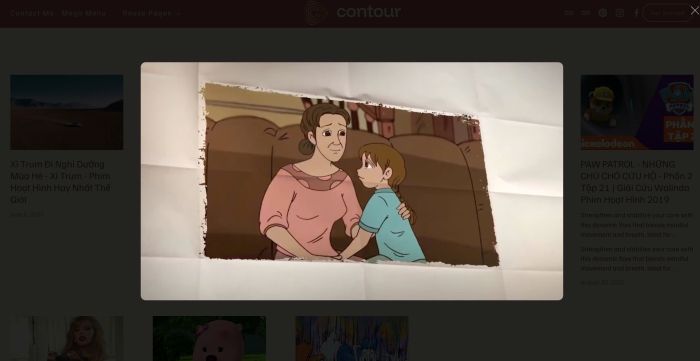
click Summary block item will open Video Lightbox (Summary connects with Video Page)
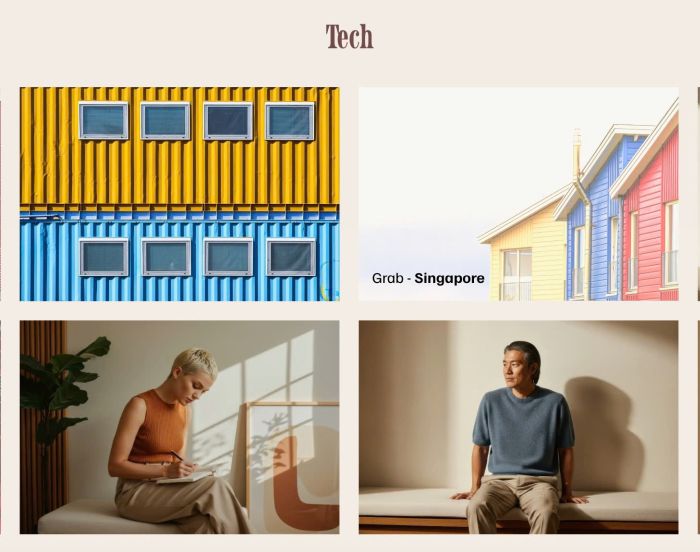
some tweak to list simple: hover image will show title, description, image, overlay, make item clickable
reveal text on scroll v2, use Text Block, you can add/remove text easily
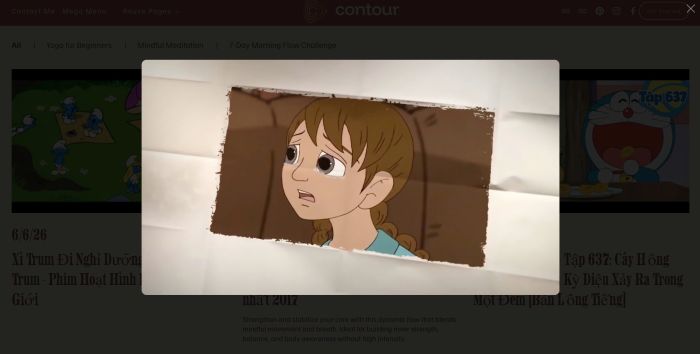
click item in Video Page will open Video Lightbox (Vimeo, Youtube, Uploaded video)
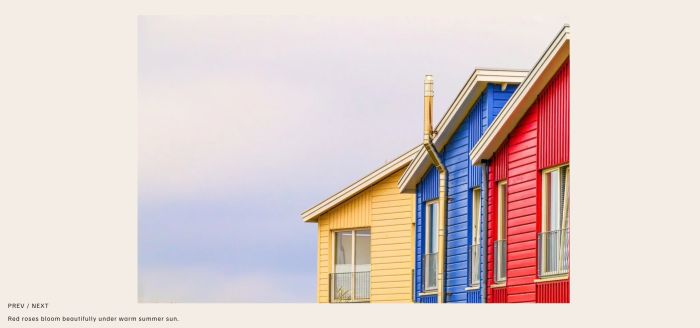
Recreate Well Slideshow style in Squarespace 7.1 with bottom left is Prev/Next + Caption text

adding fullwidth slideshow with same text over all images and autoscroll
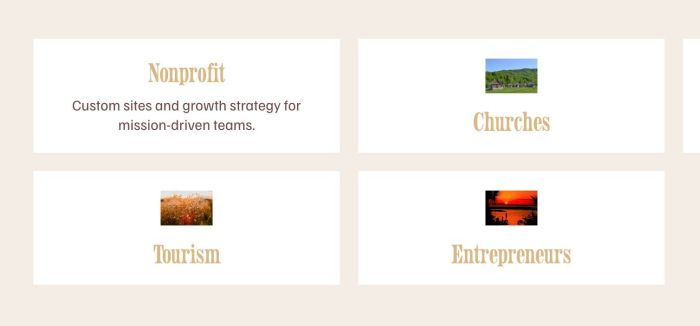
adding Flip Icon Block as a block, you can enable/disable text, icon easier, you can also change space, columns, color, size….
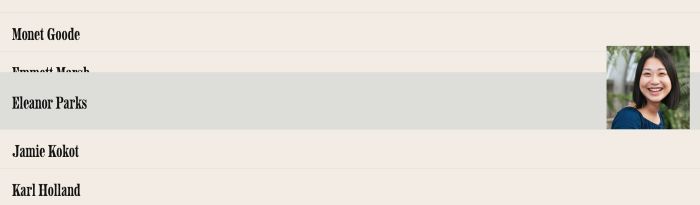
hover title show & expand image in same line, use List Team Section
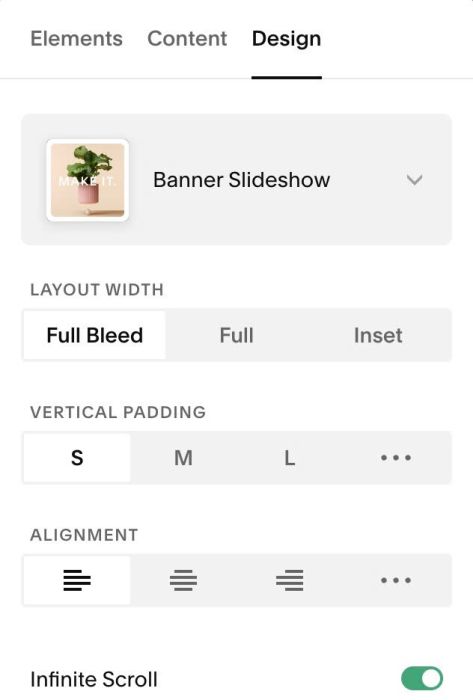
enable link on List Slideshow: image, title, description, whole item clickable
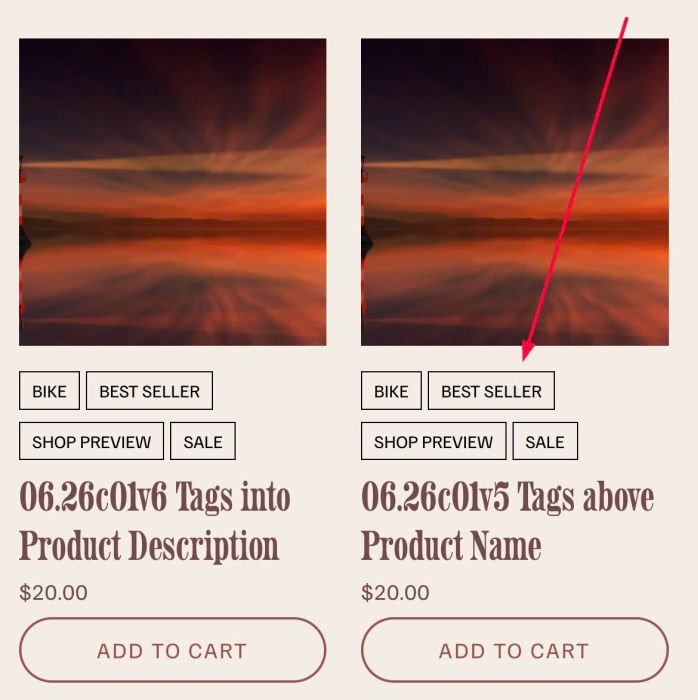
add Tags into Store: above or under product name, you can set link or make it unclickable, you can set raw text or button style

adding Author Filter to Summary Block Blog, you can change style of active item, inactive item easily

change Related Products to Carousel, you can set Carousel on Desktop or Mobile, you can change columns, gap, title, price size easily.
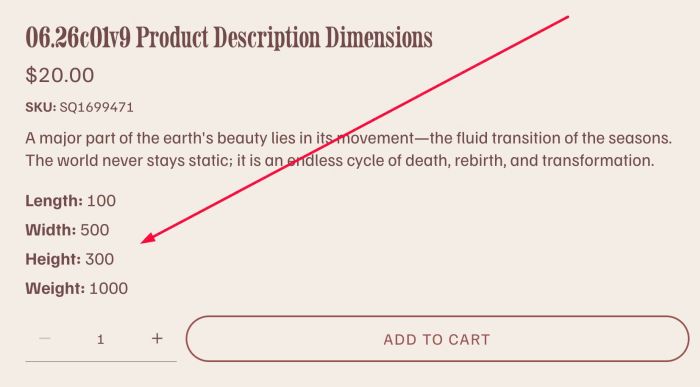
add Dimensions to Product Description

flip icon section with team/list section simple, you can enable title, description, icon, you can enable/disable link

adding loading screen effect with Text or Logo, you can change style, animate easier.
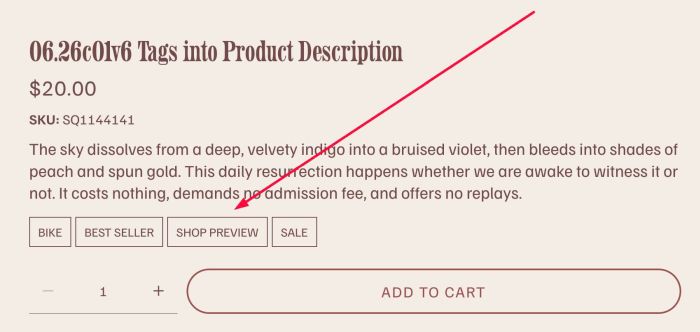
adding Tags into Product Description, you can change style of tags easier, you can also disable url from Tags.

adding Tags above Product Title, you can change style of tags easier, you can also disable/enable tags link
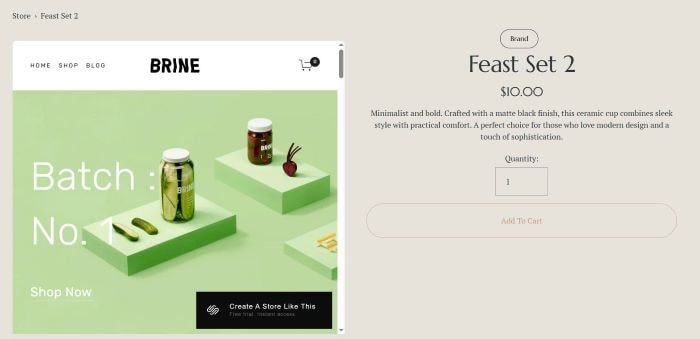
adding template preview to product detail (replace product gallery with template preview)
adding icon/image to Scrolling Block

adding copyright icon to image, hover icon will show custom text
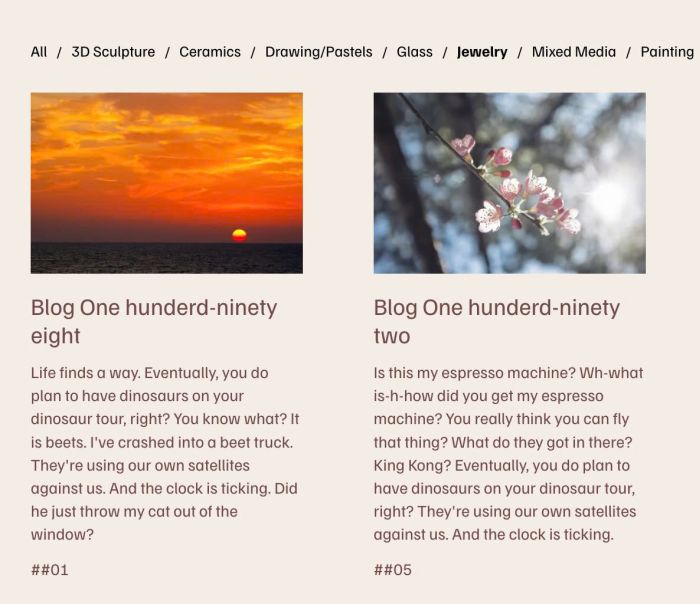
adding filter to Summary Block Blog, you can set filter by Categories or Tags

fade logos (Gallery Grid) on scroll but you can use code for any other blocks

zoom text on scroll

adding Portfolio Page to Summary Block Summary Item will have Image, Title, Excerpt.
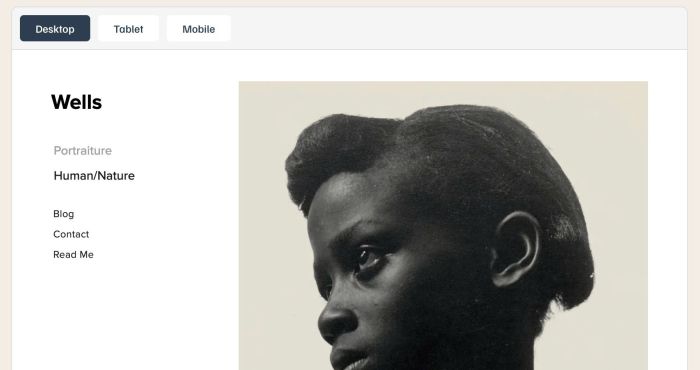
preview external website on your page
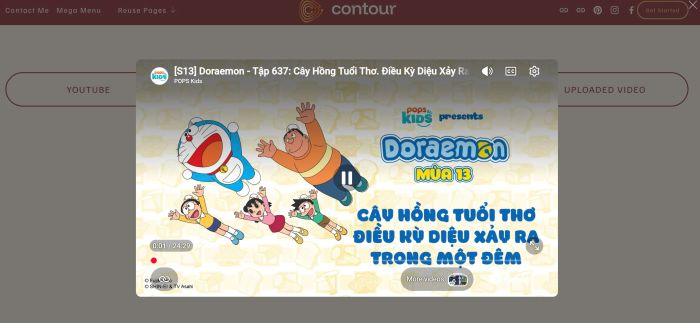
Video Lightbox Popup on Button Click. You can do lightbox popup with Youtube, Vimeo or Uploaded Video

adding Summary Block with Past Event – Current Event – Upcoming Event, you can change order to Upcoming – Current – Past event if you want
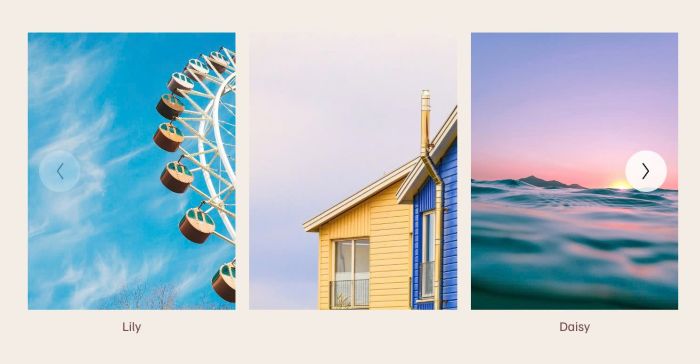
adding Carousel Image Block (in case your plan doesn’t support Gallery Block Carousel)
support options: columns (desktop/mobile), gap between images (desktop/mobile), trackpad scrolling, drag & swipe, keyboard navigation, autoplay,..
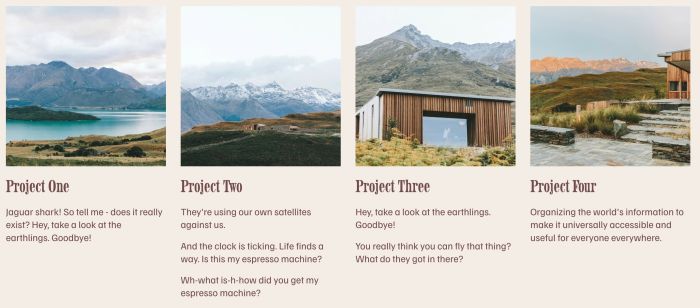
adding custom text/excerpt under Portfolio Title, you can set 1 line, 2 lines or 3 lines, you can choose p1, p2, p3, h4, h5, h6 style.

make overlay and text appears over portfolio image on scroll on mobile

adding falling stars effect, you can change stars to another icon
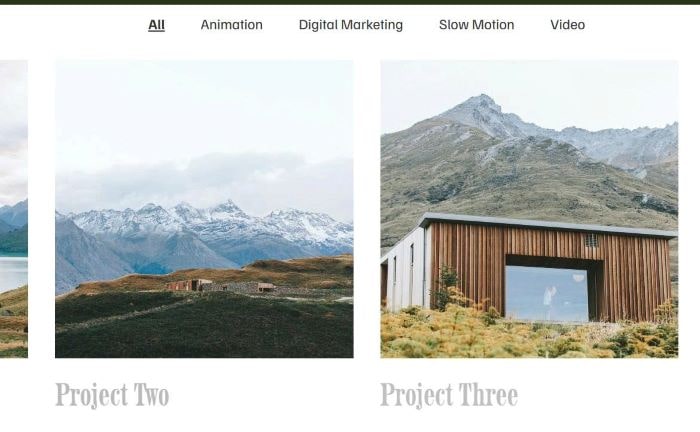
adding category to Portfolio Page and make a category filter bar appears on top of Portfolio Page, you can set active filter item, make filter sticky…
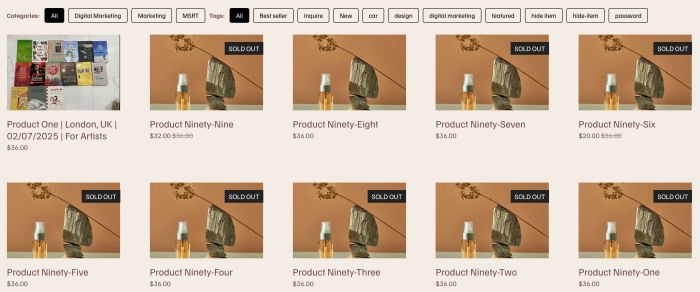
Adding Filters to Summary Block Product. You can set filter by Categories or Tags.
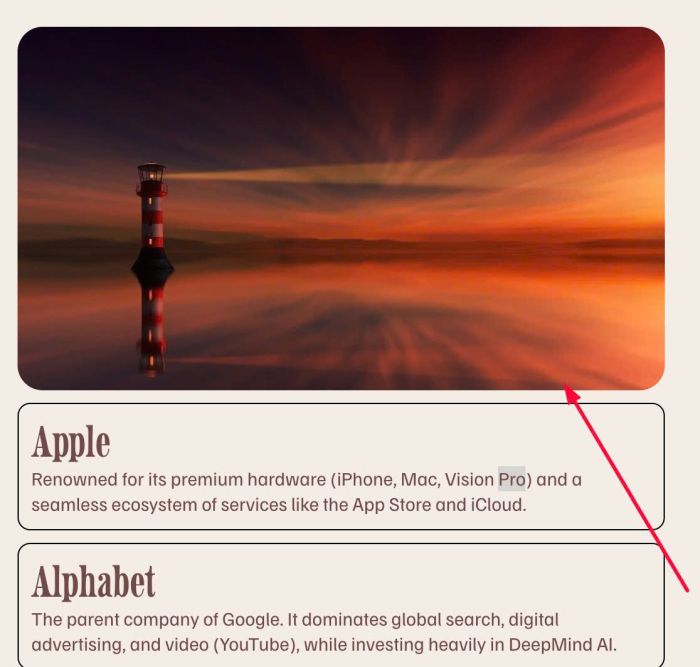
Image and some text boxes under it

flip with list section simple
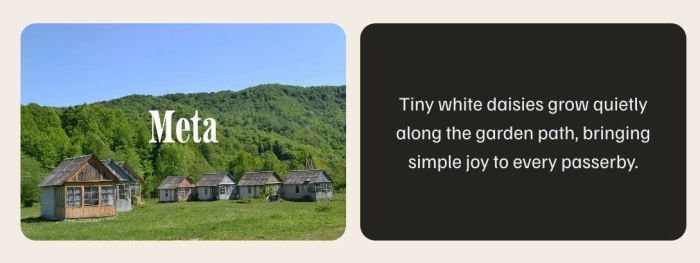
Flip Effect on Image Blocks, you can choose show Title/Description/Image/Background Color on Front/Back (Flip). It also supports Flip behavior: Hover or Click. You can also add Link to Flip. You can change Title tag to h1, h2, h3, h4…
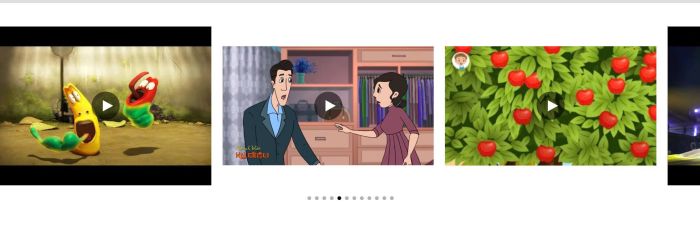
video horizontal gallery, click video open video in lightbox
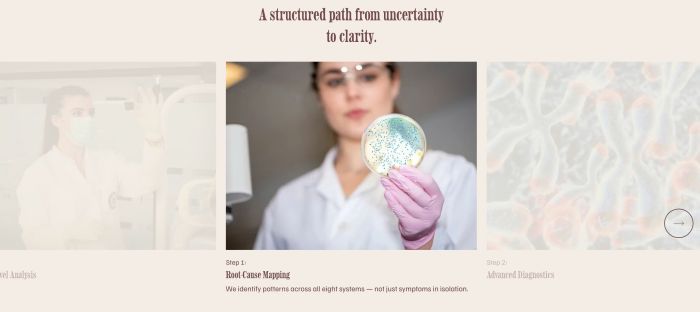
light to dark carousel
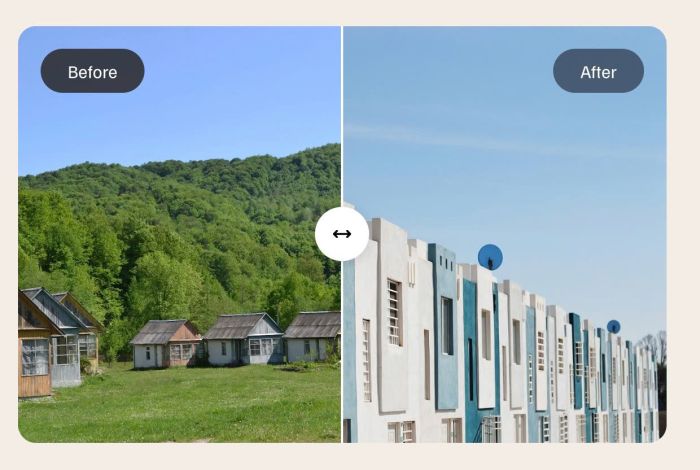
Before After Image Slider

play video background on text click
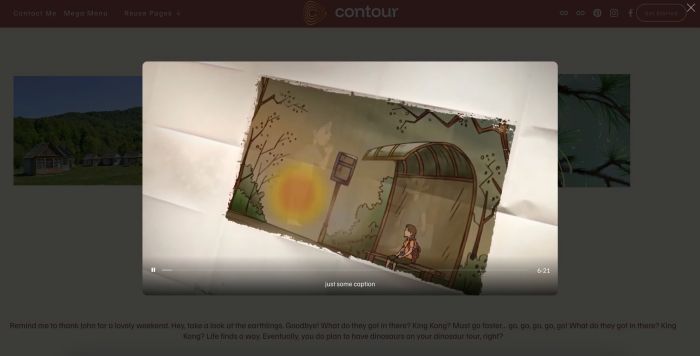
click image block will open Vimeo in Popup
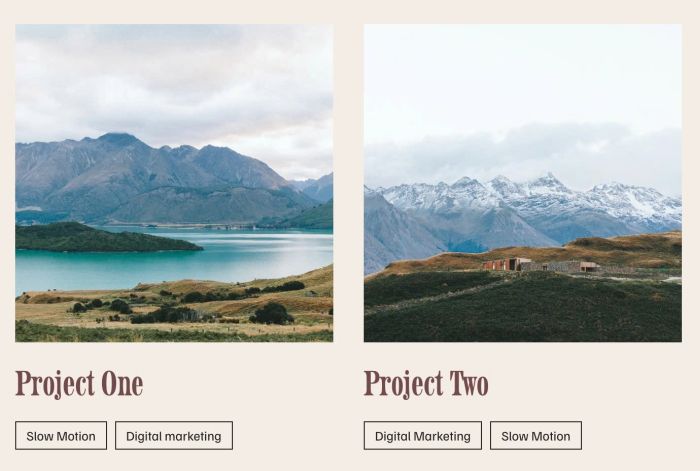
add button (non-clickable) to Portfolio items
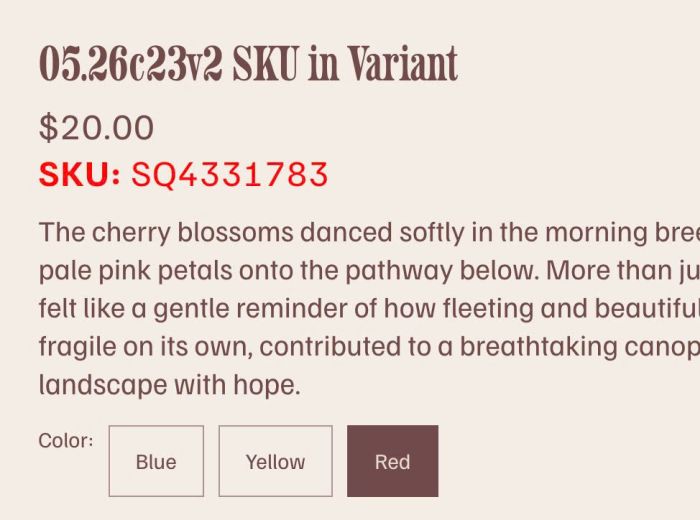
adding SKU in Product Variants (Product detail page)

hover icon box change image on right side
some custom code to tweak WM Tabs Plugin

tweak something in List Simple
enable link on List Carousel: image, title, description, whole item
enable link on List Simple: image, title, description, whole item
show/hide images in specific time
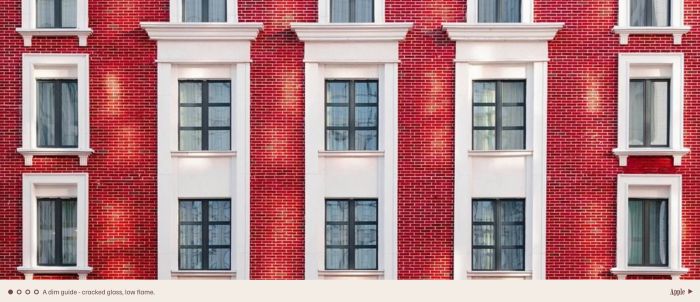
Project Slideshow
replace images in Store Page with Images in Product Additional Info
randomize fullscreen slideshow to cover page on Avenue Template (7.0)
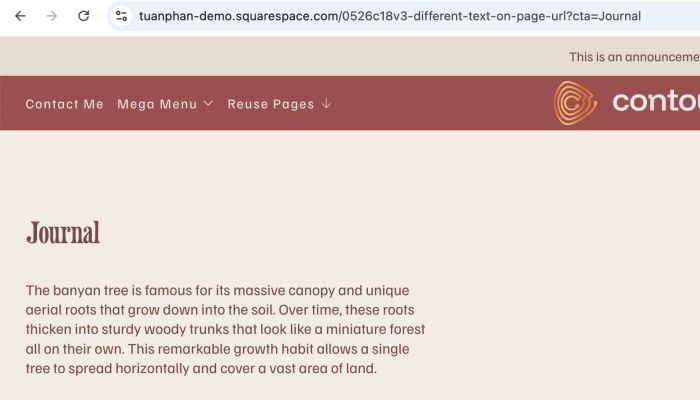
different text on page url change
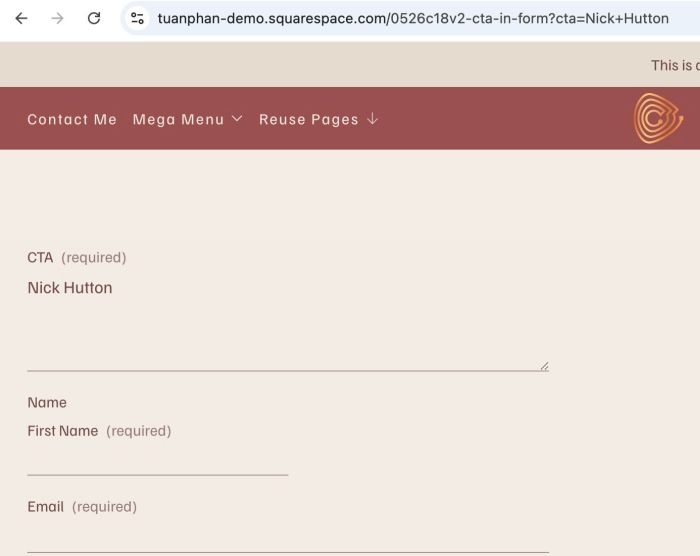
different cta text on form block on page url change

play video on image hover
adding custom cursor trail
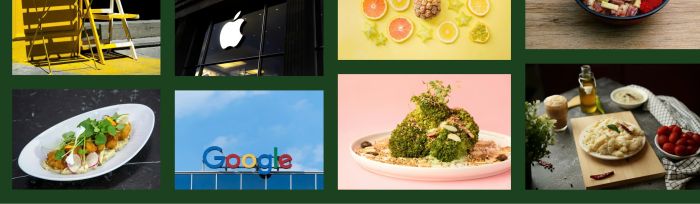
align bottom images in masonry

hover text show image
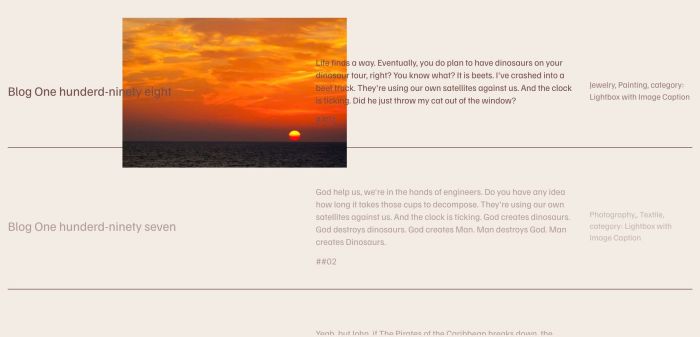
hover text show image follow cursor, with Summary Block
click dropdown title – scroll to top of page
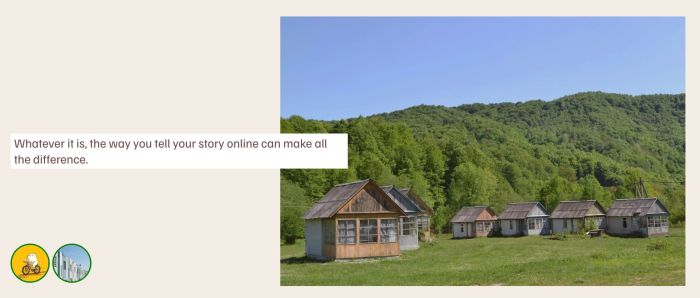
adding Image Block (Classic Editor) with Icons
click menu link open fullscreen menu on desktop
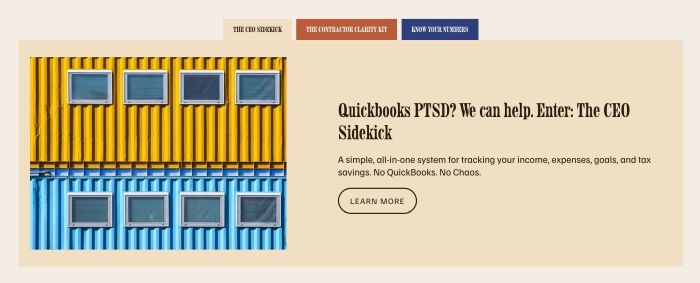
tab file folder carousel slider style
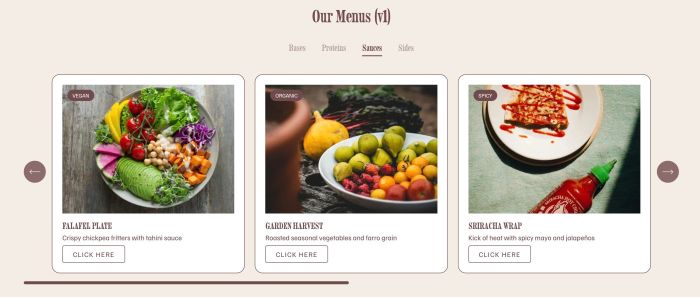
adding restaurant menu carousel v1
slow scroll
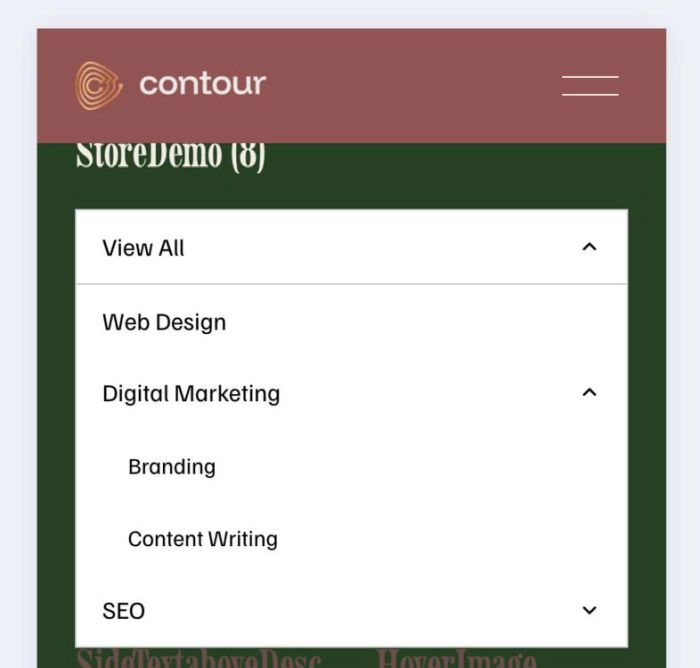
add dropdown to store page in mobile, ver 2

adding h1 to Slideshow Full Section
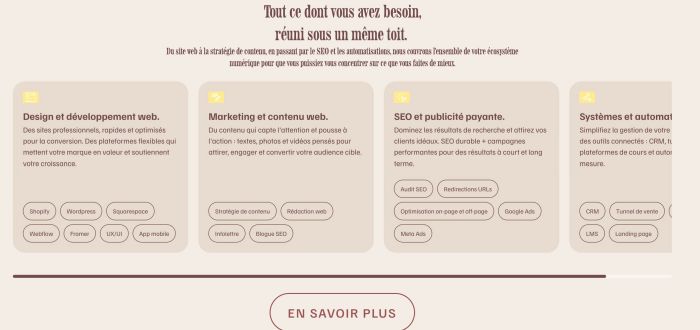
custom carousel with team carousel (v3)
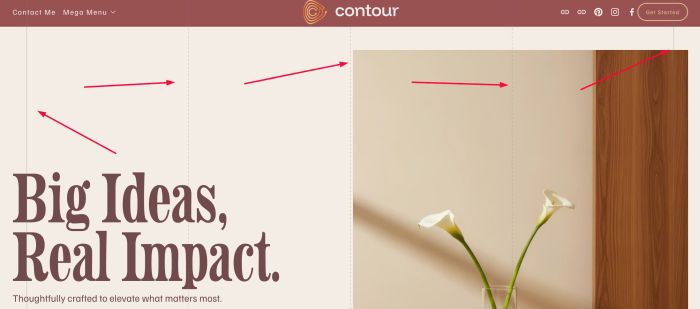
add vertical lines
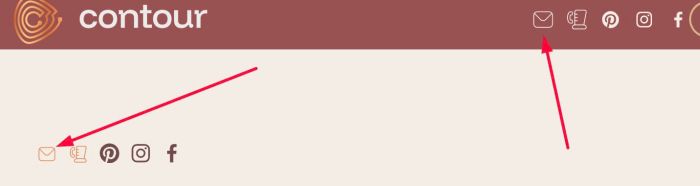
adding Flaticon email icon to Social Icons
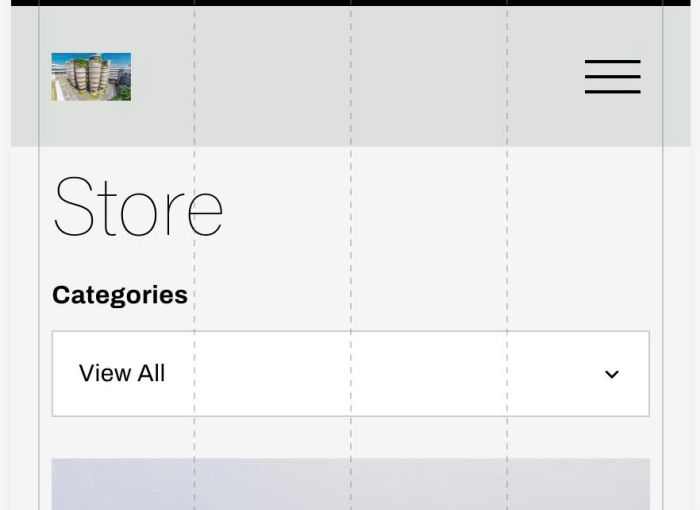
add dropdown to store page in mobile
click Vimeo play it in Fullscreen
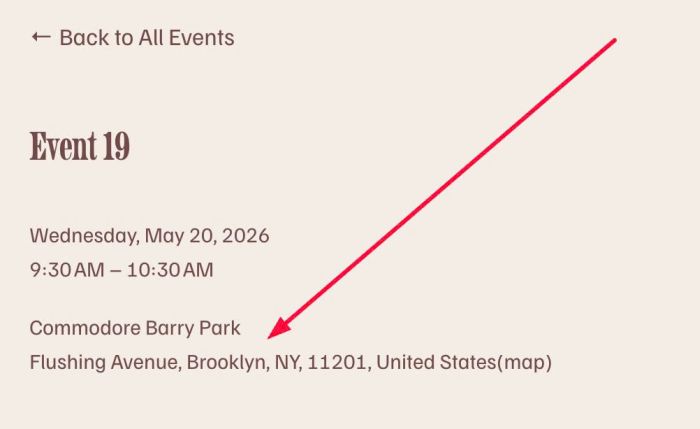
set same location to all events
Recreate Well Gallery style in Squarespace 7.1
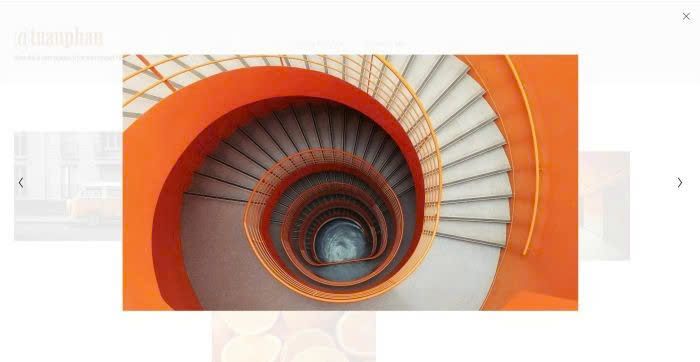
connect image lightbox
add breadcrumbs to Portfolio page
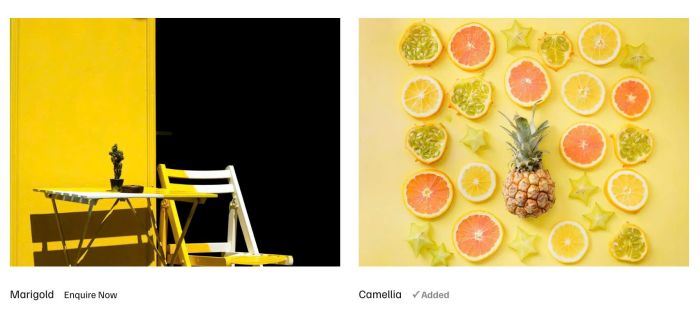
click enquire now will add gallery images to enquiry list, then users can submit and enter info in a enquiry form (version 3)
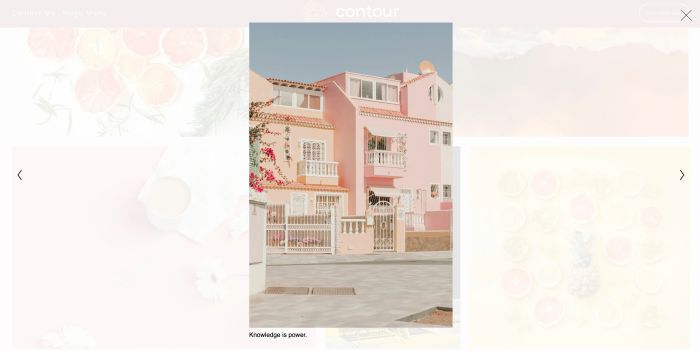
add caption under image in lightbox
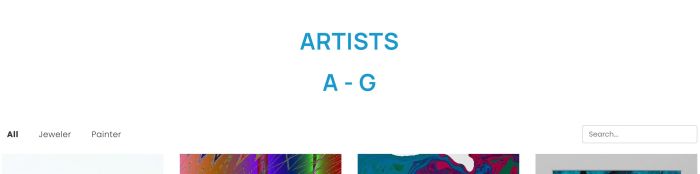
add up to 180 items to Portfolio Page and some other options
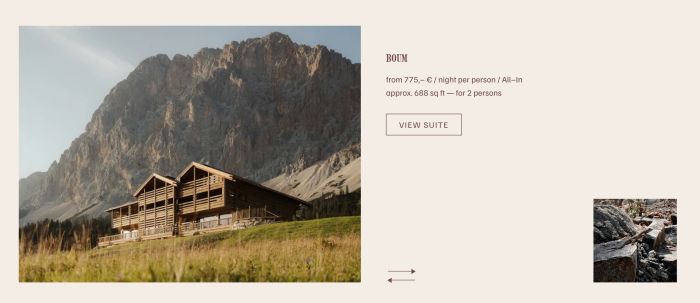
slideshow with two photos
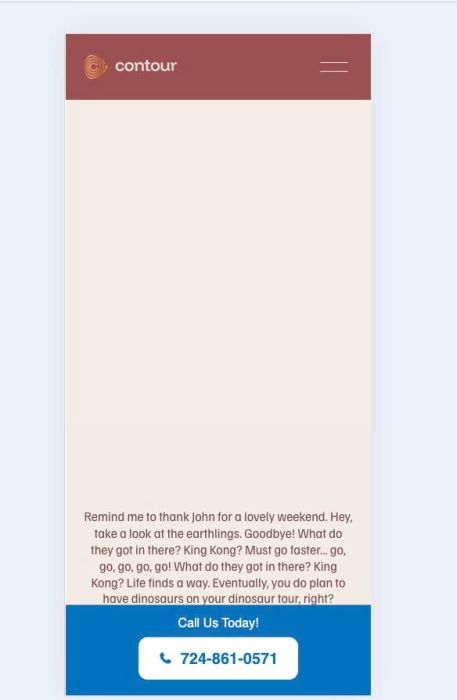
mobile info bar with text/phone
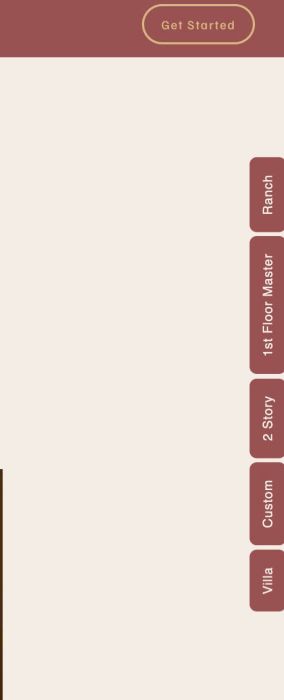
floating menu on right side of page
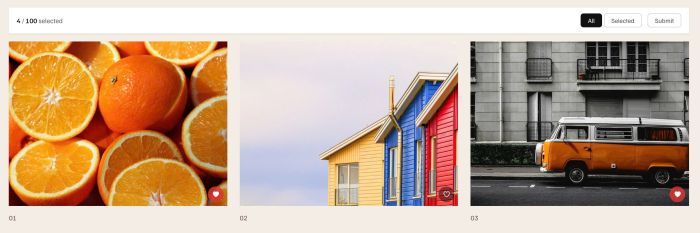
add heart icon to Gallery
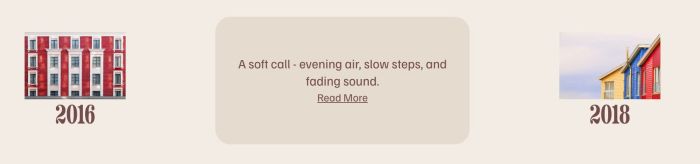
initial: show image, title – hover: show background color, description, read more
play audio on hover image
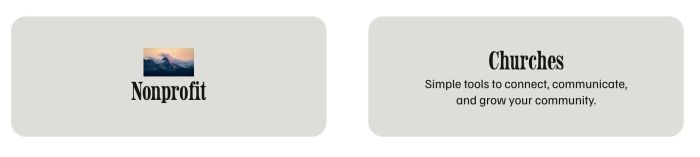
Initial: show background color, icon, title – Hover: show background color, title, description

blog slideshow use list carousel
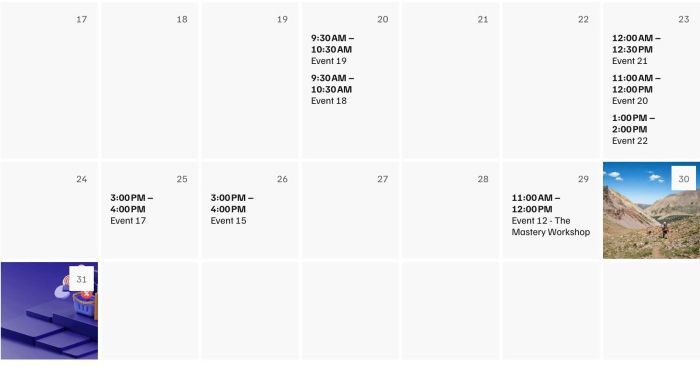
show end time in Calendar

custom pagination with left, right, top arrow

Summary Block Carousel to List Section Carousel. Sync Products (Title, Price, Category)
add custom text to Product Category Page
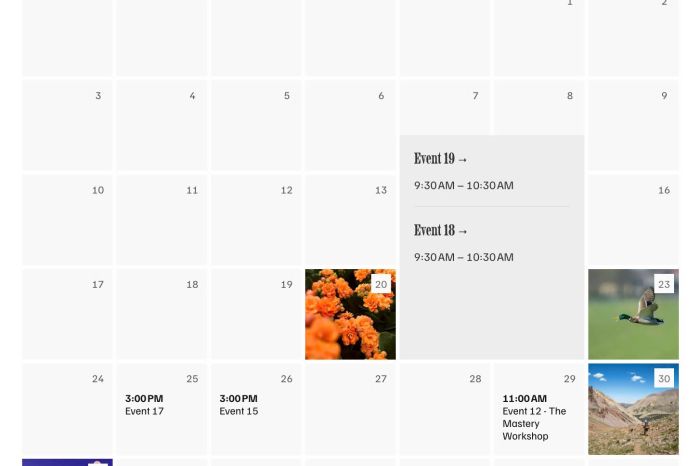
Fix Missing Background Image for Multi-Event Days

hover image show extra text
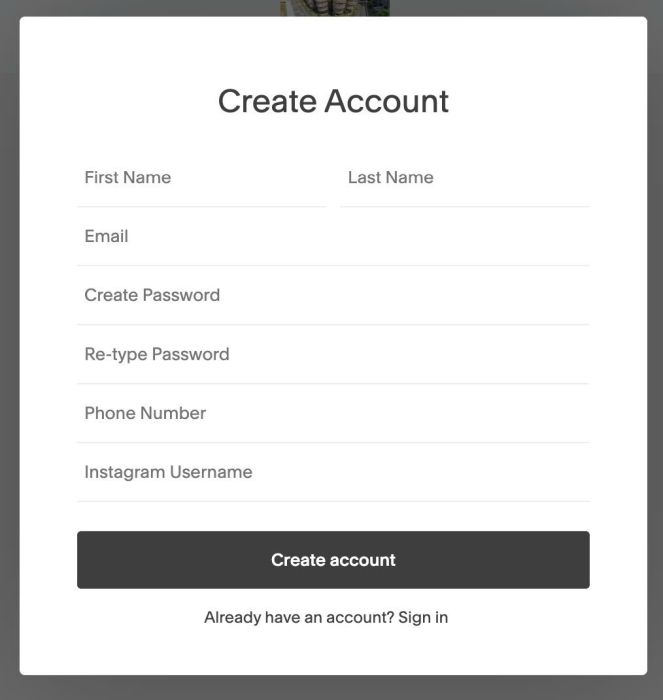
adding Instagram & Phone to Signup Box

slideshow with counter number and grid icon, click grid will change to grid view

change event calendar title color – each category will have a different color
change header logo/logo color on section scroll

click on-off swap another image
click enquire now will add gallery images to enquiry list, then users can submit and enter info in a enquiry form
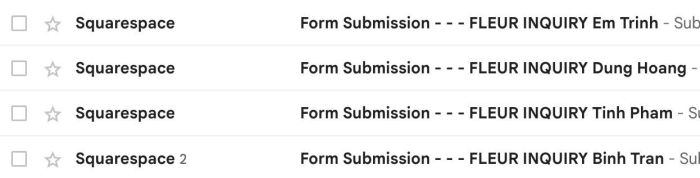
some tweaks to form block submission email

Fullscreen Slideshow with mix of Image – Video
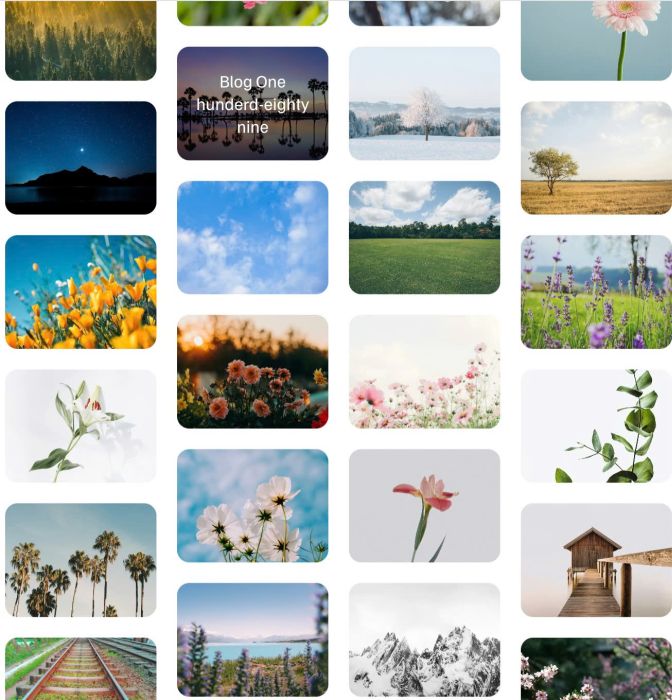
4 columns gallery, click will open blog post
some tweak on Gallery Block Carousel
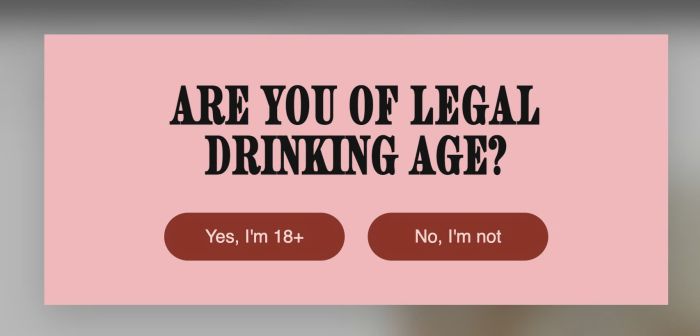
age verification popup
change section background color on scroll
make list carousel image clickable but keep button
click play icon in Header will play Sound
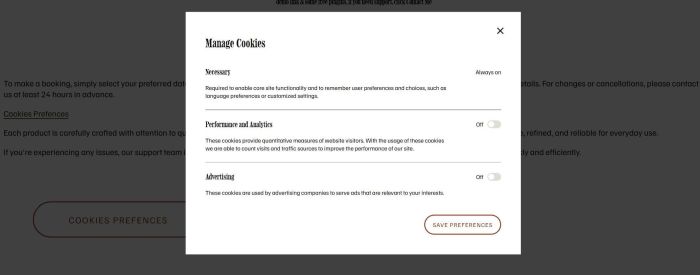
click button open Cookies Prefferences Popup
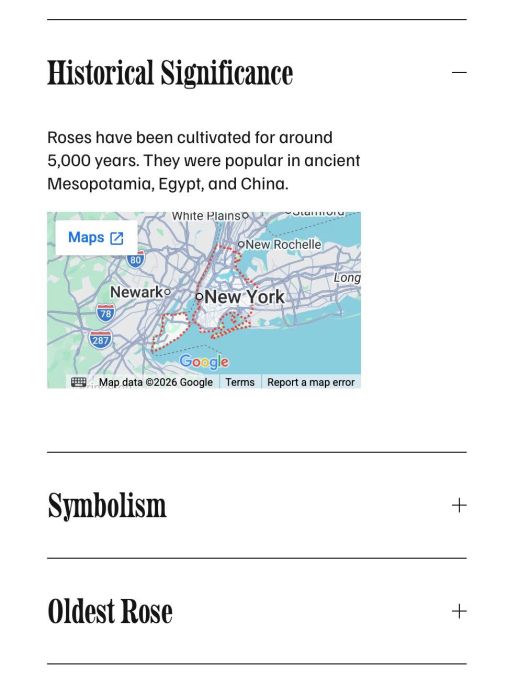
adding Google Maps into Accordion Block

turn gallery grid to carousel, sync it with blog
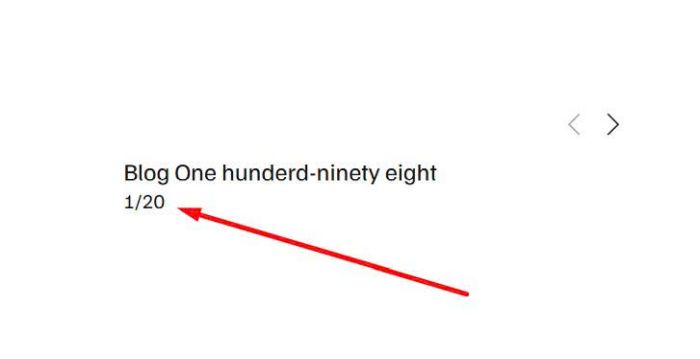
adding counter number under Summary Block Carousel