Description
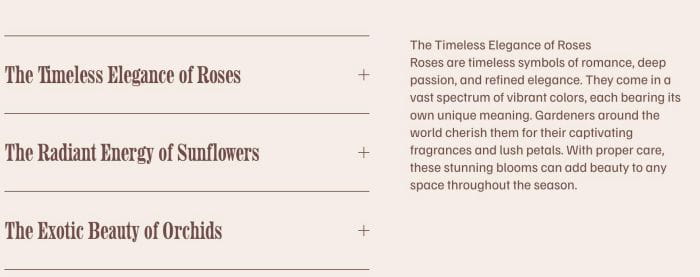
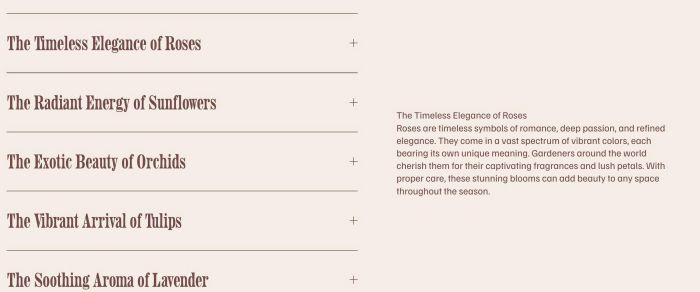
- turn accordion to 2 columns with accordion title on left, accordion content on right side
- view demo – password: abc
- buy me a coffee
#1. Install Code
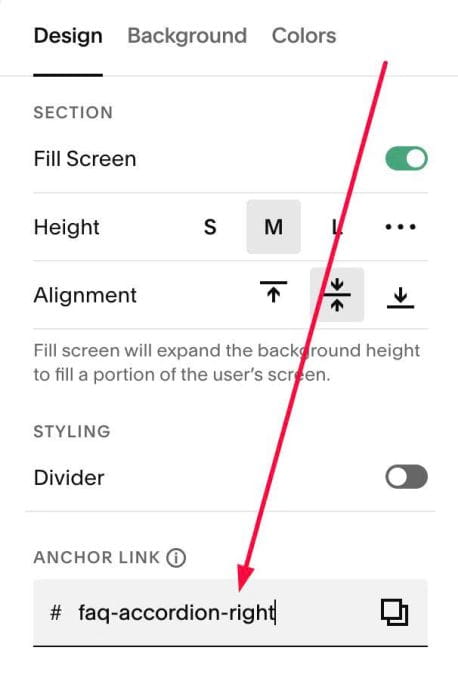
#1.1. Hover on top right of section where you use Accordion > Click EDIT SECTION > at Design > Anchor Link > enter text: faq-accordion-right
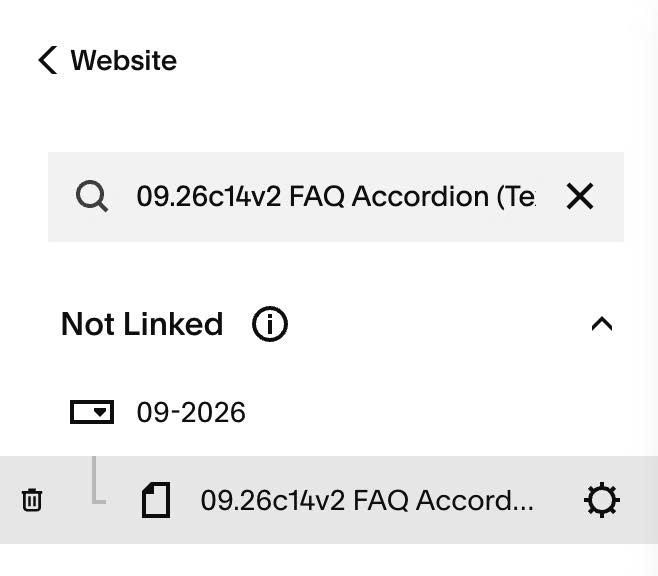
#1.2. Next, hover on Page where you use Accordion > Click Gear icon
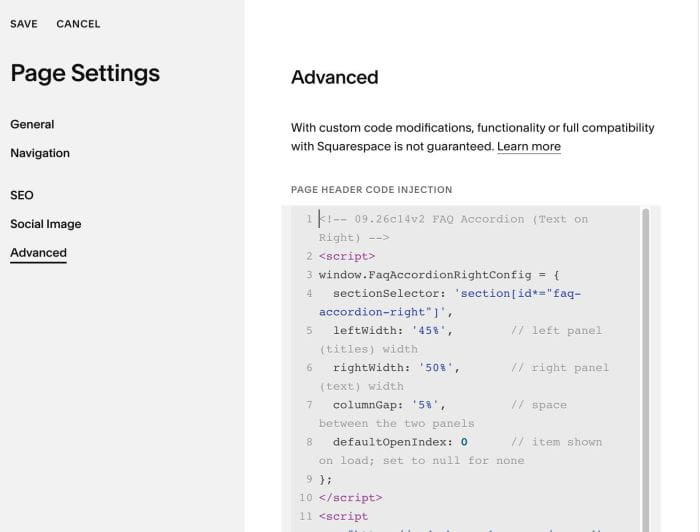
#1.3. Click Advanced > Paste this code
<!-- 09.26c14v2 FAQ Accordion (Text on Right) -->
<script>
window.FaqAccordionRightConfig = {
  sectionSelector: 'section[id*="faq-accordion-right"]',
  leftWidth: '45%',        // left panel (titles) width
  rightWidth: '50%',       // right panel (text) width
  columnGap: '5%',         // space between the two panels
  defaultOpenIndex: 0      // item shown on load; set to null for none
};
</script>
<script src="https://code.beaverhero.com/accordion/0926c14v2faqaccordionrighttext.js"></script>
#2. Customize
#2.1. To align center text, use this code under main code
<style>
section[id*="faq-accordion-right"].faqr-init .accordion-block .sqs-block-content {
    align-items: center !important;
}
</style>
#2.2. To make space between Accordion – Text on Mobile, use this code under main code
<style>
@media screen and (max-width:767px) {
    .faqr-panel {
    margin-top: 30px !important;
}
}
</style>