Description
- adding fullscreen section snap scroll
- view demo – password: abc
- buy me a coffee

#1. Install Code
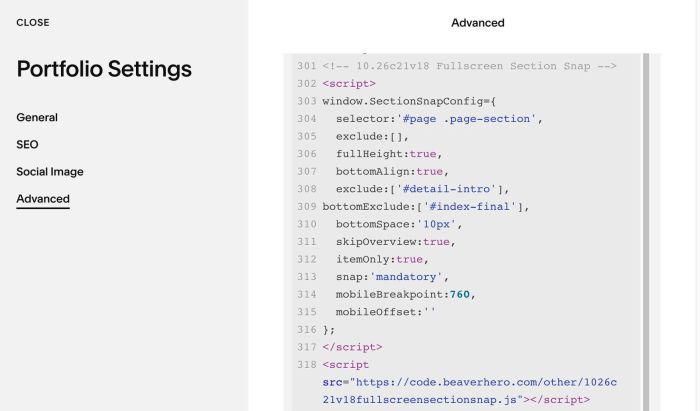
#1.1. Use this code to Page Header Injection
<!-- 10.26c21v18 Fullscreen Section Snap -->
<script>
window.SectionSnapConfig={
  selector:'#page .page-section',
  exclude:[],
  fullHeight:true,
  bottomAlign:true,
  exclude:['#detail-intro'],
bottomExclude:['#index-final'],
  bottomSpace:'10px',
  skipOverview:true,
  itemOnly:true,
  snap:'mandatory',
  mobileBreakpoint:760,
  mobileOffset:''
};
</script>
<script src="https://code.beaverhero.com/other/1026c21v18fullscreensectionsnap.js"></script>
#2. Customize
#2.1. To exclude a section, you can change this line
exclude:['#detail-intro'],
with detail-intro is text you entered in Section Anchor Link option