Description
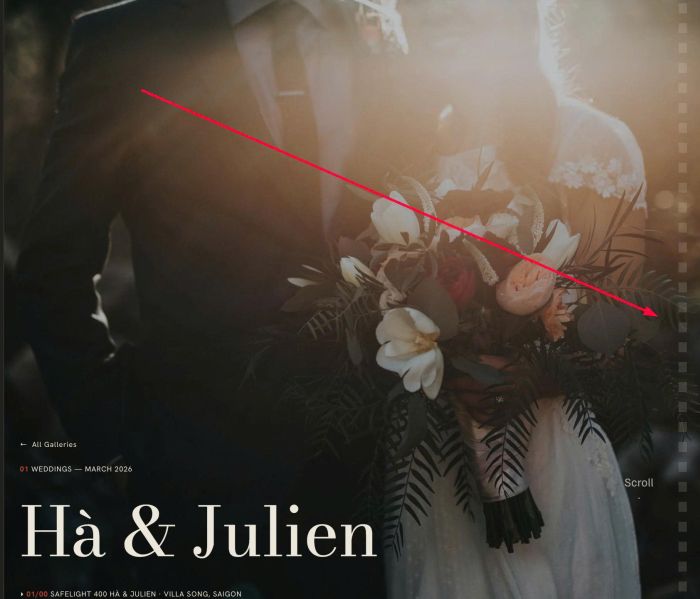
- adding sprockets to right side of site
- view demo – password: abc
- buy me a coffee
#1. Install Code
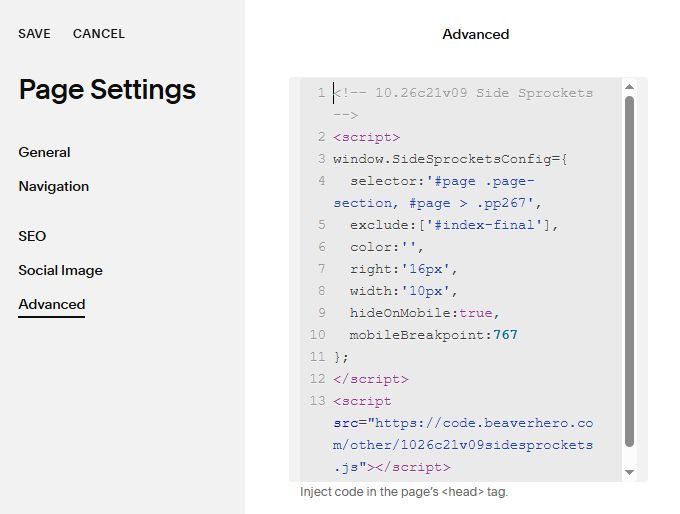
#1.1. Use code to Page Header Injection
<!-- 10.26c21v09 Side Sprockets -->
<script>
window.SideSprocketsConfig={
  selector:'#page .page-section, #page > .pp267',
  exclude:['#index-final'],
  color:'',
  right:'16px',
  width:'10px',
  hideOnMobile:true,
  mobileBreakpoint:767
};
</script>
<script src="https://code.beaverhero.com/other/1026c21v09sidesprockets.js"></script>
#2. Customize
#2.1. To exclude a section, you can change line
exclude:['#index-final'],
#2.2. To change color, width, space on right of screen, change these
color:'',
  right:'16px',
  width:'10px',