Description
- scroll text with vertical line, click it will scroll to next section
- view demo – password: abc
- buy me a coffee

#1. Install Code
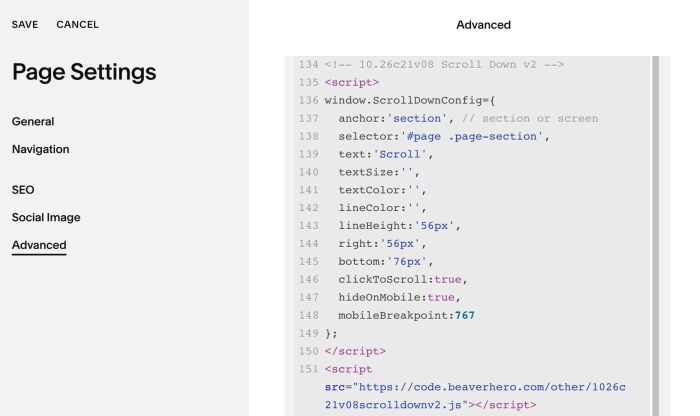
#1.1. Use code to Page Header Injection (page where you want to apply code)
<!-- 10.26c21v08 Scroll Down v2 -->
<script>
window.ScrollDownConfig={
  anchor:'section', // section or screen
  selector:'#page .page-section',
  text:'Scroll',
  textSize:'',
  textColor:'',
  lineColor:'',
  lineHeight:'56px',
  right:'56px',
  bottom:'76px',
  clickToScroll:true,
  hideOnMobile:true,
  mobileBreakpoint:767
};
</script>
<script src="https://code.beaverhero.com/other/1026c21v08scrolldownv2.js"></script>
#2. Customize
#2.1. You can change text with this line
text:'Scroll',
change text style
textSize:'',
  textColor:'',
#2.2. Change line style
lineColor:'',
  lineHeight:'56px',