Description
- flip icon block, you can add it as a block
- view demo – password: abc
- buy me a coffee

#1. Install Code
First, I need to explain how the code works a little.
- We will use a Team Section (List Section) then setup image, title, description, link
- Next, we will add a Code Block and sync data with List Section
#1.1. First, add a Section > Choose Team > Choose Section with (i) icon

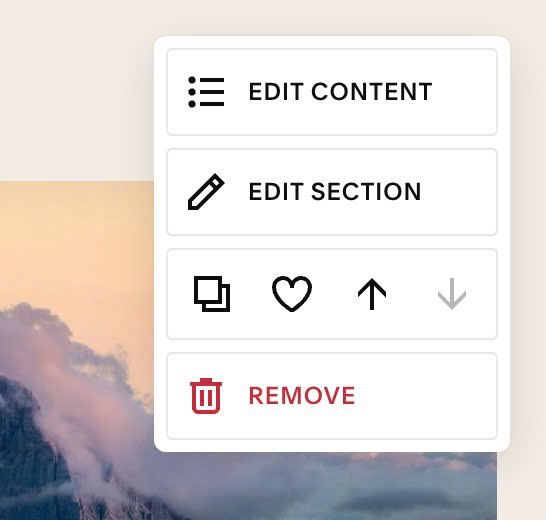
#1.2. Next, hover on top right of People Section > Click EDIT CONTENT
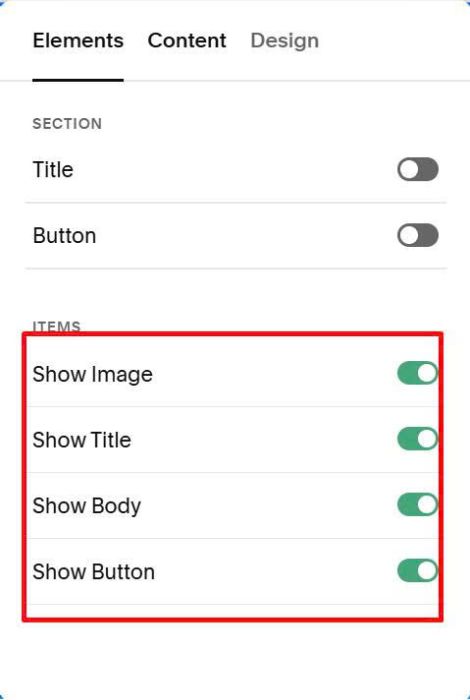
At tab Elements, enable these options
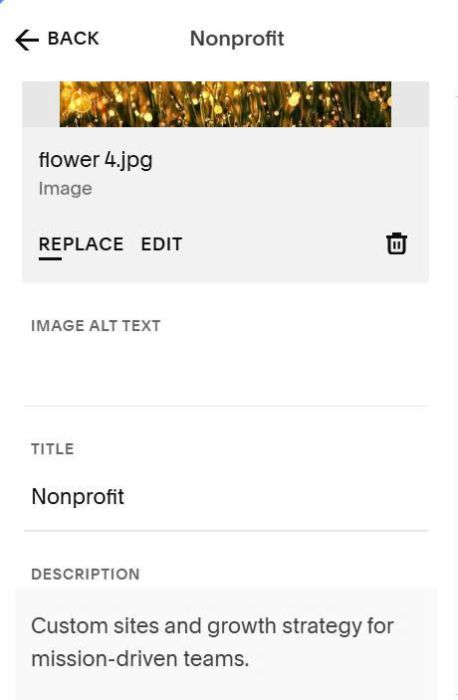
At tab Content, you can add your desired content (title, body text, image, url)
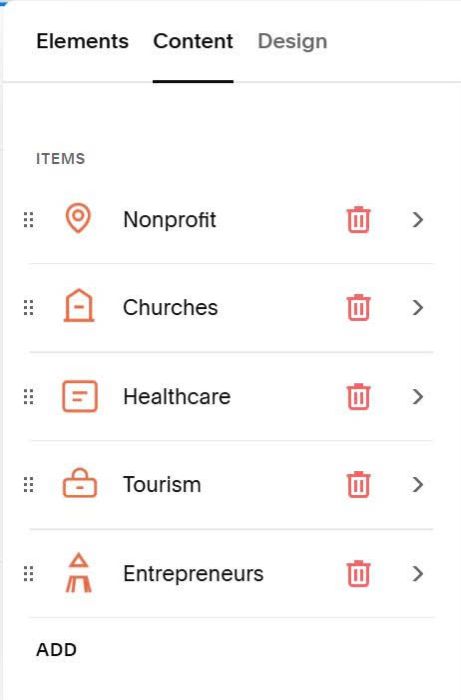
Something like this
#1.3. Next, hover on top right of Team Section > Click EDIT SECTION
At tab Format > Anchor Link > enter word: #flipiconbox01

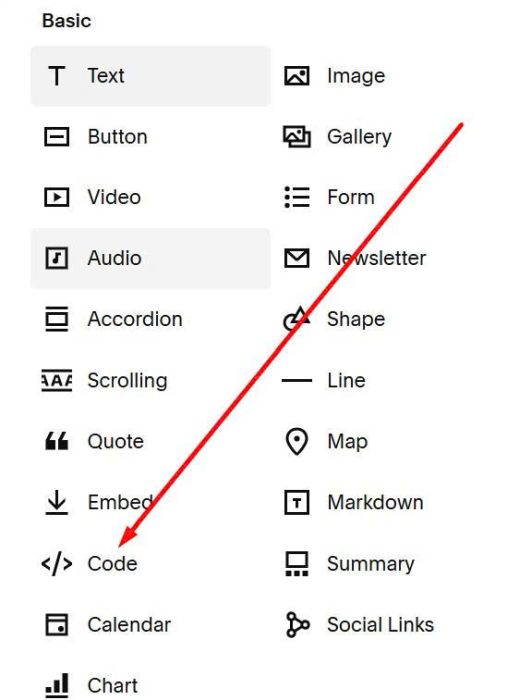
#1.4. Add a Code Block in the position where you want the Flip Icon to appear
Paste this syntax into Code Block
<div data-flip-iconbox-value="01"></div>
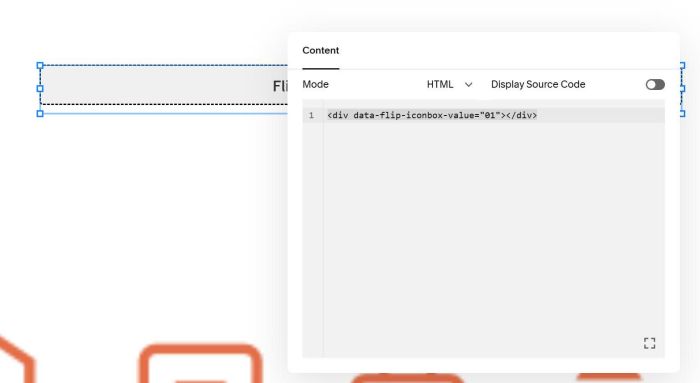
If you want to add multiple Flip Icon Boxed on same pages, you can repeat all steps, but change number 01 in step (#1.3 + #1.4) to number 02, 03, 04,..


#1.5. Hover on Page where you use Team Section > Click Gear icon

Click Advanced > Paste this code
- If you use Personal Plan/Basic Plan and your plan doesn’t support Injection, see #3.1.
<!-- 06.26c01v12 Flip Icon Block -->
<script>
window.FLIP_ICONBOX_CONFIG = {
  frontImage: true,
  frontTitle: true,
  frontDescription: false,

  backImage: false,
  backTitle: true,
  backDescription: true,

  imageMode: 'fixed',
  imageFixedSize: '56px',

  titleTag: 'h4',
  titleFontSize: '28px',
  descFontSize: '16px',
  titleColor: '',
  descColor: '',

  frontBackgroundColor: '#FFFFFF',
  backBackgroundColor: '#FFFFFF',
  frontOverlayColor: 'rgba(0,0,0,0.35)',

  padding: '12px',
  flipSpeed: '0.6s',
  cardRadius: '0px',

  linkEnabled: true,
  mobileTapDelay: 5000,
};
</script>

<script src="https://code.beaverhero.com/list/0626c01v12flipiconblock.js"></script>

#2. Customize
#2.1. To enable/disable Icon, Title, Description in Front – Back (Flip), you change Line 04 to Line 10
frontImage: true,
frontTitle: true,
frontDescription: false,

backImage: false,
backTitle: true,
backDescription: true,
#2.2. To change Icon size, you can change Line 13
imageFixedSize: '56px',
#2.3. To change Title, Description size, you can change Line 16, Line 17
titleFontSize: '28px',
descFontSize: '16px',
#2.4. To change Title, Description color, you can change Line 18, Line 19
titleColor: '',
descColor: '',
to something like this
titleColor: '#000',
descColor: '#f1f',
you can also use color name, like this
titleColor: 'black',
descColor: 'red',
#2.5. To change Front – Back (Flip) white background to another color, you can change Line 21, Line 22
frontBackgroundColor: '#FFFFFF',
backBackgroundColor: '#FFFFFF',
#2.6. To change space between icon/text – item border, you change Line 25
padding: '12px',
#2.7. To change space between items

You can edit Team Section and adjust it
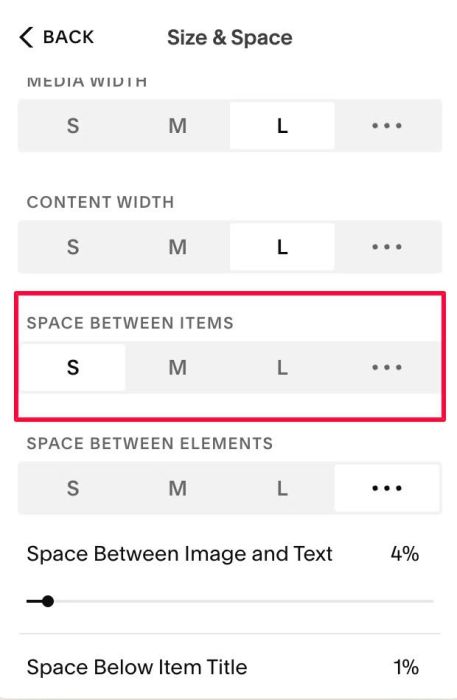
#2.8. To change number of columns, you can change this option

#2.9. To change number of columns on Mobile, use this under code
<style>
@media screen and (max-width:767px) {
    .tp-grid {
        grid-template-columns: repeat(2,1fr) !important;
        grid-gap: 5px 5px !important;
    }
}
</style>
#3. Other
#3.1. If you use Personal/Basic Plan and your plan doesn’t support Injection, you can edit Current page > Add a Block
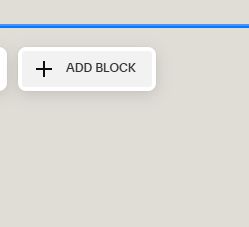
Choose Markdown

Paste this code into Markdown
<script>
window.FLIP_ICONBOX_CONFIG = {
  frontImage: true,
  frontTitle: true,
  frontDescription: false,

  backImage: false,
  backTitle: true,
  backDescription: true,

  imageMode: 'fixed',
  imageFixedSize: '56px',

  titleTag: 'h4',
  titleFontSize: '28px',
  descFontSize: '16px',
  titleColor: '',
  descColor: '',

  frontBackgroundColor: '#FFFFFF',
  backBackgroundColor: '#FFFFFF',
  frontOverlayColor: 'rgba(0,0,0,0.35)',

  padding: '12px',
  flipSpeed: '0.6s',
  cardRadius: '0px',

  linkEnabled: true,
  mobileTapDelay: 5000,
};
</script>

<script src="https://code.beaverhero.com/list/0626c01v12flipiconblock.js"></script>
