Description
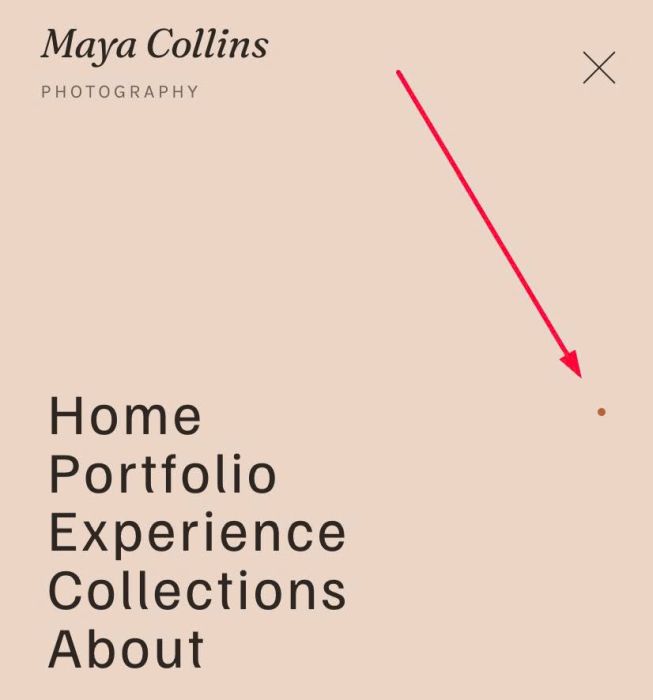
- adding Dot under active navigation (desktop), float right of navigation (mobile)
- view demo – password: abc
- buy me a coffee

#1. Install Code
#1.1. You can use this code to Custom CSS
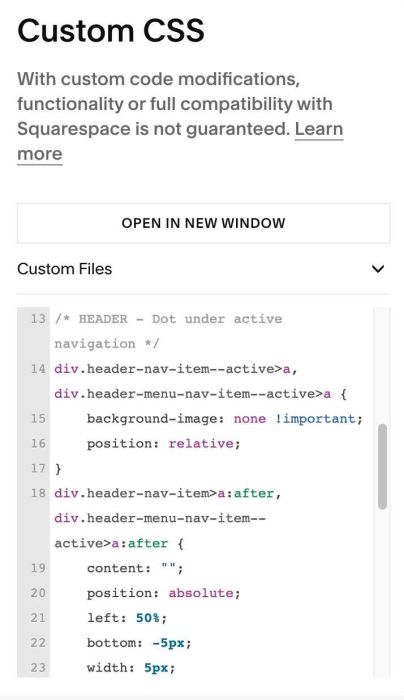
/* HEADER - Dot under active navigation */
div.header-nav-item--active>a, div.header-menu-nav-item--active>a {
    background-image: none !important;
    position: relative;
}
div.header-nav-item>a:after, div.header-menu-nav-item--active>a:after {
    content: "";
    position: absolute;
    left: 50%;
    bottom: -5px;
    width: 5px;
    height: 5px;
    border-radius: 50%;
    background: var(--sqsp-palette-accent-color);
    transform: translateX(-50%) scale(0);
    transition: transform .25s;
}
div.header-nav-item--active>a:after, div.header-menu-nav-item--active>a:after {
    transform: translateX(-50%) scale(1);
}
div.header-menu-nav-item--active>a:after {
    left: unset;
    right: 0;
    transform: translateY(-50%) !important;
    top: 50%;
  	bottom: unset;
}
.header-menu-nav-item a {
    display: block;
}
#2. Customize
#2.1. To change Dot size + Dot Color
width: 5px;
height: 5px;
border-radius: 50%;
background: var(--sqsp-palette-accent-color);
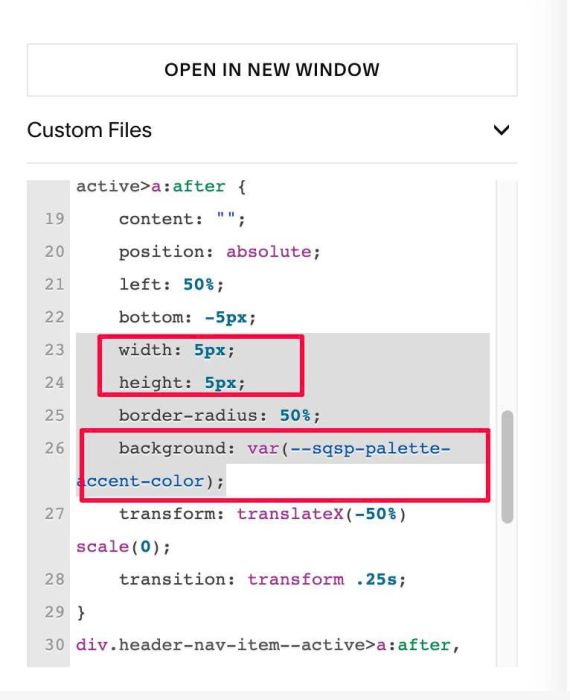
You can use Hex or RGBA color in this case, ex:
background: #f1f;