Description
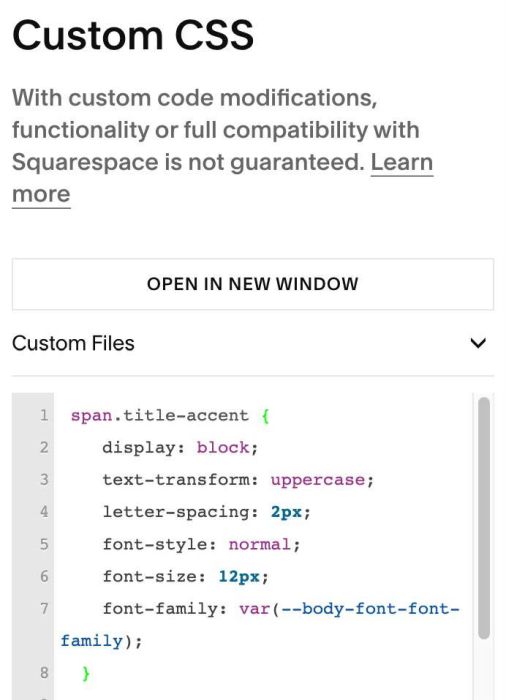
- italic site title with tagline
- view demo – password: abc
- buy me a coffee
#1. Install Code
#1.1. Use code to Code Injection > Footer
- If you use Personal/Basic Plan and your plan doesn’t support Injection, see #3.1
<!-- 10.26c29v1 Site Title 01 Tagline -->
<script>
window.TitleAccentConfig = {
  selector: '.header-title-text a',
  accentColor: '#6e625a',
  accentWords: 'half'
};
</script>
<script src="https://code.beaverhero.com/header/1026c19v8sitetitle2colors.js"></script>
<style>
  span.title-accent {
    display: block;
    text-transform: uppercase;
    letter-spacing: 2px;
    font-style: normal;
    font-size: 12px;
    font-family: var(--body-font-font-family);
  }
</style>

#2. Customize
#2.1. You can change Tagline Color here
accentColor: '#6e625a',
#2.2. Change Tagline size/letter spacing here
letter-spacing: 2px;
font-size: 12px;
#3. Other
#3.1. If you use Personal/Basic Plan and your plan doesn’t support Injection, you can edit Site Footer
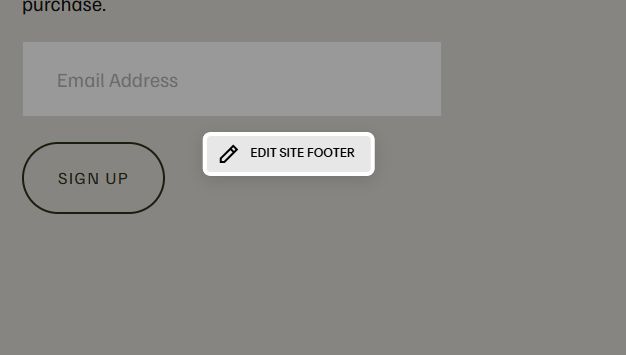
Add an Embed Block
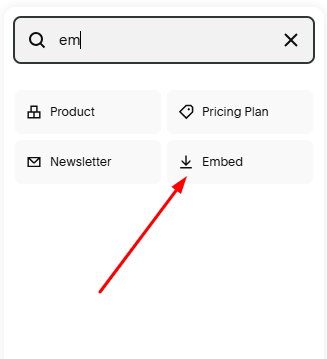
Next, click Code Snippet > Embed Data
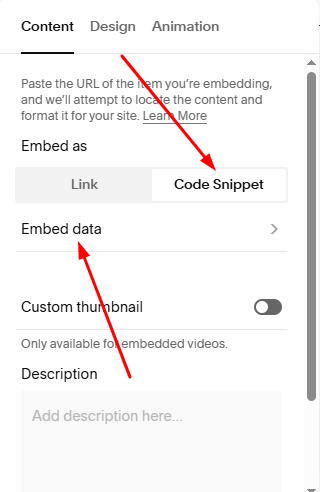
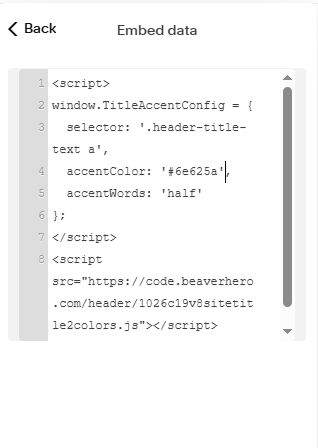
Then add this code
<script>
window.TitleAccentConfig = {
  selector: '.header-title-text a',
  accentColor: '#6e625a',
  accentWords: 'half'
};
</script>
<script src="https://code.beaverhero.com/header/1026c19v8sitetitle2colors.js"></script>
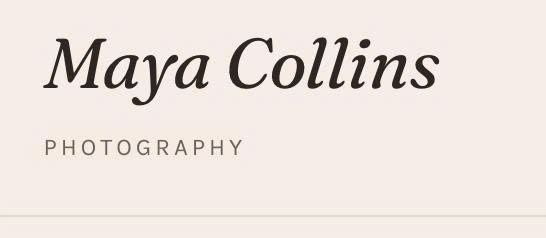
Next, add this code to Custom CSS box
span.title-accent {
   display: block;
   text-transform: uppercase;
   letter-spacing: 2px;
   font-style: normal;
   font-size: 12px;
   font-family: var(--body-font-font-family);
 }