Description
- click reel image (if image has no url) will open image in lightbox
- view demo – password: abc
- buy me a coffee

#1. Install Code
#1.1. Make sure you use Reel Gallery
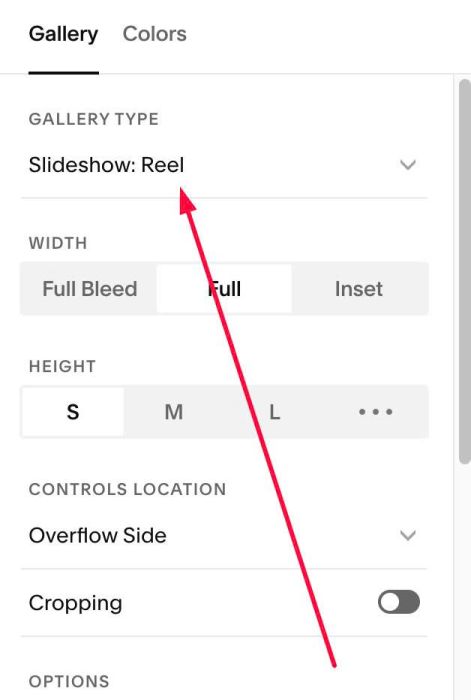
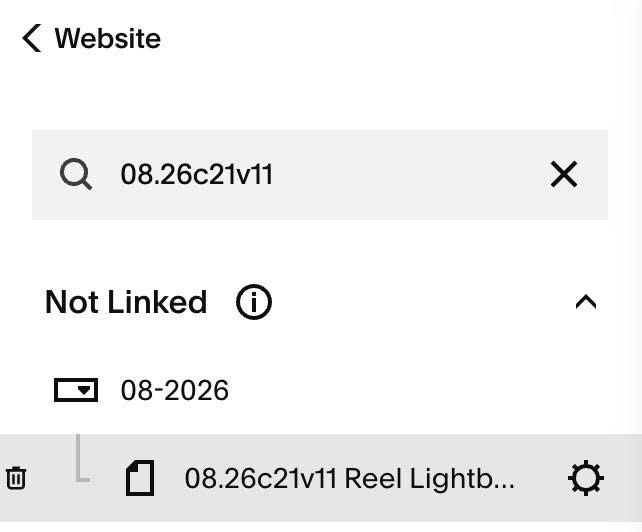
#1.2. Hover on Page where you use Reel > Click Gear icon
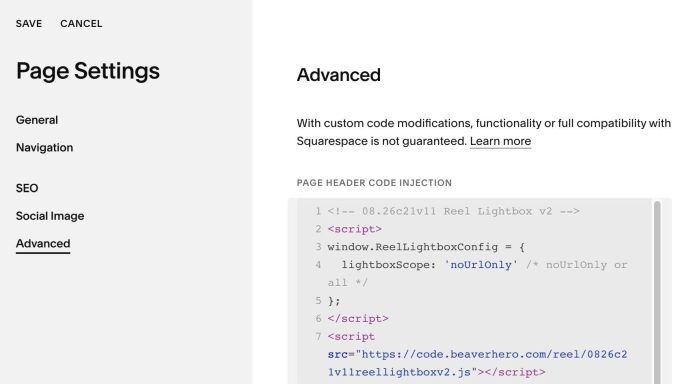
#1.3. Click Advanced > Paste this code
- If you use Personal/Basic Plan and your plan doesn’t support Injection, see #3.1
<!-- 08.26c21v11 Reel Lightbox v2 -->
<script>
window.ReelLightboxConfig = {
  lightboxScope: 'noUrlOnly' /* noUrlOnly or all */
};
</script>
<script src="https://code.beaverhero.com/reel/0826c21v11reellightboxv2.js"></script>
#2. Customize
nothing now
#3. Other
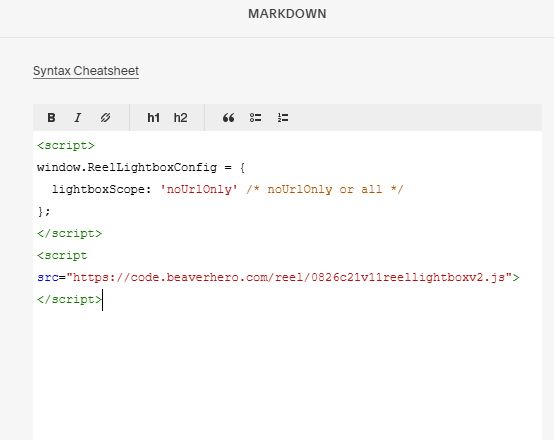
#3.1. If you use Personal/Basic Plan and your plan doesn’t support Injection, you can edit current page (page where you use Reel) > Add a Block > Choose Markdown

Add this code into Markdown
<script>
window.ReelLightboxConfig = {
  lightboxScope: 'noUrlOnly' /* noUrlOnly or all */
};
</script>
<script src="https://code.beaverhero.com/reel/0826c21v11reellightboxv2.js"></script>