Description
- adding text under blog post title, click text will open Source URL
- view demo – password: abc
- buy me a coffee
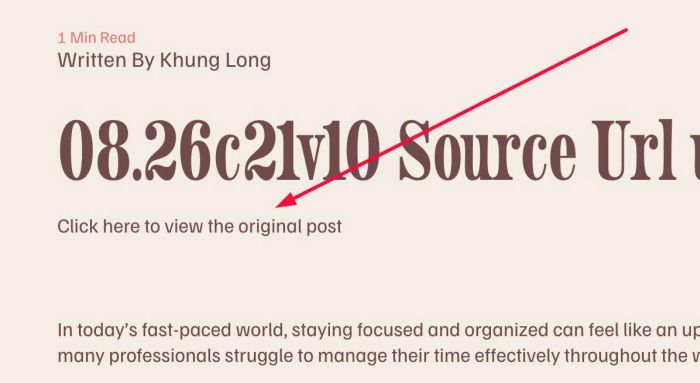
#1. Install Code
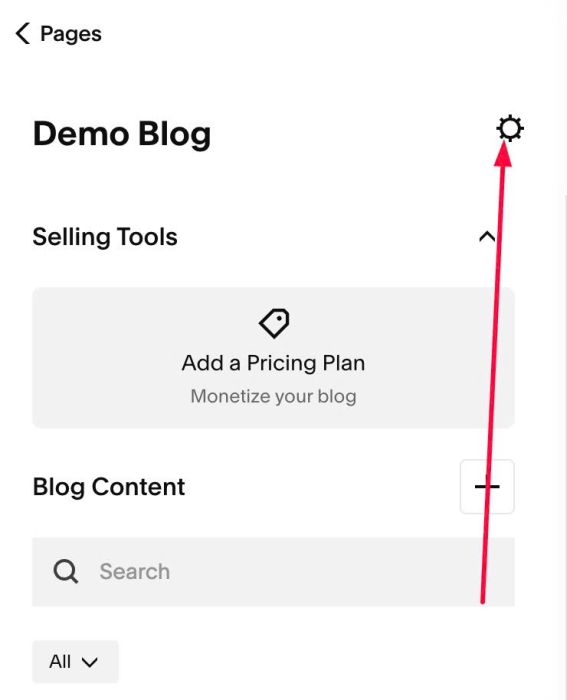
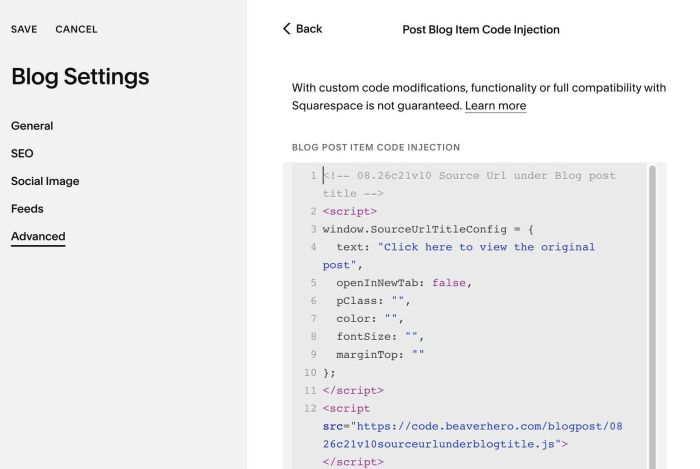
#1.1. Click Gear icon on Blog Page
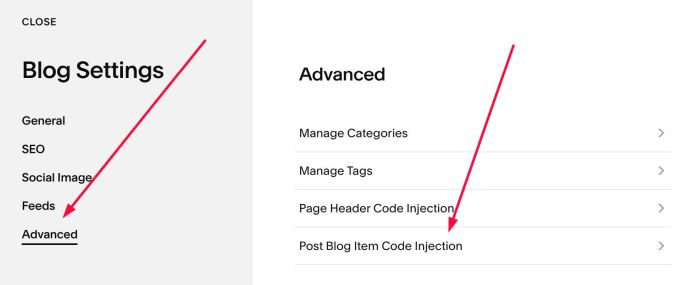
#1.2. Click Advanced > Post Blog Item Code Injection
#1.3. Paste this code
- If your site is Personal/Basic Plan and it doesn’t support Injection, see #3.1
<!-- 08.26c21v10 Source Url under Blog post title -->
<script>
window.SourceUrlTitleConfig = {
  text: "Click here to view the original post",
  openInNewTab: false,
  pClass: "",
  color: "",
  fontSize: "",
  marginTop: ""
};
</script>
<script src="https://code.beaverhero.com/blogpost/0826c21v10sourceurlunderblogtitle.js"></script>
#2. Customize
#2.1. To change text, change line 04
text: "Click here to view the original post",
#2.2. To change color, size, change line 07, 08
color: "",
fontSize: "",
to something like this
color: "#f1f",
fontSize: "14px",
#2.3. If you need to tweak more you can use this AI Assistant (designed for Squarespace sites)
#3. Other
#3.1. If you use Personal/Basic Plan and your plan doesn’t support Injection, you can edit Site Footer
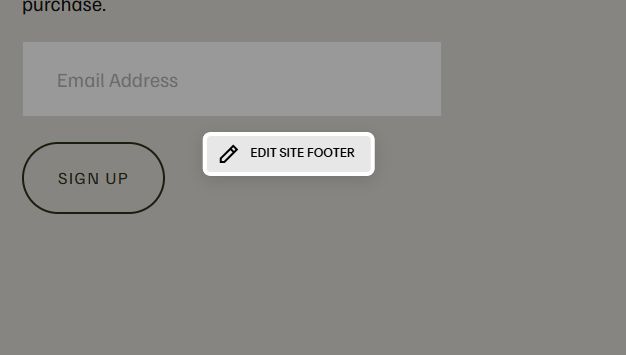
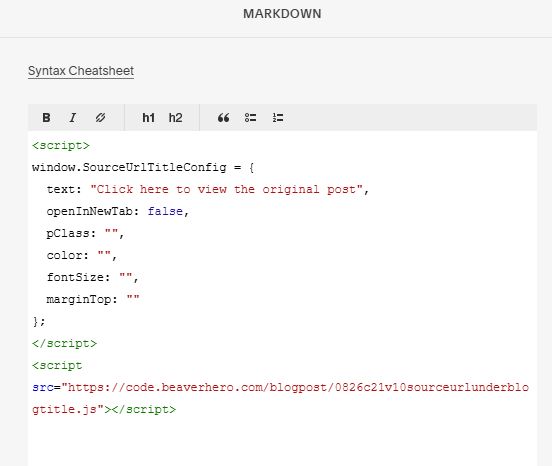
Add a Markdown Block

Add this code into Markdown
<script>
window.SourceUrlTitleConfig = {
  text: "Click here to view the original post",
  openInNewTab: false,
  pClass: "",
  color: "",
  fontSize: "",
  marginTop: ""
};
</script>
<script src="https://code.beaverhero.com/blogpost/0826c21v10sourceurlunderblogtitle.js"></script>