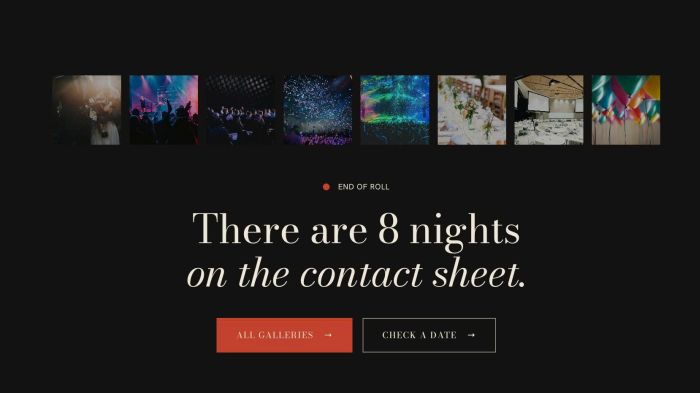
Team 267 Style 03: Image List, Text, 2 Buttons
list simple with list of images, text, 2 buttons
list simple with list of images, text, 2 buttons
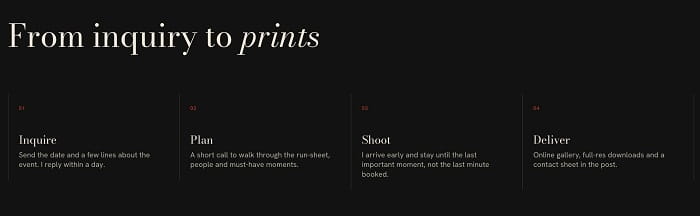
list simple: simple columns with number, line

list simple with 4 columns
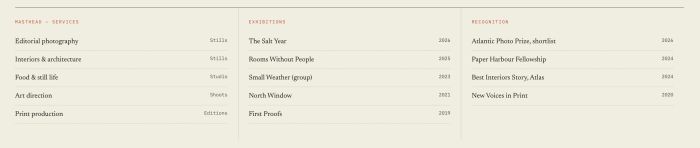
list simple with title, description has 2 columns, line between items

list simple with title, description, option to set clickable link

list simple with section title (float left – float right), each item has date, title, description – connect with blog page
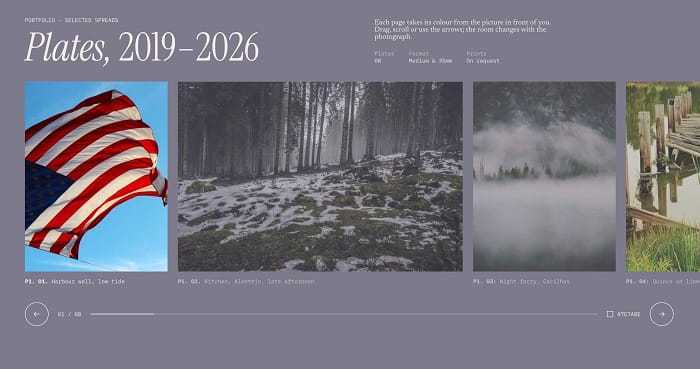
list carousel with section title (float left – float right with some columns), carousel with different image width/same height, caption under image, counter number, change carousel background on each slide
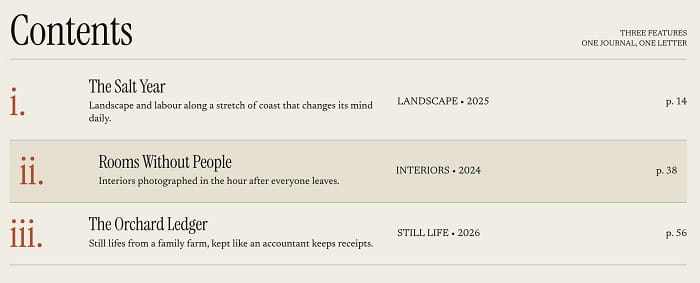
list simple with section title (float left – float right), item has 4 columns, lines between items, hover on each item will slide right + change background color, click on each item will open new page
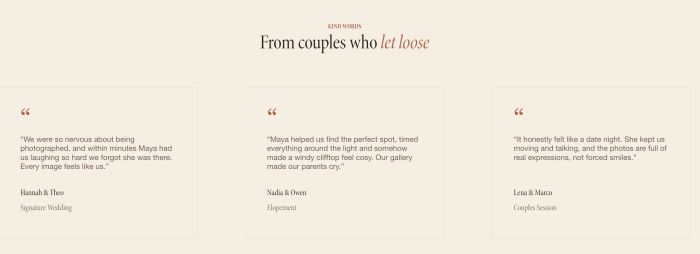
team (list simple) with 2 lines section title, item title will have name + position, quote icon

adding 3 lines text to Team (List) Section Title, and change style
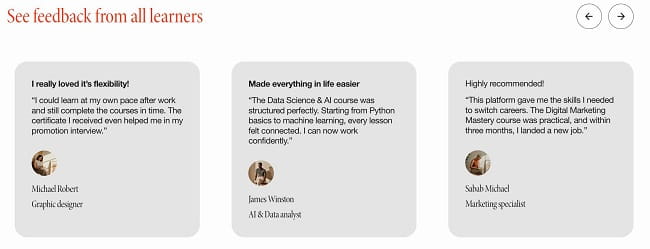
carousel with title-arrows same row, use list carousel
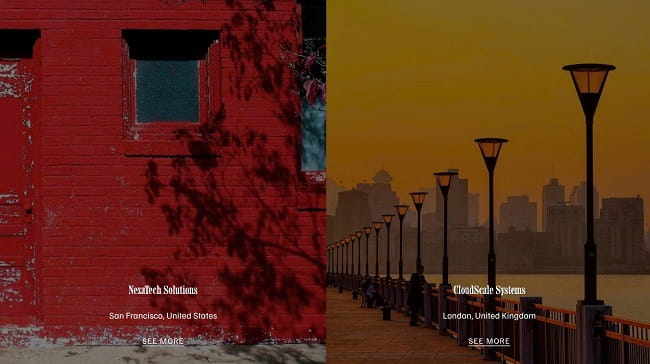
side by side images with text over image
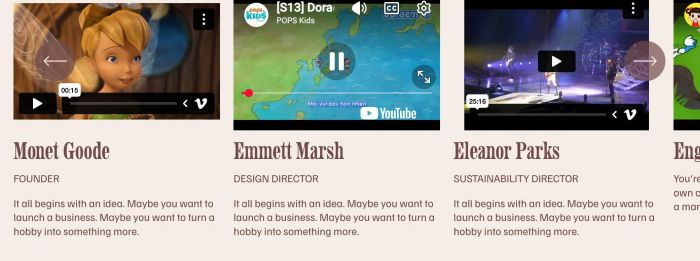
adding video carousel (youtube, vimeo), you can add text under video, use list carousel

text testimonial slider with smooth transition autoscroll, use list carousel

adding black box with accordion block (left side) – static image (right side)

image with title/description (float on right of title), hover item will zoom image, change background, move text
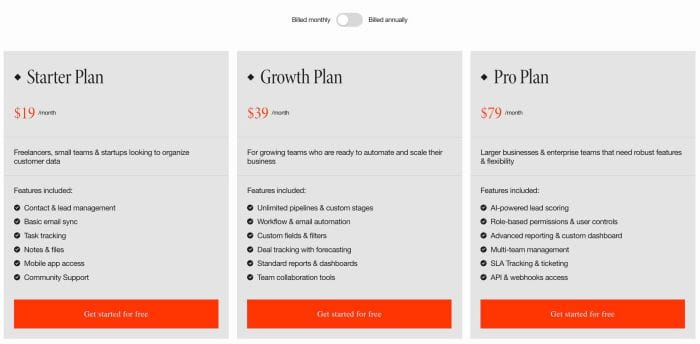
toggle pricing tabs with list section simple, v1
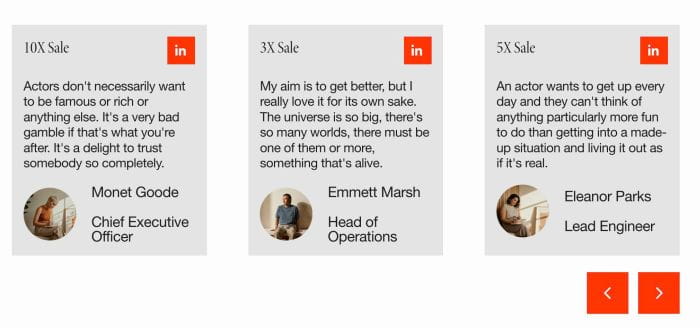
testimonial slider with avatar image, next, position next to avatar, title, description and linkedin icon, use list section carousel

adding simple testimonials with Quote icon, Image, Name/Position, Description, use List Simple
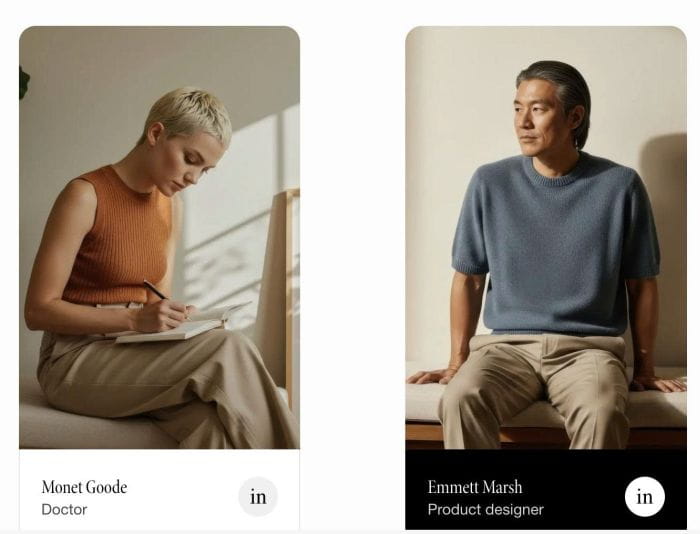
adding team people with title/description/social icons, change colored background on hover, use list section simple
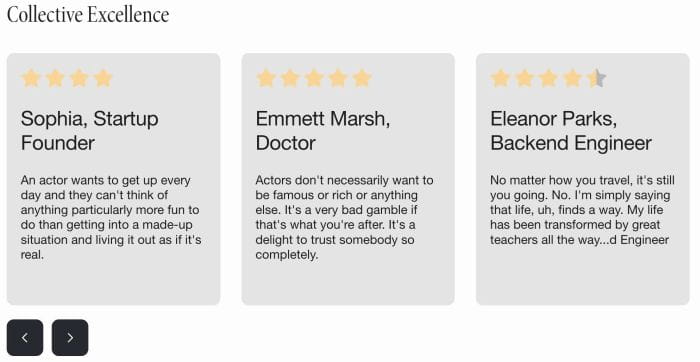
review carousel with star/text/description (use list carousel)

slideshow with 3D Cube animation, you still able to add text, description, button to slideshow, use list banner slideshow

adding accordion dropdown to list carousel

adding vertical timeline with background image, when scroll down will make title bigger, show description and change background image
enable link on List Carousel: image, title, description, whole item