Description
- text testimonial slider with smooth transition autoscroll, use list carousel
- view demo – password: abc
- buy me a coffee

1. Install Code
#1.1. First add Section > Choose Team > Choose Section with auto layout icon

#1.2. Hover on top right of section > Click EDIT CONTENT

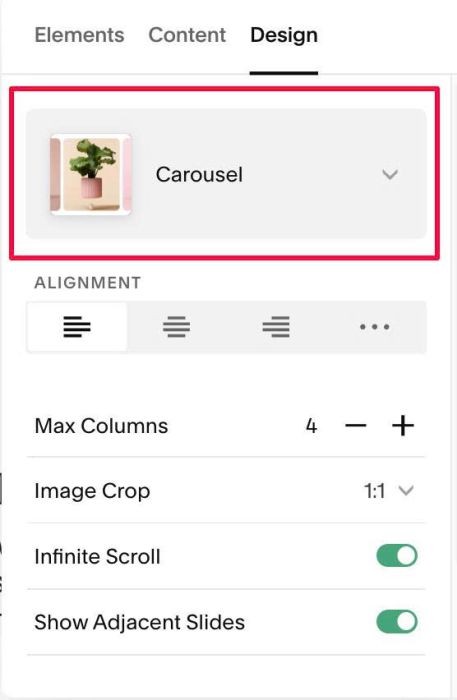
#1.2-2. at Design > Choose Carousel
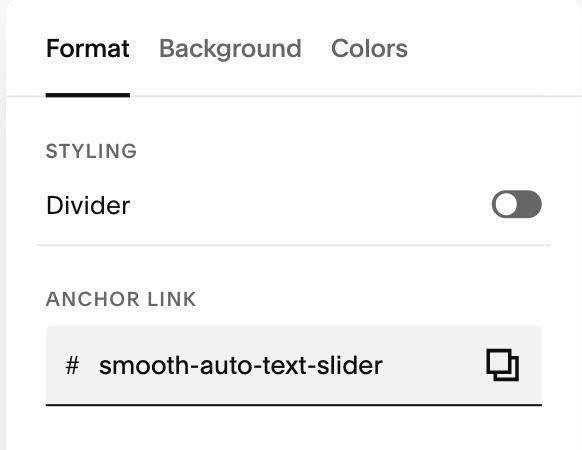
#1.3. Next, click EDIT SECTION
#1.3-2. at Format > Anchor Link > enter word: smooth-auto-text-slider
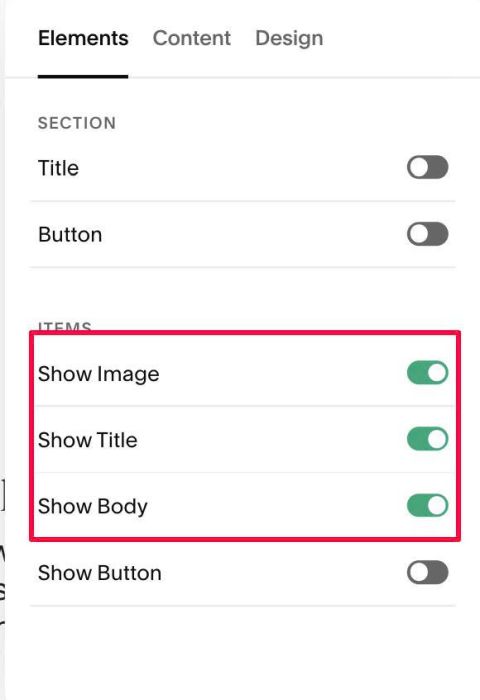
#1.4. at Elements > Enable these. Note: You need to enable image, then we will use code to hide it
#1.5. at Content, enter your desired image/text
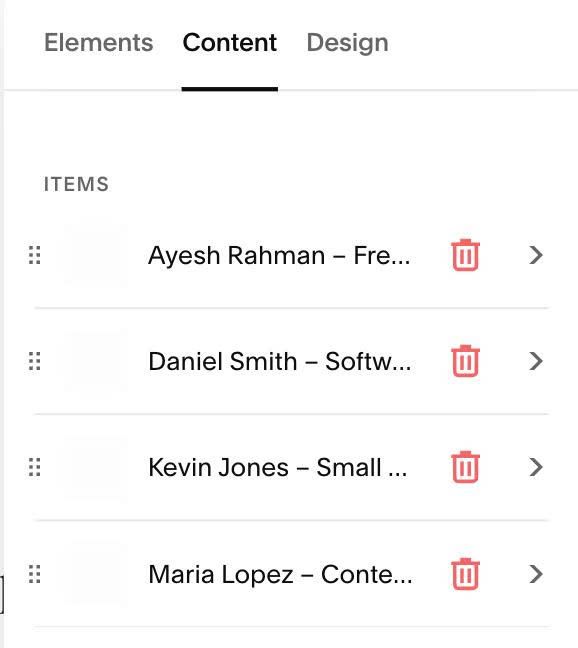
Note: Enter star numbers, ex: 4.5stars, 4stars, 3stars…into ALT
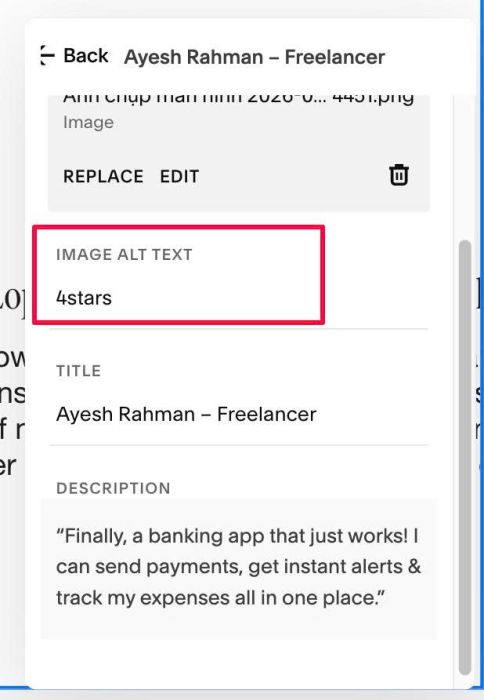
It will show this

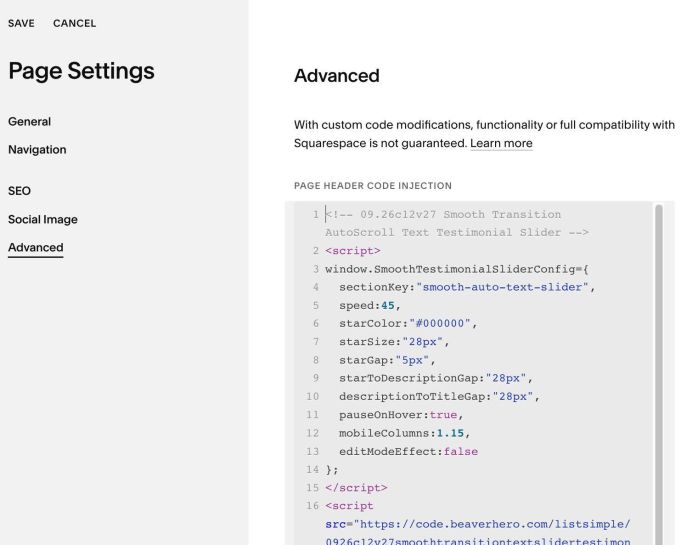
#1.6. Next, hover on Page where you use List > Click Gear icon > Click Advanced > Paste this code
<!-- 09.26c12v27 Smooth Transition AutoScroll Text Testimonial Slider -->
<script>
window.SmoothTestimonialSliderConfig={
  sectionKey:"smooth-auto-text-slider",
  speed:45,
  starColor:"#000000",
  starSize:"28px",
  starGap:"5px",
  starToDescriptionGap:"28px",
  descriptionToTitleGap:"28px",
  pauseOnHover:true,
  mobileColumns:1.15,
  editModeEffect:false
};
</script>
<script src="https://code.beaverhero.com/listsimple/0926c12v27smoothtransitiontextslidertestimonial.js"></script>
#2. Customize
#2.1. To change stars color/size, change line 06, 07
starColor:"#000000",
starSize:"28px",