Description
- review carousel with star/text/description (use list carousel)
- view demo – password: abc
- buy me a coffee

1. Install Code
#1.1. First add Section > Choose Team > Choose Section with auto layout icon

#1.2. Hover on top right of section > Click EDIT SECTION

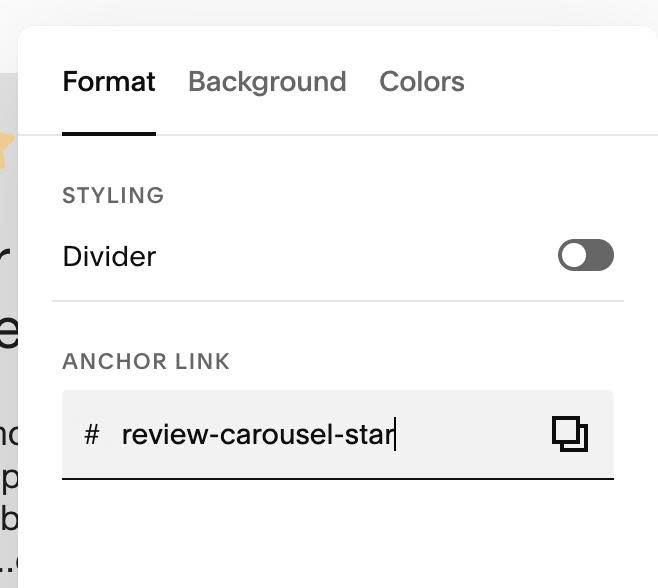
#1.2-2. at Format > Anchor Link > enter word: review-carousel-star
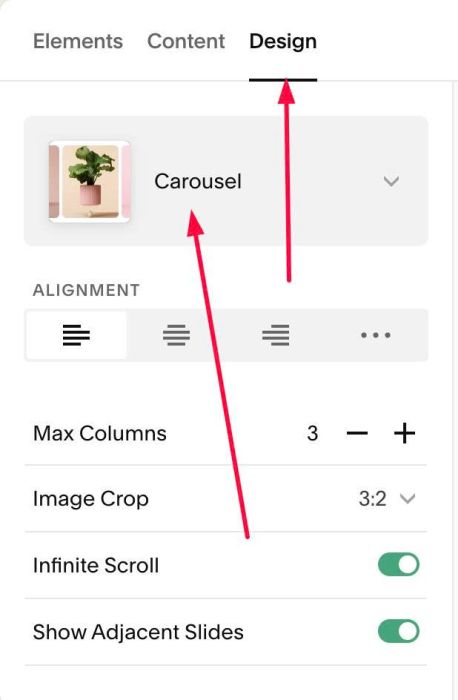
#1.3. Hover on top right of section > Click EDIT CONTENT
#1.3-2. at Design > Choose Carousel
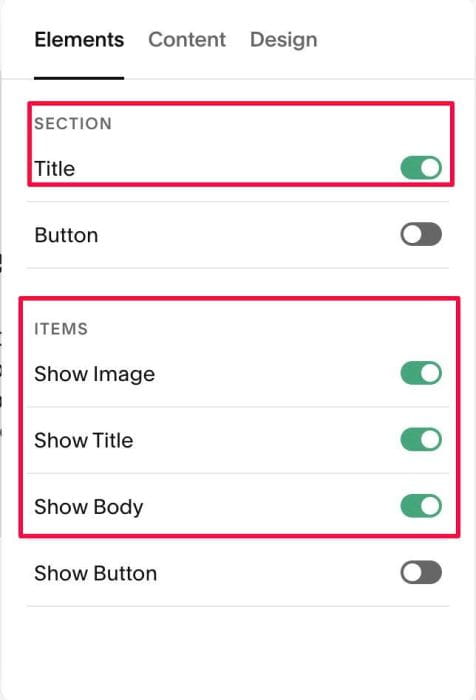
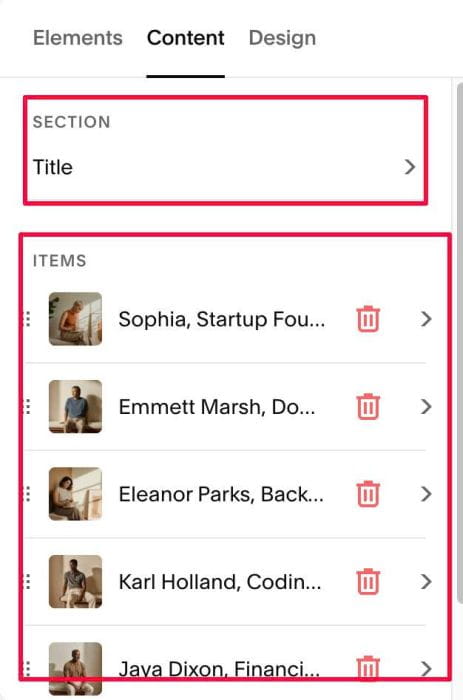
#1.4. at Elements > You need to enable Section Title, Item Image, Item Title, Item Body
#1.4-2. Click Content to add your desired title/item title/description/stars
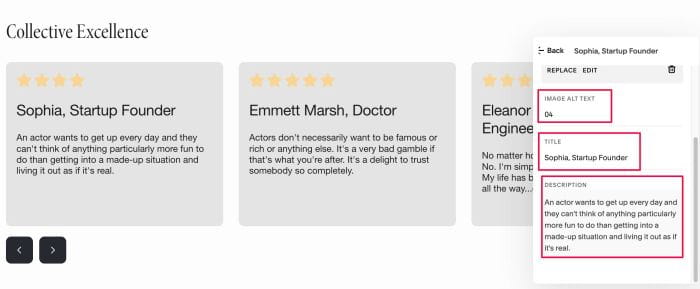
#1.4-3. Note: adding Star number in IMAGE ALT Text
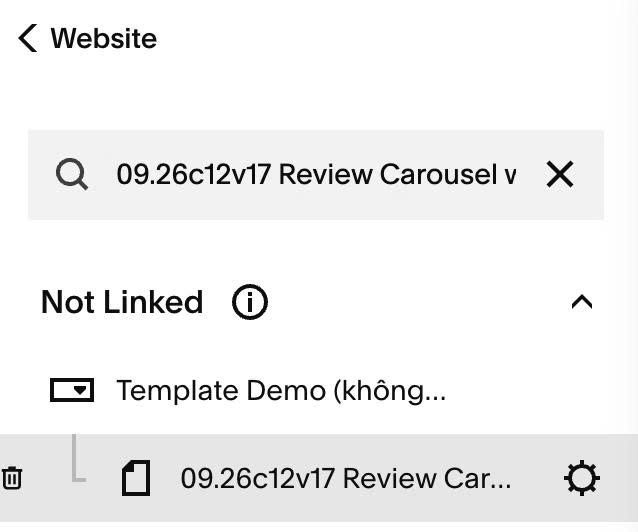
#1.5. Hover on Page where you use Carousel > Click Gear icon
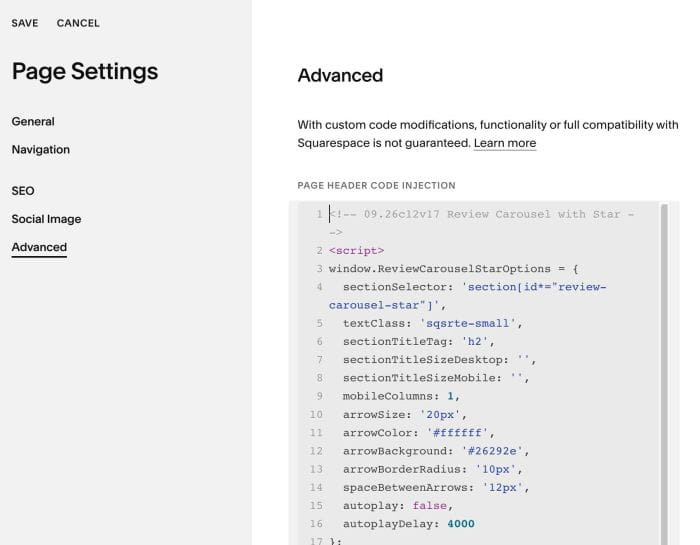
#1.6. Click Advanced > Paste this code
<!-- 09.26c12v17 Review Carousel with Star -->
<script>
window.ReviewCarouselStarOptions = {
  sectionSelector: 'section[id*="review-carousel-star"]',
  textClass: 'sqsrte-small',
  sectionTitleTag: 'h2',
  sectionTitleSizeDesktop: '',
  sectionTitleSizeMobile: '',
  mobileColumns: 1,
  arrowSize: '20px',
  arrowColor: '#ffffff',
  arrowBackground: '#26292e',
  arrowBorderRadius: '10px',
  spaceBetweenArrows: '12px',
  autoplay: false,
  autoplayDelay: 4000
};
</script>
<script src="https://code.beaverhero.com/listcarousel/0926c12v17reviewcarouselstar.js"></script>
#2. Customize
#2.1. Change arrow style (line 10 – 14)
arrowSize: '20px',
arrowColor: '#ffffff',
arrowBackground: '#26292e',
arrowBorderRadius: '10px',
spaceBetweenArrows: '12px',
#2.2. Disable/enable autoplay (line 15 – 16)
autoplay: false,
autoplayDelay: 4000
#2.3. Change item background color. It inherit color from Card option
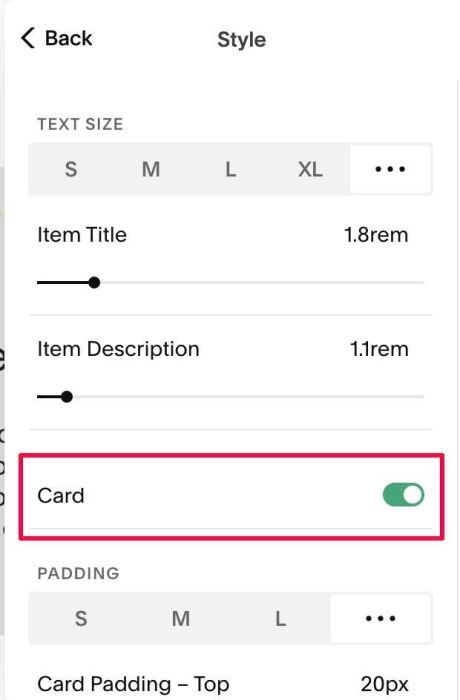
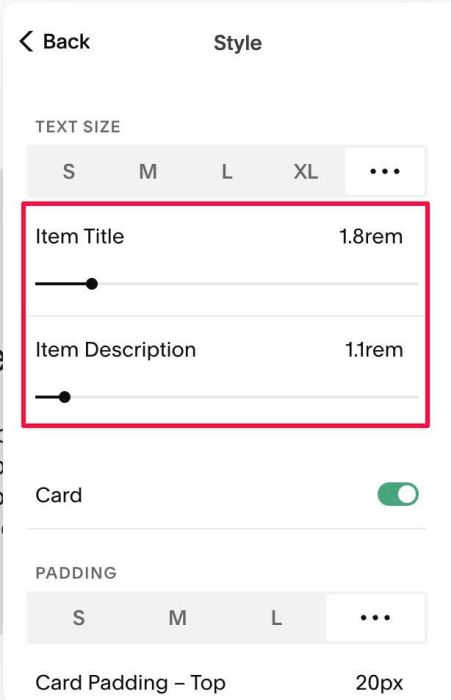
#2.4. Change title/description size here