Description
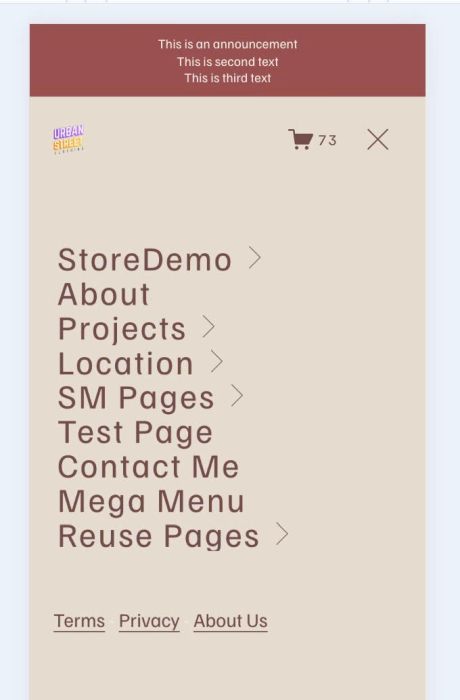
- add custom links to Mobile Menu Overlay
- view demo – password: abc
- buy me a coffee
#1. Install Code
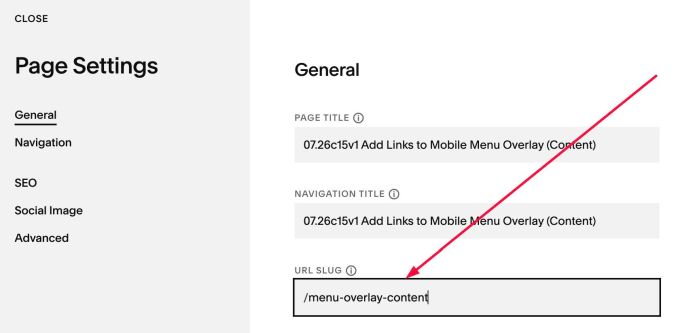
#1.1. First, adding a Page in Not Linked with Name/URL
- Name: anything what you want
- URL: /menu-overlay-content
#1.2. Adding your desired links to this page

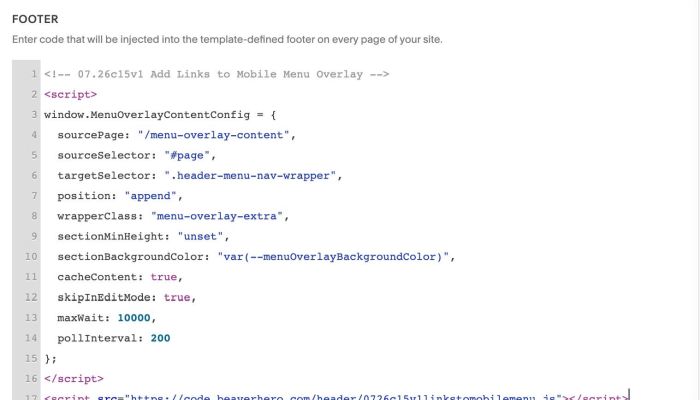
#1.3. Next, use this code to Code Injection > Footer
- If you use Personal/Basic Plan and your plan doesn’t support Injection, see #3.1
<!-- 07.26c15v1 Add Links to Mobile Menu Overlay -->
<script>
window.MenuOverlayContentConfig = {
  sourcePage: "/menu-overlay-content",
  sourceSelector: "#page",
  targetSelector: ".header-menu-nav-wrapper",
  position: "append",
  wrapperClass: "menu-overlay-extra",
  sectionMinHeight: "unset",
  sectionBackgroundColor: "var(--menuOverlayBackgroundColor)",
  cacheContent: true,
  skipInEditMode: true,
  maxWait: 10000,
  pollInterval: 200
};
</script>
<script src="https://code.beaverhero.com/header/0726c15v1linkstomobilemenu.js"></script>
#2. Customize
nothing now
#3. Other
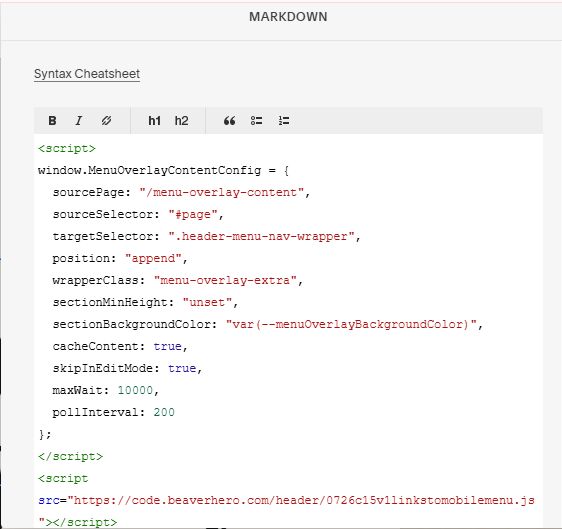
#3.1. If you use Personal/Basic Plan and your plan doesn’t support Injection, you can edit Site Footer
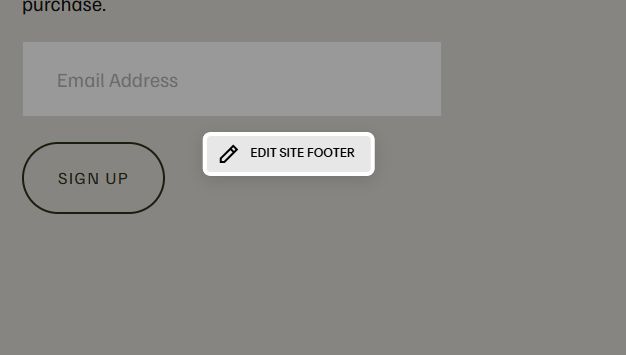
Add a Markdown Block

Add this code into Markdown Block
<script>
window.MenuOverlayContentConfig = {
  sourcePage: "/menu-overlay-content",
  sourceSelector: "#page",
  targetSelector: ".header-menu-nav-wrapper",
  position: "append",
  wrapperClass: "menu-overlay-extra",
  sectionMinHeight: "unset",
  sectionBackgroundColor: "var(--menuOverlayBackgroundColor)",
  cacheContent: true,
  skipInEditMode: true,
  maxWait: 10000,
  pollInterval: 200
};
</script>
<script src="https://code.beaverhero.com/header/0726c15v1linkstomobilemenu.js"></script>