
Portfolio Back to (Top Section)
adding back to link to top section, above text block
adding back to link to top section, above text block

turn portfolio pagination to section with background image, back to button, next project button and some other texts

adding filter category to portfolio, use Code Block, you can set custom order, filter links style, item count number

adding extra text (category, address, year) under portfolio title, and red number next to title

adding extra text over portfolio image (top left of image)

adding borders to portfolio image on hover
adding overlay color over image and change overlay color to another color on hover

adding portfolio page title between pagination, click page title will scroll to top

adding date to Portfolio
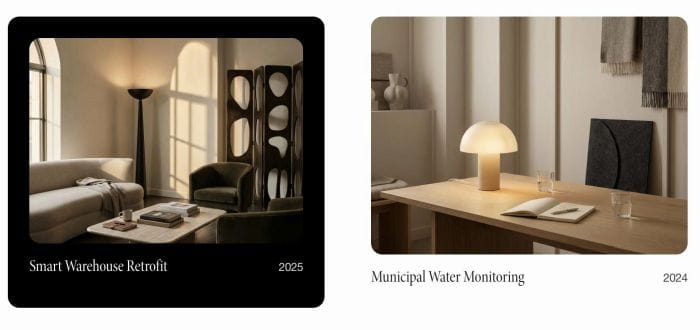
portfolio title with subtext, on hover, zoom out portfolio image, add colored background, change title/subtext color

change portfolio hover layout (desktop) to grid on mobile

adding related project carousel under portfolio pagination

click portfolio item will open lightbox with content from portfolio item detail page

sort Portfolio items by Alphabetical, Date, Custom Order

adding image effect to portfolio hover background image

adding category text between portfolio grid

random image for portfolio hover background layout on page load

adding first/last portfolio item to pagination

change portfolio pagination to one columns, sync pagination background with footer background color

adding two tabs to portfolio page, click each will open gallery images or biography

adding a button between Pagination Titles in Portfolio Page, you can set button point to portfolio url, or make it return to top of page, you can set button style with button text or change it to custom icon.
add Portfolio to another page, you can filter by category, max of items,..

adding masonry layout to portfolio page, you can adjust number of columns, gap easily on desktop, mobile