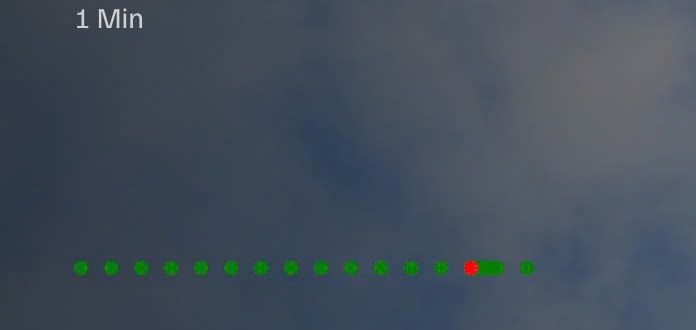
Description
- blog slideshow with reading time, custom dots pagination
- view demo – password: abc
- buy me a coffee

#1. Install Code
If you use Personal/Basic Plan and your plan doesn’t support Injection, you can see #2.1.
#1.1. First, add a Section > Choose Team > Choose section with (i) icon
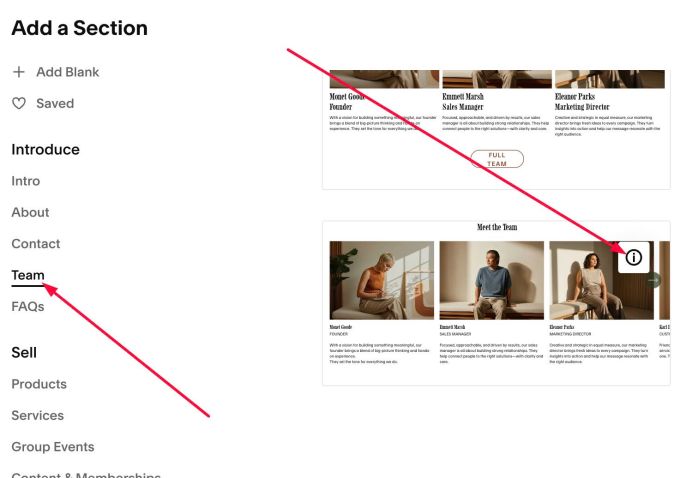
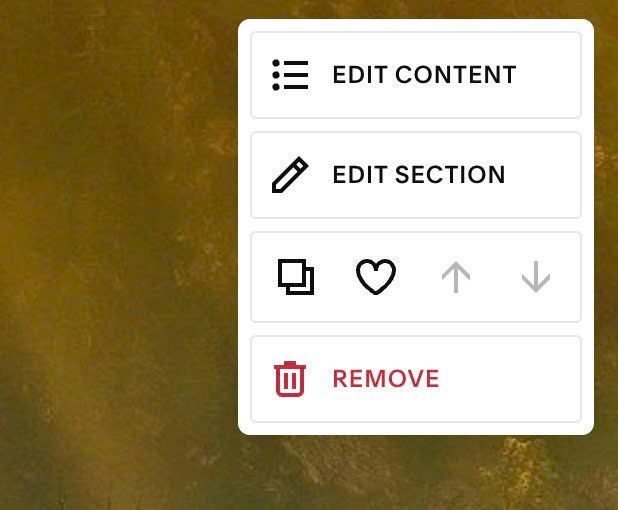
#1.2. Hover on top right of section > Click EDIT CONTENT
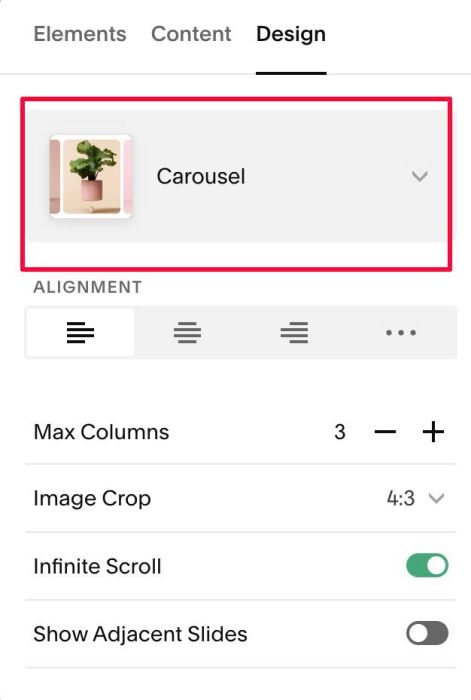
#1.3. At Design, choose Carousel
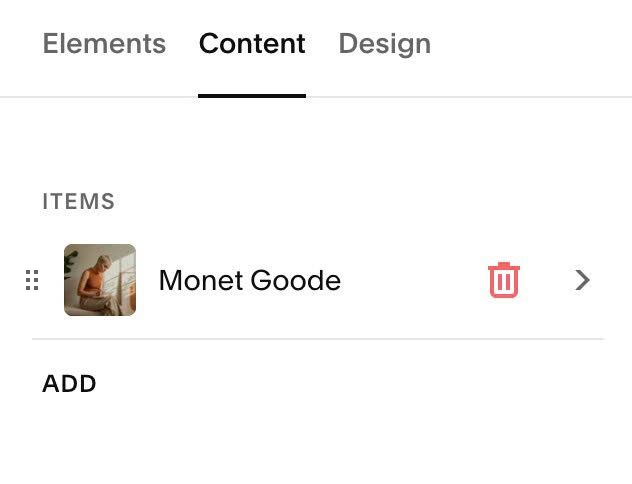
#1.4. At Content, remove all and keep 1 item only
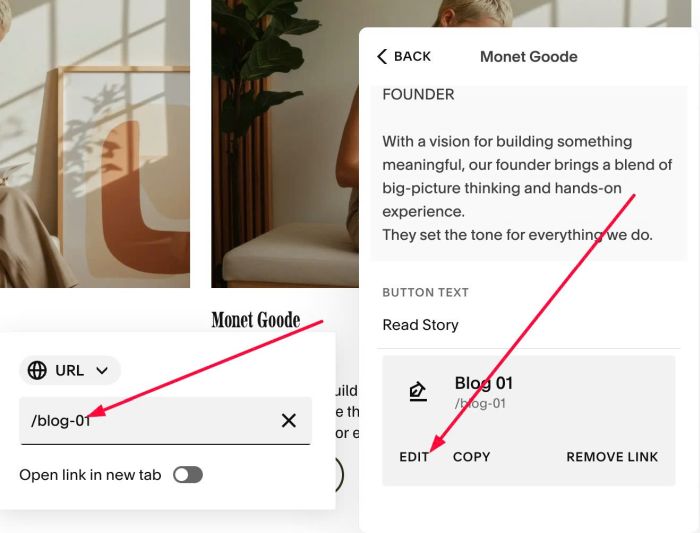
#1.5. Edit item > Enter BLOG PAGE URL in Button URL
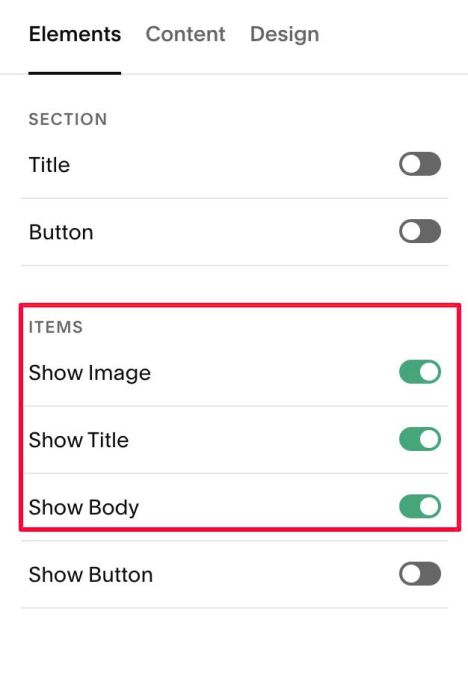
#1.6. At Elements, enable Show Image, Show Title, Show Body
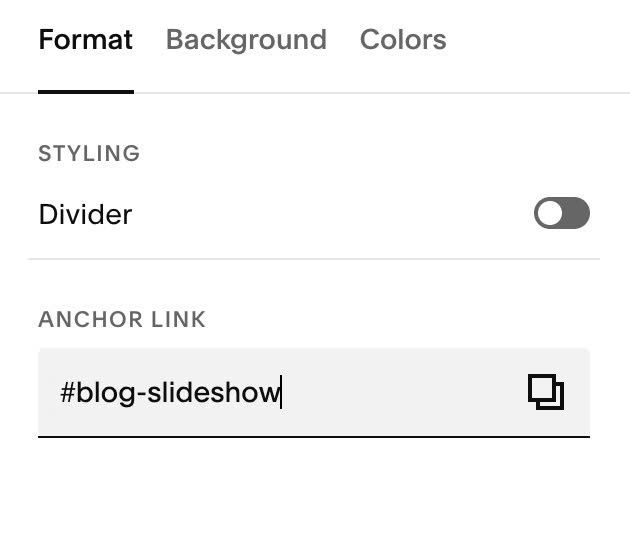
#1.7. Hover on top right of section > click EDIT SECTION
at Format > Anchor Link > enter word: blog-slideshow
#1.8. Hover on Page where you added team section > Click Gear icon
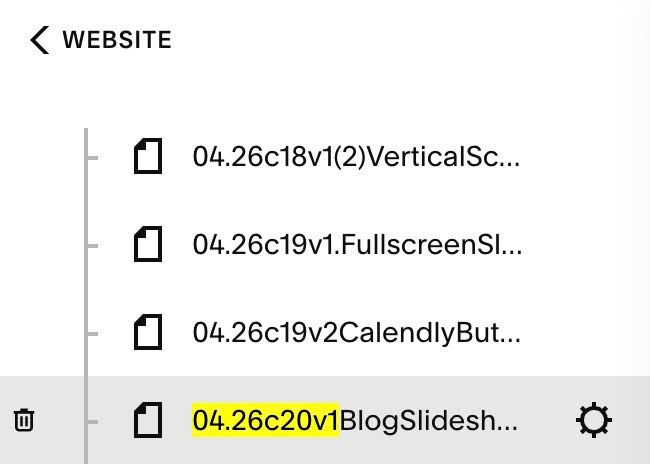
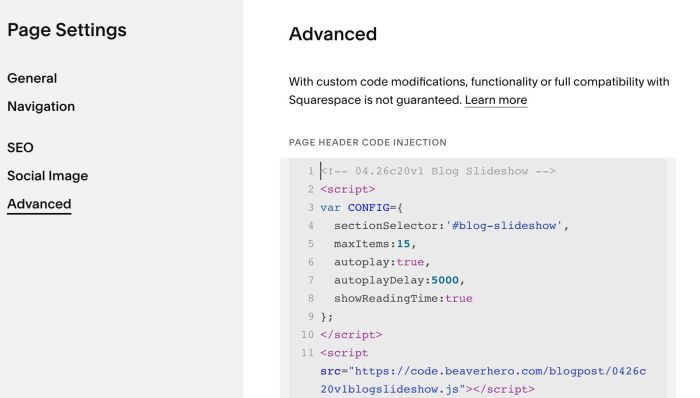
#1.9. Click Advanced > Paste this code
<!-- 04.26c20v1 Blog Slideshow -->
<script>
var CONFIG={
  sectionSelector:'#blog-slideshow',
  maxItems:15,
  autoplay:true,
  autoplayDelay:5000,
  showReadingTime:true
};
</script>
<script src="https://code.beaverhero.com/blogpost/0426c20v1blogslideshow.js"></script>
#2. Customize
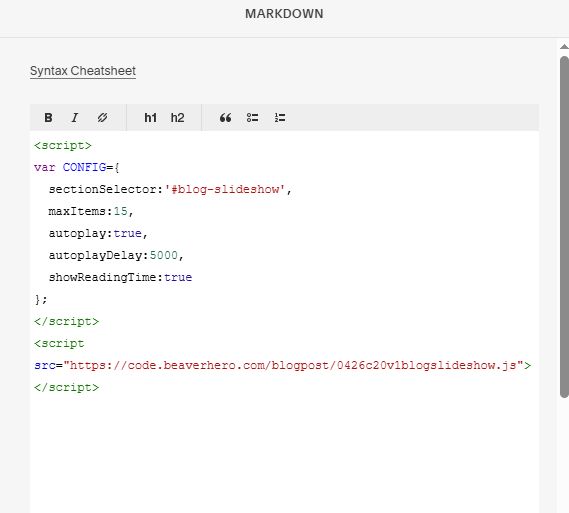
#2.1. If you use Personal/Basic Plan and your plan doesn’t support Injection, you can add a Markdown Block to current page (page where you use Team Section)

Next, add this code into Markdown Block.
<script>
var CONFIG={
  sectionSelector:'#blog-slideshow',
  maxItems:15,
  autoplay:true,
  autoplayDelay:5000,
  showReadingTime:true
};
</script>
<script src="https://code.beaverhero.com/blogpost/0426c20v1blogslideshow.js"></script>
#2.2. to Disable Reading Time, you can adjust this option from true to false
var CONFIG={
  sectionSelector:'#blog-slideshow',
  maxItems:15,
  autoplay:true,
  autoplayDelay:5000,
  showReadingTime:true
};
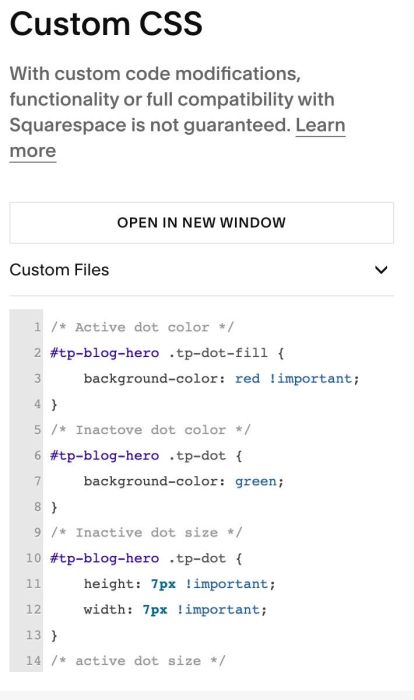
#2.3. To change style of Reading Time, you can use this code to Custom CSS
/* Active dot color */
#tp-blog-hero .tp-dot-fill {
    background-color: red !important;
}
/* Inactove dot color */
#tp-blog-hero .tp-dot {
    background-color: green;
}
/* Inactive dot size */
#tp-blog-hero .tp-dot {
    height: 7px !important;
    width: 7px !important;
}
/* active dot size */
#tp-blog-hero .tp-dot.active{
    width: 20px !important;
}
result