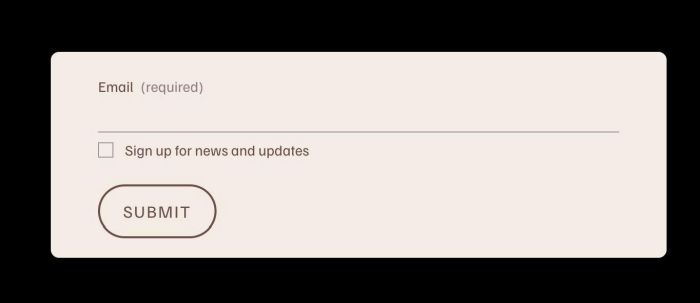
Description
- add email box, users need to enter email to see page content
- view demo – password: abc
- buy me a coffee
#1. Install Code
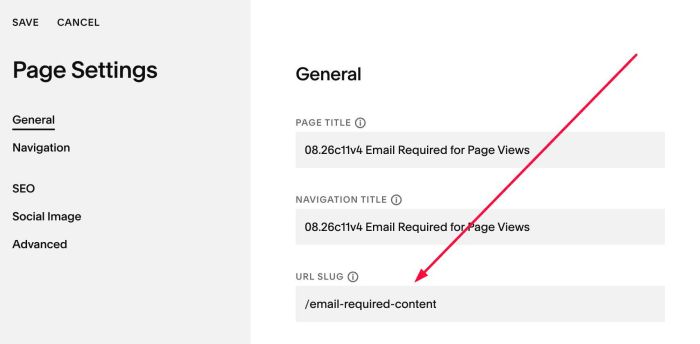
#1.1. First, create a Page in Not Linked/Hidden with URL: /email-required-content
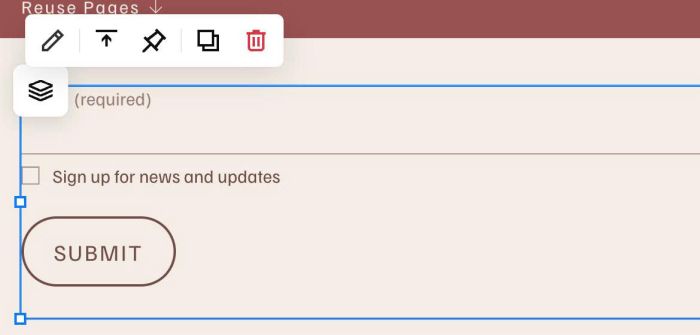
#1.2. Add a Form Block to this page
#1.3. Use this code to Code Injection > Footer
- If you use Personal/Basic Plan and your plan doesn’t support Injection, you can see #3.1
<!-- 08.26c11v4 Email Required for Page Views -->
<script>
window.EmailRequiredConfig = {
  formPageUrl: "/email-required-content",
  pages: [
    "/0826c11v4-email-required-for-page-views"
  ],
  reloadDelay: 3000,
  storageKey: "emailRequiredSubmitted",
  overlayColor: "",
  popupBackground: "#f3ede5",
  popupWidth: "",
  popupPadding: "",
  popupRadius: "",
  popupMaxHeight: "200px"
};
</script>
<script src="https://code.beaverhero.com/other/0826c11v4emailrequiredpageviews.js"></script>
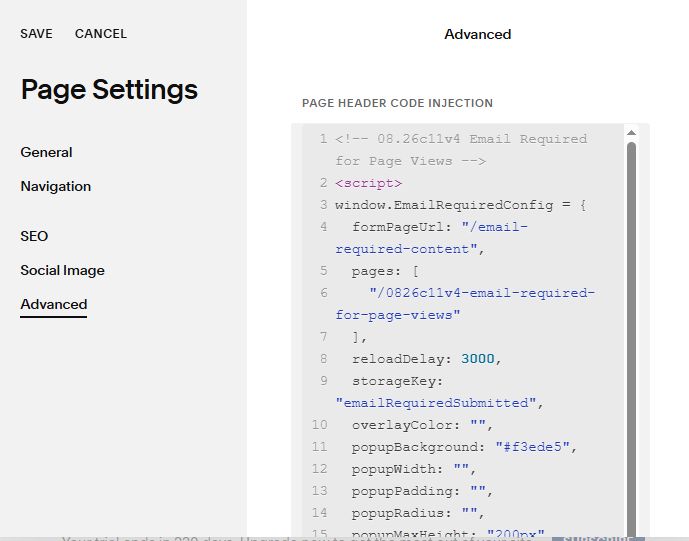
#1.4. Update Page URL where you want to make Email Popup Appears
Ex: in my case, Email Form Popup will appears on Page with URL: /0826c11v4-email-required-for-page-views
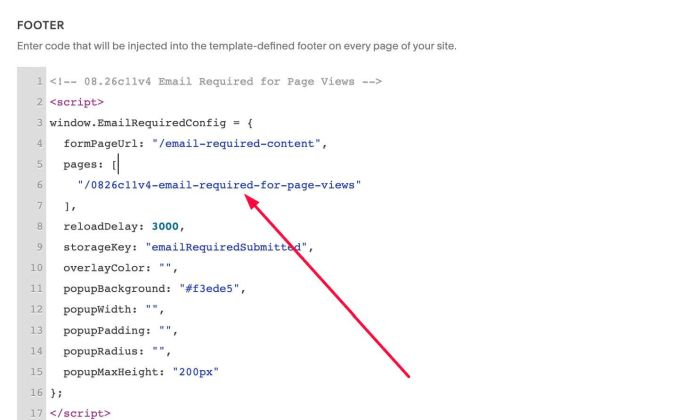
#2. Customize
#2.1. All style options in Line 10 – Line 15
overlayColor: "",
popupBackground: "#f3ede5",
popupWidth: "",
popupPadding: "",
popupRadius: "",
popupMaxHeight: "200px"
#2.1. If you need to tweak more you can use this AI Assistant (designed for Squarespace sites)
#3. Other
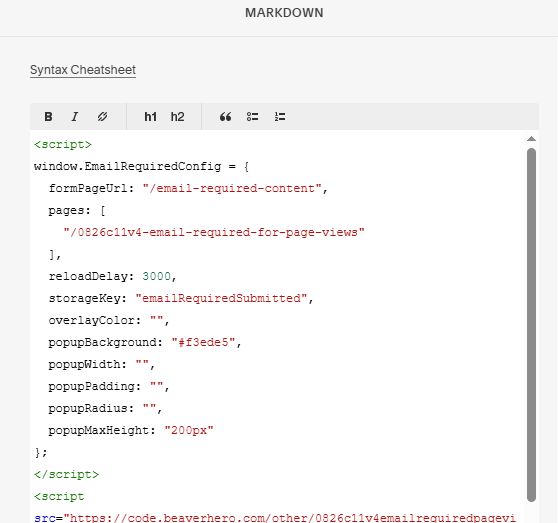
#3.1. If you use Personal/Basic Plan and your plan doesn’t support Injection, you can edit Site Footer > Add a Markdown Block

Add this code into Markdown
<script>
window.EmailRequiredConfig = {
  formPageUrl: "/email-required-content",
  pages: [
    "/0826c11v4-email-required-for-page-views"
  ],
  reloadDelay: 3000,
  storageKey: "emailRequiredSubmitted",
  overlayColor: "",
  popupBackground: "#f3ede5",
  popupWidth: "",
  popupPadding: "",
  popupRadius: "",
  popupMaxHeight: "200px"
};
</script>
<script src="https://code.beaverhero.com/other/0826c11v4emailrequiredpageviews.js"></script>