Description
- hover text (you can add link to text) change image on right, you can set show initial image or no image, you can set code work with multiple text blocks
- view demo – password: abc
- buy me a coffee

#1. Install Code
If you have 1 Text Block only, please follow this instruction
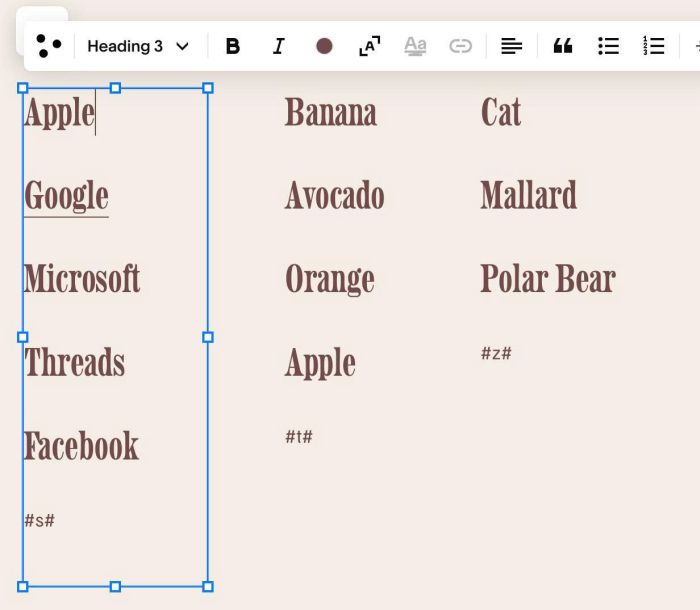
#1.1. You can add some Text Blocks (use Heading 3), and add symbols #s#, #t#, #z# at bottom of Text
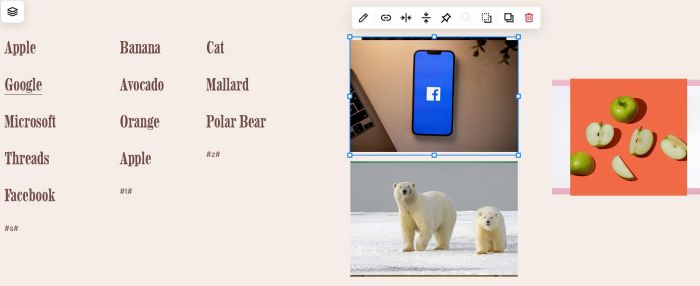
#1.2. You can add some Image Blocks
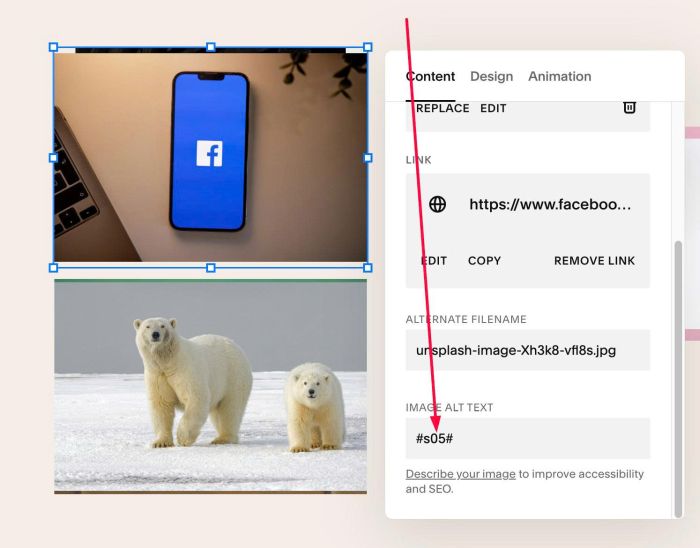
#1.3. In ALT, enter text with format like this: #s01#, #s02#, #s03#…#t01#, #t02#, #t03#,…#z01#, #z02#, #z03#…
- Explain: code matches text in the Text Blocks (s, t, or z) with text + number in Image Blocks (s, t, or z) to achieve the precise effect. Beyond the letters s, t, and z, you can use other characters, provided that the corresponding characters in the Text and Image blocks are identical.
Like this
Or
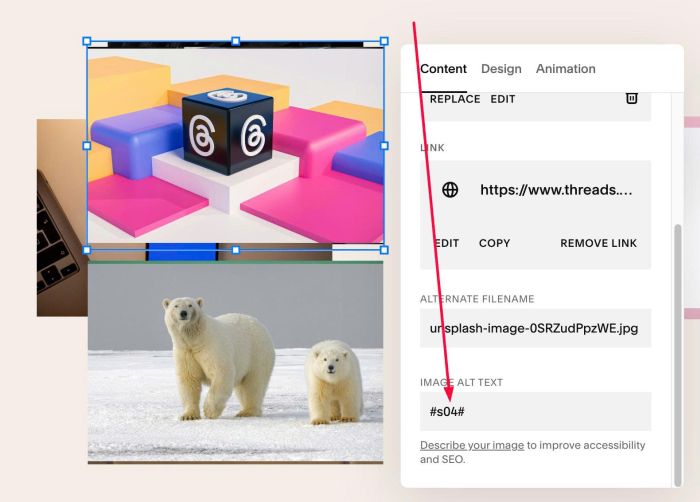
or
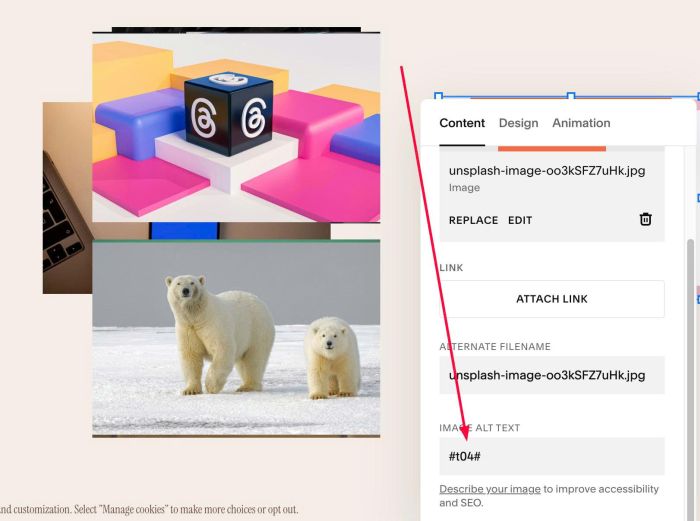
or
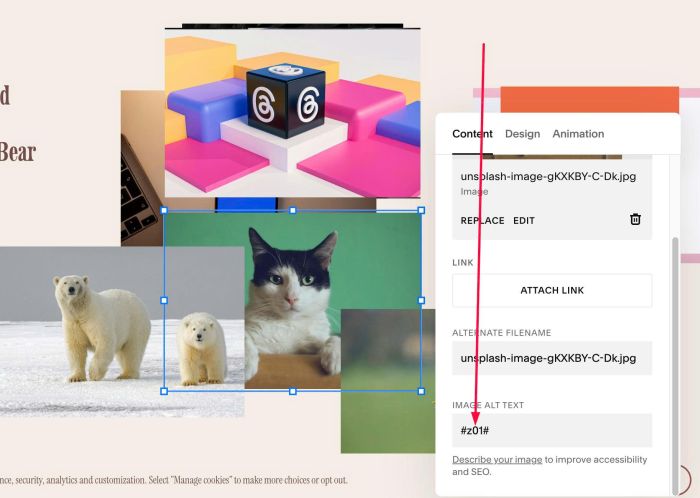
#1.4. Drag Image Blocks overlap together. You can skip if you don’t want to do this.
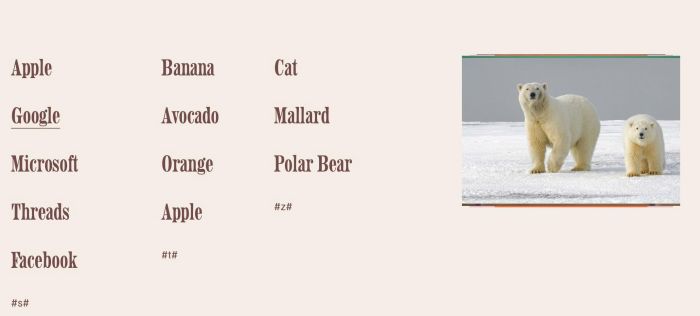
#1.5. Hover on Page where you added Text/Images > Click Gear icon
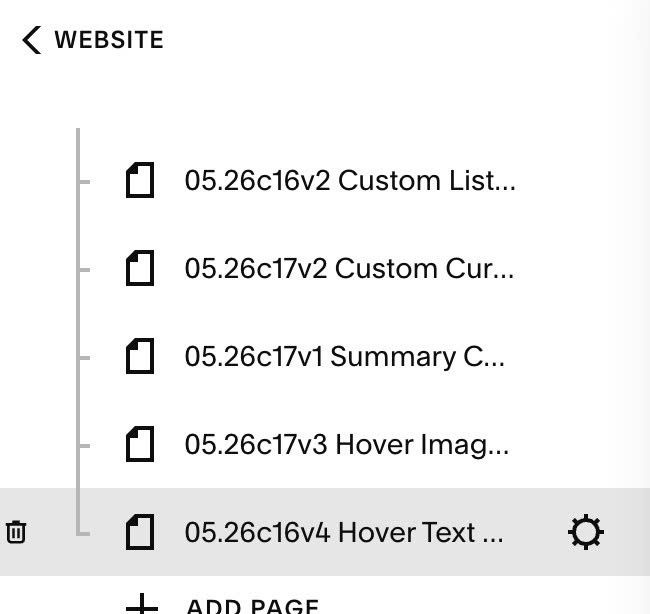
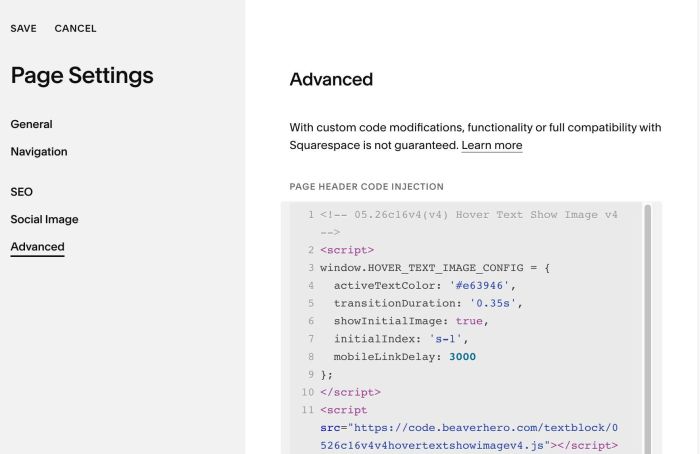
#1.6. Click Advanced > Paste this code
- If you use Personal/Basic Plan and your plan doesn’t support Injection, you can see #3.1.
<!-- 05.26c16v4(v4) Hover Text Show Image v4 -->
<script>
window.HOVER_TEXT_IMAGE_CONFIG = {
  activeTextColor: '#e63946',
  transitionDuration: '0.35s',
  showInitialImage: true,
  initialIndex: 's-1',
  mobileLinkDelay: 3000
};
</script>
<script src="https://code.beaverhero.com/textblock/0526c16v4v4hovertextshowimagev4.js"></script>
#2. Customize
#2.1. To hide all images initial, you can change line 06
- true = show 1 image
- false = hide all images initial
showInitialImage: true,
#2.2. To change active color text on hover, change line 04
activeTextColor: '#e63946',
#2.3. If you need to tweak more you can use this AI Assistant (designed for Squarespace sites)
#3. Other
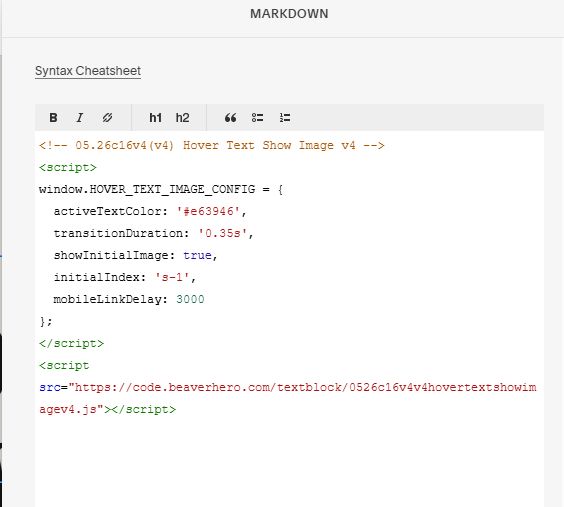
#3.1. If you use Personal/Basic Plan and your plan doesn’t support Injection, you can add a Markdown Block to current page.

Then add this code into Markdown.
<!-- 05.26c16v4(v4) Hover Text Show Image v4 -->
<script>
window.HOVER_TEXT_IMAGE_CONFIG = {
  activeTextColor: '#e63946',
  transitionDuration: '0.35s',
  showInitialImage: true,
  initialIndex: 's-1',
  mobileLinkDelay: 3000
};
</script>
<script src="https://code.beaverhero.com/textblock/0526c16v4v4hovertextshowimagev4.js"></script>