
Text 267 Style 02: Float Number – Title, Description
text block, float number (left) – float title, description (right)
text block, float number (left) – float title, description (right)

text block, 3 columns, big number – small text
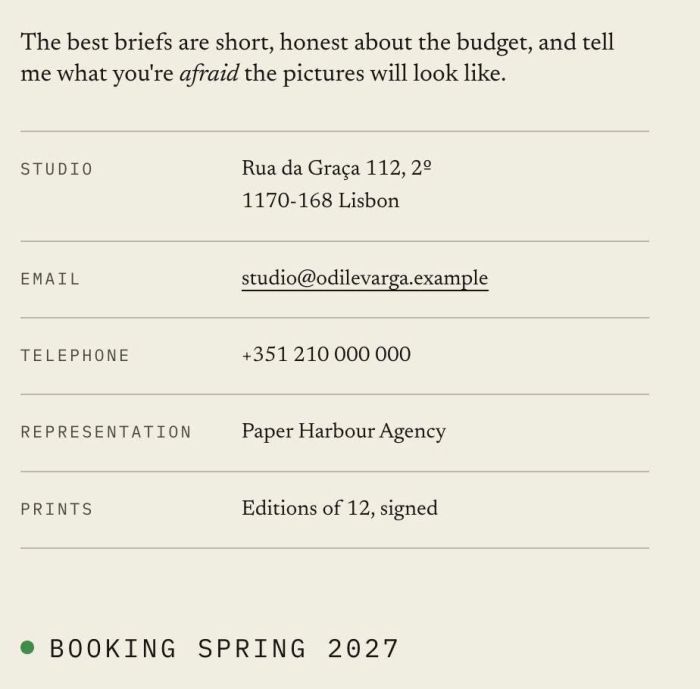
text block with contact info (2 columns, line between info)
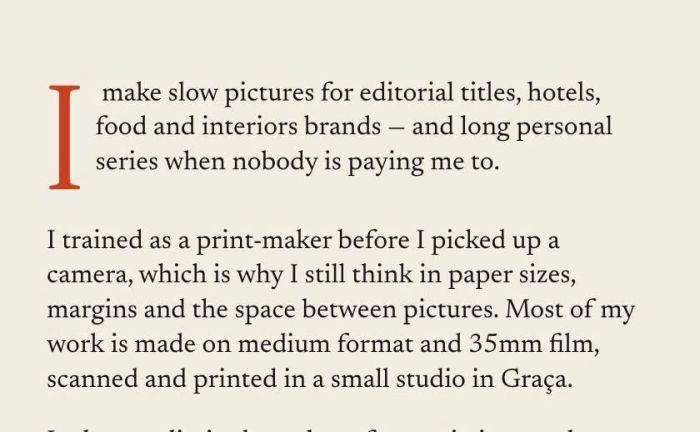
adding dropcap to text block
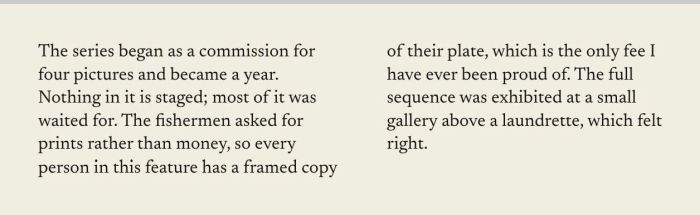
break text block into 2, 3, 4, 5 columns

text block – button block side by side, align left button on mobile, text will resize when resize browser width/screen width

text block with heading, splash between heading
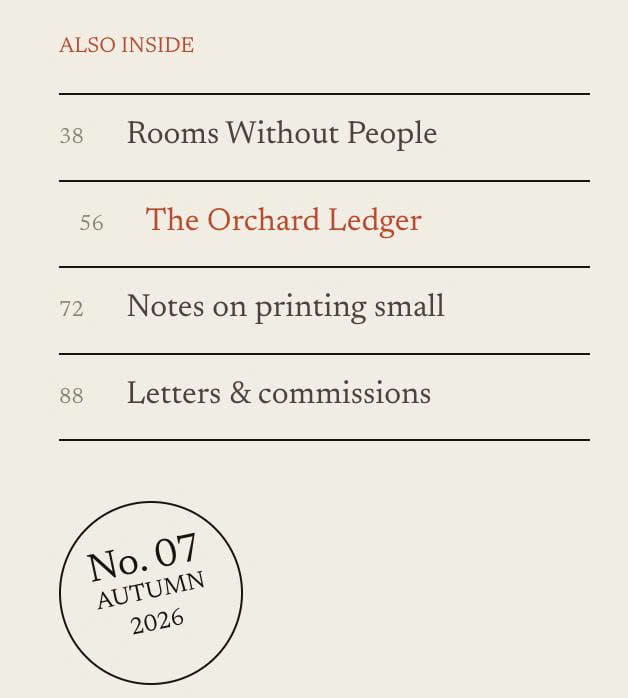
text block with horizontal lines between paragraph, float number, circle rotate text
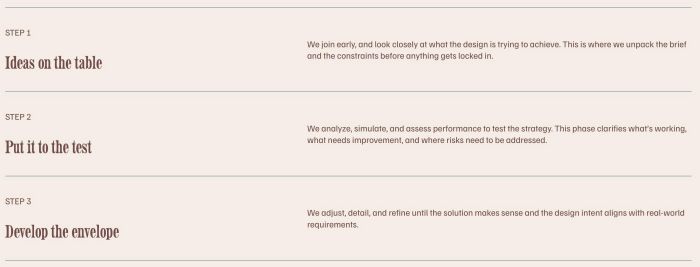
adding lines between text, break text to 2 lines, float text to left – right side

adding Carousel with Text Block, you can set: columns (desktop, mobile), spacing, size, arrows, dots, autoplay

adding countdown timer, you can set show custom text or redirect new page when timer is finish
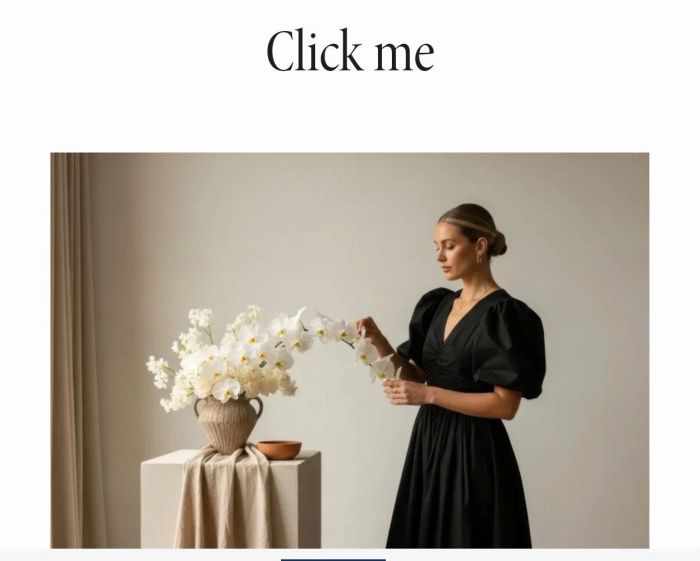
click text – change image in randomize
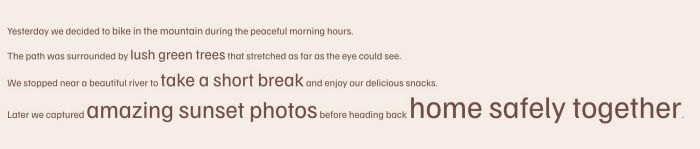
change size some letters in text to different size, you can setup to 5 different sizes
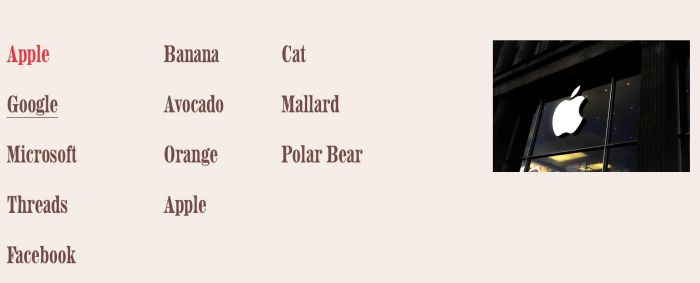
hover text (you can add link to text) change image on right, you can set show initial image or no image, you can set code work with multiple text blocks
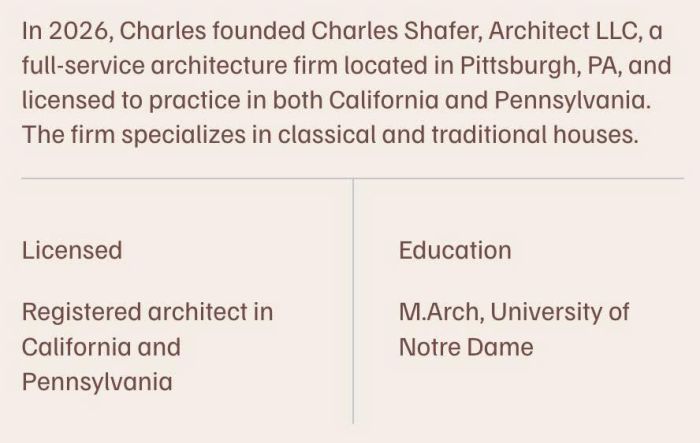
adding horizontal/vertical lines between text in Text Block

change a part of Text Block to Accordion Dropdown
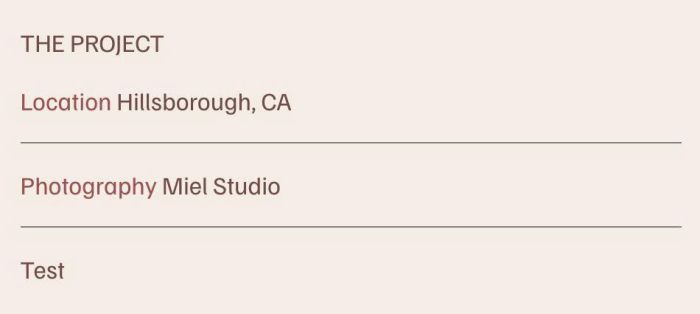
adding horizontal line to Text Block without using Line Block
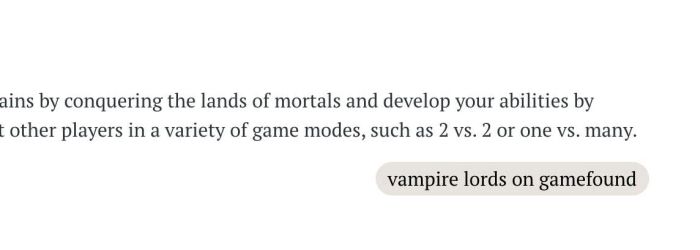
turn specific link inside Text Block to Button Style

change text every 5 seconds or every day, you can set time

hover text (text has no link, you can also add link to text) change image on right, you can set show initial image or show no image initial

adding testimonial Carousel (style 02) with Text Blocks

hover icon box change image on right side