Description
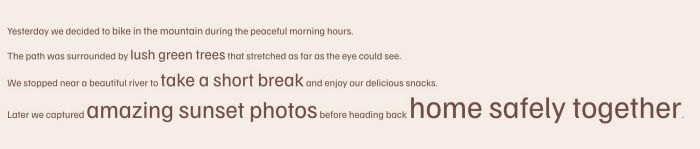
- change size some letters in text to different size, you can setup to 5 different sizes
- view demo – password: abc
- buy me a coffee
#1. Install Code
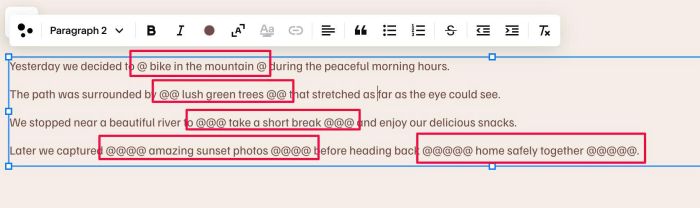
#1.1. First, wrap letter/word inside symbol @ like this
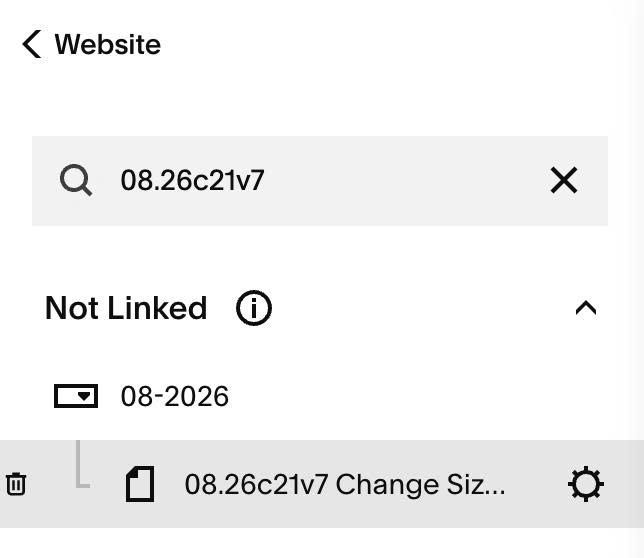
#1.2. Hover on Page where you use Text Block > Click Gear icon
#1.3. Click Advanced > Paste this code
- If you use Personal/Basic Plan and your plan doesn’t support Injection, see #3.1
<!-- 08.26c21v7 Change Size some Letters in Text -->
<script>
window.LetterSizeConfig = {
  selector: '.sqs-html-content',
  sizes: {
    '@': '18px',
    '@@': '24px',
    '@@@': '32px',
    '@@@@': '40px',
    '@@@@@': '52px'
  }
};
</script>
<script src="https://code.beaverhero.com/textblock/0826c21v7differentsizeintext.js"></script>
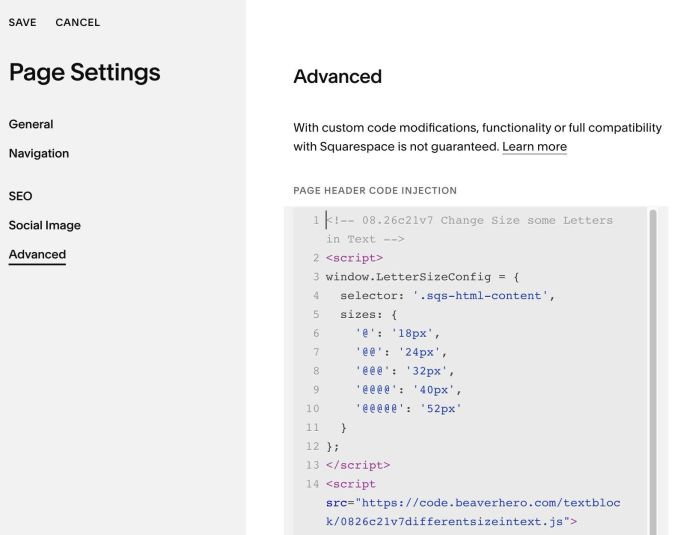
#1.4. You can update size here
'@': '18px',
'@@': '24px',
'@@@': '32px',
'@@@@': '40px',
'@@@@@': '52px'
#2. Customize
nothing now
#3. Other
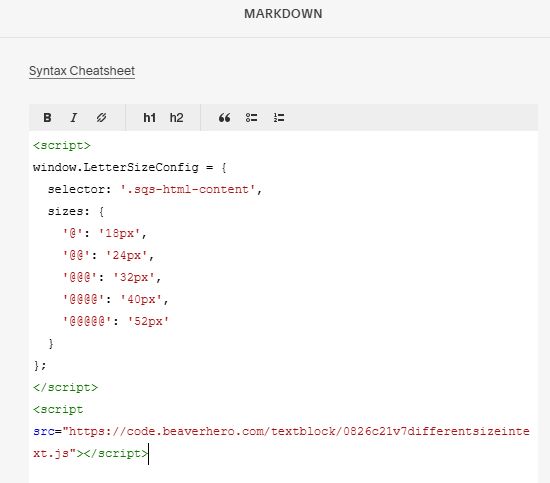
#3.1. If you use Personal/Basic Plan and your plan doesn’t support Injection, you can add a Markdown Block under Text Block

Then add this code into Markdown Block
<script>
window.LetterSizeConfig = {
  selector: '.sqs-html-content',
  sizes: {
    '@': '18px',
    '@@': '24px',
    '@@@': '32px',
    '@@@@': '40px',
    '@@@@@': '52px'
  }
};
</script>
<script src="https://code.beaverhero.com/textblock/0826c21v7differentsizeintext.js"></script>