Description
- adding testimonial Carousel (style 02) with Text Blocks
- view demo – password: abc
- buy me a coffee

#1. Install Code
#1.1. First, add some Text Blocks with text: #text-testimonial-carousel-02
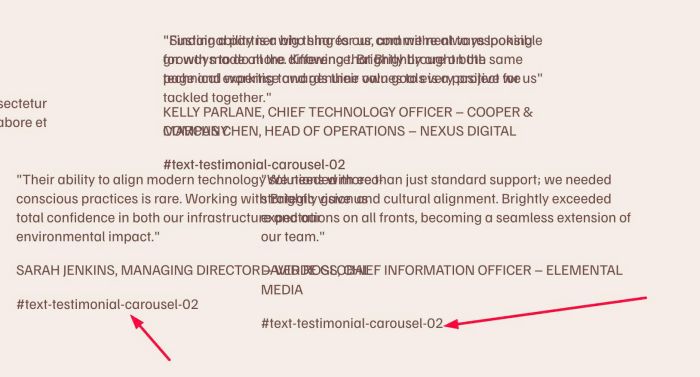
#1.2. Drag Text Blocks overlap together

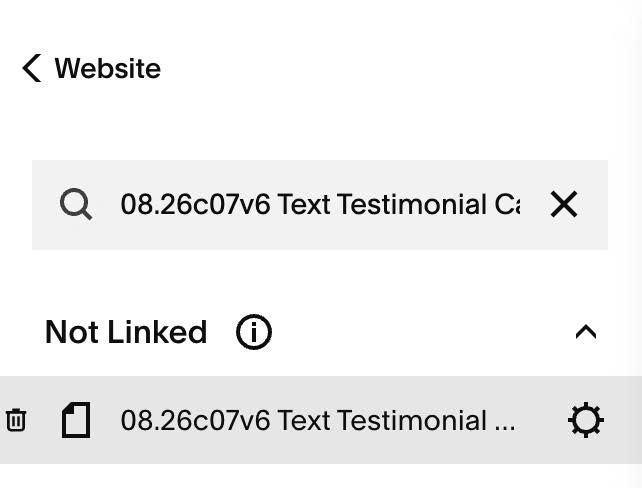
#1.3. Hover on Page where you use Text Block > Click Gear icon
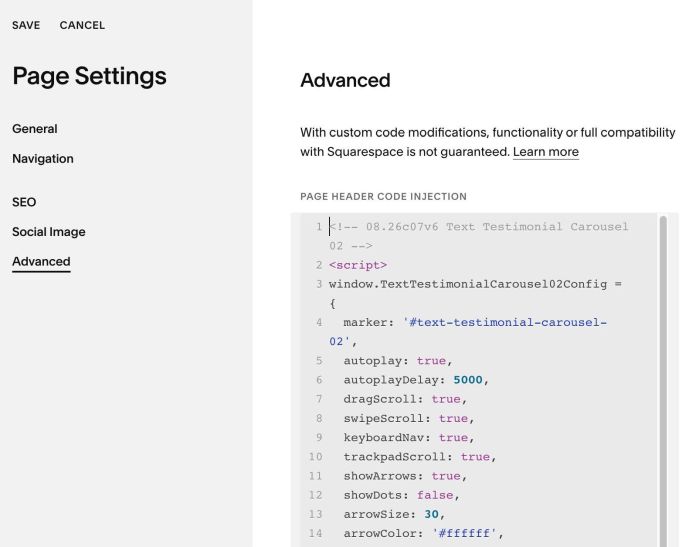
#1.4. Click Advanced > Paste this code
- If you use Personal/Basic Plan and your plan doesn’t support Injection, see #3.1
<!-- 08.26c07v6 Text Testimonial Carousel 02 -->
<script>
window.TextTestimonialCarousel02Config = {
  marker: '#text-testimonial-carousel-02',
  autoplay: true,
  autoplayDelay: 5000,
  dragScroll: true,
  swipeScroll: true,
  keyboardNav: true,
  trackpadScroll: true,
  showArrows: true,
  showDots: false,
  arrowSize: 30,
  arrowColor: '#ffffff',
  arrowBg: '#000000',
  circleSize: 10,
  circleColor: '#000000',
  navPosition: 'left'
};
</script>
<script src="https://code.beaverhero.com/textblock/0826c07v6texttestimonialcarousel02.js"></script>
#2. Customize
#2.1. To change arrow style, change line 13 to line 17
arrowSize: 30,
  arrowColor: '#ffffff',
  arrowBg: '#000000',
  circleSize: 10,
  circleColor: '#000000',
#3. Other
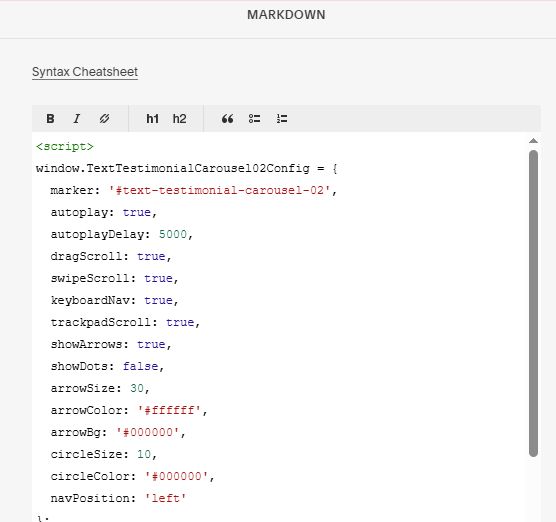
#3.1. If you use Personal/Basic Plan and your plan doesn’t support Injection, you can add a Markdown Block under Text Block

Then add this code into Markdown Block
<script>
window.TextTestimonialCarousel02Config = {
  marker: '#text-testimonial-carousel-02',
  autoplay: true,
  autoplayDelay: 5000,
  dragScroll: true,
  swipeScroll: true,
  keyboardNav: true,
  trackpadScroll: true,
  showArrows: true,
  showDots: false,
  arrowSize: 30,
  arrowColor: '#ffffff',
  arrowBg: '#000000',
  circleSize: 10,
  circleColor: '#000000',
  navPosition: 'left'
};
</script>
<script src="https://code.beaverhero.com/textblock/0826c07v6texttestimonialcarousel02.js"></script>