Description
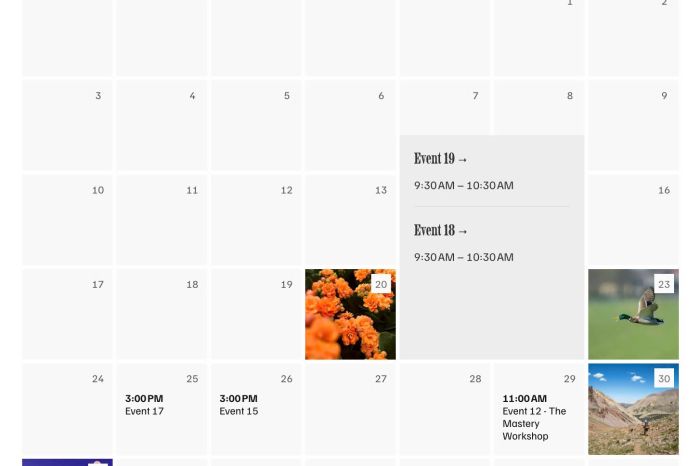
- fix missing image for multi-event days
- buy me a coffee
#1. Install Code
If you use Personal/Basic Plan and your plan doesn’t support Injection, see #2.1
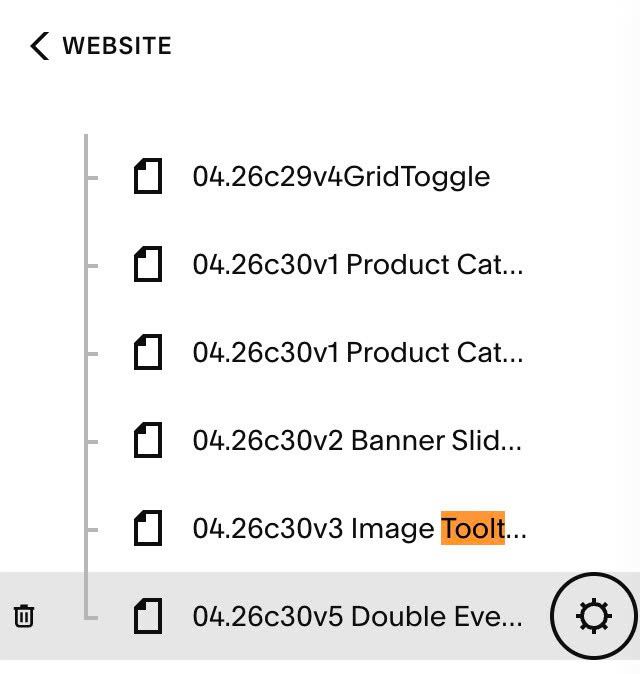
#1.1. First, hover on Page where you use Event Calendar > Click Gear icon
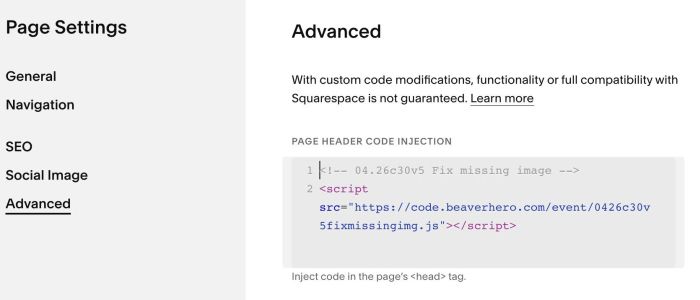
#1.2. Click Advanced > Paste this code
<!-- 04.26c30v5 Fix missing image -->
<script src="https://code.beaverhero.com/event/0426c30v5fixmissingimg.js"></script>
#2. Customize
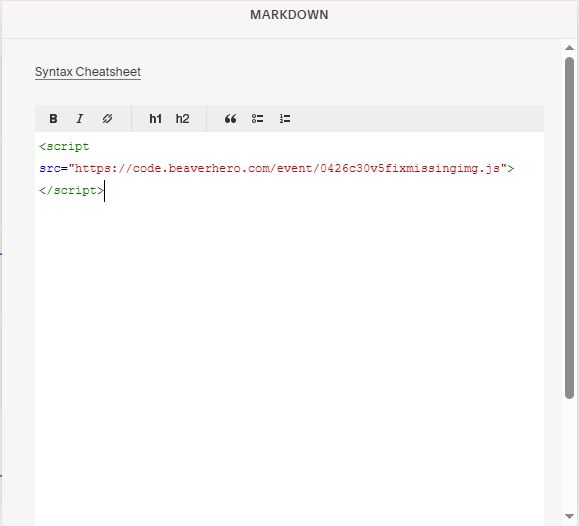
#2.1. If you use Personal/Basic Plan and your plan doesn’t support Injection, you can add a MARKDOWN Block under Calendar.

Then paste this code into Markdown Block.
<script src="https://code.beaverhero.com/event/0426c30v5fixmissingimg.js"></script>