Description
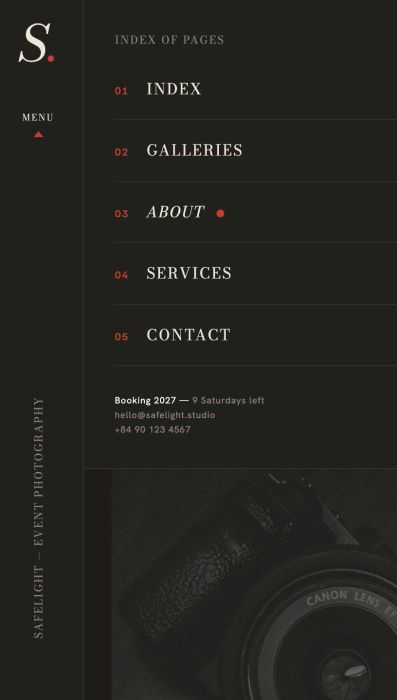
- vertical header (float on left of site) with site title, menu text, vertical text, click on menu text will show a mini popup menu (similar mobile menu)
- view demo – password: abc
- buy me a coffee
#1. Install Code
#1.1. First, create a Page in Not Linked with URL: /menu-text

Then add your desired content to this page

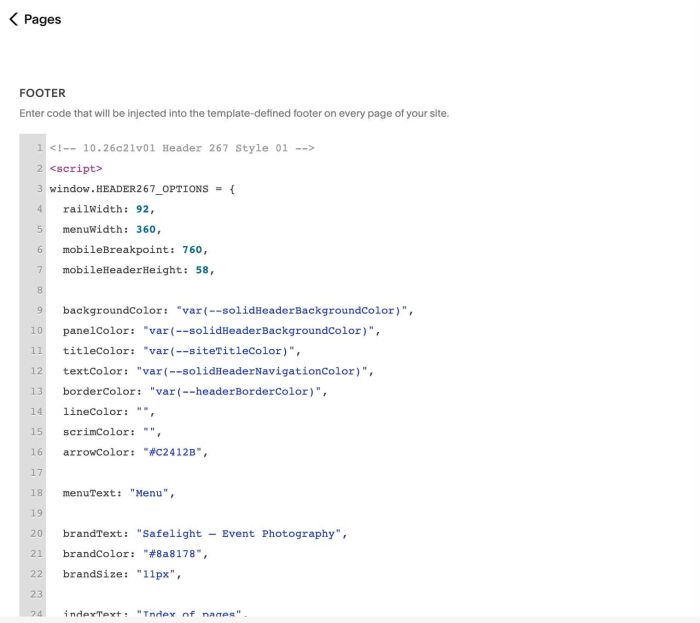
#1.2. Use this code to Code Injection > Footer
<!-- 10.26c21v01 Header 267 Style 01 -->
<script>
window.HEADER267_OPTIONS = {
  railWidth: 92,
  menuWidth: 360,
  mobileBreakpoint: 760,
  mobileHeaderHeight: 58,

  backgroundColor: "var(--solidHeaderBackgroundColor)",
  panelColor: "var(--solidHeaderBackgroundColor)",
  titleColor: "var(--siteTitleColor)",
  textColor: "var(--solidHeaderNavigationColor)",
  borderColor: "var(--headerBorderColor)",
  lineColor: "",
  scrimColor: "",
  arrowColor: "#C2412B",

  menuText: "Menu",

  brandText: "Safelight — Event Photography",
  brandColor: "#8a8178",
  brandSize: "11px",

  indexText: "Index of pages",
  indexColor: "#8a8178",
  indexSize: "11px",

  bookingPage: "/menu-text",

  showNumbers: true,
  numberColor: "#C2412B"
};
</script>
<script src="https://code.beaverhero.com/header/1026c21v01header267style01float.js"></script>
#1.3. You can change some text via these lines
Vertical Text (Line 20)
brandText: "Safelight — Event Photography",
Index of Pages text (Line 24)
indexText: "Index of pages",
Menu text (Line 18)
menuText: "Menu",
#2. Customize
#2.1. To change Vertical Header Width, Menu Width, change line 04, 05
railWidth: 92,
  menuWidth: 360,
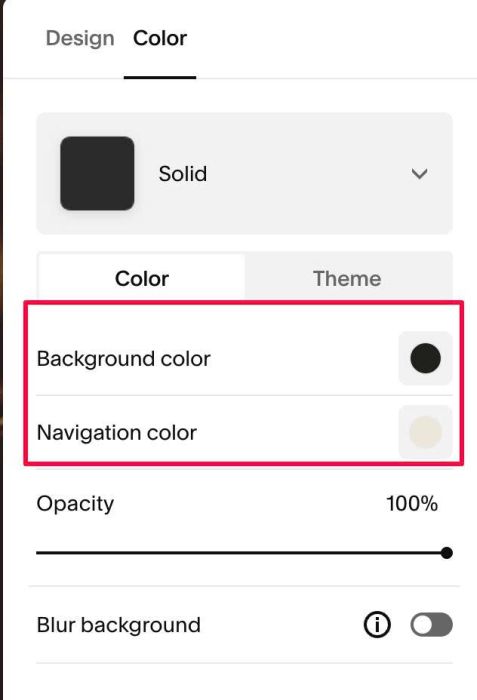
#2.2. To change Header Background, Navigation Links Color, change this option
#2.3. To change border line on right of vertical header, change this option
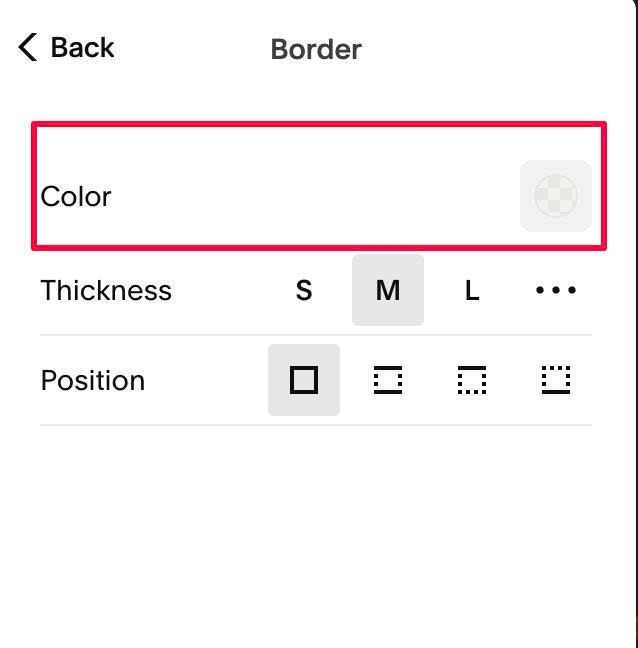
#2.4. To change red arrow color (under text Menu), change line 16
arrowColor: "#C2412B"
#2.5. To change vertical text size/color, change line 21, 22
brandColor: "#8a8178",
  brandSize: "11px",
#2.6. To change Index of Pages text size/color, change line 25, 26
indexColor: "#8a8178",
  indexSize: "11px",
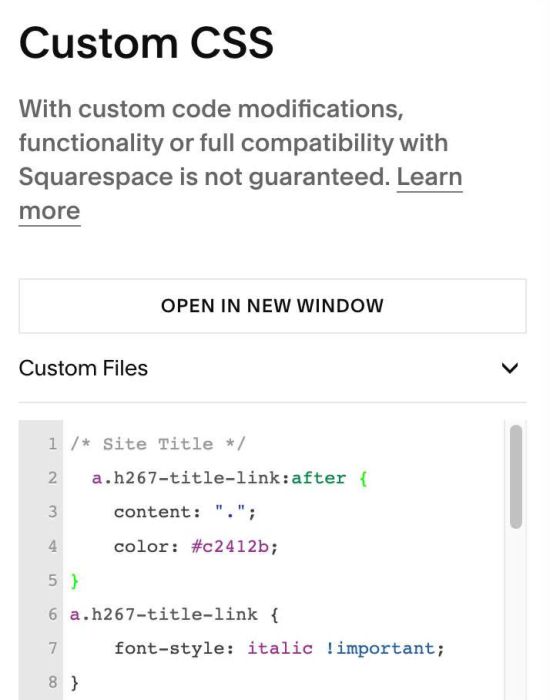
#2.7. To add dot after Site Title, you can use this code to Custom CSS
/* Site Title */
  a.h267-title-link:after {
    content: ".";
    color: #c2412b;
}
a.h267-title-link {
    font-style: italic !important;
}
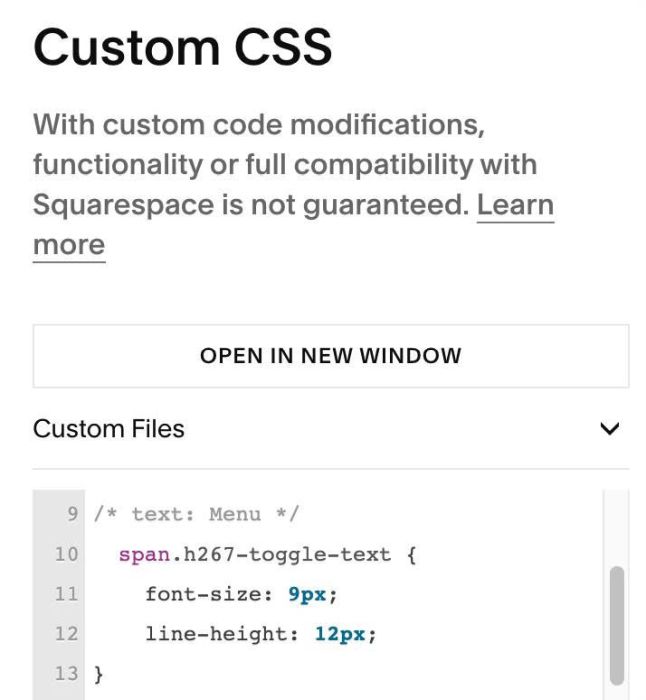
#2.8. To change size of text “Menu”, use this to Custom CSS
/* text: Menu */
  span.h267-toggle-text {
    font-size: 9px;
    line-height: 12px;
}