Description
- on scroll down, shrink logo smaller and sticky it follow users
- view demo – password: abc
- buy me a coffee
#1. Install Code
#1.1. You can use this code to Code Injection > Footer
- If you use Personal/Basic Plan and your plan doesn’t support Injection, you can see #3.1
<!-- 08.26c30v8 Logo Follow User on Scroll Down -->
<script>
window.LogoScrollConfig = {
  logoSize: '120px',
  logoSizeSticky: '60px',
  stickyTop: '15px',
  logoPosition: 'center',
  logoLeft: '30px',
  scrollThreshold: 100
};
</script>
<script src="https://code.beaverhero.com/other/0826c30v8logofollowuserscroll.js"></script>
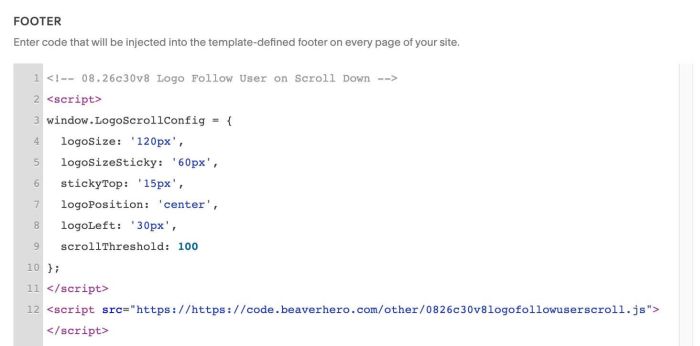
#1.2. To change logo size, change line 04, 05
logoSize: '120px',
logoSizeSticky: '60px',
#2. Customize
nothing now
#3. Other
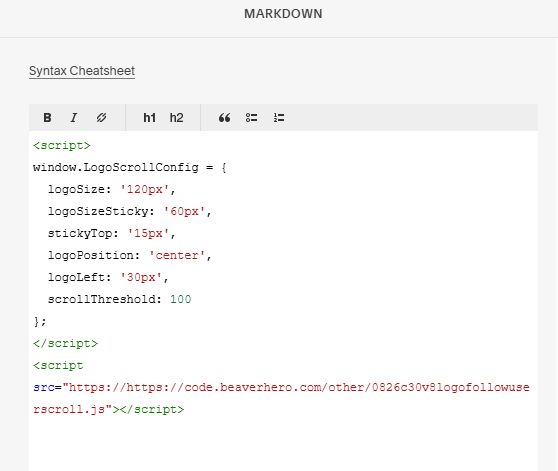
#3.1. If you use Personal/Basic Plan and your plan doesn’t support Injection, you can edit Site Footer > Add a Markdown Block

Add this code into Markdown
<script>
window.LogoScrollConfig = {
  logoSize: '120px',
  logoSizeSticky: '60px',
  stickyTop: '15px',
  logoPosition: 'center',
  logoLeft: '30px',
  scrollThreshold: 100
};
</script>
<script src="https://code.beaverhero.com/other/0826c30v8logofollowuserscroll.js"></script>