Description
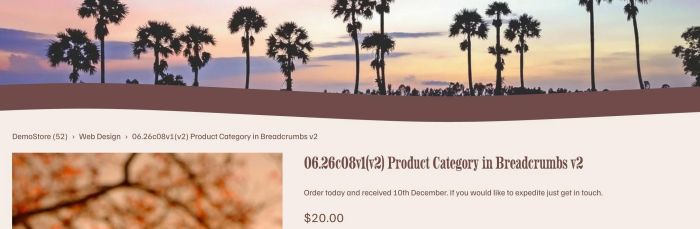
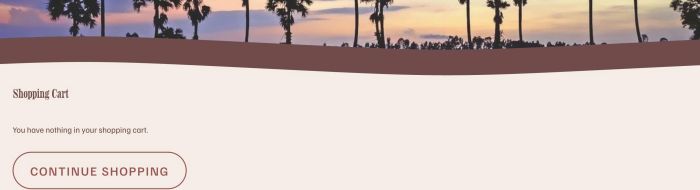
- add section from a not linked page to product detail & cart page
- buy me a coffee
#1. Install Code
Note: It uses Section Loader Plugin, so you will need to purchase it first.
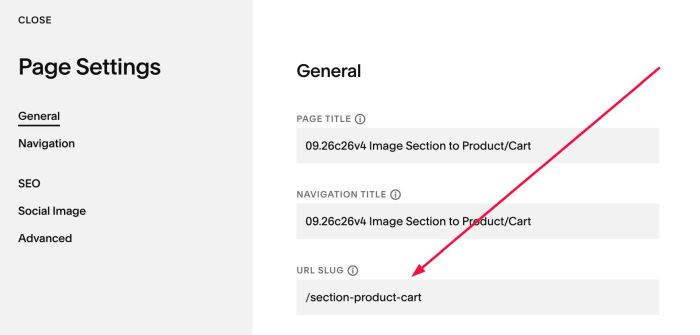
#1.1. First, add a Page in Not Linked with URL: /section-product-cart
#1.2. Edit page > Add your desired layout

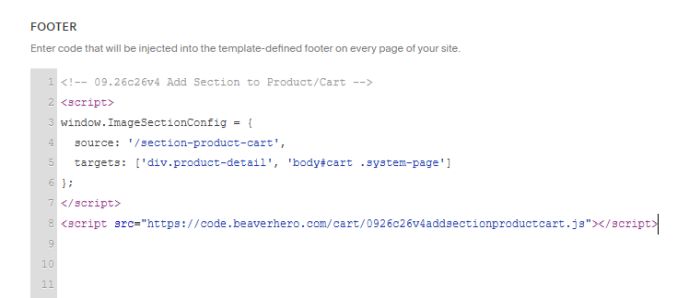
#1.3. Use this code to Code Injection > Footer
<!-- 09.26c26v4 Add Section to Product/Cart -->
<script>
window.ImageSectionConfig = {
  source: '/section-product-cart',
  targets: ['div.product-detail', 'body#cart .system-page']
};
</script>
<script src="https://code.beaverhero.com/cart/0926c26v4addsectionproductcart.js"></script>
#2. Customize
nothing now