Description
- make Summary Block supports Portfolio Page, works with Grid, List, Carousel only, won’t work properly with Wall design
- view demo – password: abc
- buy me a coffee

#1. Install Code
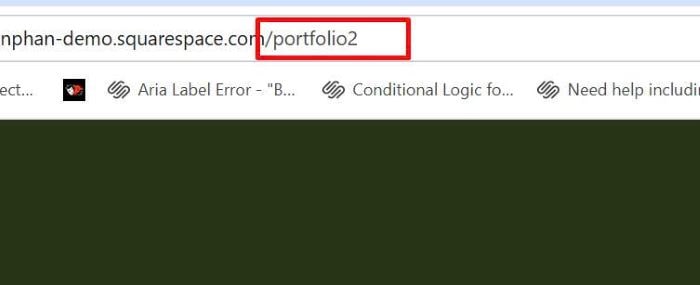
#1.1. First, you need to find Portfolio Page URL Slug
In my example, it is /portfolio2
#1.2. Make sure you added Summary Block (you can connect with any pages, this is not important)
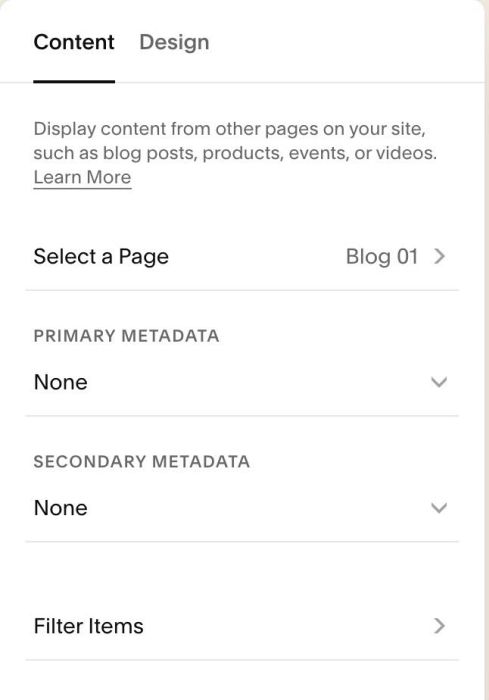
You can choose your desired design: Grid, List, Carousel. Note: This will run with Wall layout but layout won’t render properly in some cases.
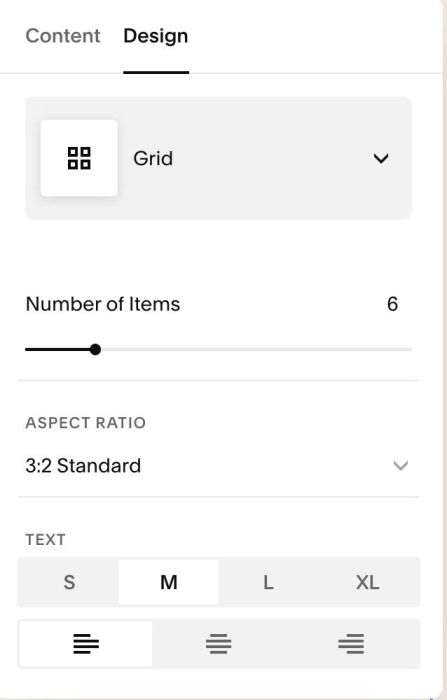
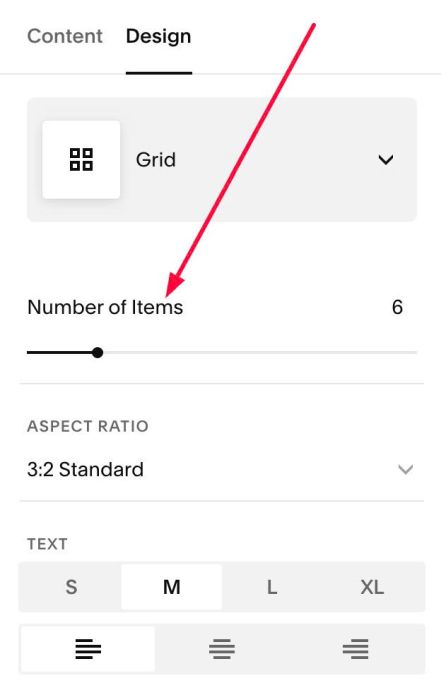
#1.3. Make sure the number of items here matches the number of items on the Portfolio Page. This is very important if you’re using Summary Carousel. And it also avoids creating unwanted gaps.
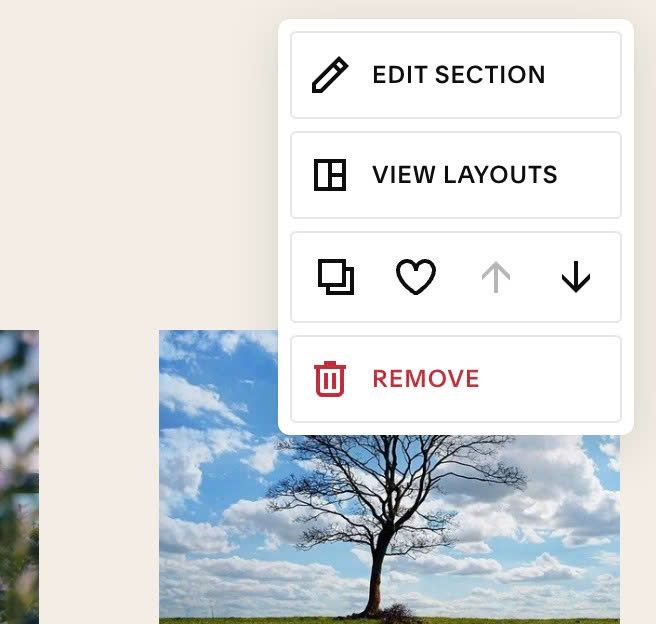
#1.4. Hover on top right of section > Click EDIT SECTION
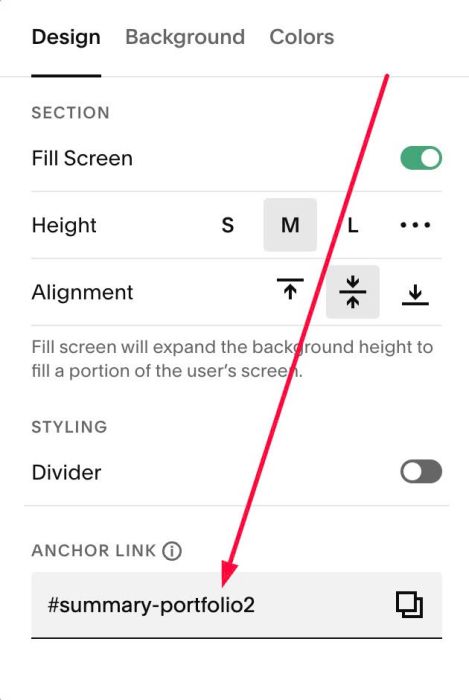
at Design > Anchor Link > Enter word with format: summary-portfoliopageurlslug
summary-portfoliopageurlslug
If Portfolio Page URL is /portfolio2 – we will enter this: summary-portfolio2
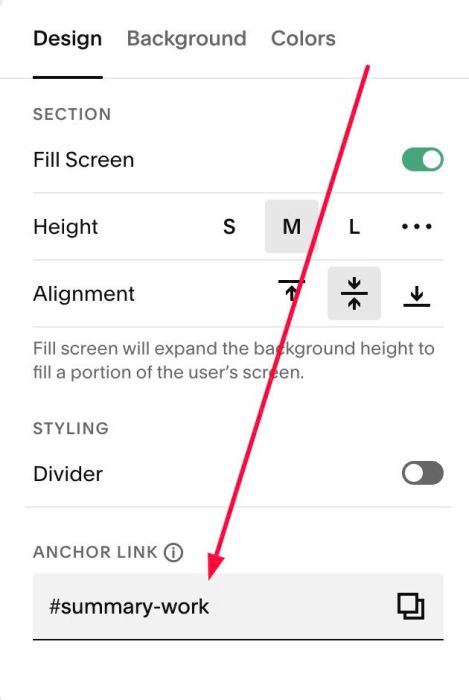
If Portfolio Page URL is /work – we will enter: summary-work
#1.5. Hover on Page where you added Summary Block > Click Gear icon
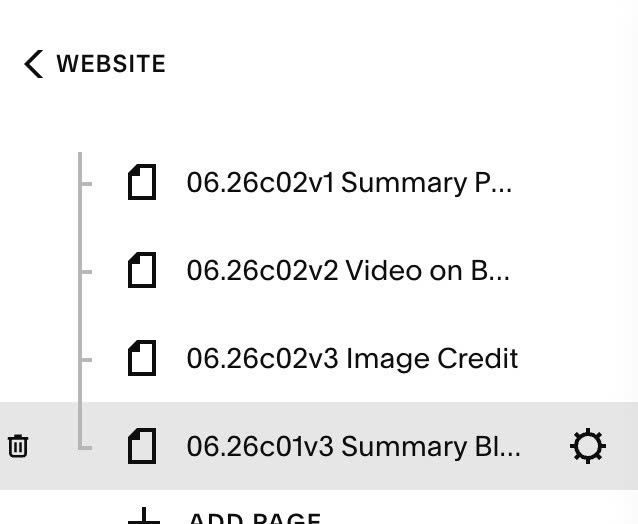
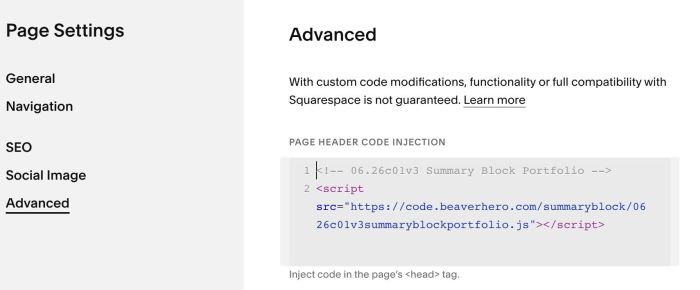
Click Advanced > Paste this code
- If you use Personal/Basic Plan and your plan doesn’t support Injection, see #3.1
<!-- 06.26c01v3 Summary Block Portfolio -->
<script src="https://code.beaverhero.com/summaryblock/0626c01v3summaryblockportfolio.js"></script>
#2. Customize
#3. Other
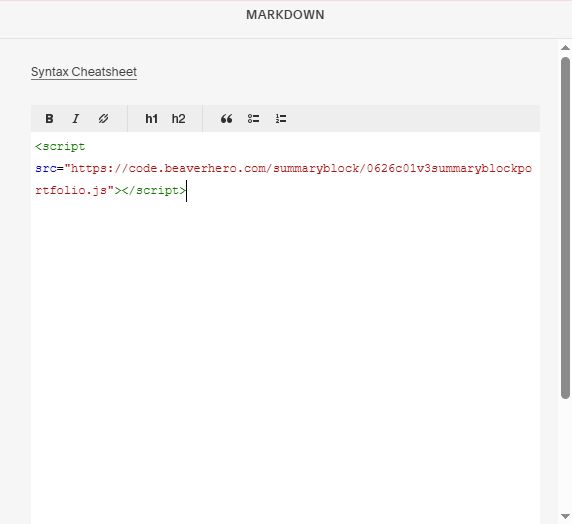
#3.1. If you use Personal/Basic Plan and your plan doesn’t support Injection, you can add extra block under Summary Block
Choose Markdown

Paste this code into Markdown
<script src="https://code.beaverhero.com/summaryblock/0626c01v3summaryblockportfolio.js"></script>