Description
- adding clickable down arrow to next section on bottom of screen (or bottom of top section)
- view demo – password: abc
- buy me a coffee

#1. Install Code
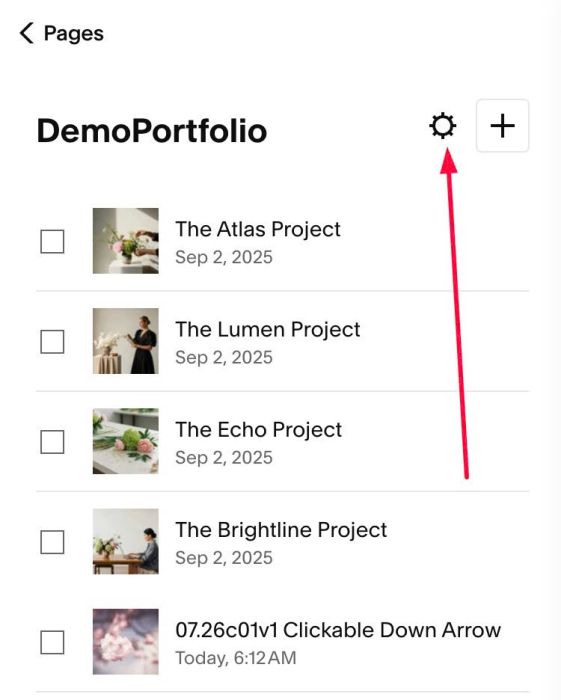
#1.1. Click Gear icon on Portfolio Page (or regular page)
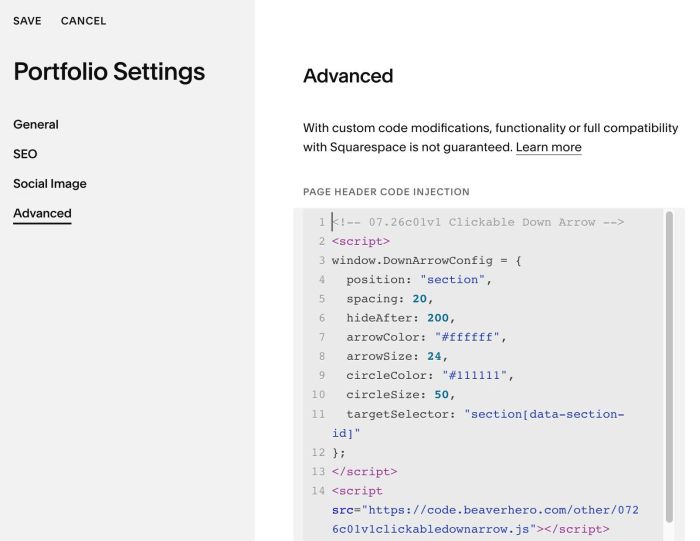
#1.2. Click Advanced > Paste this code
- If you use Personal/Basic Plan and your plan doesn’t support Injection, see #3.1
- If you want to add it to a specific Portfolio Item, Blog Post, Event item, Product, see #3.2
<!-- 07.26c01v1 Clickable Down Arrow -->
<script>
window.DownArrowConfig = {
  position: "section",
  spacing: 20,
  hideAfter: 200,
  arrowColor: "#ffffff",
  arrowSize: 24,
  circleColor: "#111111",
  circleSize: 50,
  targetSelector: "section[data-section-id]"
};
</script>
<script src="https://code.beaverhero.com/other/0726c01v1clickabledownarrow.js"></script>
#2. Customize
#2.1. To change position of down arrow, from bottom of section to bottom of screen, change Line 04
position: "section",
to
position: "viewport",
#2.2. To change Arrow size/color, change Line 07, Line 08
arrowColor: "#ffffff",
arrowSize: 24,
#2.3. To change black circle behind arrow, change Line 09, Line 10
circleColor: "#111111",
circleSize: 50,
#3. Other
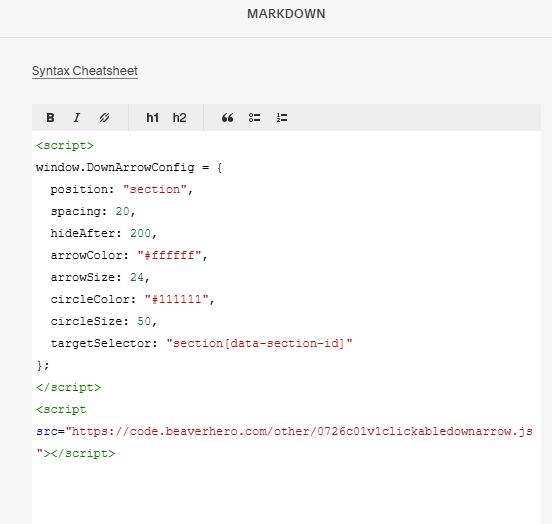
#3.1. If you use Personal/Basic Plan and your plan doesn’t support Injection, you can edit current page > Add a Block > Choose Markdown

Add this code into Markdown
<script>
window.DownArrowConfig = {
  position: "section",
  spacing: 20,
  hideAfter: 200,
  arrowColor: "#ffffff",
  arrowSize: 24,
  circleColor: "#111111",
  circleSize: 50,
  targetSelector: "section[data-section-id]"
};
</script>
<script src="https://code.beaverhero.com/other/0726c01v1clickabledownarrow.js"></script>
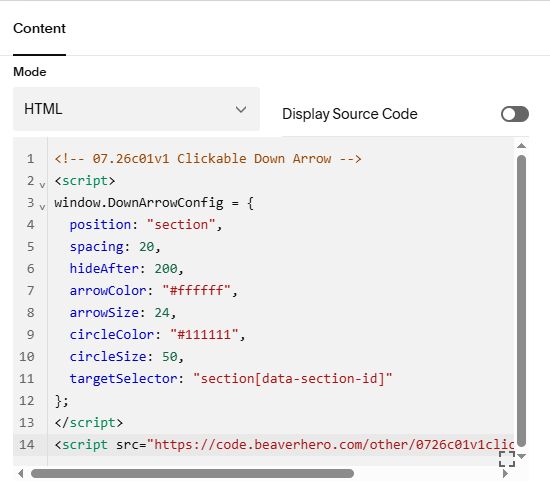
#3.2. If you want to add code to a specific Portfolio item/Blog Post/product > You can edit Portfolio item > Add a Code Block
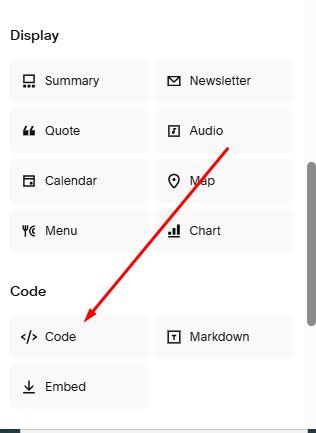
Then add this code into Code Block
<!-- 07.26c01v1 Clickable Down Arrow -->
<script>
window.DownArrowConfig = {
  position: "section",
  spacing: 20,
  hideAfter: 200,
  arrowColor: "#ffffff",
  arrowSize: 24,
  circleColor: "#111111",
  circleSize: 50,
  targetSelector: "section[data-section-id]"
};
</script>
<script src="https://code.beaverhero.com/other/0726c01v1clickabledownarrow.js"></script>