Description
- enable autoscroll/autoplay on reel slideshow gallery
- view demo – password: abc
- buy me a coffee
#1. Install Code
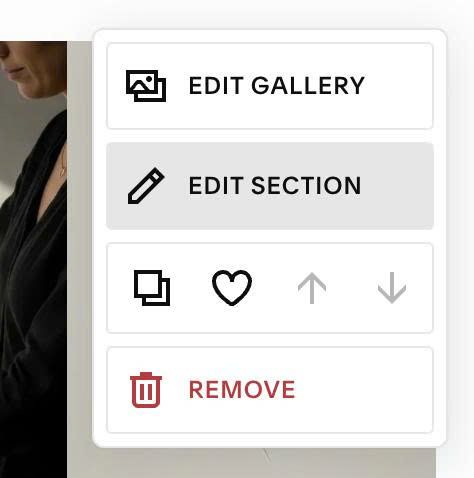
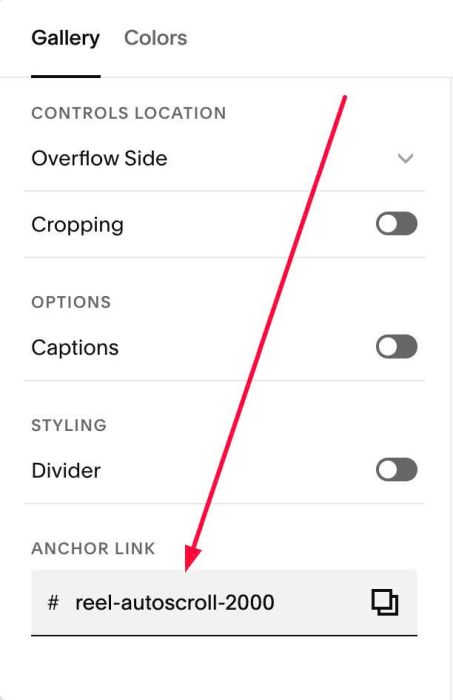
#1.1. Hover on top right of Reel > Click EDIT SECTION
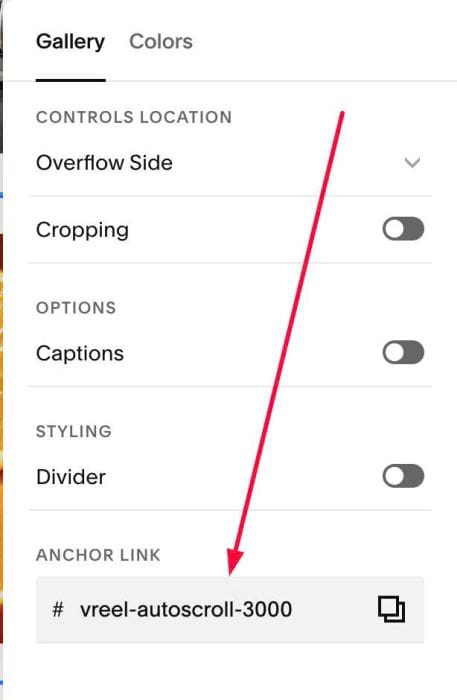
#1.2. at Gallery > Anchor Link, enter word: reel-autoscroll-NUMBER
Example: reel-autoscroll-3000
(3000 = 3 seconds)
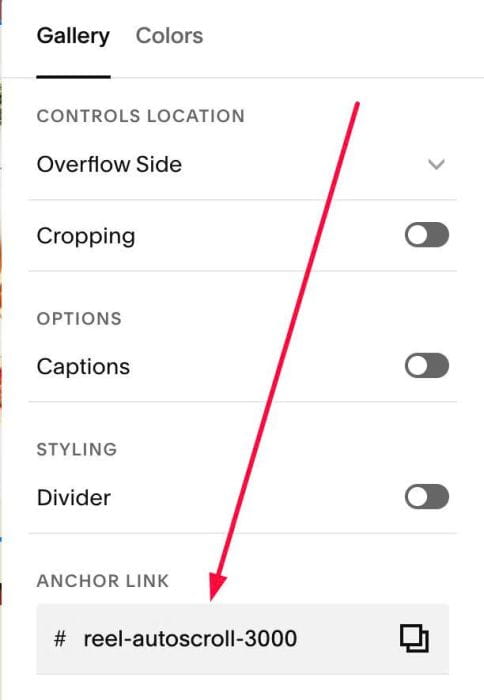
reel-autoscroll-5000
(5000 = 5 seconds)
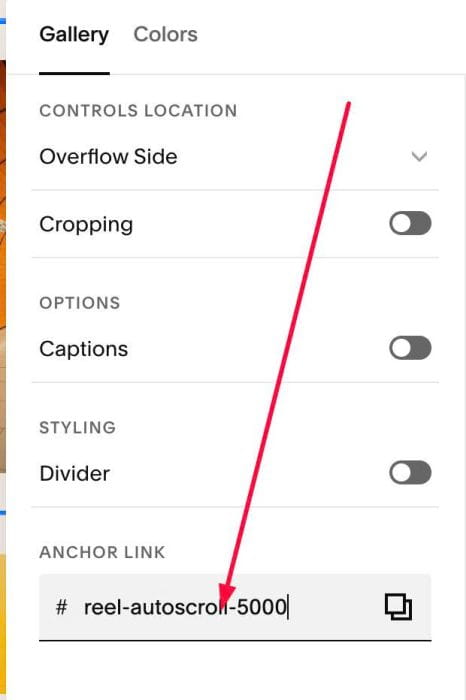
reel-autoscroll-2000
(2000 = 2 seconds)
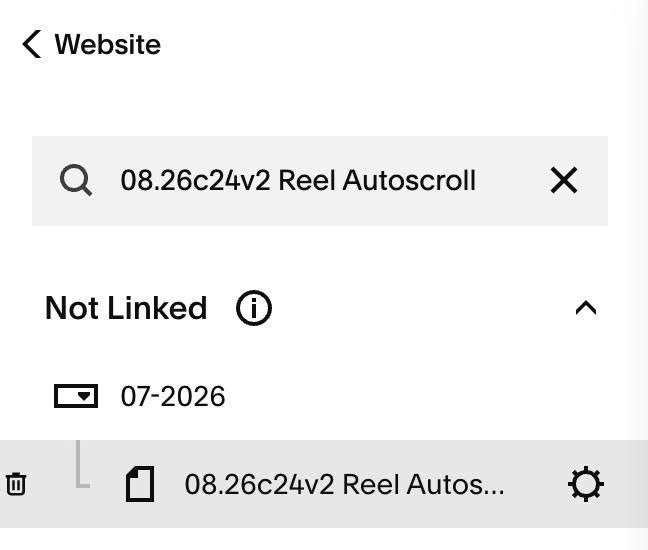
#1.3. Hover on Page where you use Reel > Click Gear icon
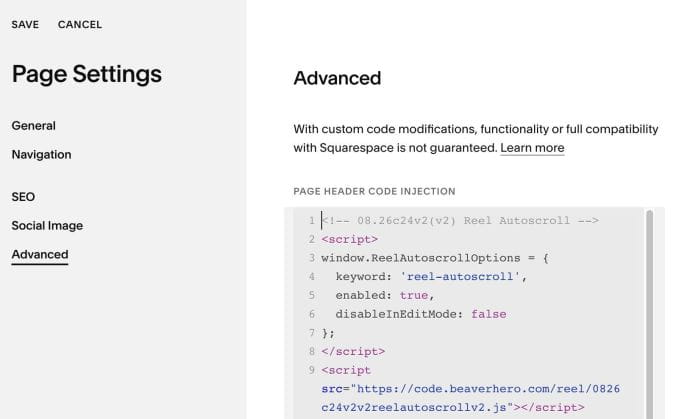
#1.4. Click Advanced > Paste this code
<!-- 08.26c24v2(v2) Reel Autoscroll -->
<script>
window.ReelAutoscrollOptions = {
  keyword: 'reel-autoscroll',
  enabled: true,
  disableInEditMode: false
};
</script>
<script src="https://code.beaverhero.com/reel/0826c24v2v2reelautoscrollv2.js"></script>
#2. Customize
#2.1. If you can’t edit Page, you can change line
disableInEditMode: false
to
disableInEditMode: true
it will disable code in edit mode, so you able to edit page
#2.2. If you have 2 Reels and need to use same speed, you can enter anchor link like this
Section 1: reel-autoscroll-3000
Section 2: vreel-autoscroll-3000