Description
- slide image left/right…on scroll
- view demo – password: abc
- buy me a coffee
#1. Install Code
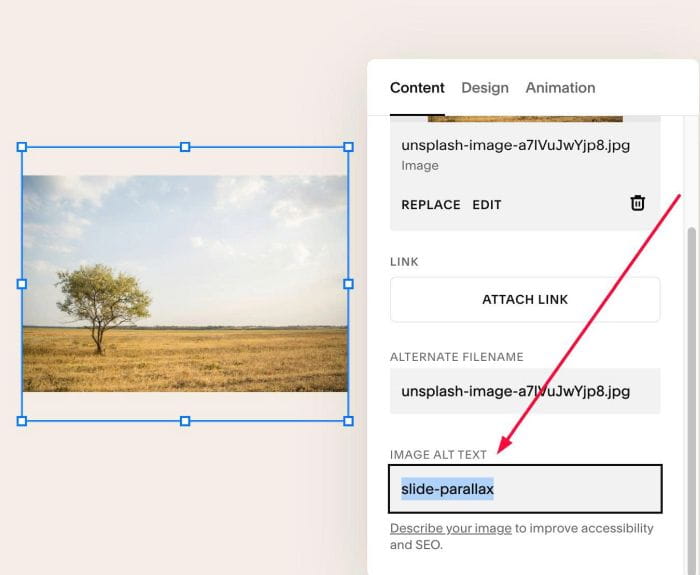
#1.1. Edit Image Block > at ALT, enter text
- slide-right
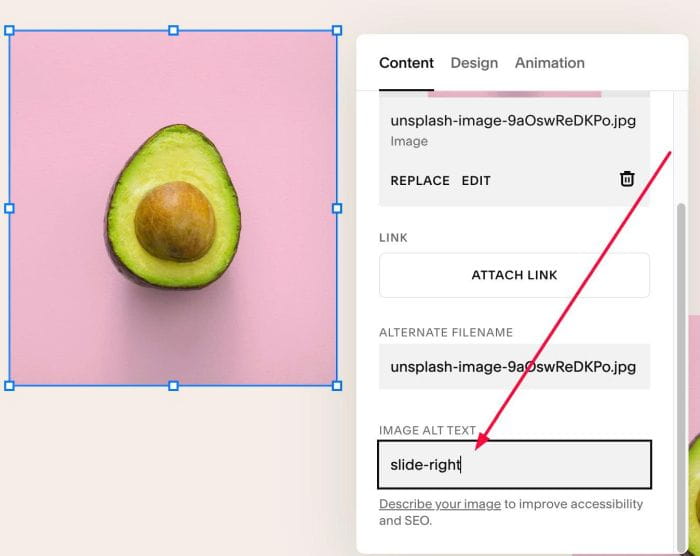
- slide-left

- slide-parallax
- (add this to 2 or more images, overlap together)
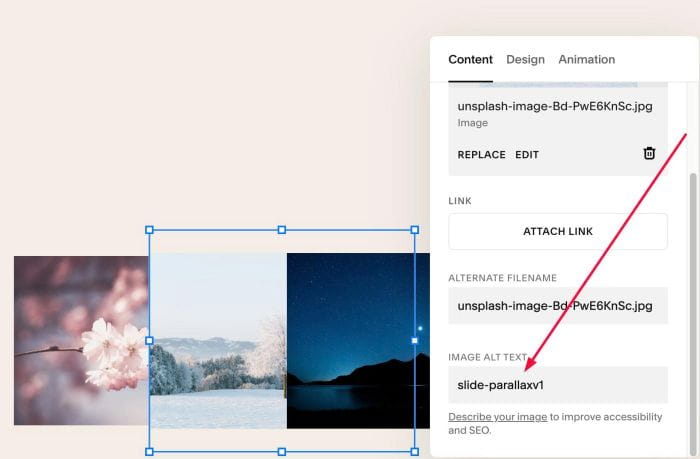
- slide-parallaxv1
- (add this to 2 or more images, overlap together)
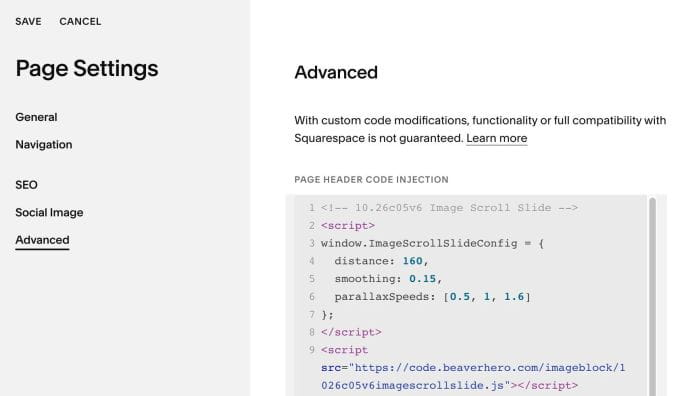
#1.2. Hover on Page where you use Images > Click Gear icon > Click Advanced > Paste this code
<!-- 10.26c05v6 Image Scroll Slide -->
<script>
window.ImageScrollSlideConfig = {
  distance: 160,
  smoothing: 0.15,
  parallaxSpeeds: [0.5, 1, 1.6]
};
</script>
<script src="https://code.beaverhero.com/imageblock/1026c05v6imagescrollslide.js"></script>
#2. Customize
nothing now