Description
- adding label text over image block
- view demo – password: abc
- buy me a coffee


#1. Install Code
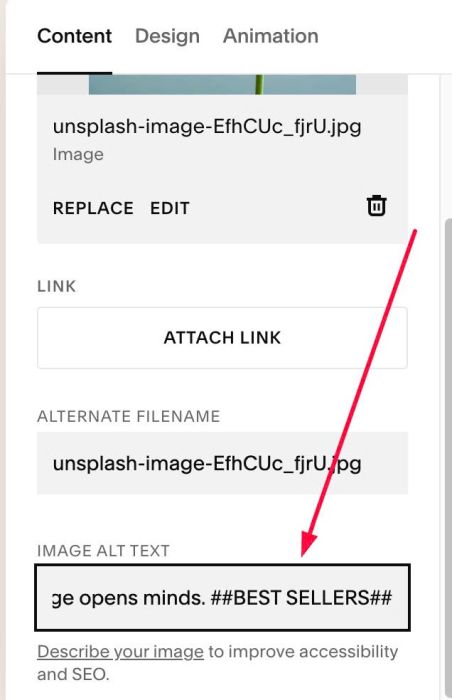
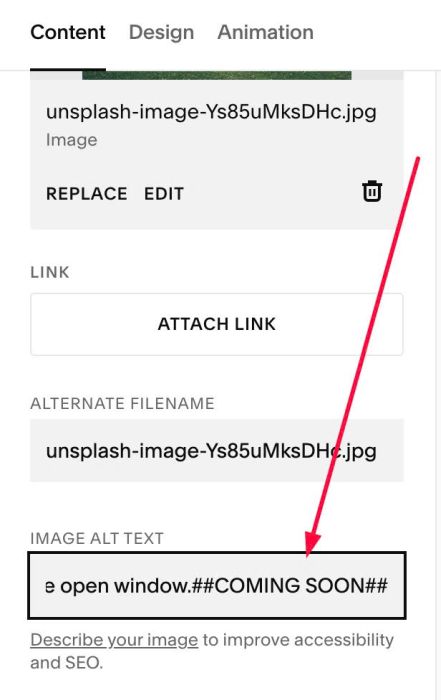
#1.1. Adding label text to ALT, use format like this
##label text##
Something like this
Learning a new language opens minds. ##BEST SELLERS##
or like this
Sunlight dances through the open window.##COMING SOON##
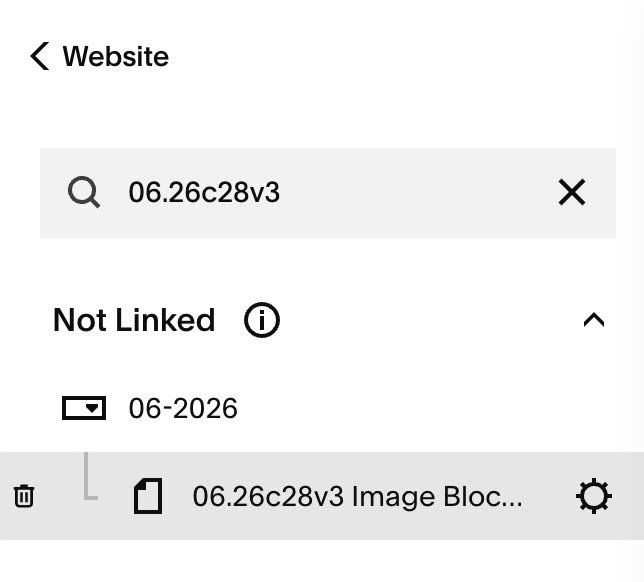
#1.2. Hover on Page where you use Image Blocks > Click Gear icon
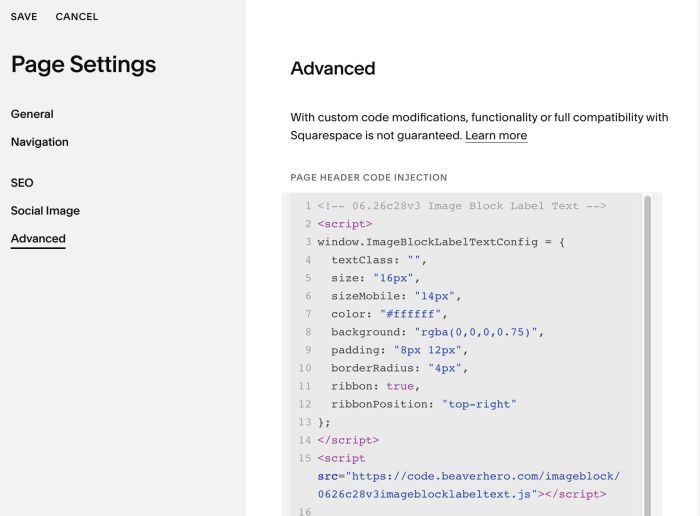
#1.3. Click Advanced > Paste this code
- If you use Personal/Basic Plan and your plan doesn’t support Injection, see #3.1
<!-- 06.26c28v3 Image Block Label Text -->
<script>
window.ImageBlockLabelTextConfig = {
  textClass: "",
  size: "16px",
  sizeMobile: "14px",
  color: "#ffffff",
  background: "rgba(0,0,0,0.75)",
  padding: "8px 12px",
  borderRadius: "4px",
  ribbon: true,
  ribbonPosition: "top-right"
};
</script>
<script src="https://code.beaverhero.com/imageblock/0626c28v3imageblocklabeltext.js"></script>
#2. Customize
#2.1. To change Label text style, you can change Line 05 to Line 10
size: "16px",
  sizeMobile: "14px",
  color: "#ffffff",
  background: "rgba(0,0,0,0.75)",
  padding: "8px 12px",
  borderRadius: "4px",
#2.2. To change position of label from top right to top left or bottom left, bottom right, you can change Line 12
ribbonPosition: "top-right"
to something like this
ribbonPosition: "top-left"
#2.3. To change ribbon style to this style
You can use this code to Custom CSS
p[data-ic2-cap] {
    transform: unset !important;
    top: 0px !important;
    left: unset !important;
    width: auto !important;
    right: 0px !important;
    border-radius: 0px !important;
}

#2.4. To change label text to P1 style, change Line 04
textClass: "",
to
textClass: ".sqsrte-large",
and P3 style, change it to
textClass: ".sqsrte-small",
#2.5. To change position of Label text

use this to Custom CSS
p[data-ic2-cap] {
    top: 35px !important;
    left: -10px !important;
}
#3. Other
#3.1. If you use Personal/Basic Plan and your plan doesn’t support Injection, you can edit current page > Add a Block

Choose Markdown

Add this code into Markdown
<script>
window.ImageBlockLabelTextConfig = {
  textClass: "",
  size: "16px",
  sizeMobile: "14px",
  color: "#ffffff",
  background: "rgba(0,0,0,0.75)",
  padding: "8px 12px",
  borderRadius: "4px",
  ribbon: true,
  ribbonPosition: "top-right"
};
</script>
<script src="https://code.beaverhero.com/imageblock/0626c28v3imageblocklabeltext.js"></script>
