Description
- move scrolling block in Footer to Announcement Bar
- view demo – password: abc
- buy me a coffee

#1. Install Code
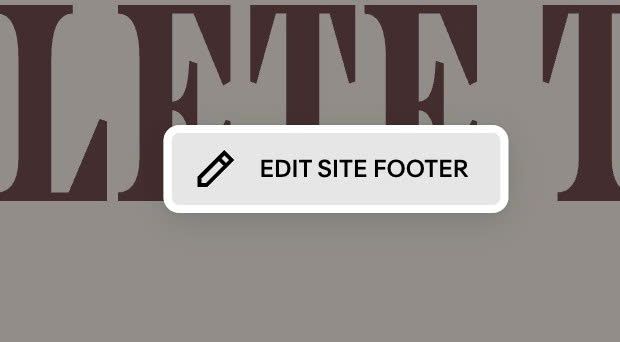
#1.1. First, make sure you added Scrolling Block to Site Footer
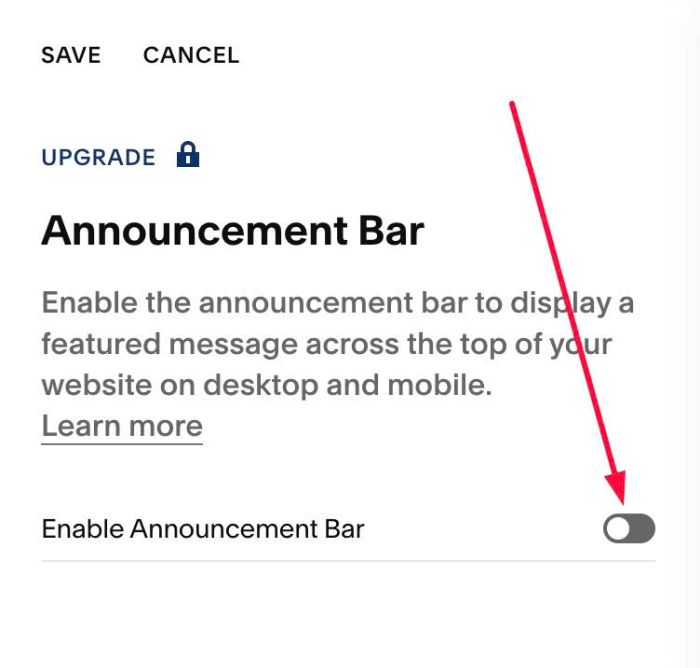
#1.2. Make sure you enabled Announcement Bar
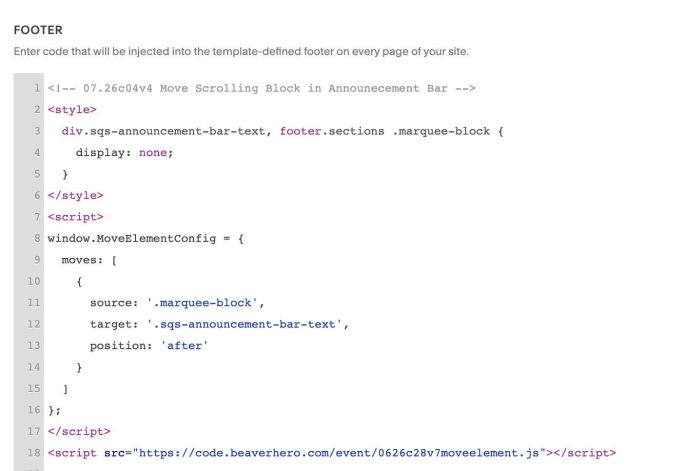
#1.3. Use this code to Code Injection > Footer
- If you use Personal/Basic Plan and your plan doesn’t support Injection, see #3.1
<!-- 07.26c04v4 Move Scrolling Block in Announecement Bar -->
<style>
  div.sqs-announcement-bar-text, footer.sections .marquee-block {
  	display: none;
  }
</style>
<script>
window.MoveElementConfig = {
  moves: [
    {
      source: '.marquee-block',
      target: '.sqs-announcement-bar-text',
      position: 'after'
    }
  ]
};
</script>
<script src="https://code.beaverhero.com/event/0626c28v7moveelement.js"></script>
#2. Customize
#3. Other
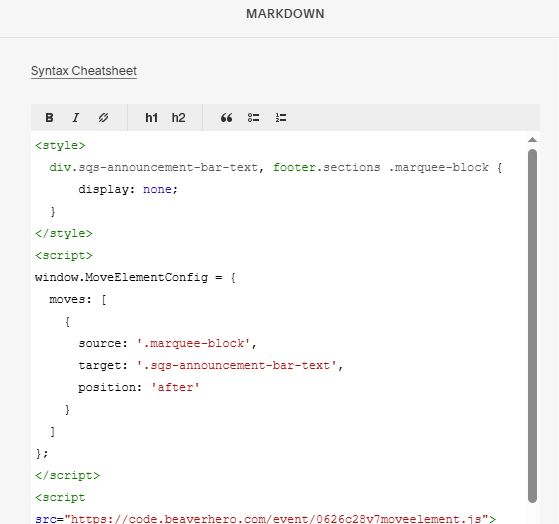
#3.1. If you use Personal/Basic Plan and your plan doesn’t support Injection, you can add a Markdown Block under Scrolling Block

Add this code into Markdown Block
<style>
  div.sqs-announcement-bar-text, footer.sections .marquee-block {
  	display: none;
  }
</style>
<script>
window.MoveElementConfig = {
  moves: [
    {
      source: '.marquee-block',
      target: '.sqs-announcement-bar-text',
      position: 'after'
    }
  ]
};
</script>
<script src="https://code.beaverhero.com/event/0626c28v7moveelement.js"></script>