Download All Images
download all images on the site
 admin
admin download all images on the site
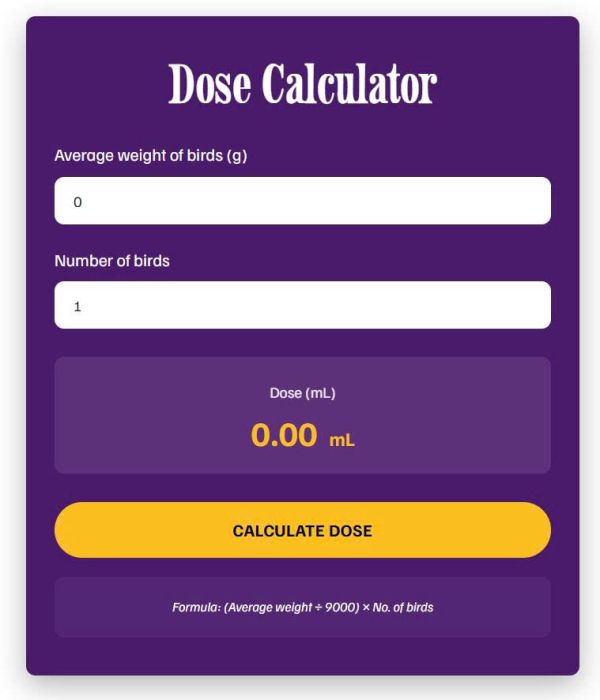
dose calculator
make header appears on scroll over first section on one page only
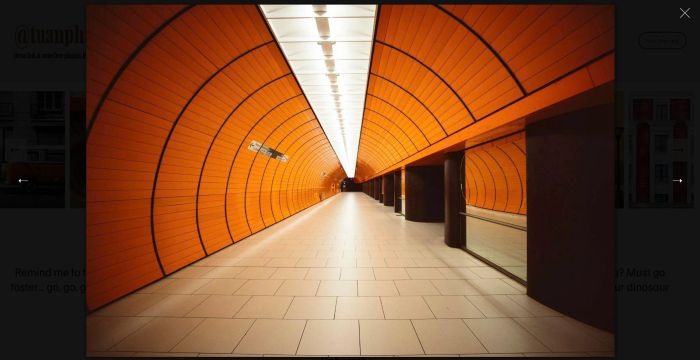
turn Reel to Custom Reel with Lightbox
change slideshow reel to custom

185113 timeline 4 style

185113 timeline 3 style

timeline (185113 – 2 style)

timeline with list left, vertical line on right

slideshow to grid/grid to slideshow, use Gallery Section: Slideshow Simple

slideshow with counter number, use Gallery Section: Slideshow Simple
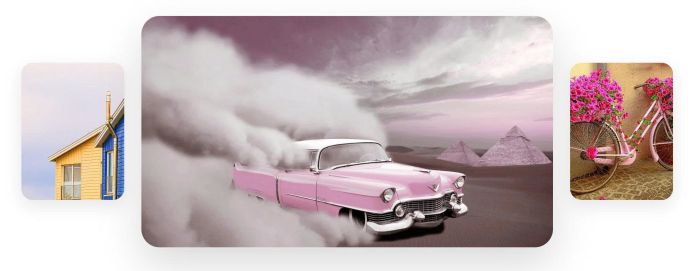
hover thumbnails slide image

timeline (185113 style)

video block clickable, video overlay, video text on hover
show announcement bar in specific date/time
video block clickable, video overlay, video text on hover
video block clickable, video overlay, video text on hover

gallery block to auto scroll

add dropdown to mobile menu

timeline with list right, vertical line on left
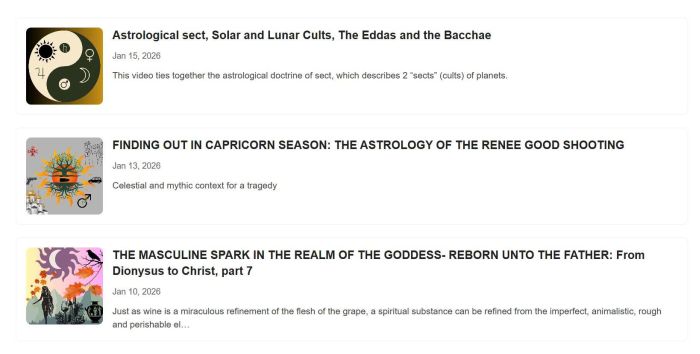
adding substack posts (list) to your site

adding horizontal panels slideshow
click header button, go to checkout page

card flip and shuffle

frosted section image on scroll

tweak Gallery Block to Carousel layout

generate image on button click
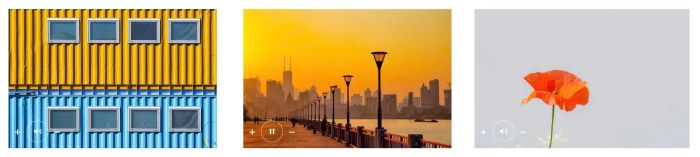
adding audio over Image Blocks
randomize gallery block slideshow images on page load
There is no excerpt because this is a protected post.

autoscroll carousel with different image width, use Gallery Grid

adding description to gallery block grid video
Description: Click button – Also trigger notification email Idea: Adding Form Block under Button, then trigger form submit on button click #1. Install Code First, adding a Form Block under Button with Hidden Field only Enter default value Hover on Page where you use Button/Form > Click Gear icon Paste this code <!– @tuanphan – … Read more
slideshow with image, dot pagination, audio
Description: Change section every 2 hours Use code under Section Loader Plugin code <style> .wm-home-hidden { display: none !important; } </style> <script> const CONFIG = { sourcePage: ‘/home-alt’, updateInterval: 7200 }; (async function() { const SECONDS_MS = CONFIG.updateInterval * 1000; function isHomePage() { return window.location.pathname === ‘/’ || window.location.pathname === ‘/home’; } if (!isHomePage()) return; … Read more
adding fluid engine section to product detail
hide sold out + fill in with new item in related products
summary block products with >30 items

panel moving effect, use Team Section
#1. Sticky first 5 columns <style> .custom-filter-container .custom-table-block { position: relative; –tbl-border: rgba(203, 203, 203, 1); –header-bg: rgba(48, 61, 77, 1); –header-color: rgba(250, 249, 249, 1); –body-bg: rgba(255, 255, 255, 1); overflow-x: auto; -webkit-overflow-scrolling: touch; } .custom-filter-container .custom-table-block th.is-sticky-col, .custom-filter-container .custom-table-block td.is-sticky-col { position: sticky; left: var(–sticky-left, 0px); z-index: 2; background-clip: border-box !important; border-bottom: 1px … Read more
These code for Custom Drawer Plugin by @Michael #1. Click link – trigger Custom Drawer Cart Popup <!– Trigger Cart popup on clicking Cart link –> <script> window.addEventListener(‘load’, function() { setTimeout(function() { var customCartLinks = document.querySelectorAll(‘.html-block a[href=”/cart”]’); var mainCartIcon = document.querySelector(‘#floatingCart a[href=”/cart”]’); if (mainCartIcon) { customCartLinks.forEach(function(link) { link.addEventListener(‘click’, function(e) { e.preventDefault(); e.stopPropagation(); mainCartIcon.click(); return false; … Read more

custom calendar: connect blog page, show current week

click carousel button, show a lightbox popup

click image show a lightbox popup with custom content (image, text)

custom Carousel Image Block
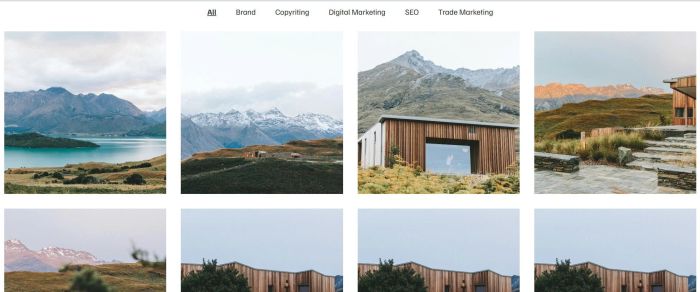
add up to 120 items to Portfolio Page, and adding Category Filter
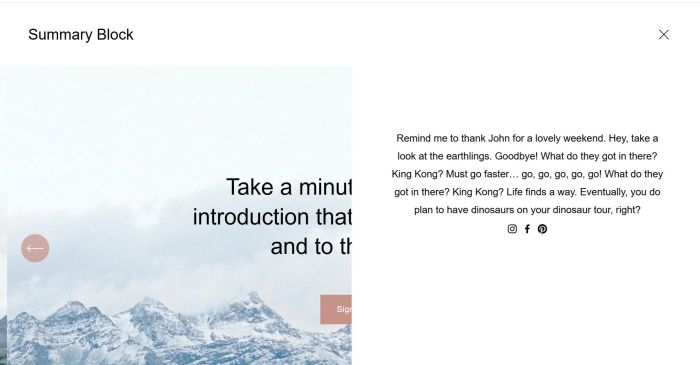
add custom content on burger menu click

click image block will open Autoplay Vimeo in Lightbox
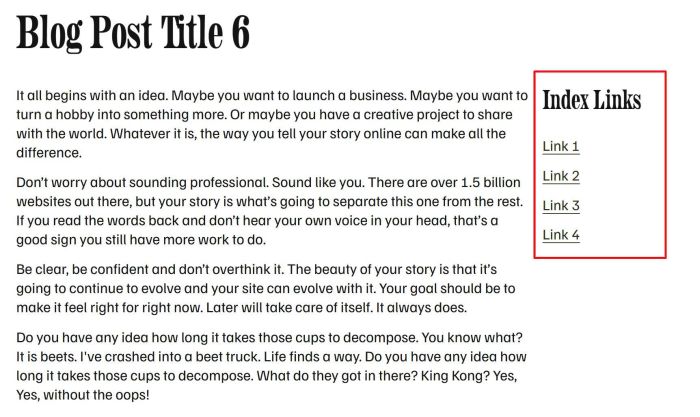
simple sidebar in individual blog posts
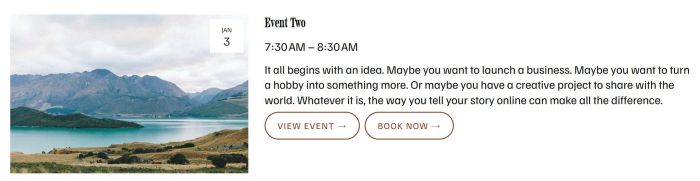
add custom button link next to view event button
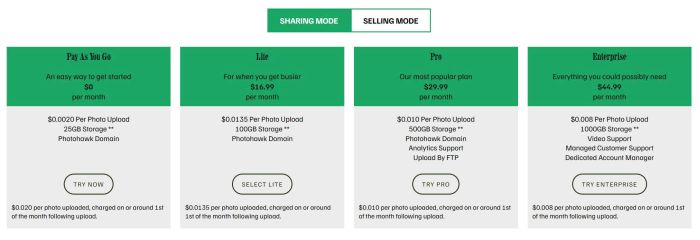
tabs pricing with list section

carousel with different style in middle image
change list to custom accordion
There is no excerpt because this is a protected post.
There is no excerpt because this is a protected post.

add category filter to Gallery Masonry
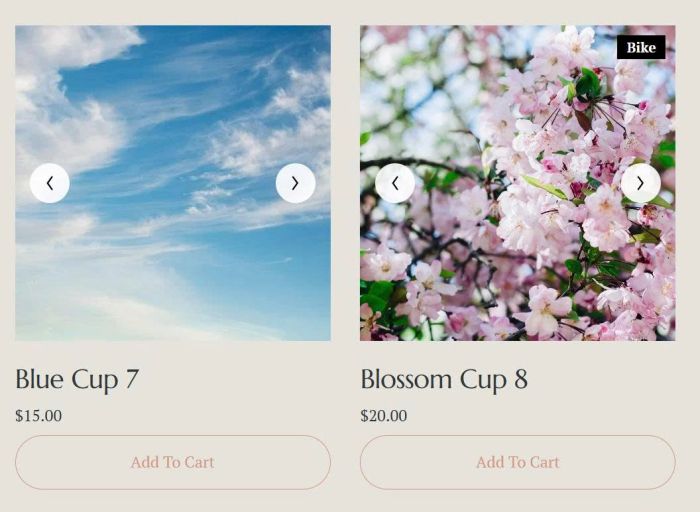
turn product image on mobile to carousel format, use product images
There is no excerpt because this is a protected post.
adding caption into Gallery Lightbox
fix form popup doesn’t render properly and show popup only, no content
move Comment above Summary Block on Personal Plan
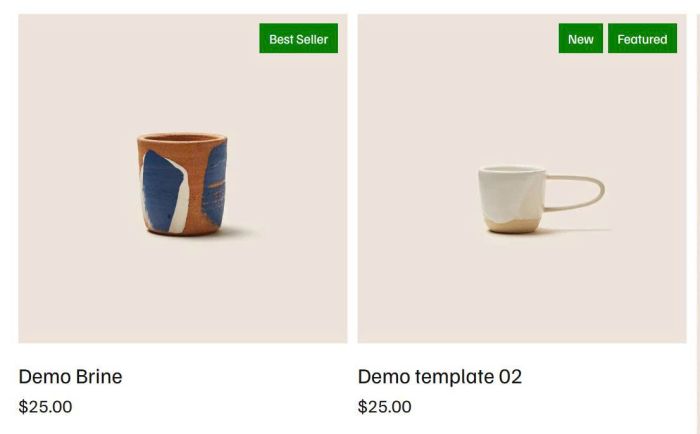
add badge to Product Block
turn product image to carousel format, use product images
turn product image to carousel format, use gallery block
add Portfolio to another page, you can filter by category, max of items,..
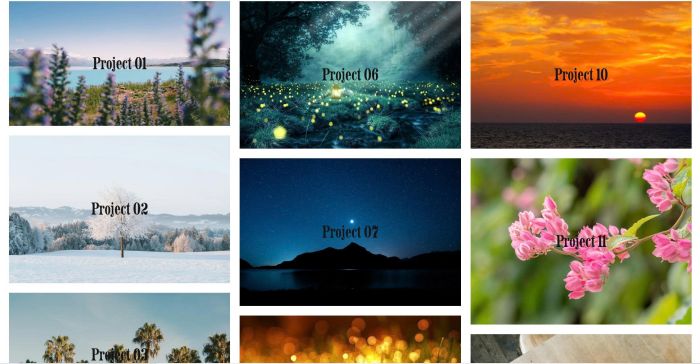
masonry on portfolio page
gallery grid smooth autoscroll
tweak something in Strips Lightbox
click photo, open specific accordion item
click photo, scroll and open specific accordion item
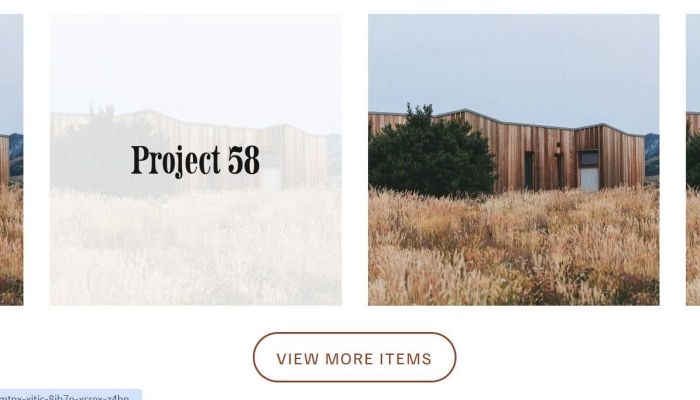
up to 120 items on portfolio page
There is no excerpt because this is a protected post.
add lightbox to masonry gallery with some tweak
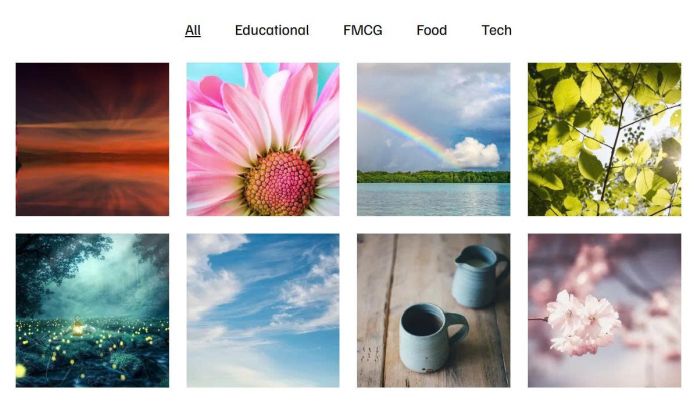
adding category filter to gallery block grid
There is no excerpt because this is a protected post.

adding category filter to gallery grid section
There is no excerpt because this is a protected post.
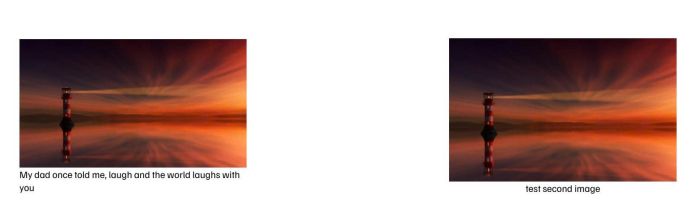
turn image alt to caption
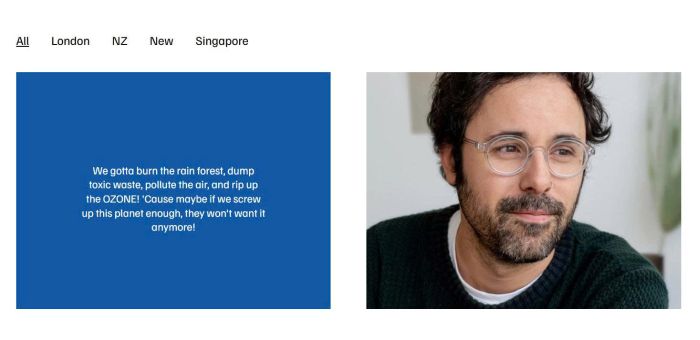
adding gallery text hover filter with list section
adding image + excerpt to accordion pro plugin
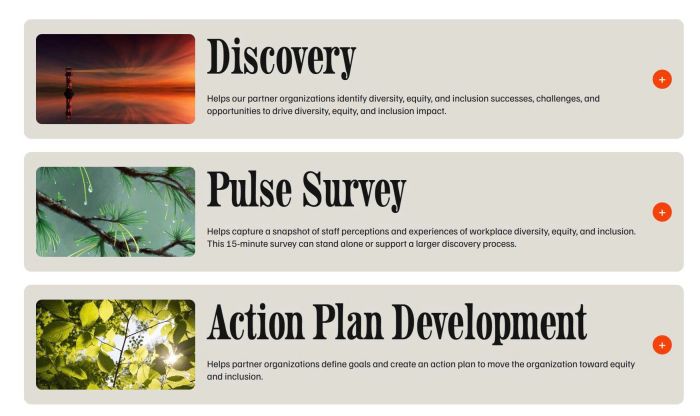
custom accordion with image, title, excerpt, content
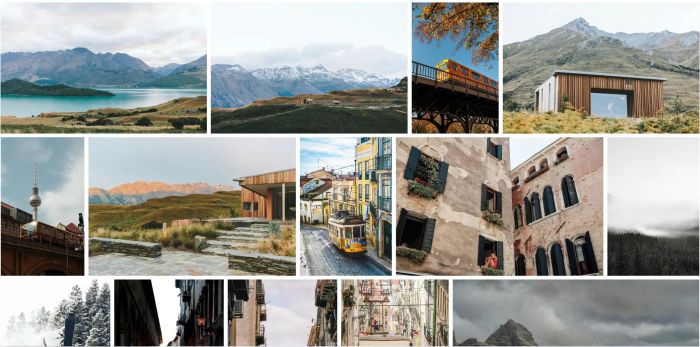
make images in gallery masonry same height

flip effect on list
There is no excerpt because this is a protected post.
mindbody button doesn’t appears on Section Loader Plugin
There is no excerpt because this is a protected post.

add Search to Gallery Block
There is no excerpt because this is a protected post.

hover video block show caption with overlay, click video block will open video lightbox popup with caption
There is no excerpt because this is a protected post.
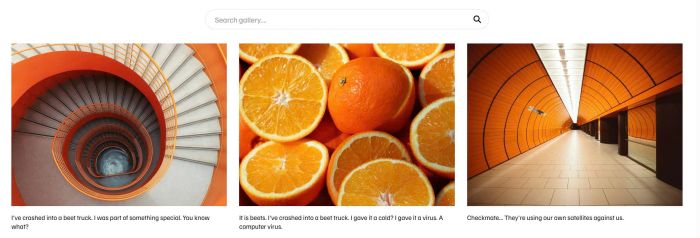
adding search bar on gallery section grid

free gallery auto scroll with different image width

add flip text with text block
There is no excerpt because this is a protected post.
There is no excerpt because this is a protected post.
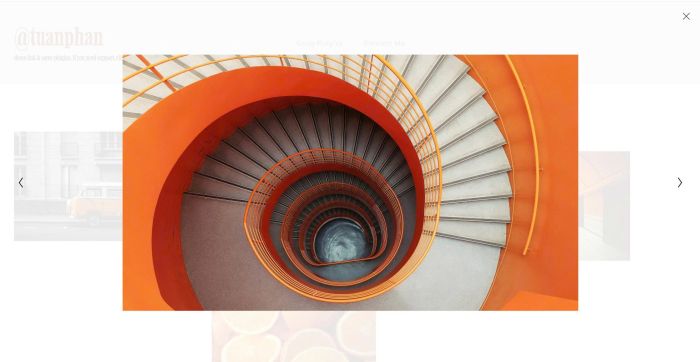
connect image blocks inside lightbox
There is no excerpt because this is a protected post.
There is no excerpt because this is a protected post.
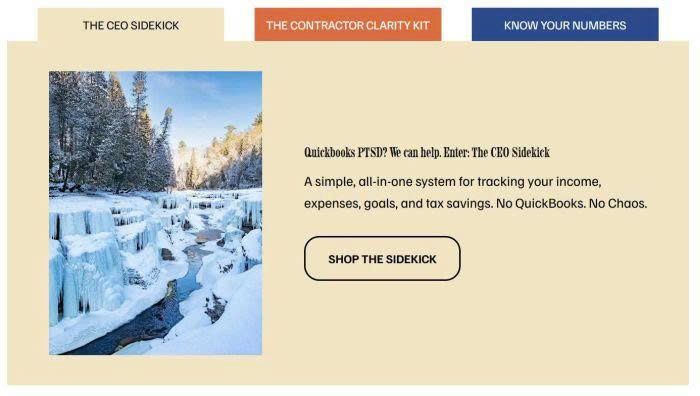
list section custom style
There is no excerpt because this is a protected post.
tweak something in Gallery Grid Lightbox
There is no excerpt because this is a protected post.
There is no excerpt because this is a protected post.
There is no excerpt because this is a protected post.
flip effect on gallery section
There is no excerpt because this is a protected post.

adding masonry layout to portfolio page, you can adjust number of columns, gap easily on desktop, mobile
There is no excerpt because this is a protected post.
There is no excerpt because this is a protected post.
adding blog page to another page without using Summary Block
There is no excerpt because this is a protected post.
add caption text to Image Block Lightbox, you can set caption on right of image or under image
There is no excerpt because this is a protected post.
There is no excerpt because this is a protected post.
There is no excerpt because this is a protected post.
There is no excerpt because this is a protected post.
There is no excerpt because this is a protected post.
There is no excerpt because this is a protected post.
There is no excerpt because this is a protected post.
add portfolio items to header navigation

add a simple lightbox image on click
There is no excerpt because this is a protected post.
list people section smooth autoscroll
There is no excerpt because this is a protected post.
There is no excerpt because this is a protected post.
There is no excerpt because this is a protected post.
There is no excerpt because this is a protected post.
There is no excerpt because this is a protected post.
adding Slideshow image with lightbox on click
There is no excerpt because this is a protected post.
add read more accordion to List Section
open PDF lightbox popup on click
change Portfolio item to custom url
There is no excerpt because this is a protected post.
There is no excerpt because this is a protected post.
click item in Summary Block will open Vimeo Popup
click item in Video Page will open Vimeo Video Popup
click item in Summary Block (pull from Video Page) will open Youtube video in Lightbox
click item in Video Page will open Youtube Video Lightbox
add custom page section with custom layout to event detail page
add a custom flip icon box
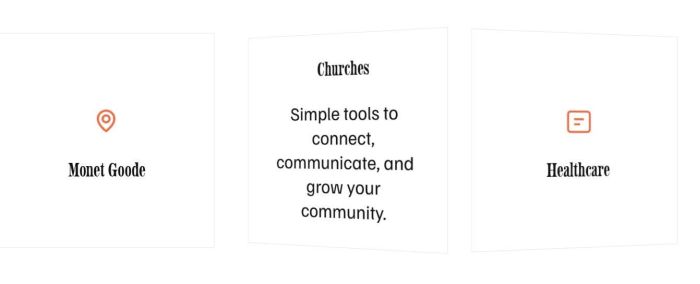
free plugin to add a flip icon section to your site
pdf lightbox on click
There is no excerpt because this is a protected post.
half left halt right feature
list people section style 02
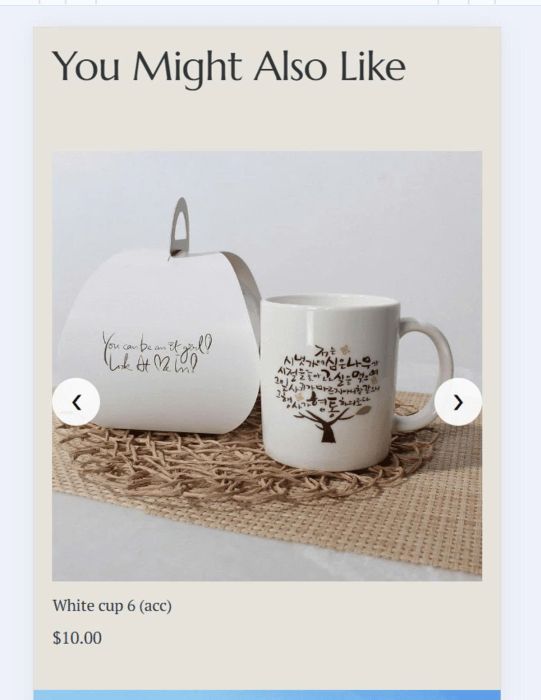
free plugin to turn related products to carousel on mobile
add a slideshow with 2 images same time
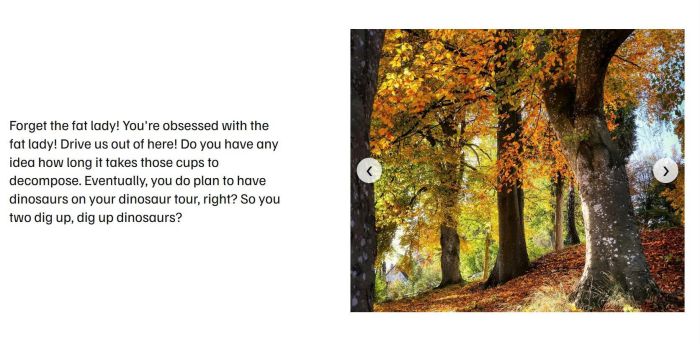
add a Slideshow Block
add dimensions into product description
add a custom flip icon section
turn related products to carousel on mobile
preview external site on current page
There is no excerpt because this is a protected post.
add tags into Product Description
add tags above product detail title
add tabs to 7.0
adding template preview to product gallery
add a Carousel Image Block with features: different image width, lightbox, custom arrow, different number images,…
make image clickable in list section sync plugin
turn Image Block to Flip Effect
timeline style 01
sticky accordion title to top of screen on click.
change timeline date to time title
always show popup with custom text/button on one page
turn Form Block to Popup
turn Blog Page to Slideshow
sync Blog Page with Slideshow
turn form block (use WM Popup Plugin) to Popup (similar Promotional Popup)
add Category ID to Product detail page
sync List Carousel with Google Sheets
add Category above Product Name in Collection to List Section Sync plugin
add Tags above Product Name in Collection to List Section Sync plugin
text sticky across multiple sections, text pulls from Page title
Initial: button with icon/text/background – Hover: show description only
text sticky across multiple sections (one page)
add a button under Add to Cart. Click it will open Pipedrive Form popup
turn Store page to Masonry layout
Hide Add to Cart, show Login to Purchase, click show Login Popup, and add to cart appears then.
turn Event Calendar to Carousel on Mobile
turn Portfolio Page to Masonry layout
adding text over image in Gallery Block Carousel
Text over Image in Gallery Block Carousel
Loop Vimeo video in Lightbox when using Video Lightbox Plugin
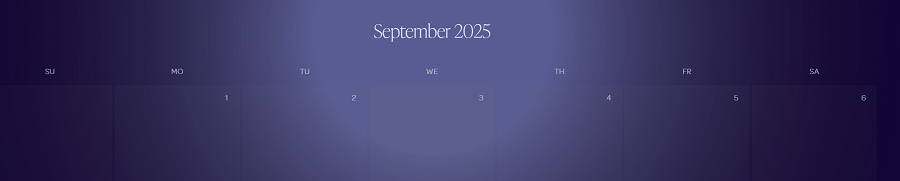
show current week in Event Calendar.