Description:
- Slideshow Image
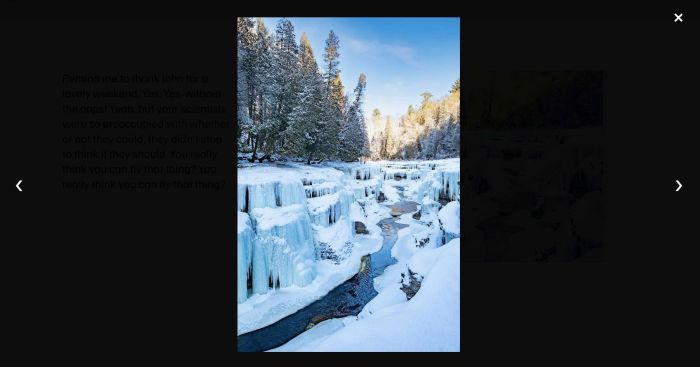
- Lightbox on click
- View Demo – Password: abc
Initial

Lightbox
#1. Install Code
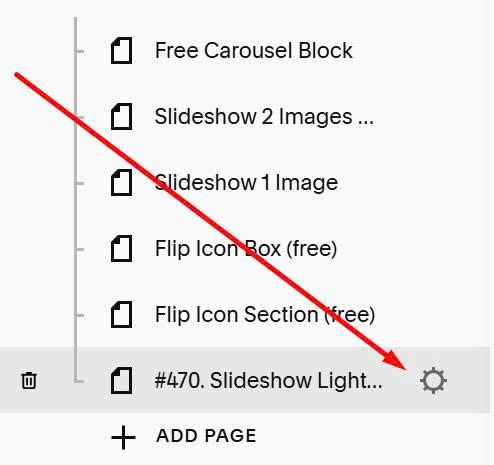
Click Gear icon on page where you want to use Slideshow
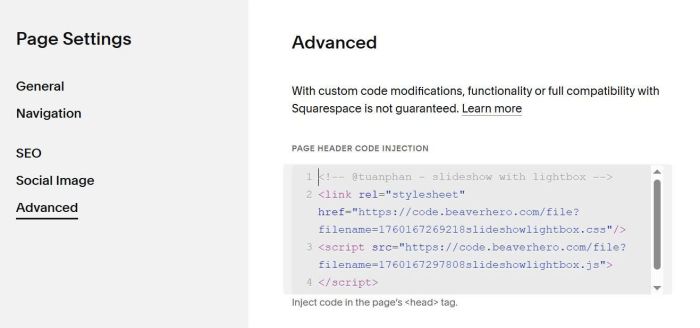
Click Advanced > Paste the code
<!-- @tuanphan - slideshow with lightbox -->
<link rel="stylesheet" href="https://code.beaverhero.com/file?filename=1760167269218slideshowlightbox.css"/>
<script src="https://code.beaverhero.com/file?filename=1760167297808slideshowlightbox.js">
</script>
#2. Usage
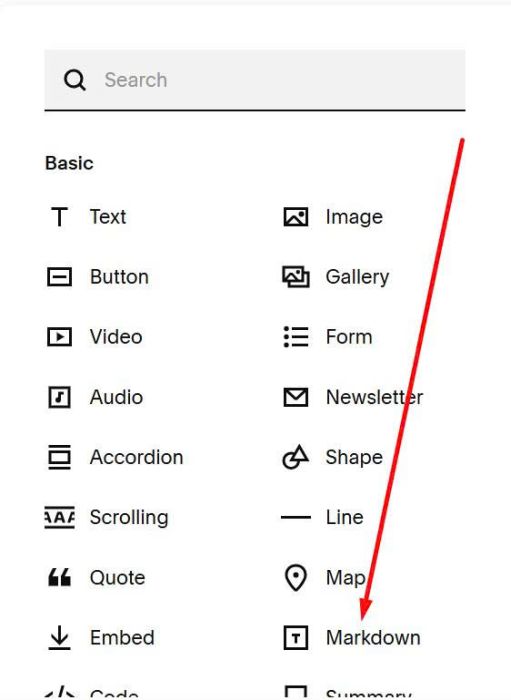
Edit page where you want to place Slideshow > Add a Markdown Block
Paste all Image URLs. You can follow this guide to get URL.
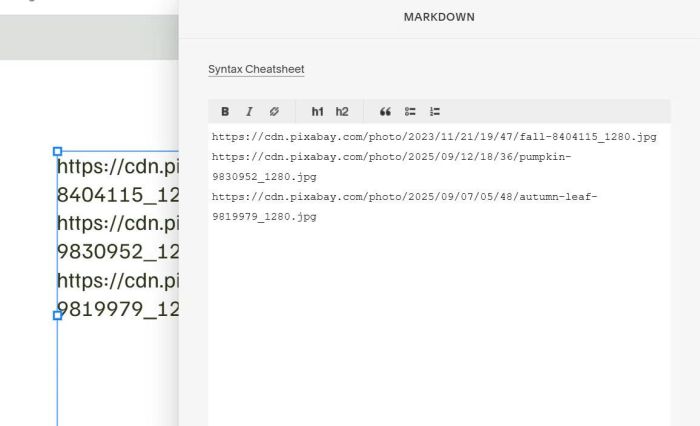
Save and reload the page.
#3. Customize
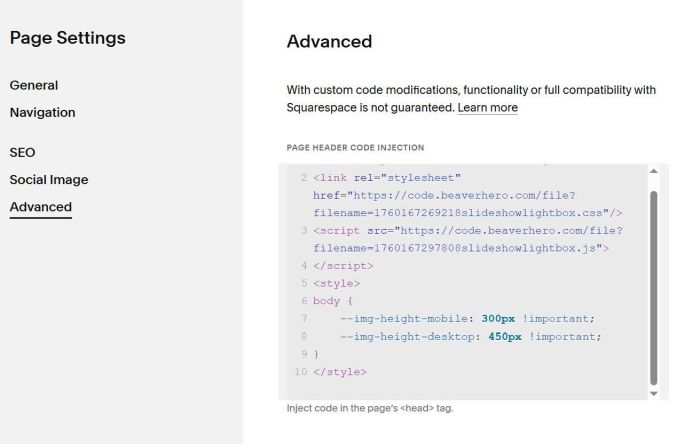
To adjust height of Images on Desktop – Mobile, you can add this code under Plugin code
<style>
body {
    --img-height-mobile: 300px !important;
    --img-height-desktop: 450px !important;
}
</style>