- Support: [email protected]
- View Demo – Password: abc
- Buy me a coffee
This has New Update Version, you can follow it here
Description
- Flip effect
- use People List Section

#1. Install Code
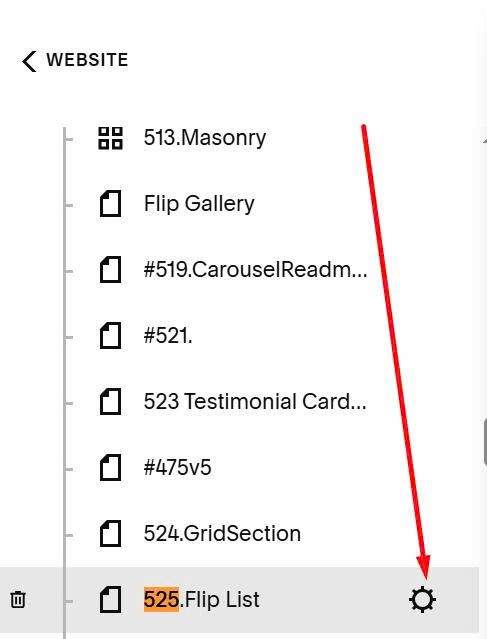
First, hover on page where you want to use Flip List > Click Gear icon
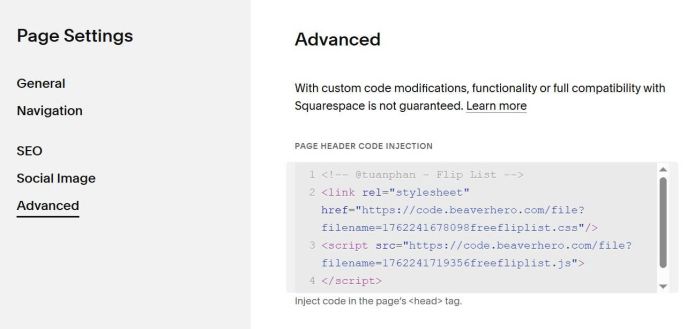
Click Advanced > Paste this code
<!-- @tuanphan - Flip List -->
<link rel="stylesheet" href="https://code.beaverhero.com/file?filename=1762241678098freefliplist.css"/>
<script src="https://code.beaverhero.com/file?filename=1762241719356freefliplist.js">
</script>
#2. Usage
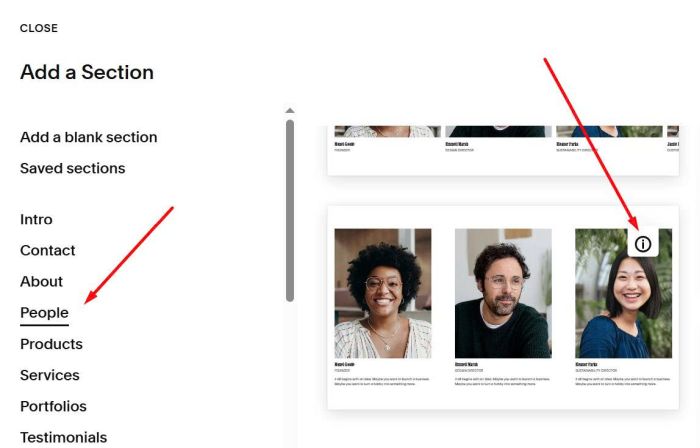
First, you need to use People List Section (Choose People > Section with (i) icon)
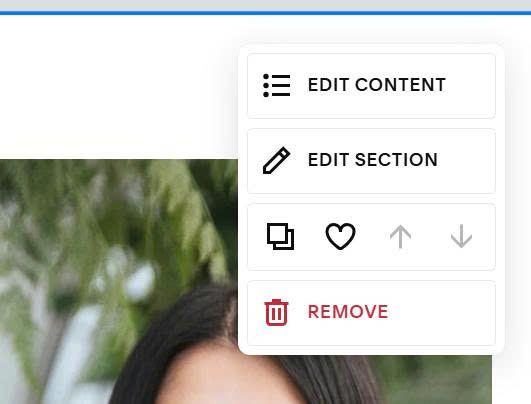
Next, hover on top right of List People Section > Click Edit Section
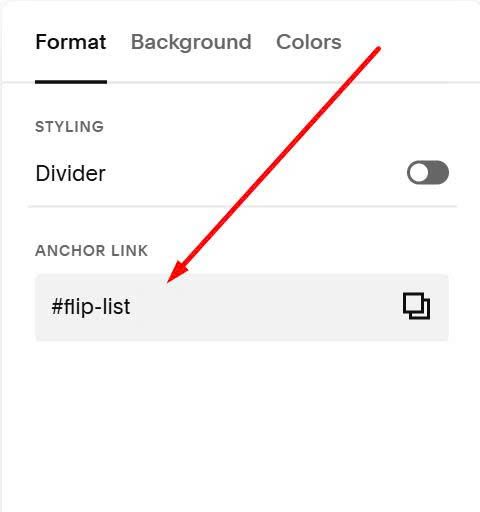
In Anchor Link, enter: flip-list
flip-list
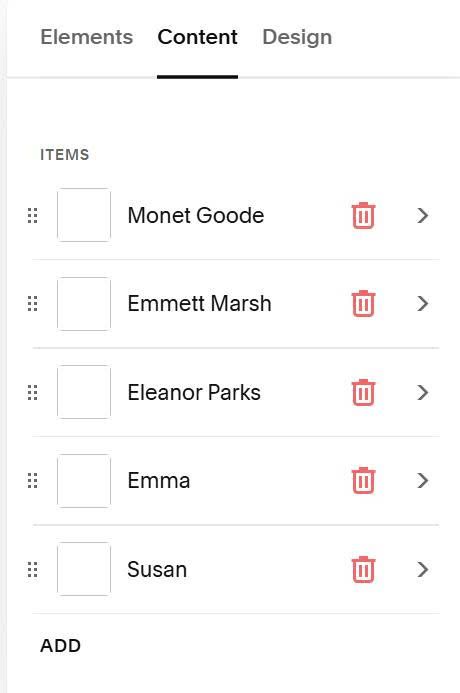
Next, hover on top right of List People section > Click Edit Content
and add your desired text/image/description
#3. Customize
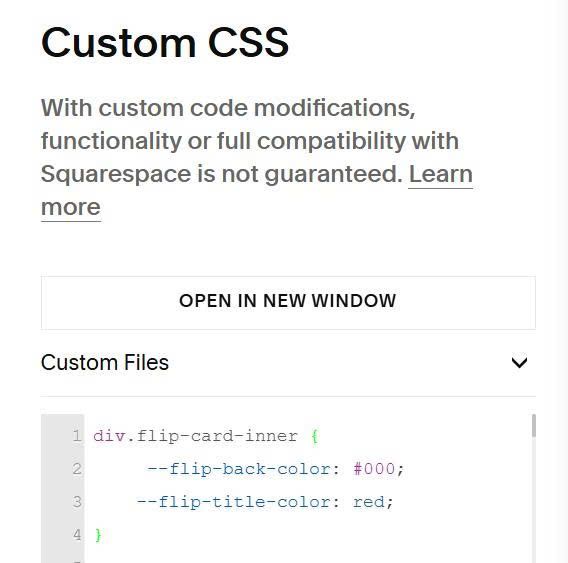
#3.1. To change title color – description color, you can use this to Custom CSS box.
div.flip-card-inner {
     --flip-back-color: #000;
    --flip-title-color: red;
}
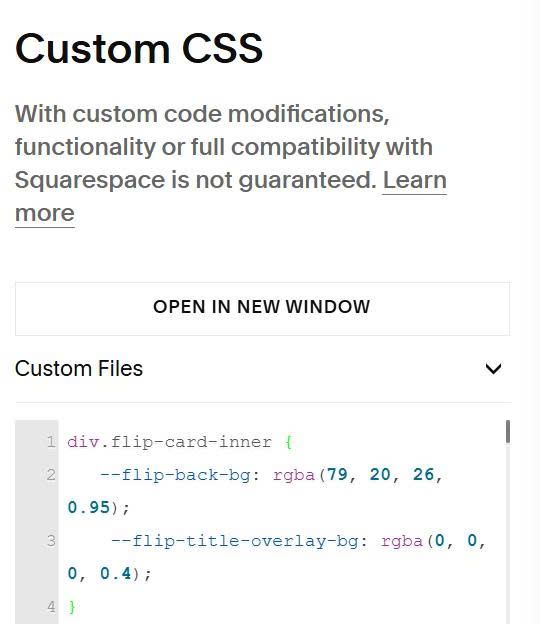
#3.2. To change title overlay color – description overlay color, you can use this to Custom CSS
div.flip-card-inner {
   --flip-back-bg: rgba(79, 20, 26, 0.95);
    --flip-title-overlay-bg: rgba(0, 0, 0, 0.4);
}
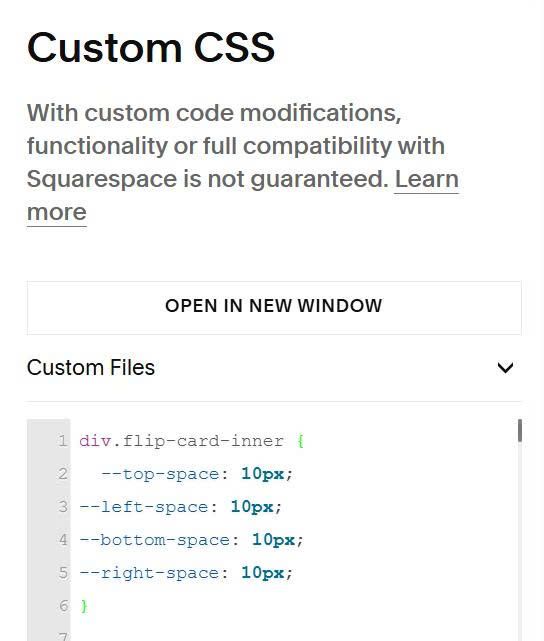
#3.3. To change space around description overlay color, add this to Custom CSS
div.flip-card-inner {
  --top-space: 10px;
--left-space: 10px;
--bottom-space: 10px;
--right-space: 10px;
}
#3.4. To change space between Flip items
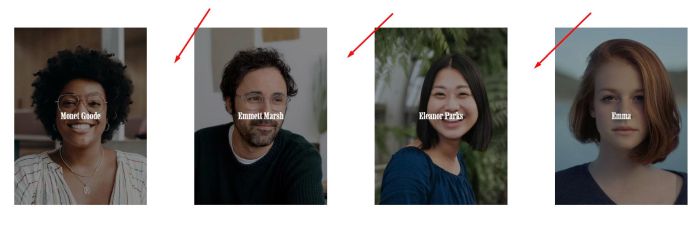
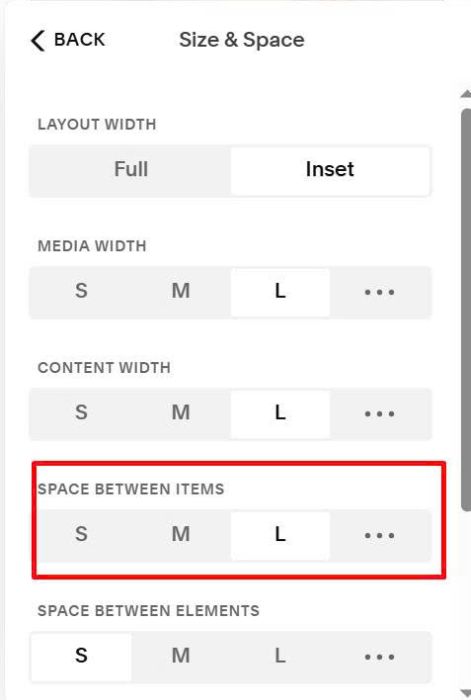
You can adjust this option