To add Text over Image in Gallery Block Carousel, you can do these.

#1. First, you need to add URL to Image

#2. Next, add Text to Title field

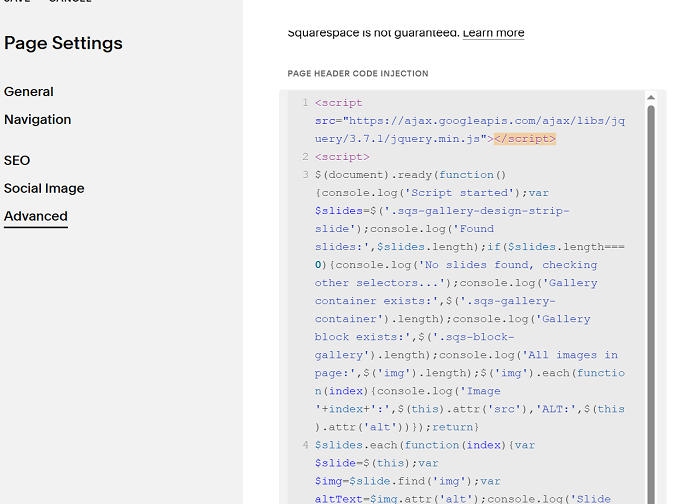
#3. Use this code to Page Header Injection (page where you use Carousel)
<script src="https://ajax.googleapis.com/ajax/libs/jquery/3.7.1/jquery.min.js"></script>
<script>
$(document).ready(function(){console.log('Script started');var $slides=$('.sqs-gallery-design-strip-slide');console.log('Found slides:',$slides.length);if($slides.length===0){console.log('No slides found, checking other selectors...');console.log('Gallery container exists:',$('.sqs-gallery-container').length);console.log('Gallery block exists:',$('.sqs-block-gallery').length);console.log('All images in page:',$('img').length);$('img').each(function(index){console.log('Image '+index+':',$(this).attr('src'),'ALT:',$(this).attr('alt'))});return}
$slides.each(function(index){var $slide=$(this);var $img=$slide.find('img');var altText=$img.attr('alt');console.log('Slide '+index+':');console.log('  - Images found:',$img.length);console.log('  - ALT text:',altText);if(altText&&altText.trim()!==''){var $span=$('<span></span>').text(altText).addClass('alt-text-span').css({'display':'block'});$img.after($span);console.log('  - Span added successfully')}else{console.log('  - No ALT text or empty')}});console.log('Script completed')})
</script>
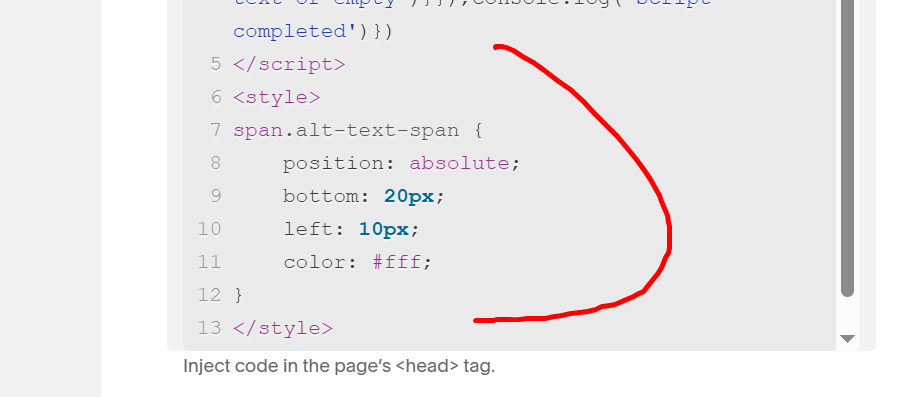
<style>
span.alt-text-span {
    position: absolute;
    bottom: 20px;
    left: 10px;
    color: #fff;
}
</style>
#4. Customize
To change text color, space between text – bottom left/bottom right of image, change this.
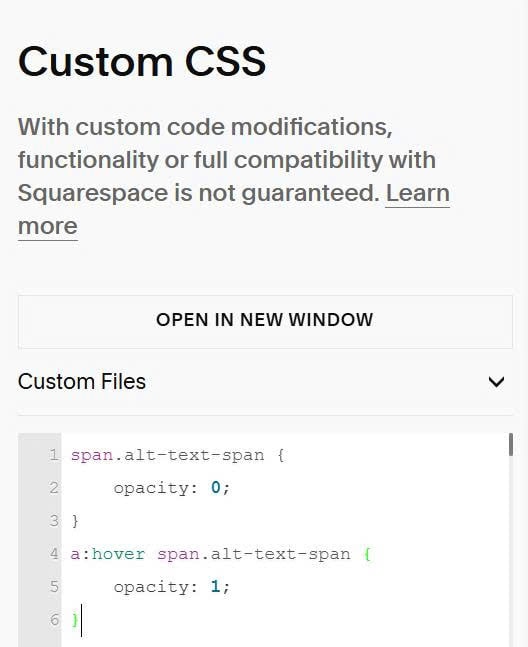
To make text appears on hover, you can use this code to Custom CSS.
span.alt-text-span {
    opacity: 0;
}
a:hover span.alt-text-span {
    opacity: 1;
}