- Support: [email protected]
- Free install (1 site)
- View Demo – Password: abc
Description
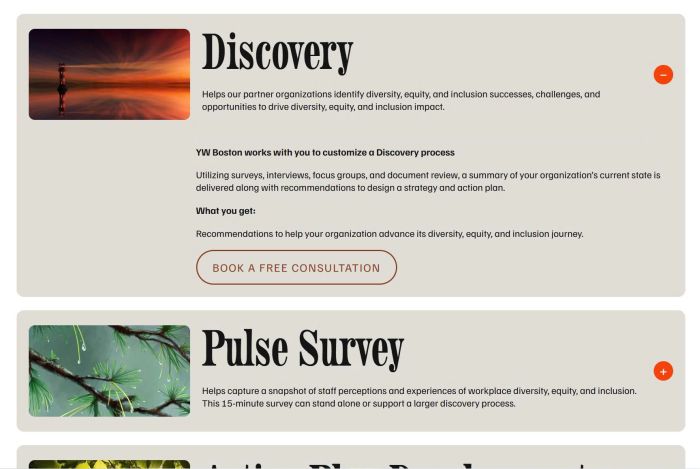
- custom accordion with image/excerpt/title/content
- use People List Section
(initial)
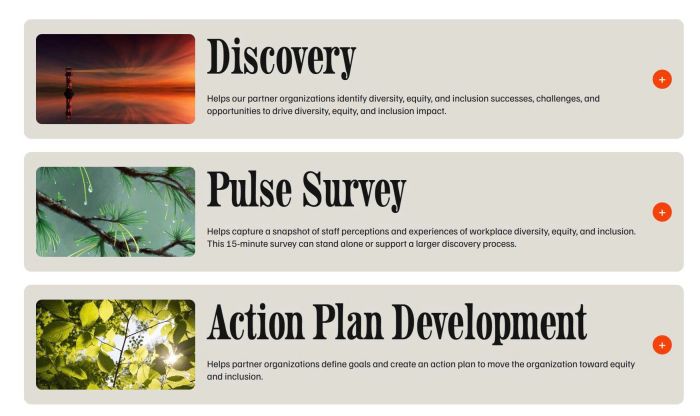
(on click)

#1. Install Code
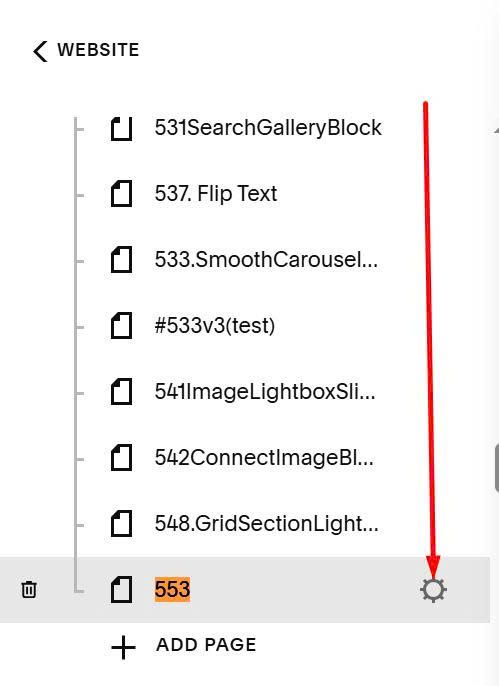
Hover on page where you want to run this affect > Click Gear icon
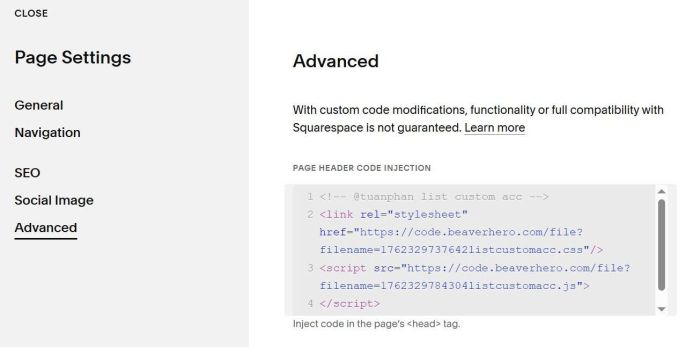
Click Advanced > Paste this code
<!-- @tuanphan list custom acc -->
<link rel="stylesheet" href="https://code.beaverhero.com/file?filename=1762329737642listcustomacc.css"/>
<script src="https://code.beaverhero.com/file?filename=1762329784304listcustomacc.js">
</script>
#2. Usage
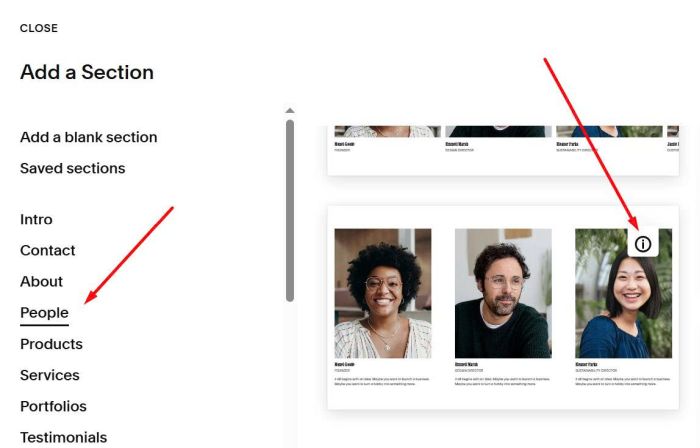
First, you need to use People List Section (Choose People > Section with (i) icon)
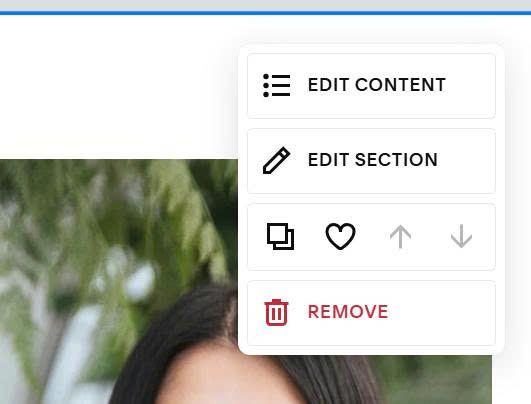
Next, hover on top right of List People Section > Click Edit Section
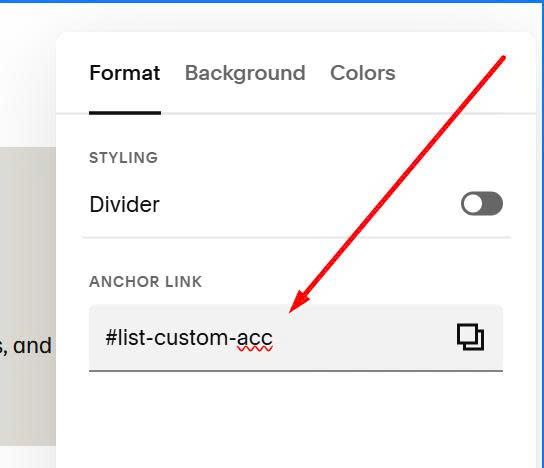
In Anchor Link, enter: list-custom-acc
list-custom-acc
Next, hover on top right of List People section > Click Edit Content
and add your desired text/image/description
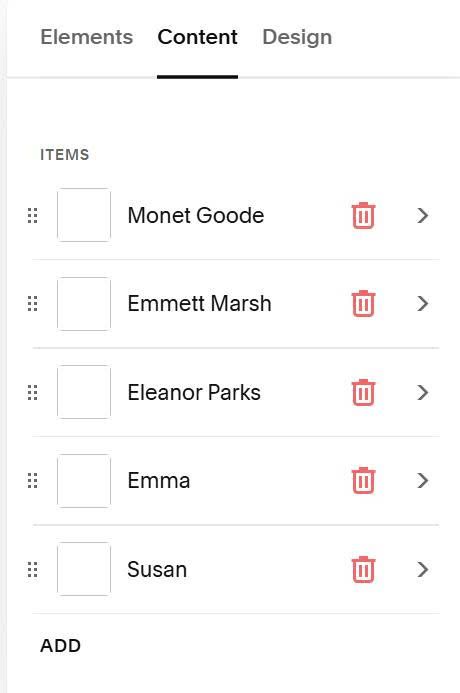
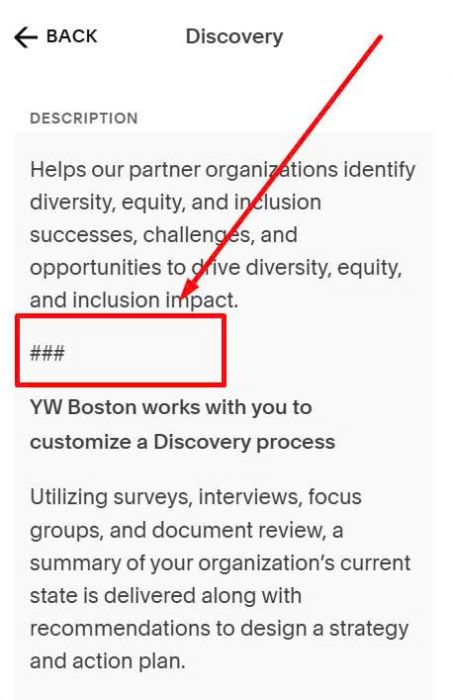
Note: use ## symbol to split Excerpt text (under title) and Accordion Content text
###
#3. Customize
This list will inherit People List section style, however with some styles, you will need to use Custom CSS code.
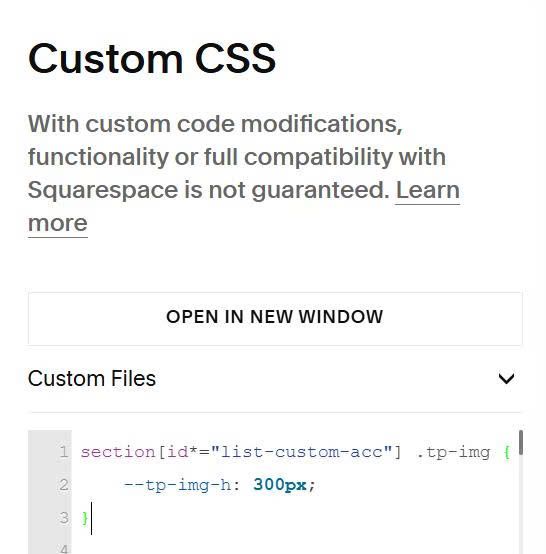
#3.1. To change image height, use code like this to Custom CSS
section[id*="list-custom-acc"] .tp-img {
    --tp-img-h: 300px;
}
#3.2. To change toggle style
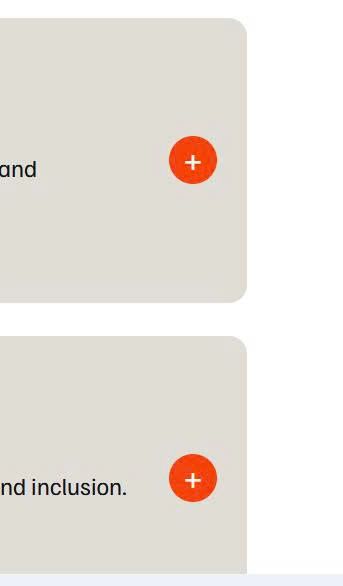
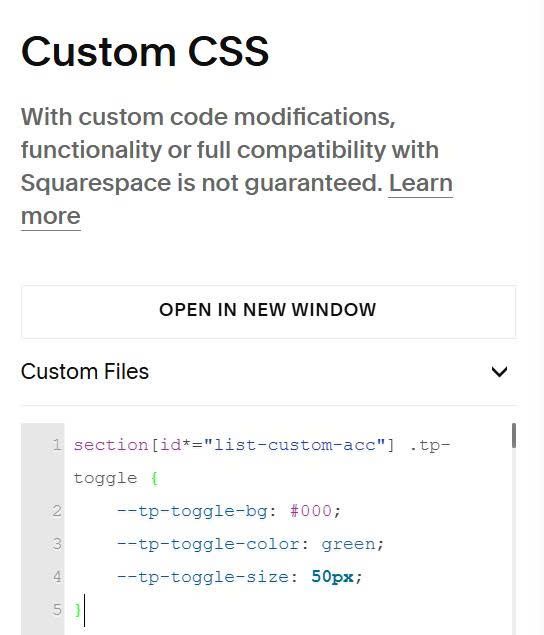
You can use this to Custom CSS
section[id*="list-custom-acc"] .tp-toggle {
    --tp-toggle-bg: #000;
    --tp-toggle-color: green;
    --tp-toggle-size: 50px;
}
#3.3. To change space between items
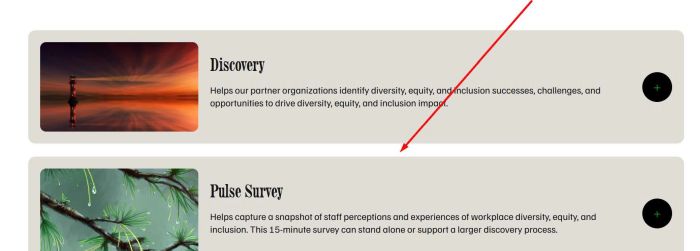
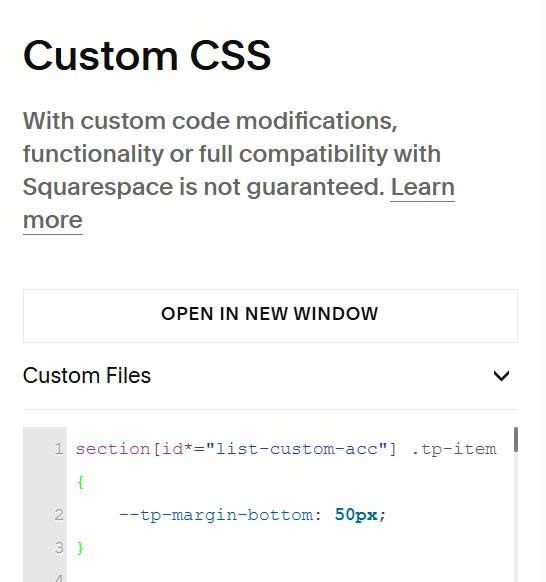
Use this to Custom CSS.
section[id*="list-custom-acc"] .tp-item {
    --tp-margin-bottom: 50px;
}
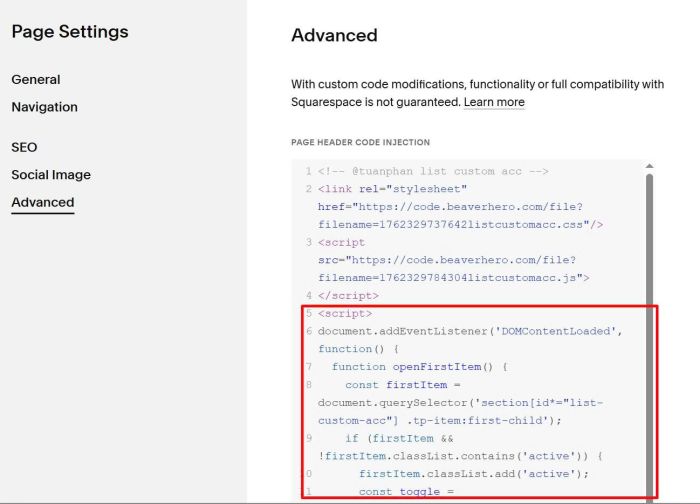
#3.4. To make first item open in default, you can use this code under main code
<script>
document.addEventListener('DOMContentLoaded', function() {
  function openFirstItem() {
    const firstItem = document.querySelector('section[id*="list-custom-acc"] .tp-item:first-child');
    if (firstItem && !firstItem.classList.contains('active')) {
      firstItem.classList.add('active');
      const toggle = firstItem.querySelector('.tp-toggle');
      if (toggle) {
        toggle.textContent = '−';
      }
    }
  }

  setTimeout(openFirstItem, 100);

  if (window.Squarespace && window.Squarespace.onInitialize) {
    window.Squarespace.onInitialize(Y, function() {
      setTimeout(openFirstItem, 100);
    });
  }
});
</script>
Result