Description
- up to 120 items to Portfolio Page (by default it has a limit of 60 items)
- adding filter category to Portfolio Page
- view demo – password: abc
- email or message me if you have any problems


#1. Install Code
First, suppose you have 2 Portfolio Pages with URL
- First Portfolio page: /portfolio120items
- Second Portfolio Page: /portfolio120itemsv2
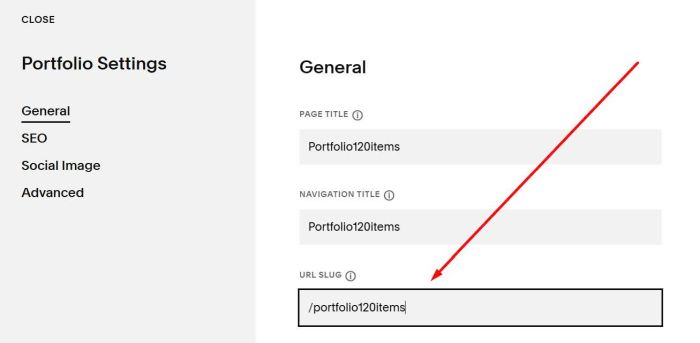
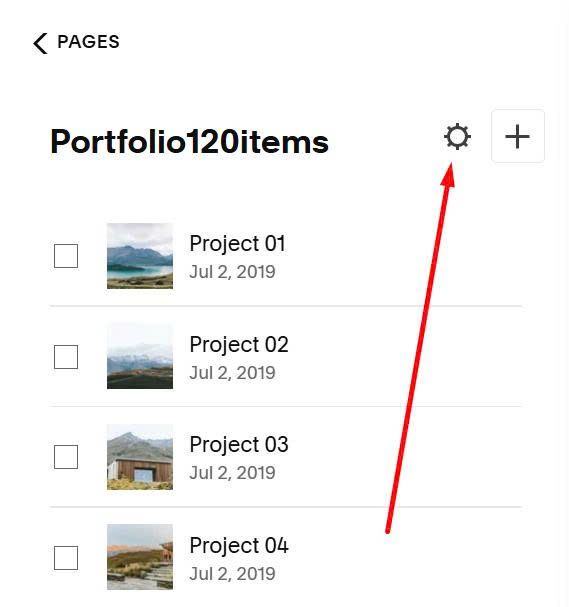
Hover on First Portfolio Page > Click Gear icon
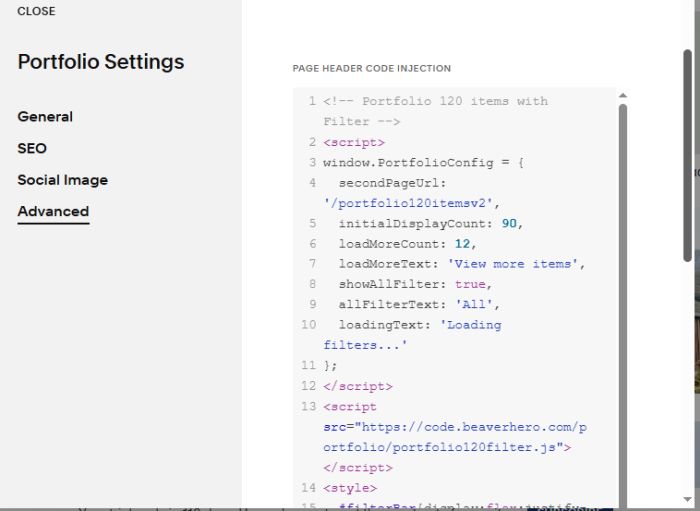
Click Advanced > Paste this code
<!-- Portfolio 120 items with Filter -->
<script>
window.PortfolioConfig = {
  secondPageUrl: '/portfolio120itemsv2',
  initialDisplayCount: 90,
  loadMoreCount: 12,
  loadMoreText: 'View more items',
  showAllFilter: true,
  allFilterText: 'All',
  loadingText: 'Loading filters...'
};
</script>
<script src="https://code.beaverhero.com/portfolio/portfolio120filter.js"></script>
<style>
  #filterBar{display:flex;justify-content:center;margin-bottom:20px;gap:20px}.filter-link{color:#333;text-decoration:none;padding:5px 10px;font-size:16px;position:relative}.filter-link:hover{color:#000}.filter-link.active{text-decoration:underline;font-weight:700}div#gridThumbs{padding-top:0px!important}div#gridThumbs{padding-bottom:30px}button.btn{margin-bottom:30px}#filterBar.loading{text-align:center;padding:15px 0;opacity:.7}.filter-loading{font-size:14px;color:#666;font-style:italic}.filter-loading::after{content:'';animation:dots 1.5s steps(4,end) infinite}@keyframes dots{0%,20%{content:''}40%{content:'.'}60%{content:'..'}80%,100%{content:'...'}}
</style>
#2. Usage
#2.1. Remove 60 items limit
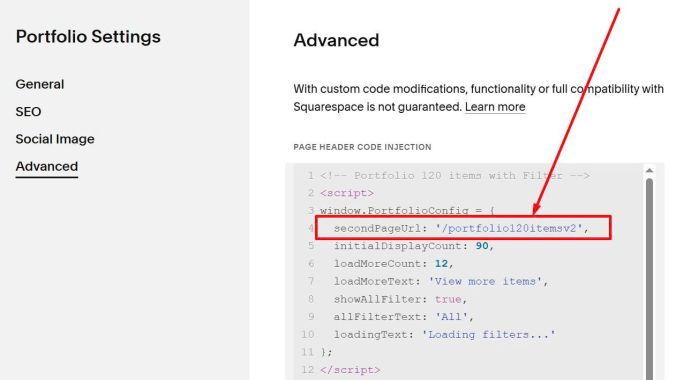
First, you need to update Second Portfolio Page URL in Line 04
secondPageUrl: '/portfolio120itemsv2',
Make sure you use Portfolio Grid Simple or Grid Overlay on both Portfolio Pages
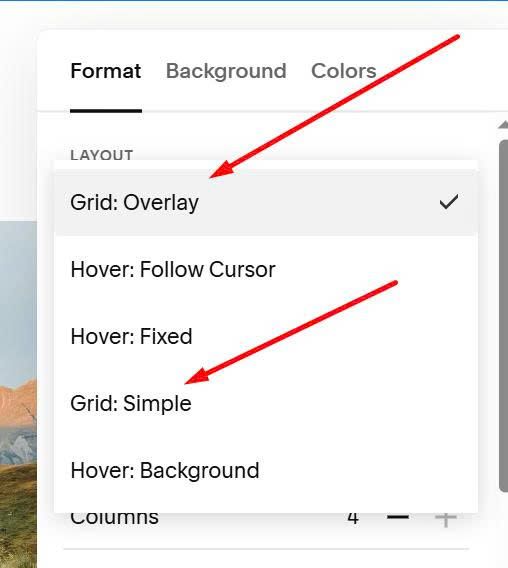
#2.2. Filter Category
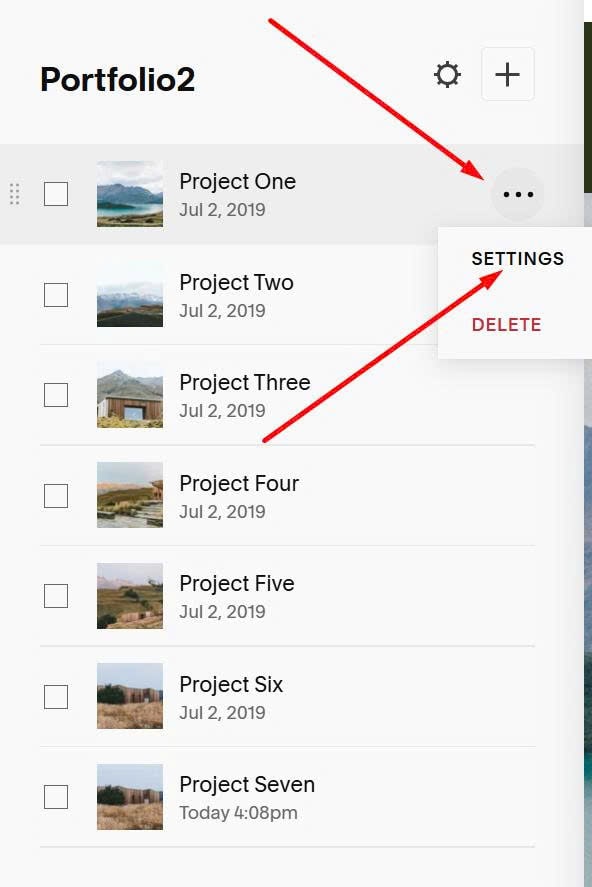
Edit each Portfolio item > Click Settings
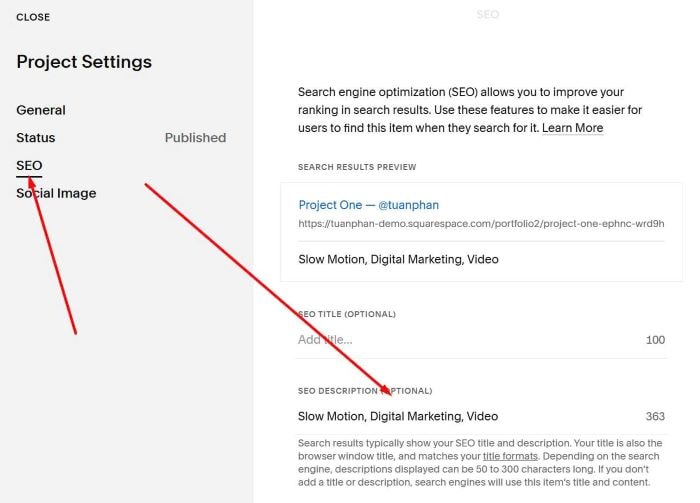
Click SEO > Enter your filter category here
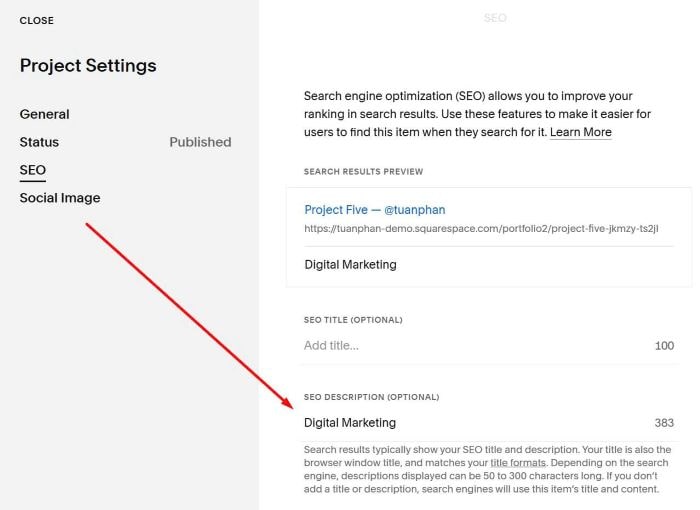
or like this.
#3. Customize
#3.1. To change View More items button text
You can update Line 07
loadMoreText: 'View more items',
#3.2. To adjust number of items initial – load more items, you can change line 05 + line 06
initialDisplayCount: 90,
loadMoreCount: 12,
#3.3. To reduce space between Button – Portfolio List
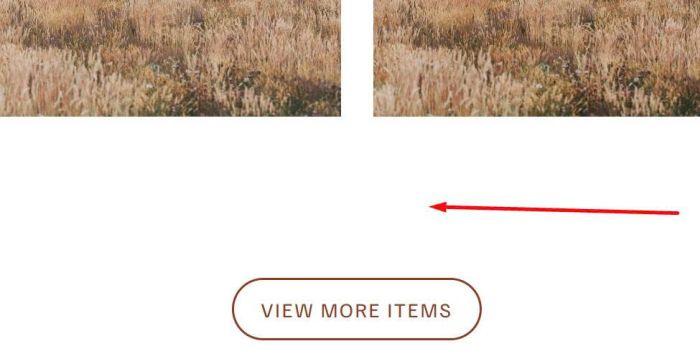
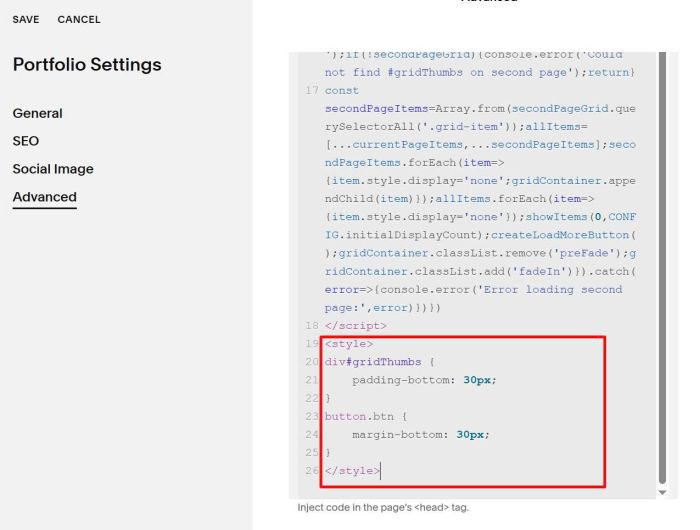
You can use this code under plugin code
<style>
div#gridThumbs {
    padding-bottom: 30px;
}
button.btn {
    margin-bottom: 30px;
}
</style>
If you have any other questions, you can message me (Forum) or email me: [email protected]