Description:
- make Gallery Block – Slideshow images randomize on page load
- view demo – password: abc
- buy me a coffee if it is useful for you
#1. Install Code
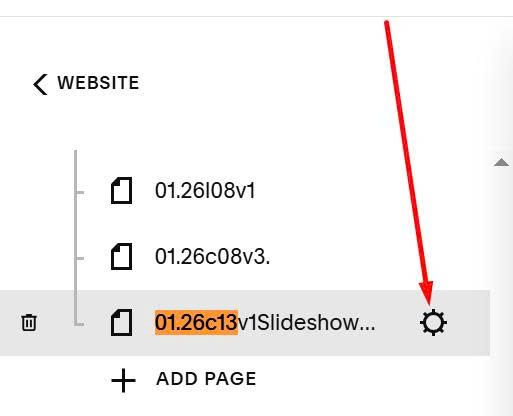
Hover on Page where you use Slideshow > Click Gear icon
Click Advanced > Paste this code
<!-- @tuanphan - Randomize Slideshow Gallery Block -->
<script src="https://code.beaverhero.com/galleryblock/randomizeslideshow.js"></script>

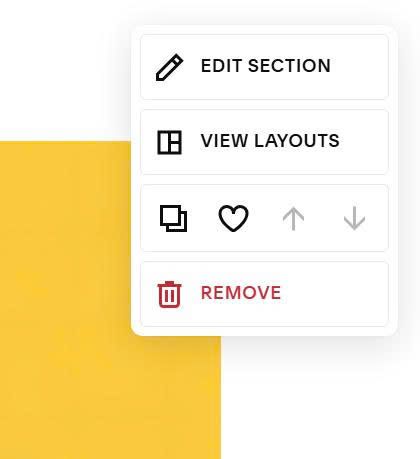
Next, hover on top right of section where you use Gallery Block Slideshow > Click Edit Section
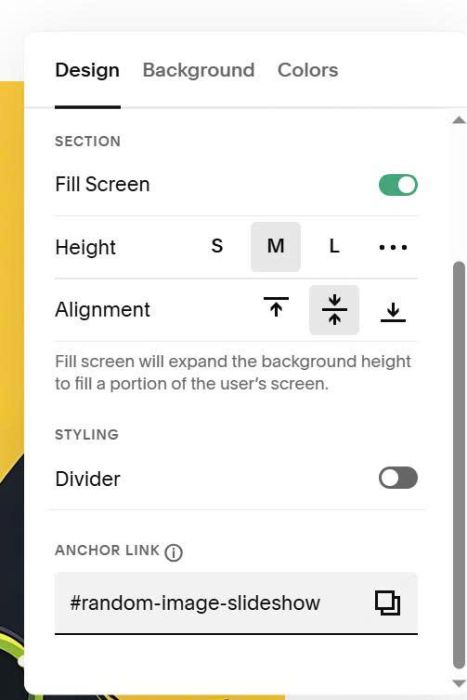
Enter word: random-image-slideshow
#2. Customize
Nothing to customize now. If you need support, you can email me or comment on forum.