- Support: [email protected]
- Free install (1 site/license)
- View Demo – Password: abc
Description
- adding search to Gallery Block (Grid)
- search by Gallery Title

#1. Install Code
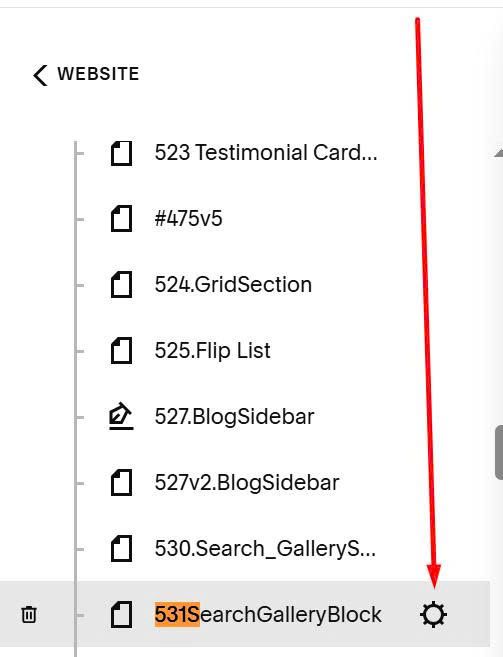
Hover on page where you want to add Search > Click Gear icon
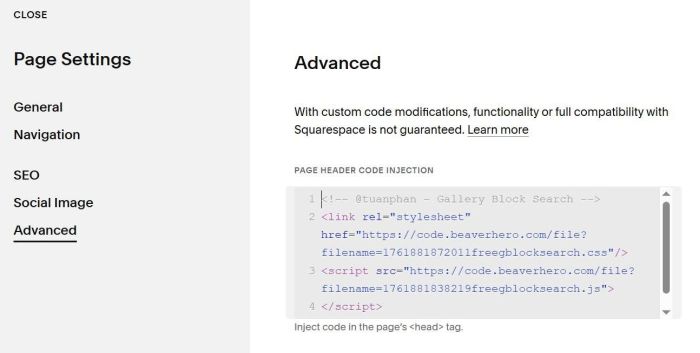
Click Advanced > Paste this code
<!-- @tuanphan - Gallery Block Search -->
<link rel="stylesheet" href="https://code.beaverhero.com/file?filename=1761881872011freegblocksearch.css"/>
<script src="https://code.beaverhero.com/file?filename=1761881838219freegblocksearch.js">
</script>
#2. Usage
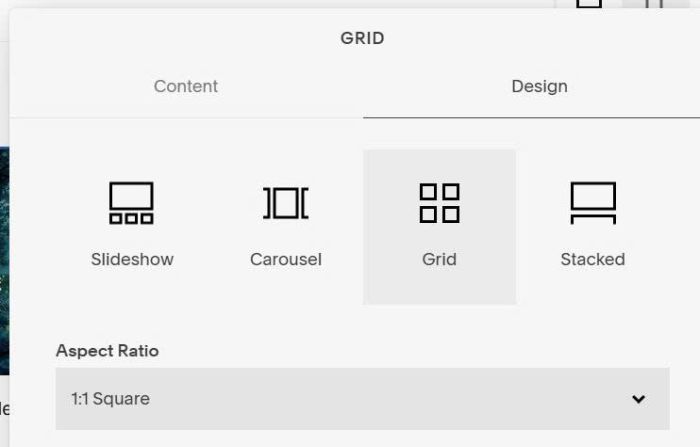
Make sure you use Gallery Block Grid
Make sure you enabled Title
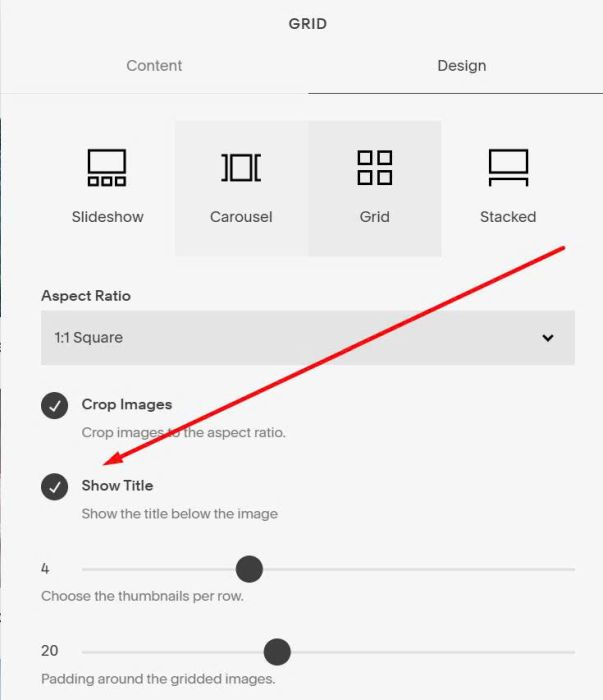
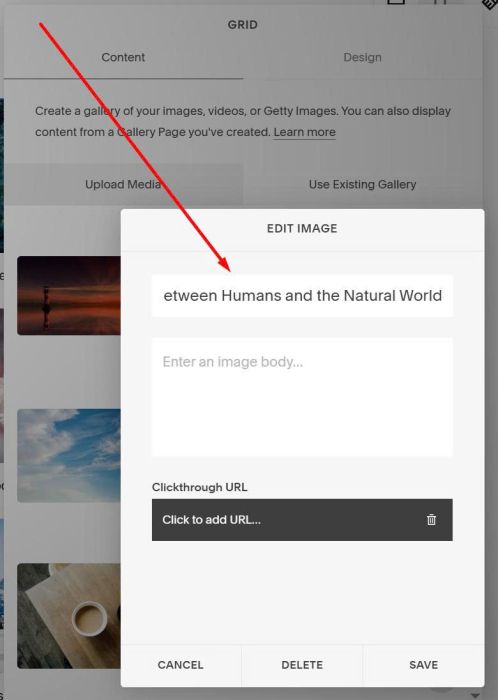
Make sure you added text to Image Title