I released new version with more better option, you can check it here.
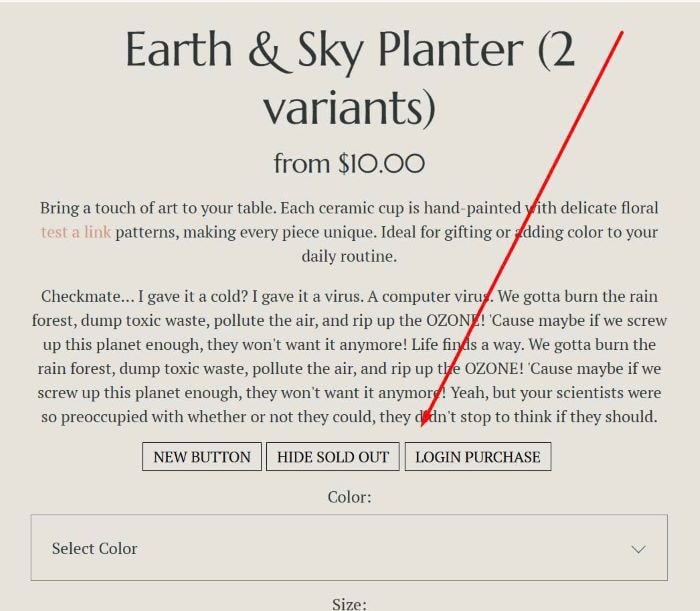
To add Tags into Product Description, like this.
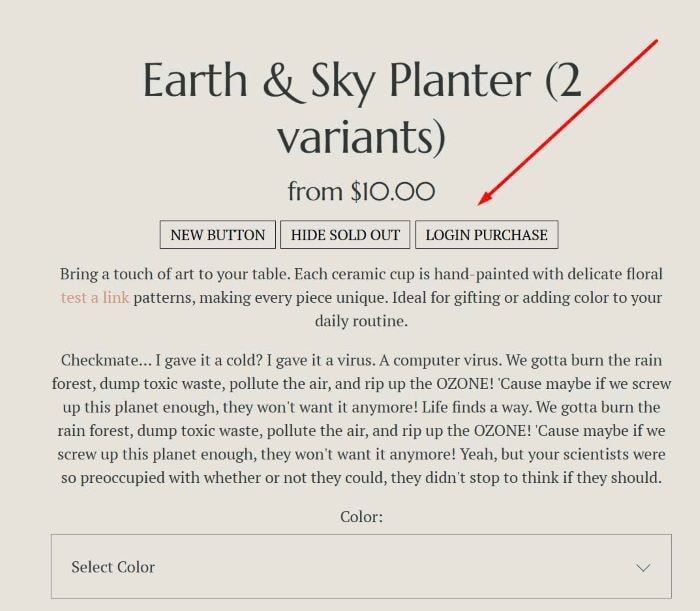
or like this.
#1. Install
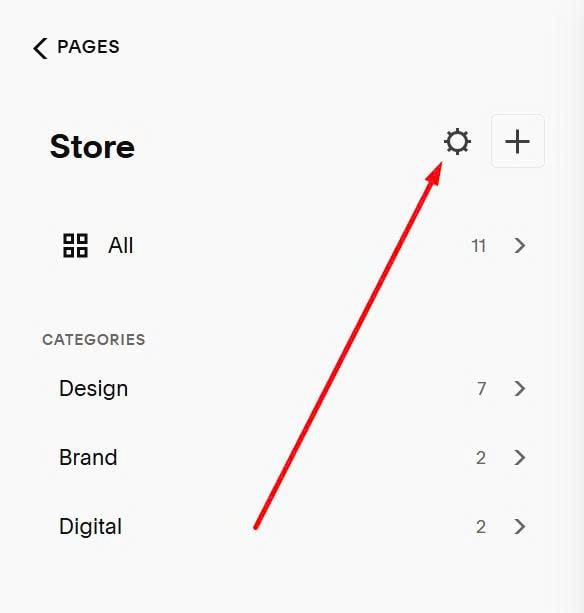
Click on Gear icon on Store Page
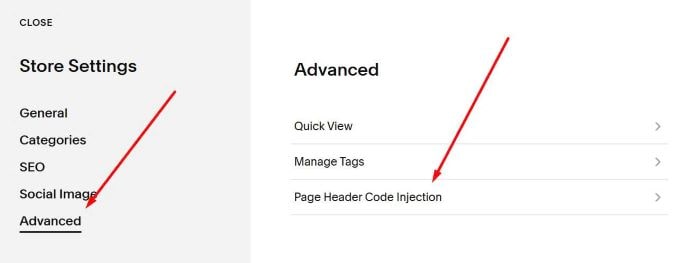
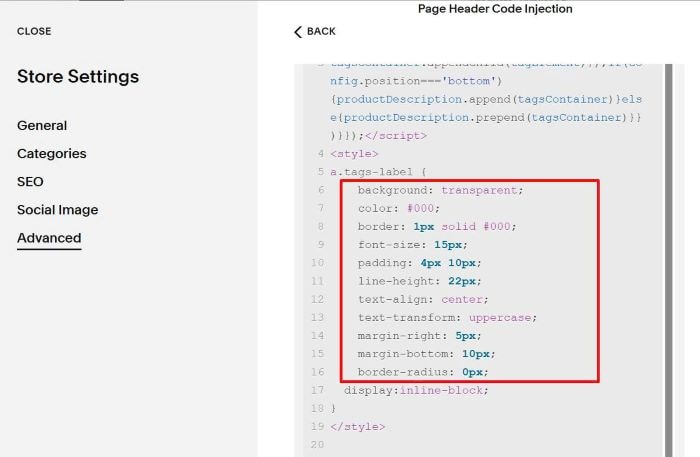
Click Advanced > Page Header Code Injection
Paste this code
<!-- Tags into Product Description  --><script>window.addEventListener('DOMContentLoaded',async()=>{const config={isLink:!0,position:'top'};const bodyClasses=document.body.classList;if(!bodyClasses.contains('view-item')||!bodyClasses.contains('collection-type-products'))return;const fetchJSON=async(path)=>{const queryParams='?format=json'+'&'+Date.now();const response=await fetch(path+queryParams);const jsonData=await response.json();return jsonData}
const jsonData=await fetchJSON(window.location.pathname);if(!jsonData.item||!jsonData.item.tags)return;console.log(jsonData);const productTags=jsonData.item.tags;const collectionUrl=jsonData.collection.fullUrl;const productDescriptions=document.querySelectorAll('.product-description');console.log(productTags);if(productTags.length>0&&productDescriptions.length>0){productDescriptions.forEach(productDescription=>{const tagsContainer=document.createElement('div');tagsContainer.className='tags-product-labels';productTags.forEach(tagName=>{const tagElement=document.createElement(config.isLink?'a':'div');tagElement.className='tags-label';tagElement.setAttribute('data-tag-name',tagName);tagElement.setAttribute('data-tag-slug',tagName.toLowerCase().replace(/\s+/g,'-'));tagElement.textContent=tagName;if(config.isLink){tagElement.href=collectionUrl+'?tag='+encodeURIComponent(tagName)}
tagsContainer.appendChild(tagElement)});if(config.position==='bottom'){productDescription.append(tagsContainer)}else{productDescription.prepend(tagsContainer)}})}});</script>
<style>
a.tags-label {
    background: transparent;
    color: #000;
    border: 1px solid #000;
    font-size: 15px;
    padding: 4px 10px;
    line-height: 22px;
    text-align: center;
    text-transform: uppercase;
    margin-right: 5px;
    margin-bottom: 10px;
    border-radius: 0px;
  display:inline-block;
}
</style>

#2. Customize
#2.1. To change style of Tags button, you can adjust these values. Message if you need help, I can help you style them.
#2.2. To change position of Tags under Description, change top to bottom
