- Use update version here: https://member.beaverhero.com/0926c03v1-video-block-hover-show-captionoverlay-click-show-lightboxcaption/
- Support: [email protected]
- Free Install (1 site)
- View Demo – Password: abc
Description
- Video Block (Youtube Video)
- Hover Video – Show Caption text
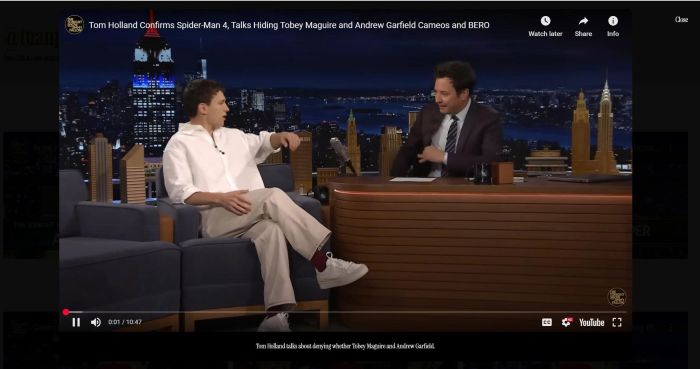
- Click Video – Open Video in Lightbox Popup with Caption under video
(Hover)

(Click)
#1. Install code
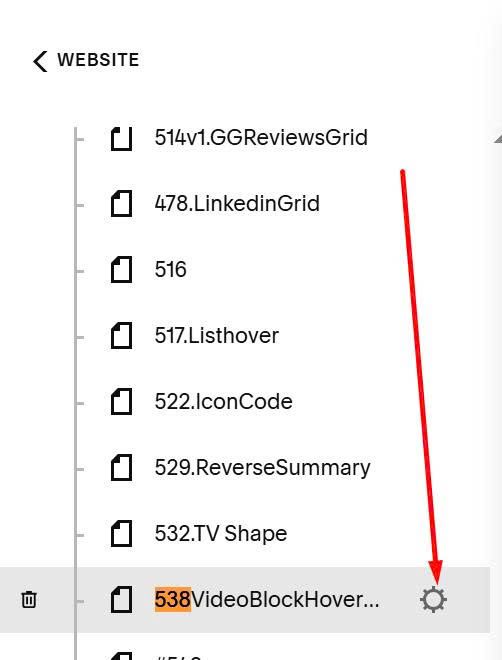
First, hover on page where you use Video Block > Click Gear icon
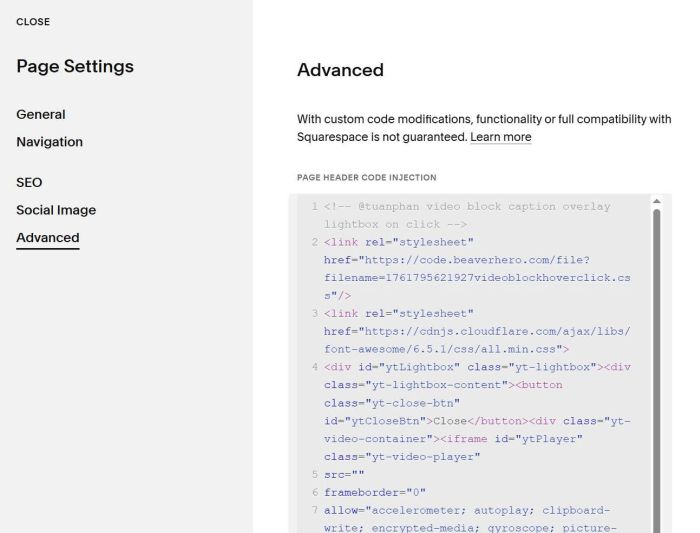
Next, click Advanced > Paste this code
<!-- @tuanphan video block caption overlay lightbox on click -->
<link rel="stylesheet" href="https://code.beaverhero.com/file?filename=1761795621927videoblockhoverclick.css"/>
<link rel="stylesheet" href="https://cdnjs.cloudflare.com/ajax/libs/font-awesome/6.5.1/css/all.min.css">
<div id="ytLightbox" class="yt-lightbox"><div class="yt-lightbox-content"><button class="yt-close-btn" id="ytCloseBtn">Close</button><div class="yt-video-container"><iframe id="ytPlayer" class="yt-video-player"
src=""
frameborder="0"
allow="accelerometer; autoplay; clipboard-write; encrypted-media; gyroscope; picture-in-picture; web-share"
allowfullscreen></iframe></div><div class="yt-lightbox-caption" id="ytCaption"></div></div></div>
<script src="https://code.beaverhero.com/file?filename=1761795577176videoblockhoverclick.js"></script>
#2. Usage
Make sure you use Youtube video in Video Blocks
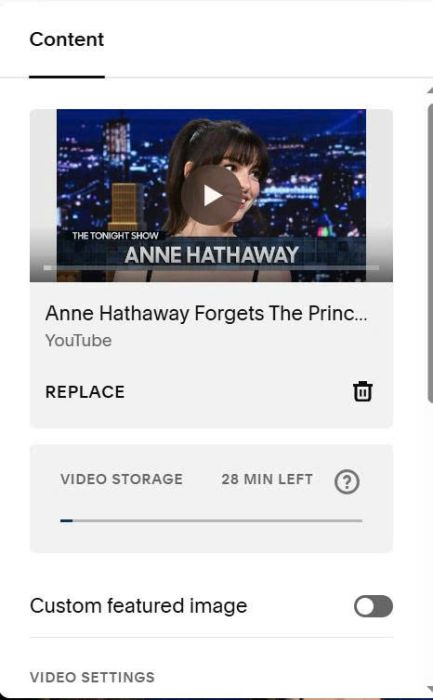
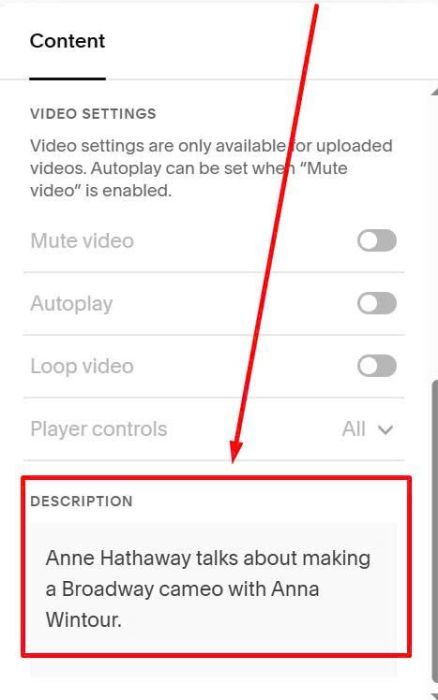
Make sure you added Video Caption