Description
- add link to video block
- add overlay to video block
- make text appears on hover
- buy me a coffee if it is useful for you
#1. Install
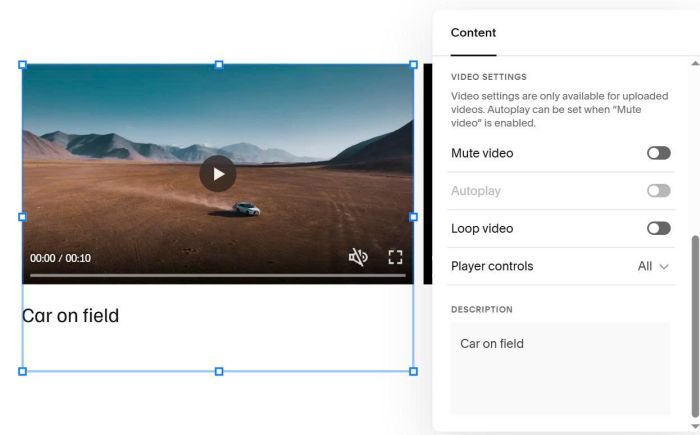
#1.1. First you need to add a Video Caption
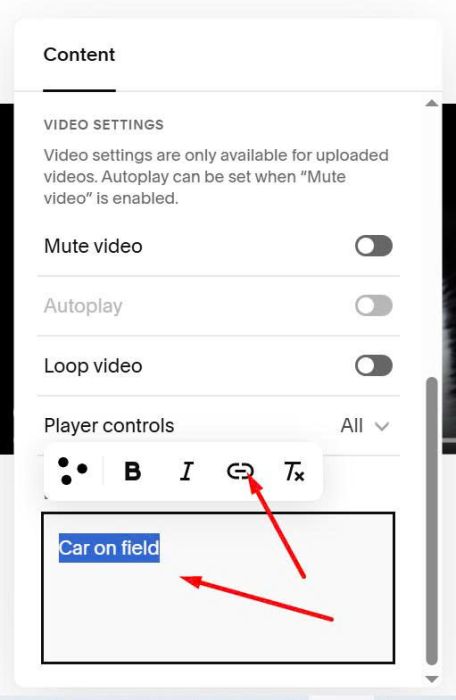
Highlight it > Click Link icon
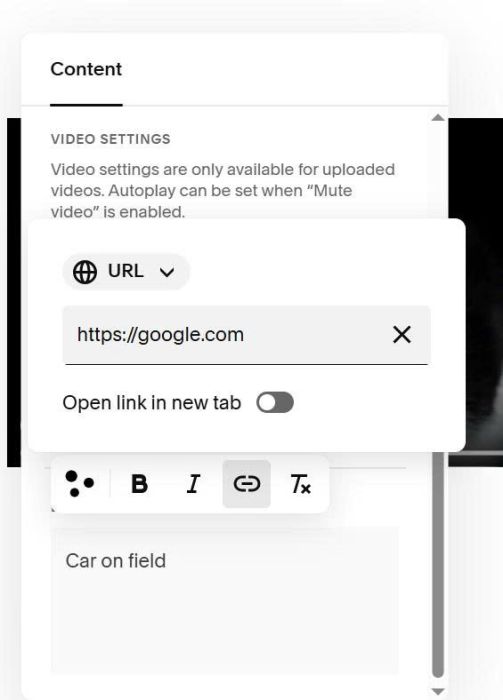
Enter desired link
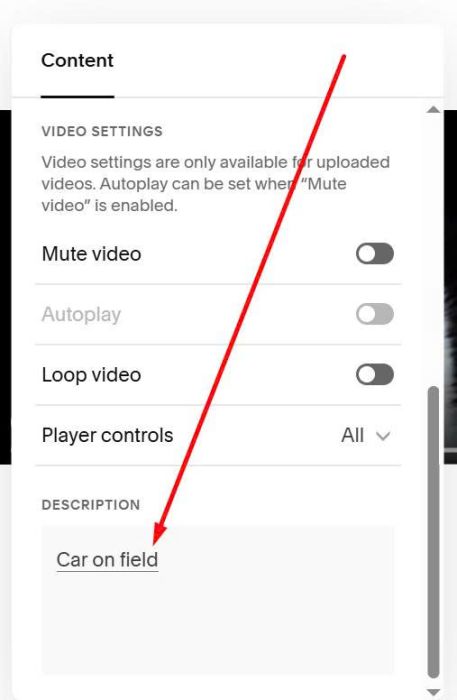
You will see underline under text. It means you added link successful
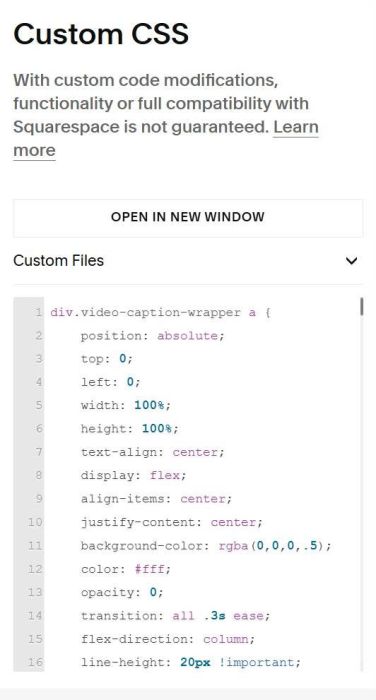
#1.2. Use this code to Custom CSS box to make VIDEO CLICKABLE
div.video-caption-wrapper a {
    position: absolute;
    top: 0;
    left: 0;
    width: 100%;
    height: 100%;
    text-align: center;
    display: flex;
    align-items: center;
    justify-content: center;
    background-color: rgba(0,0,0,.5);
    color: #fff;
    opacity: 0;
    transition: all .3s ease;
    flex-direction: column;
    line-height: 20px !important;z-index:99999999;
}
div.video-block div.video-caption-wrapper br {
    display: none;
}
#2. Customize
#2.1. Video Overlay/Text
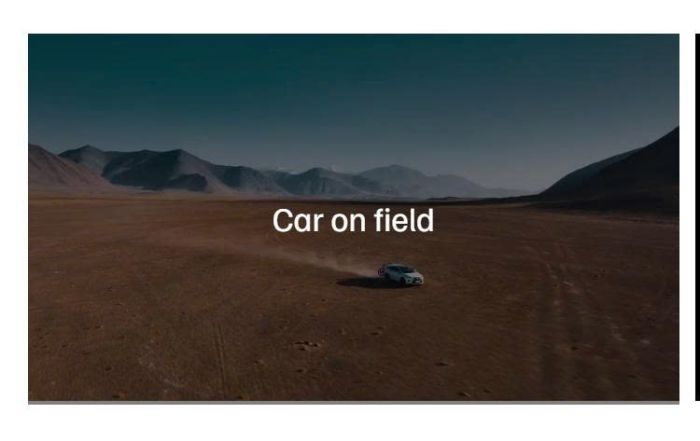
To make video overlay/text on hover, like this
Replace #1.2 code with this code
div.video-caption-wrapper a {
    position: absolute;
    top: 0;
    left: 0;
    width: 100%;
    height: 100%;
    text-align: center;
    display: flex;
    align-items: center;
    justify-content: center;
    background-color: rgba(0,0,0,.5);
    color: #fff;
    opacity: 0;
    transition: all .3s ease;
    flex-direction: column;
    line-height: 20px !important;z-index:9999999;
}

div.video-block:hover div.video-caption-wrapper a {
    opacity: 1;
    transition: all .3s ease
}
div.video-block div.video-caption-wrapper br {
    display: none;
}
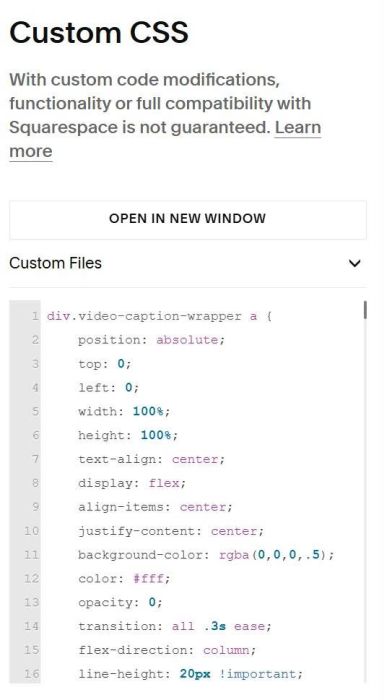
You can change Text Color, Overlay color here.
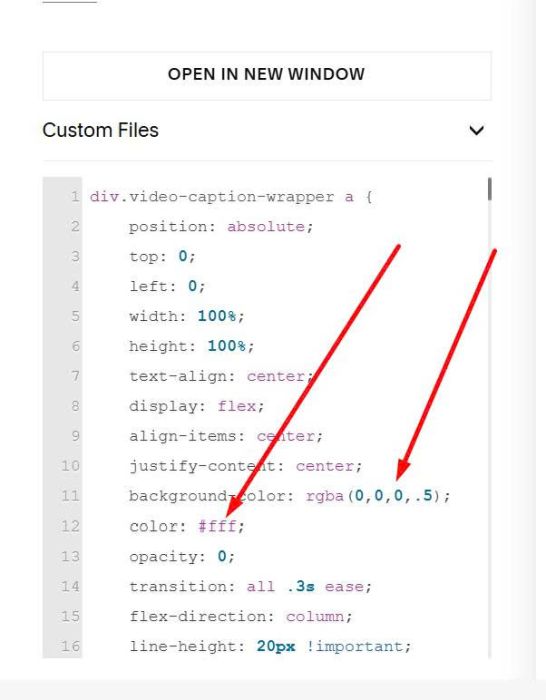
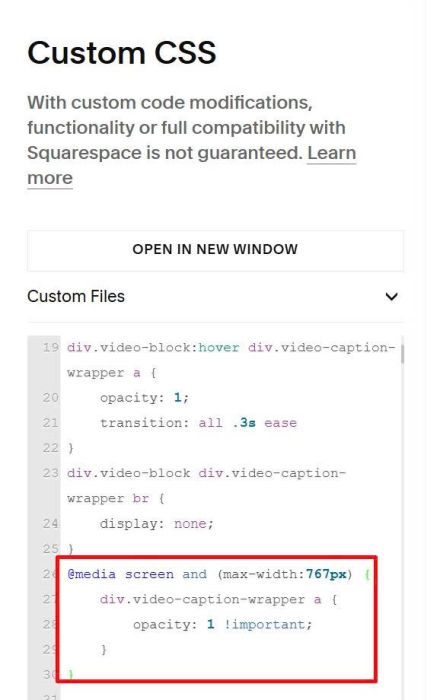
#2.2. Text/Overlay always appear on Mobile
use this extra CSS code
@media screen and (max-width:767px) {
    div.video-caption-wrapper a {
        opacity: 1 !important;
    }
}
#2.3. Mobile: tap on mobile = show overlay text + after 2-3 seconds will open new page
Add this code to Page Header Injection (page where you use Video)
<script>
(function() {
  function isMobile() {
    return /Android|webOS|iPhone|iPad|iPod|BlackBerry|IEMobile|Opera Mini/i.test(navigator.userAgent) || window.innerWidth <= 768;
  }

  function initVideoTap() {
    if (!isMobile()) return;

    const videoBlocks = document.querySelectorAll('.video-block');

    videoBlocks.forEach(block => {
      const link = block.querySelector('.video-caption-wrapper a');
      if (!link) return;

      let tapTimeout;

      block.addEventListener('click', function(e) {
        if (block.classList.contains('tap-once')) return;

        e.preventDefault();
        e.stopPropagation();

        block.classList.add('tap-once');

        clearTimeout(tapTimeout);
        tapTimeout = setTimeout(() => {
          window.location.href = link.href;
        }, 3000);
      });
    });
  }

  if (document.readyState === 'loading') {
    document.addEventListener('DOMContentLoaded', initVideoTap);
  } else {
    initVideoTap();
  }

  document.addEventListener('mercury:load', initVideoTap);
})();
</script>
<style>
 .tap-one div.video-caption-wrapper a {
        opacity: 1 !important;
    }
</style>