- Support: [email protected]
- Buy me a coffee
To add Flip effect on Gallery Section, like this demo – password: abc

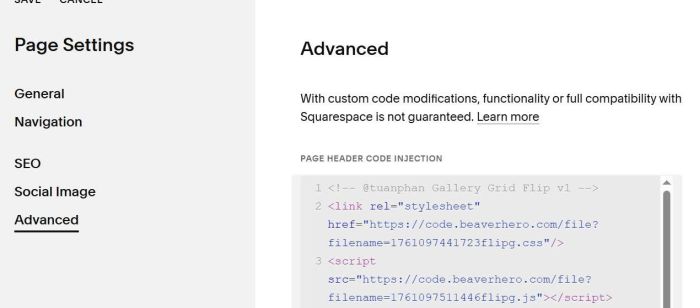
#1. Use this code to Page Header Injection (page where you want to use Flip Gallery)
<!-- @tuanphan Gallery Grid Flip v1 -->
<link rel="stylesheet" href="https://code.beaverhero.com/file?filename=1761097441723flipg.css"/>
<script src="https://code.beaverhero.com/file?filename=1761097511446flipg.js"></script>
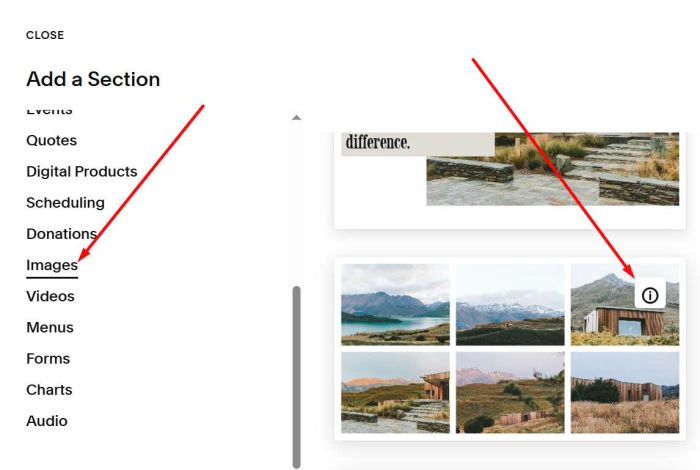
#2. Next, edit page where you want to use Flip Gallery > Add an Image > Choose Section with (i) icon
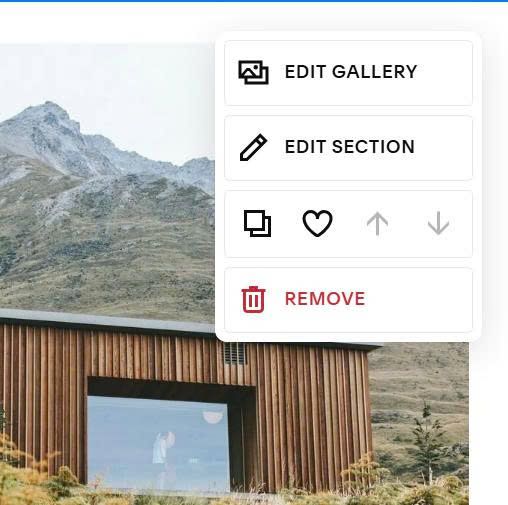
Hover on top right of Images Section > Click Edit Section
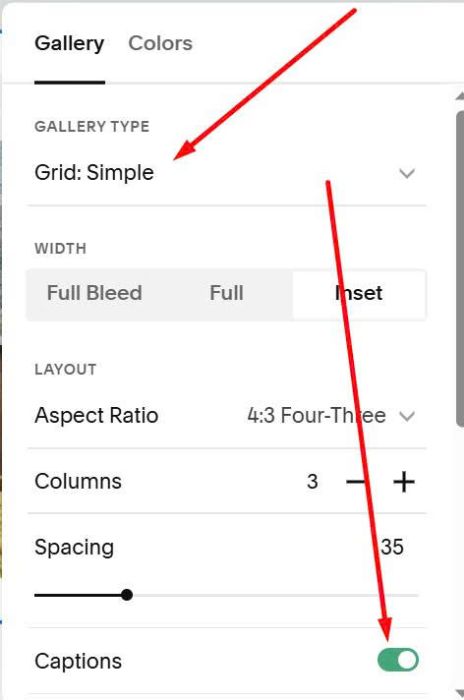
Choose Grid: Simple & Enable Captions
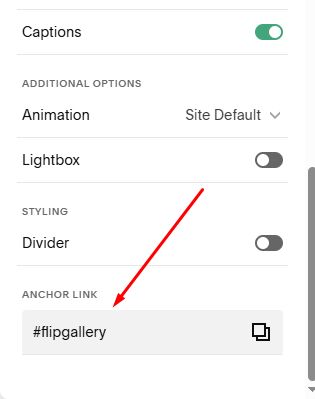
In Anchor Link > Enter: flipgallery
flipgallery
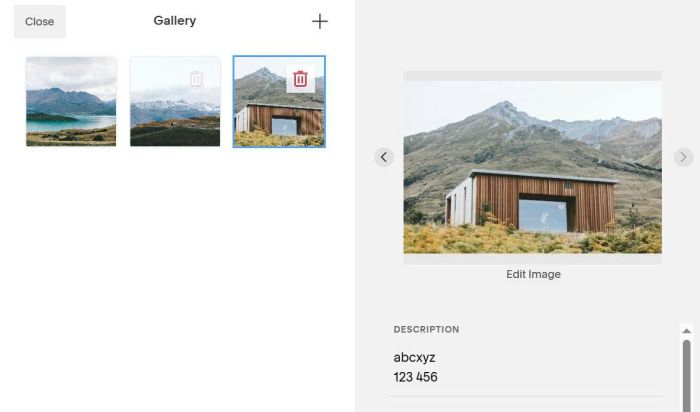
Hover on top right of Section > Click Edit Gallery to add text.
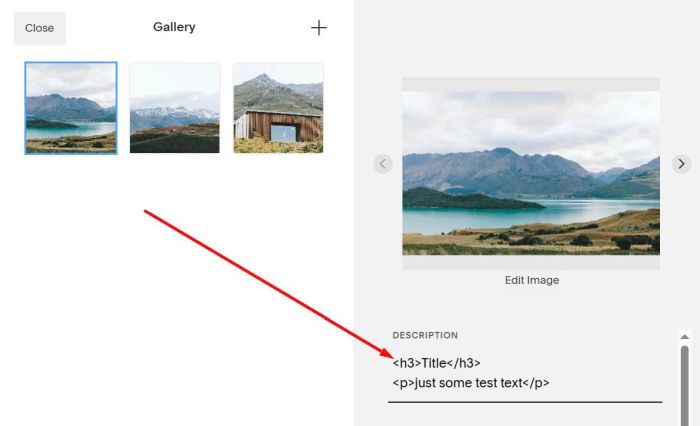
If you want to add Heading, Paragraph, use h3 and p tag, like this
<h3>Title</h3>
<p>just some test text</p>
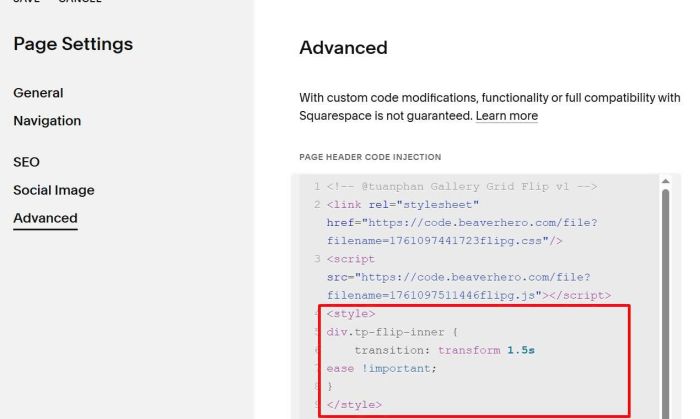
#3. To make it flip slower, you can use this code under plugin code
<style>
div.tp-flip-inner {
    transition: transform 1.5s
ease !important;
}
</style>