Description
- fade in/scroll up text
- view demo – password: abc
- buy me a coffee

#1. Install Code
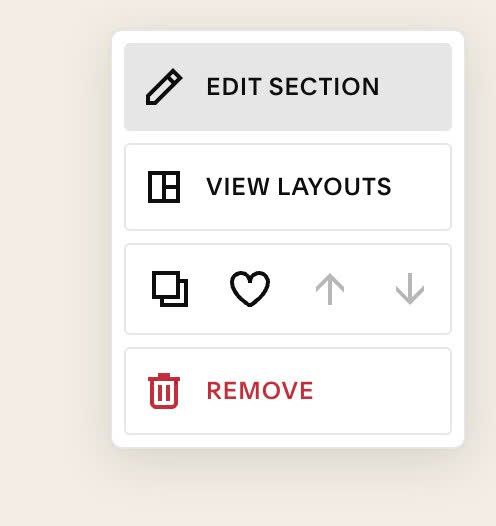
#1.1. First, hover on top right of section > Click EDIT SECTION
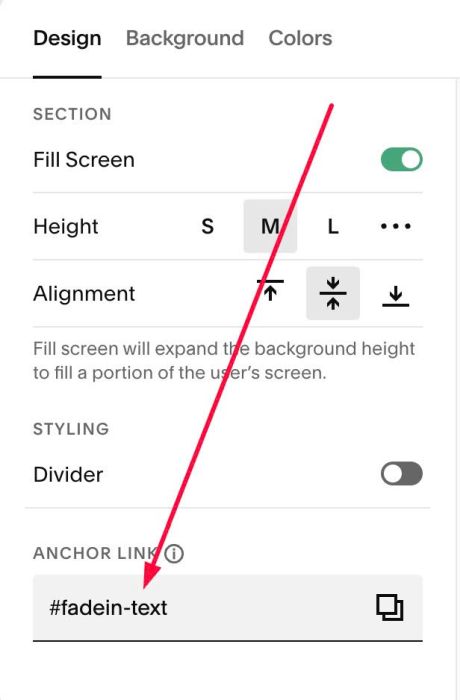
#1.2. At Design > Anchor Link > enter word: fadein-text
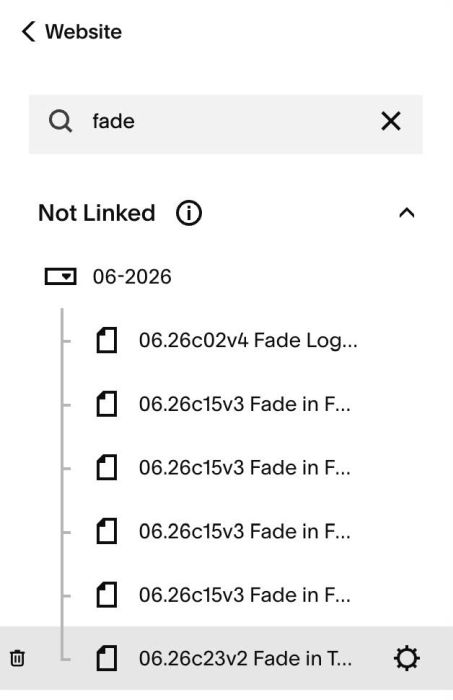
#1.3. Hover on Page where you use Text Block > Click Gear icon
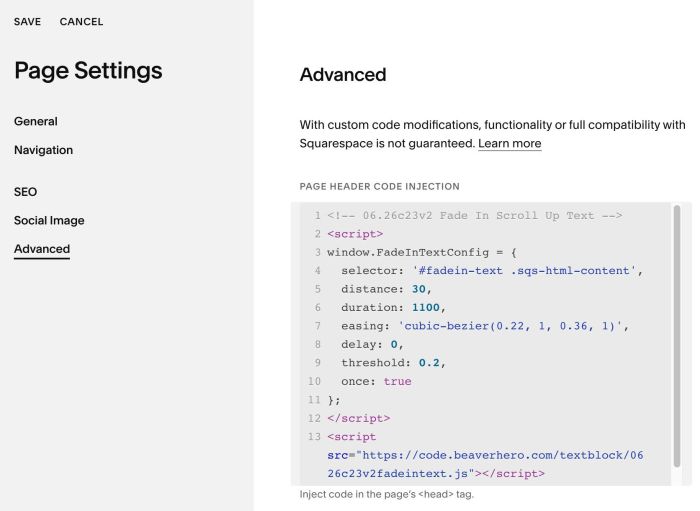
#1.4. Click Advanced > paste this code to right box
- If you use Personal/Basic Plan and your plan doesn’t support Injection, you can see #3.1
<!-- 06.26c23v2 Fade In Scroll Up Text -->
<script>
window.FadeInTextConfig = {
  selector: '#fadein-text .sqs-html-content',
  distance: 30,
  duration: 1100,
  easing: 'cubic-bezier(0.22, 1, 0.36, 1)',
  delay: 0,
  threshold: 0.2,
  once: true
};
</script>
<script src="https://code.beaverhero.com/textblock/0626c23v2fadeintext.js"></script>
#2. Customize
#2.1. If text disappear in Edit Mode and you can’t edit it, you can use this code to Custom CSS box
body.sqs-edit-mode-active #fadein-text .sqs-html-content {
  	opacity: 1 !important;
    transform: unset !important;
}
#3. Other
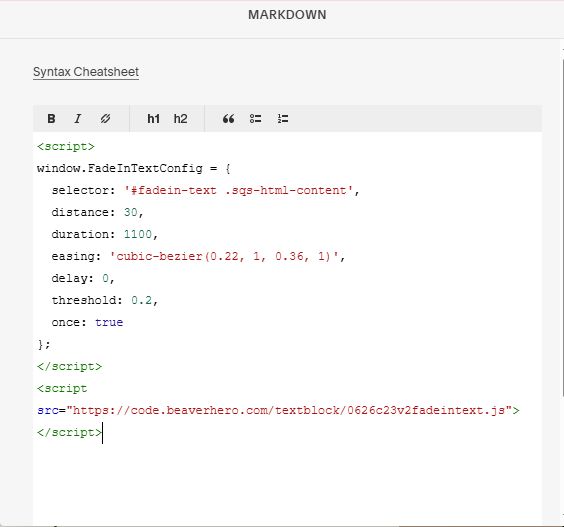
#3.1. If you use Personal/Basic Plan and your plan doesn’t support Injection, you can add a Block under Text Block

Choose Markdown

Add this code into Markdown
<script>
window.FadeInTextConfig = {
  selector: '#fadein-text .sqs-html-content',
  distance: 30,
  duration: 1100,
  easing: 'cubic-bezier(0.22, 1, 0.36, 1)',
  delay: 0,
  threshold: 0.2,
  once: true
};
</script>
<script src="https://code.beaverhero.com/textblock/0626c23v2fadeintext.js"></script>