Description
- remove 30 items limit on Summary Block (Blog)
- view demo – password: abc
- buy me a coffee

#1. Install Code
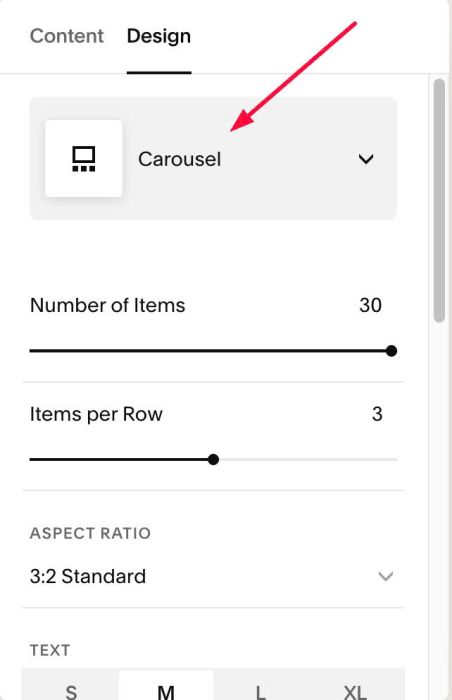
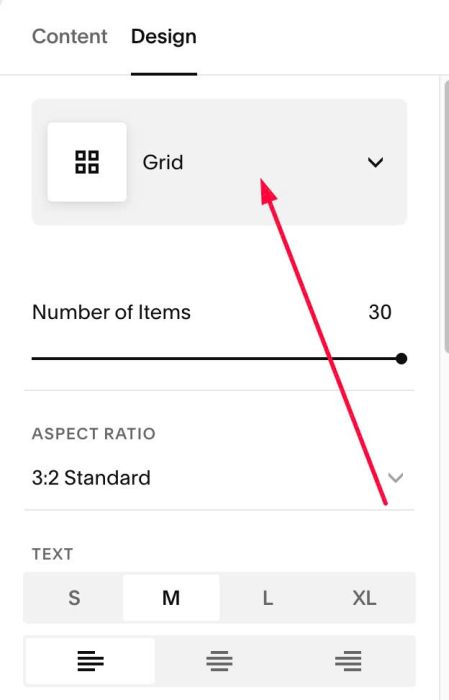
#1.1. First, change Summary Block to Carousel (Don’t worry, we will change back to current layout in next step)
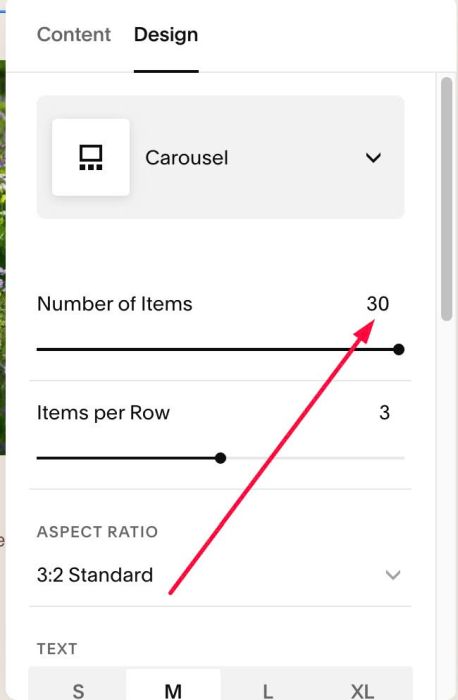
#1.2. Set 30 items
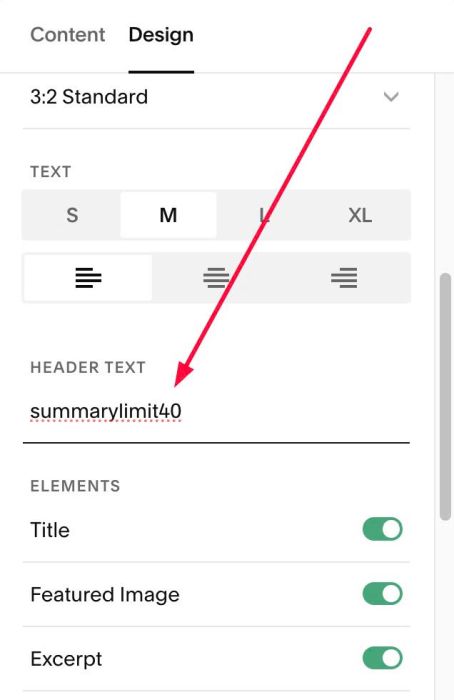
#1.3. at HEADER TEXT, enter word: summarylimit40
- 40 = number of items you want to appear in Summary Block
#1.4. Change back to previous layout (ex: If you use Grid before reading this instruction, you can change Carousel to Grid)
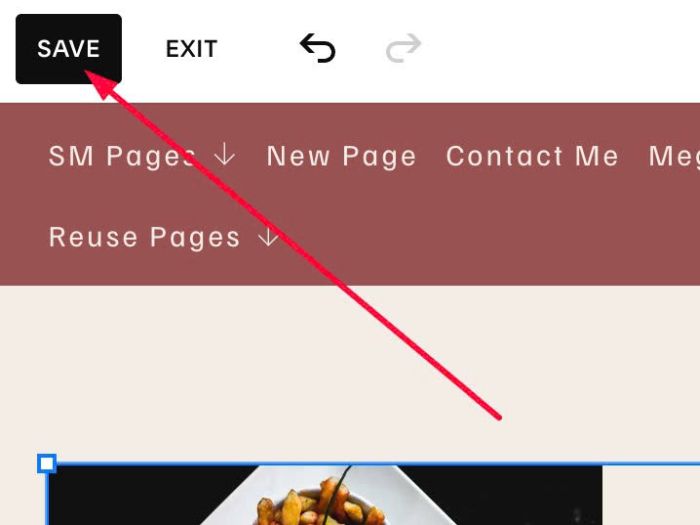
#1.5. Click Save
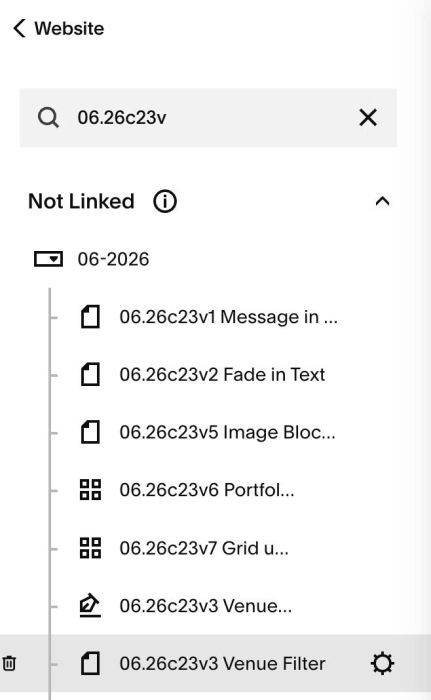
#1.6. Hover on Page where you use Summary Block > Click Gear icon
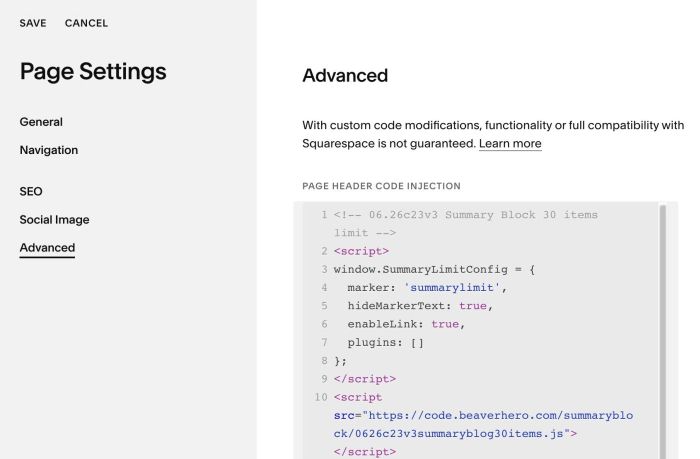
#1.7. Click Advanced > Paste this code
- If you use Personal/Basic Plan and your plan doesn’t support Injection, see #3.1
<!-- 06.26c23v3 Summary Block 30 items limit -->
<script>
window.SummaryLimitConfig = {
  marker: 'summarylimit',
  hideMarkerText: true,
  enableLink: true,
  plugins: []
};
</script>
<script src="https://code.beaverhero.com/summaryblock/0626c23v3summaryblog30items.js"></script>
#2. Customize
#3. Other
#3.1. If you use Personal/Basic Plan and your plan doesn’t support Injection, you can add a Block under Summary Block

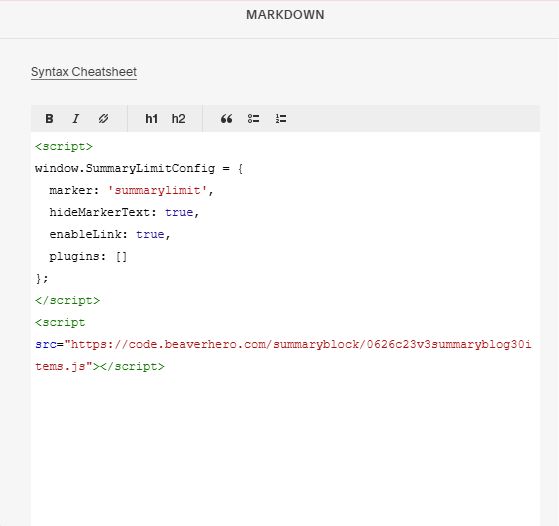
Choose Markdown

Add this code into Markdown
<script>
window.SummaryLimitConfig = {
  marker: 'summarylimit',
  hideMarkerText: true,
  enableLink: true,
  plugins: []
};
</script>
<script src="https://code.beaverhero.com/summaryblock/0626c23v3summaryblog30items.js"></script>