Description
- float text to right side in list simple
- view demo – password: abc
- buy me a coffee
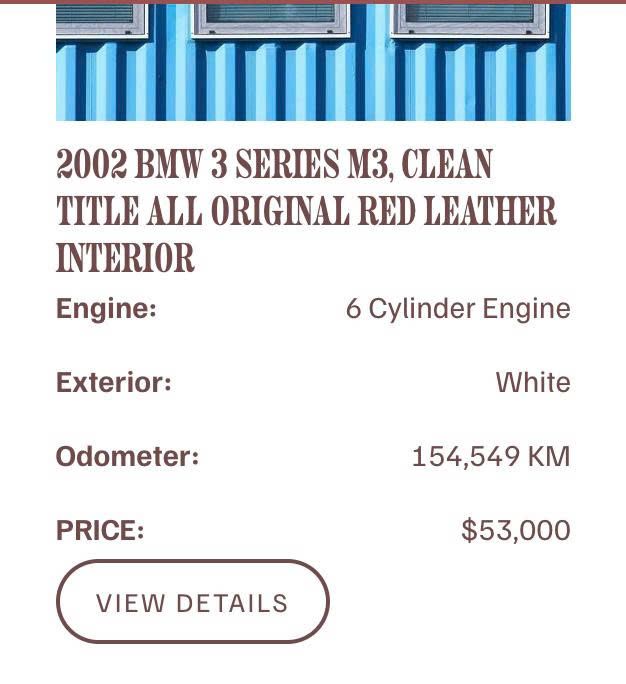
#1. Install Code
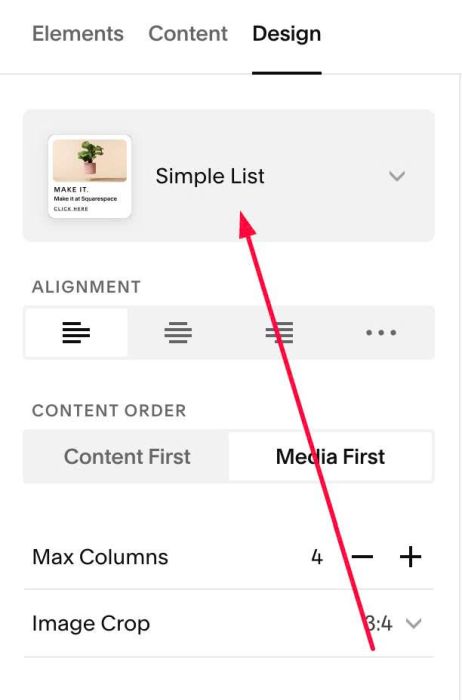
#1.1. Make sure you used Simple List layout
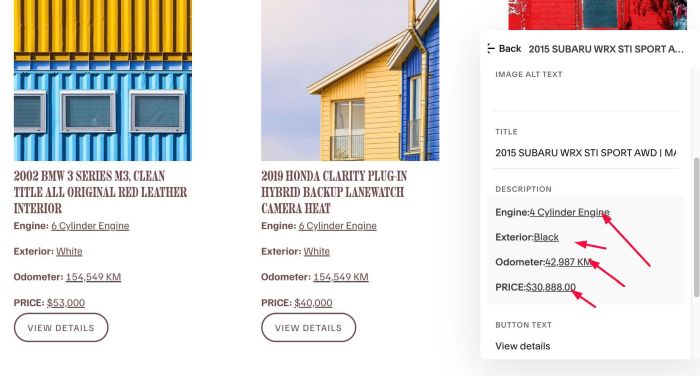
#1.2. Next, make float text UNDERLINE (you can use CTRL U on keyboard to make text underline)
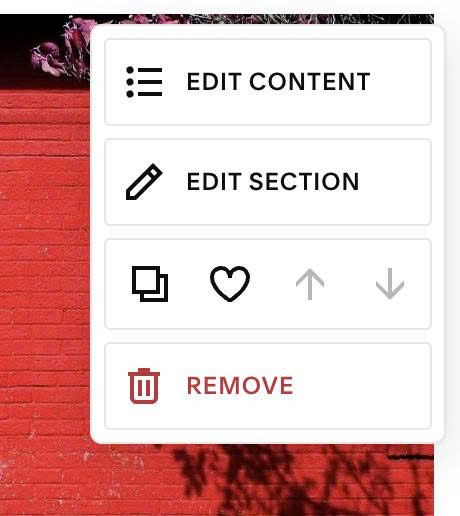
#1.3. Hover on top right of section > Click EDIT SECTION
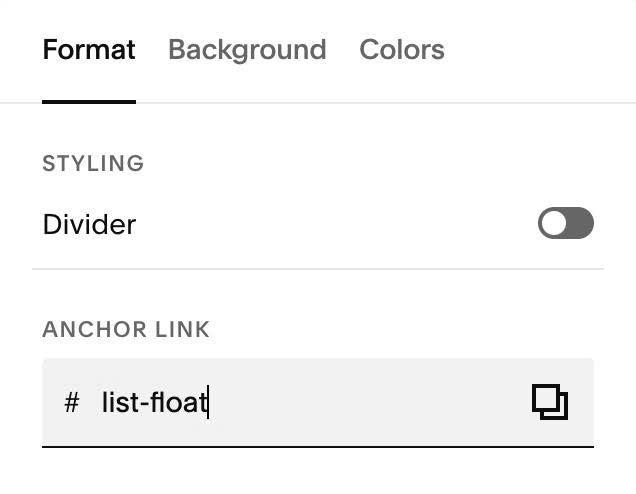
#1.4. at Format > Anchor Link > enter word: list-float
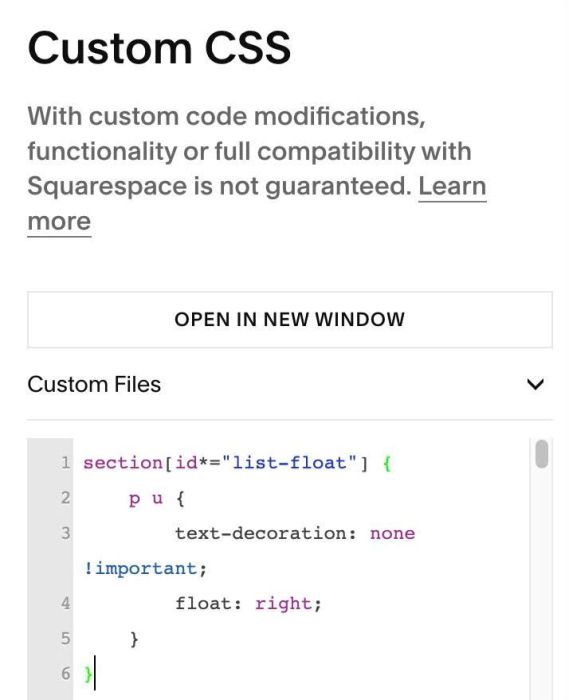
#1.5. Use this code to Custom CSS
section[id*="list-float"] {
    p u {
        text-decoration: none !important;
        float: right;
    }
}