Description
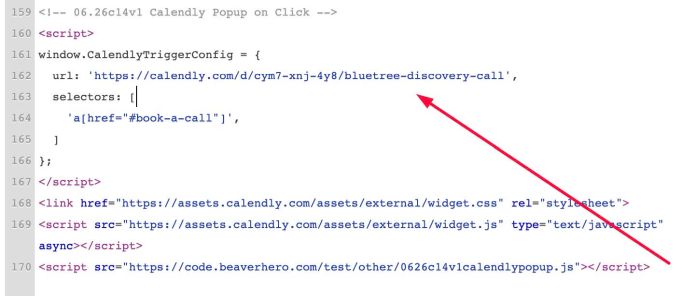
- Calendly Popup on click (image, text, button..)
- view demo – password: abc
- buy me a coffee
#1. Install Code
#1.1. First get Calendly Link
Suppose we have Calendly Popup code like this
<!-- Calendly link widget begin -->
<link href="https://assets.calendly.com/assets/external/widget.css" rel="stylesheet">
<script src="https://assets.calendly.com/assets/external/widget.js" type="text/javascript" async></script>
<a href="" onclick="Calendly.initPopupWidget({url: 'https://calendly.com/d/cym7-xnj-4y8/bluetree-discovery-call'});return false;"></a>
<!-- Calendly link widget end -->
then we will have Calendly link
https://calendly.com/d/cym7-xnj-4y8/bluetree-discovery-call
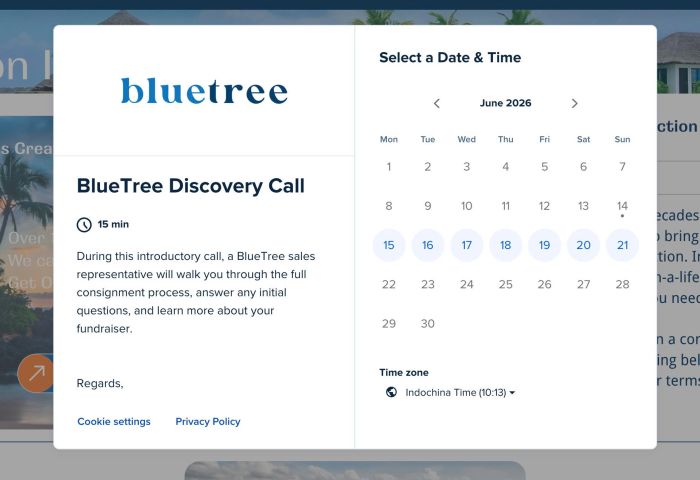
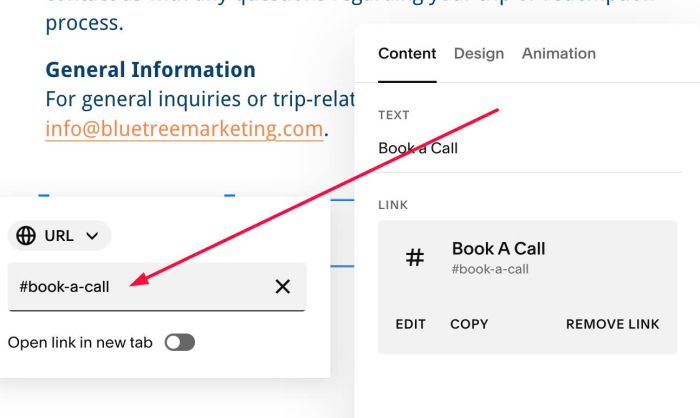
#1.2. Next, edit Button/Link > Enter this to URL field: #book-a-call
#1.3. Use this code to Code Injection > Footer
<!-- 06.26c14v1 Calendly Popup on Click -->
<script>
window.CalendlyTriggerConfig = {
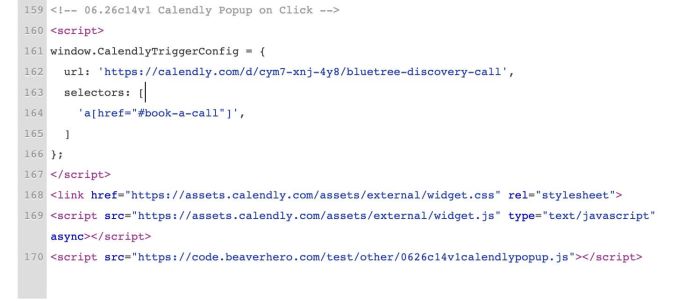
  url: 'https://calendly.com/d/cym7-xnj-4y8/bluetree-discovery-call',
  selectors: [
    'a[href="#book-a-call"]',
  ]
};
</script>
<link href="https://assets.calendly.com/assets/external/widget.css" rel="stylesheet">
<script src="https://assets.calendly.com/assets/external/widget.js" type="text/javascript" async></script>
<script src="https://code.beaverhero.com/other/0626c14v1calendlypopup.js"></script>
#1.4. Update Calendly URL in the code